
Turn recordings into transcripts and summaries in minutes
Upload audio or video for multilingual transcription, AI notes, and action items
What Can AI Meeting Workflow Tools Do for You?
After a two-hour meeting, you might spend another hour organizing notes, assigning action items, and distributing information to your team. But with AI tools, the entire process can be condensed to under 10 minutes. Take Tinrec, for example—it not only transcribes meeting recordings but also automatically generates summaries, extracts to-do lists, and even lets you ask questions to find key points.
Scenario 1: Quickly Generate Meeting Notes In the past, transcribing audio files was time-consuming and draining. Now, you can simply hand your meeting recording to Tinrec, which transcribes in real time and provides a structured summary immediately after: meeting topic, conclusions, action items, and who is responsible for what—all at a glance.
Scenario 2: Cross-Departmental Project Tracking Project meetings often hit the awkward "where did we leave off last time?" moment. With Tinrec, you can organize every meeting's notes, and all historical summaries and to-dos are stored in one place. You can even use the AI Q&A feature to look back: "What was the budget decision last time?" and get an instant answer.
Scenario 3: Works for Mixed Chinese-English Meetings Taiwanese workplaces often mix Chinese and English terminology. Tinrec has high recognition accuracy for Chinese content, and mixed-language conversations can be transcribed into coherent text. With a quick manual review, you can accurately capture the key points of international meetings.
What Are the Core Capabilities of AI Meeting Workflow Tools?
It's not just about turning voice into text; Tinrec's core AI capabilities turn meeting data into actionable resources.
Real-Time Speech-to-Text: Transcribes as you meet, with low latency. You can watch the live transcript to confirm key points without worrying about missing critical discussions. Supports mobile, desktop, and web versions, suitable for both online and in-person meetings.
AI Semantic Summarization: Instead of condensing the transcript into a single paragraph, it organizes it structurally—meeting topic, discussion conclusions, action items, and owners are listed separately. It can even adjust the summary style based on meeting type; for example, internal team versions emphasize action items, while client-facing versions focus more on decisions and deliverables.
Action Item Extraction and Task Assignment: Automatically extracts "who should do what and by when" from meeting conversations, and supports exporting to tools like Notion and Google Docs, seamlessly integrating with your task management workflow.
AI Q&A and Historical Search: After transcription, you can directly ask Tinrec questions—"Who mentioned the budget cap in the meeting?" "What was the client's feedback?"—and it will answer based on semantic understanding. You can also search across all past meeting notes without digging through cloud drives.
Multi-Format Output and Post-Processing: In addition to transcripts and summaries, it can generate mind maps, subtitles, and even have AI draft follow-up emails after the meeting, saving you time on repetitive communication.
Practical Use Cases
5 Steps to Build an Efficient Meeting Notes Process
Using Tinrec as an example, here's how to integrate AI into your meeting workflow.
Step 1: Record and Transcribe in Real Time Open Tinrec and start recording. Whether it's an in-person meeting or an online one (you can directly record system audio), Tinrec transcribes as it records, allowing you to confirm content in real time.
Step 2: AI Generates Summary and Action Items After the meeting, Tinrec automatically produces a summary, chapters, and a to-do list. You can also customize prompts, such as "Please use a three-part structure: meeting purpose, decisions, next steps," to get output that better matches your team's habits.
Step 3: Quick Manual Review and Supplement AI may misidentify names or proper nouns. A quick scan of the transcript and summary to correct errors and add context or tone usually takes just 3-5 minutes but can bring accuracy close to perfect.
Stop organizing recordings by hand
Upload audio or video and automatically get a transcript, summary, and action items
Step 4: Export to Task Management Tools Paste the to-do list into your task management software (e.g., Notion, Asana, or Google Tasks), assign owners and due dates. Tinrec also supports direct export to platforms like Notion, making the process more automated.
Step 5: Regularly Use AI Q&A for Review Before the next meeting, open Tinrec and ask: "What were the unfinished items from the last meeting?" or "What was the final decision on the marketing budget?" Quickly review the context to ensure the project stays on track.
Beyond Meetings: More Use Cases
Classes and Lectures: Record class audio, and Tinrec converts it into a transcript and chapter highlights. When reviewing, you can ask AI directly, "What concepts are covered in the midterm?"
Interviews and Research: Get a transcript quickly after one-on-one interviews, and use AI to extract key viewpoints from interviewees, reducing manual coding time.
Content Creation: Paste a YouTube or Podcast link, and Tinrec converts the audio/video content into a text summary, useful as writing material or video script inspiration.
5 Things to Consider When Choosing an AI Meeting Workflow Tool
Choosing the right AI meeting organizer isn't just about price or minutes; these five key factors will help you make the best decision.
1. Transcription Accuracy and Chinese Support Don't just rely on official claims; test with your own meeting recordings. Tinrec provides high-quality transcription for clear audio and mixed Chinese-English scenarios, especially suited for Taiwan's common mixed-language meetings.
2. AI Organization Ability Matters More Than Transcription Transcription is just the first step; organizing it into usable summaries and action items is where the time savings really happen. Tinrec doesn't just give you a transcript; it provides structured summaries, action lists, and even natural language Q&A.
3. Diversity of Input Sources Your meetings might be in-person, online, or even include pre-recorded videos. Tinrec supports live recording, file uploads, and web video links, covering more work scenarios, unlike some tools that only work with online meetings.
4. Export and Integration Flexibility Can the organized data seamlessly integrate with your existing workflow? Tinrec supports exporting in multiple formats and can connect to platforms like Notion and Google Docs, so meeting notes don't end up scattered.
5. Budget and Usage Frequency If you're a light user, Tinrec's free version offers a basic monthly transcription allowance, enough to experience the full features. If you have multiple meetings per week, consider the Pro plan or weekly passes, which flexibly accommodate project peaks.
Frequently Asked Questions
Q: Are AI-generated meeting notes accurate? Can I send them directly to my team? We recommend manual review. AI may misidentify names, times, or proper nouns. Treat AI output as a 90% complete draft, and spend 3 minutes proofreading to avoid misunderstandings. The overall process is still much faster than starting from scratch.
Q: Is the free version enough? Is there a time limit? Tinrec's free version provides a basic monthly transcription allowance, suitable for light users with 1-2 meetings per week. If you have more meetings or need longer recordings, consider weekly or monthly plans.
Q: What languages are supported? How well does it handle mixed Chinese-English? Tinrec supports multiple languages, including Chinese and English. Mixed Chinese-English meetings are transcribed accurately, so you don't have to worry about terminology or Cantonese accents (if it's Cantonese content, we recommend testing it).
Q: What tools can I export to? It supports exporting to plain text, Word, PDF, and one-click sync to platforms like Notion, Google Docs, and OneNote, making it easy to share with your team or archive.
Q: Can I use it on my phone? How do I record online meetings? Tinrec has iOS and Android apps and a web version. For online meetings, you can choose to record system audio or paste the meeting link for transcription—no external devices needed.
Conclusion
AI meeting workflow tools aren't meant to replace your judgment but to save you time on repetitive tasks, allowing you to focus on thinking and decision-making. Tinrec integrates recording, transcription, summarization, action items, and Q&A, ensuring that every meeting's discussions are effectively turned into action.
If you have more than 3 meetings a week, we recommend trying Tinrec's free version. The monthly basic allowance is enough to experience a few meetings and feel the efficiency shift from 60 minutes of note-taking down to 10.
References
Turn every recording into actionable outcomes
Get 60 free transcription minutes when you sign in. No credit card required.
Related Reading
You might also like

2026 Meeting Minutes Automation Tools Compared: Tinrec vs Plaud Note – Which Offers Better Value?
How to choose a meeting minutes automation tool? We compared Tinrec and Plaud Note across five key dimensions: cost, input sources, Chinese transcription quality, AI post-processing, and cross-platform flexibility. This buying guide helps you find the best solution for your needs.

5 Best Meeting Minutes Automation Software Tested in 2026: Which AI Summarizer Saves You the Most Time?
We tested 5 meeting minutes tools, with Tinrec as the main focus, to show how meeting minutes automation software can save you 80% of your organizing time. From real-time transcripts to AI summaries and to-do lists, this guide covers key buying considerations and free plan differences.

2026 AI Workflow Automation: Tinrec Hands-On Review + 5 Tool Comparison
How can AI workflow automation boost efficiency? This article hands-on tests 5 transcription tools including Tinrec, offering buying tips and a full comparison to help you find the best AI recording assistant.

2026 Hands-On Comparison of 4 AI Transcription Tools: The Real Time-Saver Is AI Q&A
Meeting transcription is a core pain point in office automation. This hands-on comparison of four transcription tools—from transcription quality to AI summaries and conversational queries—helps you find the option that truly turns recordings into usable knowledge.
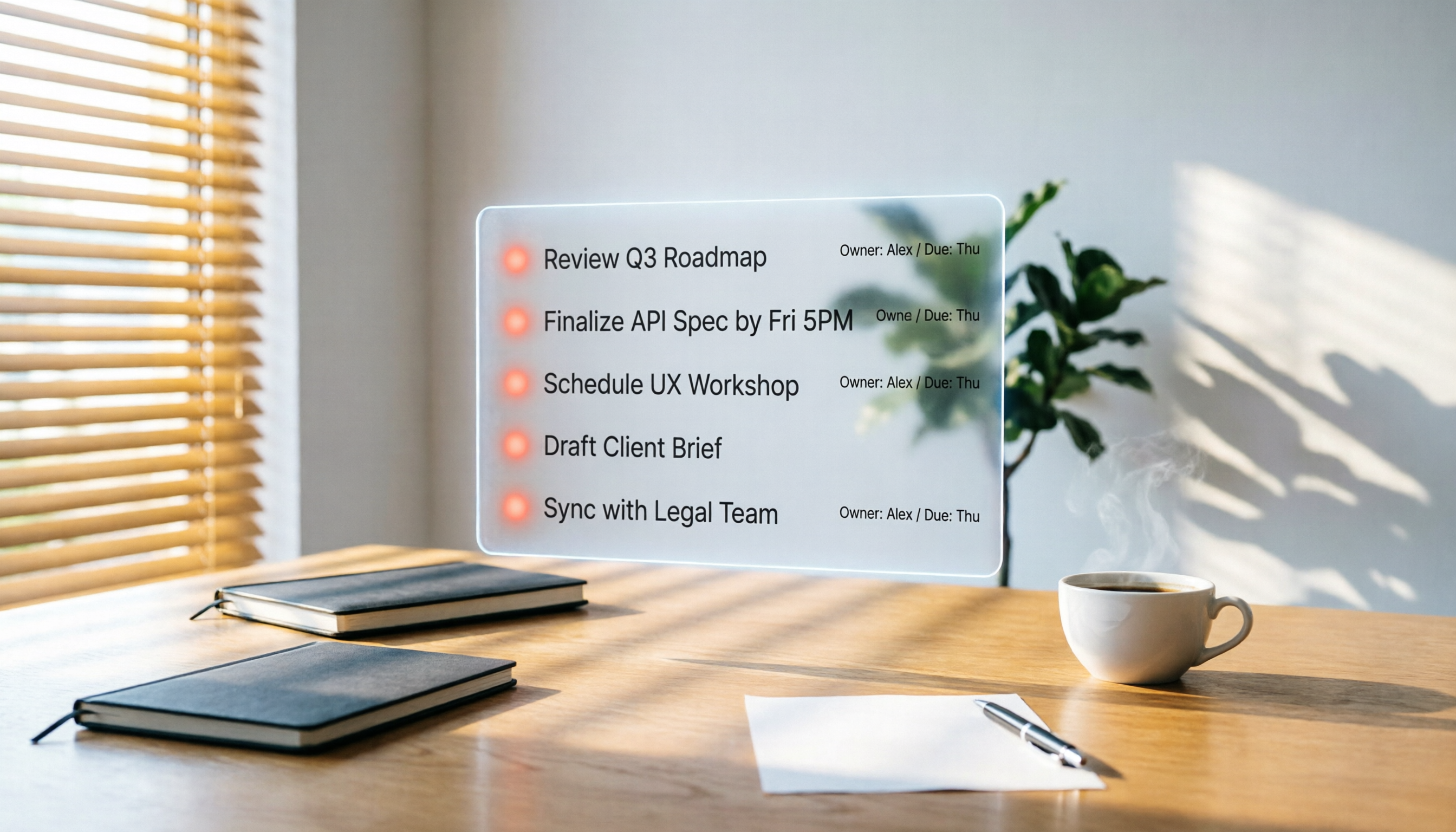
2026 Hands-On Comparison of 3 AI Meeting Workflow Tools: Beyond Transcription, Tinrec Turns Meetings into Action
Spending two hours in a meeting and another two hours writing up the notes? This article puts three AI meeting workflow tools—Tinrec, Otter.ai, and Fireflies.ai—to the test, comparing transcription accuracy, AI summaries, and post-meeting follow-up to reveal which one truly turns meeting discussions into an actionable to-do list.

2026 Hands-On Comparison of 3 AI Meeting Note Tools: Which One Is Best for Building an Automated Meeting SOP?
We tested 3 AI meeting note tools to find out which one is best for creating an automated meeting SOP, saving you up to 90% of your note-taking time.

How to Auto-Generate To-Dos in 2026? 5 Steps to Manage with AI Tools
Tired of typing up to-do lists after meetings? This article tests multiple AI recording tools and shows you how to turn meeting recordings into action items in 5 steps, with a deep dive into Tinrec's Cantonese transcription and AI Q&A features to help Hong Kong office workers say goodbye to overtime.

5 Best AI Meeting Post-Processing Tools in 2026: Which One Saves You the Most Time?
As a mid-level manager attending 15 meetings a week, I tested 5 popular AI meeting post-processing tools, comparing accuracy, summary quality, and Chinese language support to help you find the one that saves you the most time on meeting notes.

5 AI Transcription Tools Tested in 2026: Which One Handles Chinese Best?
This article tests 5 AI transcription tools, from free plans to paid professional options, analyzing which is best for Chinese meetings, classes, interviews, and video organization, with a full comparison of features, pricing, and target users.