

Turn recordings into transcripts and summaries in minutes
Upload audio or video for multilingual transcription, AI notes, and action items
5 Free AI Meeting Minutes Tools to Try in 2026: A Quick Comparison
Why You Need an AI Meeting Minutes Tool
During meetings, you're busy typing notes and miss key discussions; after listening to a 2-hour lecture or interview, it takes half a day to transcribe. According to a 2026 market survey, over 70% of office workers need to organize meeting minutes at least three times a week, and manual transcription takes an average of 4-6 minutes per minute of audio—a staggering time cost. AI meeting minutes tools automatically convert speech to text, generate summaries and action items, and even let you ask questions about the recording, saving over 80% of your organization time. This article rounds up 5 AI tools with free plans, covering real-time recording, multilingual transcription, meeting bots, and AI notes, so you can see at a glance which one suits you best.
Option 1 | Tinrec (Instant Recording) — The Most Complete AI Recording Assistant
Tinrec is more than just a transcription tool; it's like your personal audio-video content organization workstation. Besides real-time recording-to-text, you can upload audio files or paste links to YouTube and other online videos for transcription, covering meetings, lectures, interviews, content creation, and more. After transcription, it automatically generates summaries, chapters, and action items. You can even ask questions about the recording as if querying a database: "What were the three requirements the client mentioned in last month's project meeting?" You can also export to Markdown, Word, or sync directly to Notion and Google Docs.
The free version offers a monthly base transcription quota, sufficient for light users who occasionally organize meetings or short videos. Heavy users can subscribe weekly, monthly, or annually; the annual Pro plan offers the lowest monthly cost, ideal for building a personal knowledge base over time. Note that accuracy can be affected by recording quality, accents, and overlapping speech, but Tinrec has been fine-tuned for Chinese more than many competitors, with good recognition of Traditional Chinese and Taiwanese expressions.
Best for: Individuals or small teams who need to organize audio-video from multiple sources (meetings, lectures, online videos), want advanced AI Q&A and export features, and prefer cross-platform use on mobile and desktop.
Option 2 | Otter.ai — Top Choice for Meeting Bots, Ideal for English Meetings
Otter.ai specializes in online meetings, automatically joining Zoom, Google Meet, and Teams to transcribe in real time, label speakers, and send summaries and action items after the meeting. The free plan includes 300 transcription minutes per month, sufficient for most professionals. The Pro plan costs $8.33/month billed annually, allowing audio file imports and advanced search. If you primarily have English meetings and need automatic recording with team note sharing, Otter is a classic choice. However, its Chinese support is only basic translation, not designed for Chinese content.
Option 3 | Notta — A Powerhouse for Multilingual Transcription and Translation
Notta supports real-time recording across devices, file uploads, and meeting minutes, with a strong emphasis on multilingual transcription and real-time translation, making it suitable for cross-border teams or those dealing with foreign-language content. The free plan offers 120 minutes per month, while the Pro plan at $8.17/month billed annually provides 1,800 minutes per month. Transcription speed and accuracy are stable, but its main highlight is translation; AI summaries and Q&A are more basic. If you just need quick transcription and subtitle translation, Notta is a high-value option.
Stop organizing recordings by hand
Upload audio or video and automatically get a transcript, summary, and action items
Option 4 | TurboScribe — High-Value File Transcription Tool
TurboScribe focuses on "upload audio/video and quickly get a transcript." The free version allows 3 files per day (up to 30 minutes each), ideal for those who occasionally need to process long interviews or old recordings. The paid plan costs about $10/month billed annually, offering unlimited file length, batch uploads, and subtitle generation. It doesn't provide real-time meeting bot features, but if you have a backlog of audio files to process, TurboScribe is the lowest-cost transcription tool, with decent Chinese recognition. However, it lacks post-processing features like summaries and Q&A.
Option 5 | Granola — AI Meeting Notes, More Accurate with Manual Notes
Granola takes a "manual notes + AI enhancement" approach: you jot down key points in your own words during the meeting, and AI automatically combines the recording with your notes to produce structured summaries. The free plan includes unlimited meeting notes, while the Business plan at $14/month integrates with Notion, Slack, HubSpot, and other work software. It's especially suitable for those who are wary of fully automated summaries and want to retain personal judgment while speeding up organization. However, its Chinese speech recognition is not as strong as the first three, and it has limited support for uploading pure audio files, focusing more on optimizing online meeting notes.
With So Many Options, How Do You Choose?
• For the most complete AI features (recording transcription + AI chat query + automatic summaries + multi-format export) → Choose Tinrec, the only option that covers meetings, lectures, and online videos and allows further processing after export. • If you need Cantonese + Mandarin bilingual transcription or often handle mixed Chinese-English content → Tinrec has the best Chinese tuning and local expression recognition. • If you only have English online meetings and need team collaboration with automatic note sharing → Otter.ai's meeting bot ecosystem is the most mature. • If your main need is foreign-language interview transcription and real-time translation → Notta's translation features are more comprehensive. • If you have a large backlog of audio files (e.g., old lectures, interview recordings) and want low-cost, fast transcription → TurboScribe's daily free quota and Unlimited plan are the most cost-effective. • If you prefer taking your own notes during meetings and want AI to assist rather than fully automate → Granola's hybrid mode preserves your thought process. If you're still undecided, start with the most generous free quotas: Tinrec's basic plan and TurboScribe's daily free transcription have the lowest barriers, letting you experience AI-powered organization painlessly.
3 Things to Know Before Using AI Meeting Minutes Tools
- Recording quality is everything: Regardless of the tool, background noise and multiple microphones can affect accuracy. Use an external microphone or choose a quiet environment. Tools like Tinrec display an audio waveform during recording so you can check quality in real time.
- AI summaries still need human review: AI-extracted key points may miss tone or subtle decisions. For important meetings, listen to key sections or cross-check with the transcript. Tinrec offers a "chapter jump" feature—click a timestamp in the summary to play that part of the recording for quick verification.
- Free quotas are limited; watch your limits: Most free plans have monthly minutes or daily limits, such as Otter's 300 minutes and Notta's 120 minutes. If sharing with a team, estimate your monthly meeting minutes before deciding to upgrade. Choosing a tool that allows long-term data accumulation can actually save money (e.g., Tinrec's annual plan).
Conclusion
In 2026, AI meeting minutes tools are no longer a luxury but a productivity necessity. Whether you're a manager needing to organize meetings, a graduate student wanting to save transcription time, or a creator looking to repurpose video content, these 5 free plans can help immediately. Among them, Tinrec stands out for its diverse input sources, AI Q&A, and post-processing capabilities, with notably optimized Traditional Chinese experience, making it an excellent first AI recording assistant. Start with the free version today and turn recordings into truly usable knowledge!
References
- Meeting Ink - AI Meeting Minutes Assistant: Automatic Transcription and Summarization
- Meeting Ink - 2026 AI Meeting Minutes Tools Tested: 8 Speech-to-Text and Summary Speed Comparison | Meeting Ink - AI Meeting Minutes Assistant
- Meeting Ink - Transcript AI Meeting Summary Speech to Text - Google Play App
- Recently many people ask me if there's an AI tool for meeting minutes. They still type manually and often can't multitask, wasting time. I always recommend SeaMeet. Why? Here are the key points: - Integrates with Google Meet, transcribes online meetings in real time with instant summaries, super convenient. - No need to reorganize; after the meeting, it emails all participants directly. - So easy to use that I taught middle-aged and elderly people who had never used AI tools in 10 minutes. - For in-person meetings...
- 2026's Top AI Meeting Minutes Tools: Essential for Saving Time and Effort in Meetings!
Turn every recording into actionable outcomes
Get 60 free transcription minutes when you sign in. No credit card required.
Related Reading
You might also like

2026 Meeting Minutes Automation Tools Compared: Tinrec vs Plaud Note – Which Offers Better Value?
How to choose a meeting minutes automation tool? We compared Tinrec and Plaud Note across five key dimensions: cost, input sources, Chinese transcription quality, AI post-processing, and cross-platform flexibility. This buying guide helps you find the best solution for your needs.

5 Best Meeting Minutes Automation Software Tested in 2026: Which AI Summarizer Saves You the Most Time?
We tested 5 meeting minutes tools, with Tinrec as the main focus, to show how meeting minutes automation software can save you 80% of your organizing time. From real-time transcripts to AI summaries and to-do lists, this guide covers key buying considerations and free plan differences.

2026 AI Workflow Automation: Tinrec Hands-On Review + 5 Tool Comparison
How can AI workflow automation boost efficiency? This article hands-on tests 5 transcription tools including Tinrec, offering buying tips and a full comparison to help you find the best AI recording assistant.

2026 Hands-On Comparison of 4 AI Transcription Tools: The Real Time-Saver Is AI Q&A
Meeting transcription is a core pain point in office automation. This hands-on comparison of four transcription tools—from transcription quality to AI summaries and conversational queries—helps you find the option that truly turns recordings into usable knowledge.
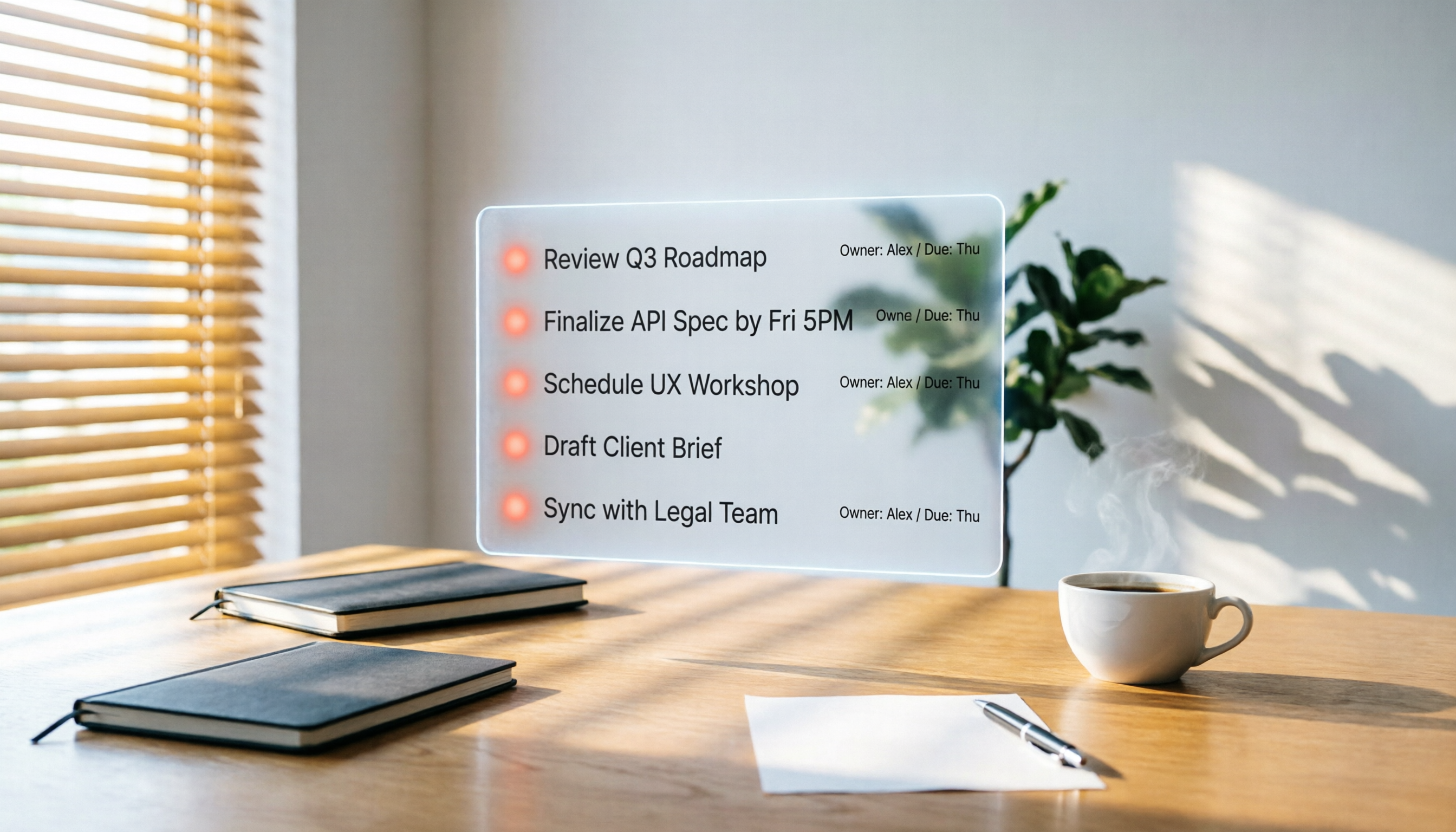
2026 Hands-On Comparison of 3 AI Meeting Workflow Tools: Beyond Transcription, Tinrec Turns Meetings into Action
Spending two hours in a meeting and another two hours writing up the notes? This article puts three AI meeting workflow tools—Tinrec, Otter.ai, and Fireflies.ai—to the test, comparing transcription accuracy, AI summaries, and post-meeting follow-up to reveal which one truly turns meeting discussions into an actionable to-do list.

2026 Hands-On Comparison of 3 AI Meeting Note Tools: Which One Is Best for Building an Automated Meeting SOP?
We tested 3 AI meeting note tools to find out which one is best for creating an automated meeting SOP, saving you up to 90% of your note-taking time.

How to Auto-Generate To-Dos in 2026? 5 Steps to Manage with AI Tools
Tired of typing up to-do lists after meetings? This article tests multiple AI recording tools and shows you how to turn meeting recordings into action items in 5 steps, with a deep dive into Tinrec's Cantonese transcription and AI Q&A features to help Hong Kong office workers say goodbye to overtime.

5 Best AI Meeting Post-Processing Tools in 2026: Which One Saves You the Most Time?
As a mid-level manager attending 15 meetings a week, I tested 5 popular AI meeting post-processing tools, comparing accuracy, summary quality, and Chinese language support to help you find the one that saves you the most time on meeting notes.

5 AI Transcription Tools Tested in 2026: Which One Handles Chinese Best?
This article tests 5 AI transcription tools, from free plans to paid professional options, analyzing which is best for Chinese meetings, classes, interviews, and video organization, with a full comparison of features, pricing, and target users.