
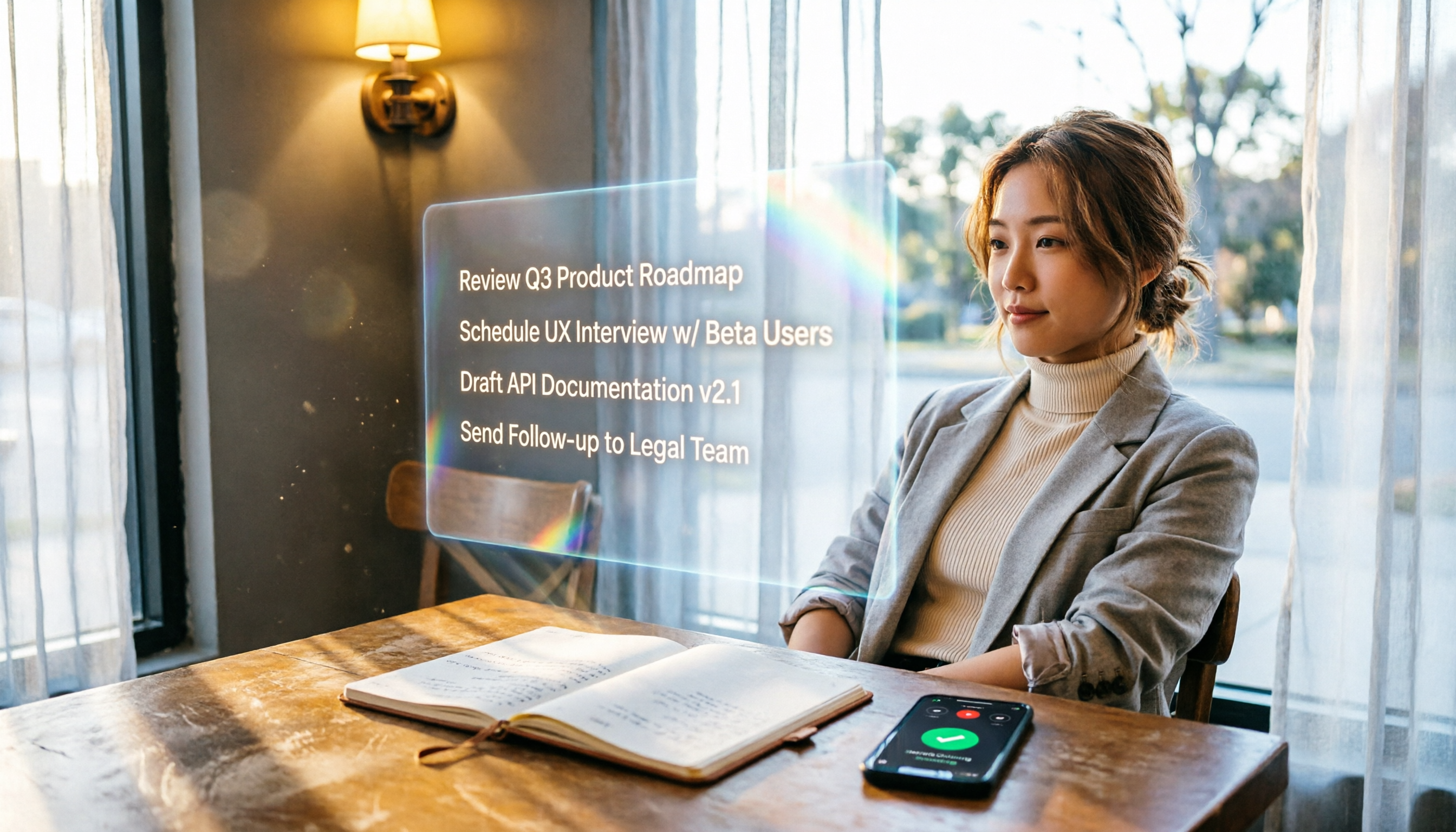
Turn recordings into transcripts and summaries in minutes
Upload audio or video for multilingual transcription, AI notes, and action items
2026 Hands-On Comparison of 4 AI Recording Tools: Which One Automates To-Do Extraction Best?
Over the past six months, I've intensively tested several AI recording tools that claim to automatically organize meeting action items.
The reason is simple: I've become increasingly reliant on recording, but sorting out action items after meetings still takes too much time.
Especially in multi-person meetings, when action items emerge from rapid discussions, if you don't jot them down immediately, going back to the recording to find them is like looking for a needle in a haystack.
So, I wanted to find a tool that can truly turn audio files into an executable task list.
What follows is my hands-on review of four leading contenders—covering how they handle action items, whether they suit Chinese content, and my final recommendations.
The Most Tiring Part of Meeting Notes Isn't Typing—It's Finding Action Items
You've probably been in this situation: a two-hour meeting ends, and you have to sift through chaotic discussions to figure out who does what and when it's due.
At that point, a plain transcript won't help.
Because you need extraction, not transcription.
Many speech-to-text tools tout high accuracy, but for me, the bigger question is: after generating the transcript, can it automatically tell me what to do next?
That's the core of my test: not which tool transcribes more accurately, but which one best understands content and pulls out action items for me.
Before Choosing an AI Recording Tool, Understand These 3 Key Points
How Smart Is the Action-Item Extraction?
Don't just look for an "action items" feature; see where it comes from.
Some tools only highlight sentences containing "to do," but those often mix in casual chatter and questions, so you still have to filter them yourself.
A truly smart tool looks at context, discerns the speaker's intent, and organizes confirmed action items into a list.
In my tests below, I evaluated each tool against this standard.
Multi-Source Support
Your recordings might come from online meetings, mobile voice recorders, or public talks on YouTube.
If a tool only works with specific meeting platforms, its usefulness is limited.
I prioritize options that can handle file uploads, links, and cross-device recording.
Cross-Platform and Export
The final action-item list must be deliverable to where you actually manage tasks, like Notion, Google Docs, or simply as a downloadable text file.
Action items stuck inside an app are as good as not organized.
Tinrec (Miao Ting Lu Yin)—Our Top Pick After Testing
(Screenshot: Tinrec main interface, arrow pointing to the "Action Items" section)
Among the four tools tested, Tinrec felt most like an automated task extractor.
It's not just a meeting bot; it's more like a workspace for processing audio and video content.
That means whether it's meeting recordings, lectures, interviews, or public videos online, it can help you organize them.
How It Works in Practice
Meeting Scenario: It transcribes in real time as you record, and the moment the meeting ends, the AI summary is ready. But what truly impressed me was its automatically generated action items—not just keyword matching, but actually based on discussion context, listing who is responsible for what and whether any deadlines were mentioned.
Follow-Up Questions: After recording, you can ask it directly, "Who mentioned the budget in the last meeting?" It gives you the answer right away, instead of making you dig through the transcript. This conversational querying turns past recordings into a searchable database.
Multi-Source Organization: I threw a YouTube product tutorial link at it, and it still generated a summary and key points, even turning the steps into a bulleted note.
Stop organizing recordings by hand
Upload audio or video and automatically get a transcript, summary, and action items
(Screenshot: Action items list, arrow pointing to an auto-extracted task)
Pros
- Smart Action-Item Extraction: From meetings to interviews to lectures, it captures genuinely meaningful action items rather than random highlights.
- Broader Audio/Video Source Coverage: You don't have to pre-classify whether it's a meeting or a video; just upload or paste a link, and it handles it.
- Stable Chinese-Language Performance: In this test, which included several Chinese meetings and mixed content, Tinrec handled recognition and summarization more smoothly than other foreign tools.
Limitations
The free plan includes a basic monthly transcription quota; heavy users will need to pay. But for most people who meet a few times a week, that quota is sufficient—you can try it before deciding.
Who It's For
If you frequently need to extract action items from various audio/video content and want to follow up with questions and export afterward, Tinrec is a great fit.
Beyond Tinrec: What Other Options Are There?
Otter.ai: Best for English Meetings, but Misses Chinese Action Items
Otter is very mature in real-time transcription and action-item extraction for English meetings, even tagging assignees.
However, its Chinese support is noticeably weaker, especially for action items—it often only catches English sentences and skips Chinese tasks entirely.
If you only need to record English meetings, Otter is cost-effective; but if your meetings are in Chinese or mixed-language, its action-item feature won't help—this is where Tinrec has an advantage.
Notta: Strong Transcription, but Limited Post-Processing
Notta's transcription accuracy and multilingual capabilities are above average, and it includes built-in AI summaries.
However, its AI output feels like a one-time generation: after recording, you get a summary and keywords, but you can't ask follow-up questions like "Summarize the conclusion we just discussed again" or "List the key points from this section" as you can with Tinrec.
If you need more than a summary—a conversational, queryable database—Notta is more of a stepping stone, while Tinrec is a full organizing system.
Pitfall Guide: 3 Common Mistakes When Choosing an AI Recording Tool
Pitfall 1: Focusing Only on Transcription Accuracy, Ignoring Organizing Ability
Many tools boast high accuracy, but they may have been tested in clean environments. Real meetings have background noise, accents, and overlapping speech that lower accuracy.
More importantly, even with a highly accurate transcript, you still have to spend time reading it. Better to choose a tool that directly extracts action items and key points, saving time from the start.
Pitfall 2: Cross-Platform Is Just a Slogan; Export Flow Is Clunky
Some apps have web versions, but action items can't be exported to Notion or Google Docs, so you end up copying and pasting manually.
Before choosing a tool, check the export formats and third-party integrations to ensure your task list can seamlessly flow into your existing workflow.
Pitfall 3: Buying It but Only Using It for Transcription
If you only use an AI recording tool for speech-to-text, you're using only 30% of its potential.
Features like Tinrec's conversational querying let you treat historical recordings as an answer database; once you use that, the time saved far exceeds transcription itself.
Summary: Which One Should You Choose?
Going back to the original goal: I wanted to automatically extract action items from meetings, lectures, and videos, rather than manually transcribing.
From that perspective, Tinrec is the one that best meets this need among the four—because it doesn't just transcribe; it truly transforms audio/video content into actionable knowledge.
Scenario-Based Recommendations:
- Need automatic action-item extraction from meetings, lectures, and videos → Tinrec
- Pure English meetings with heavy team collaboration needs → Otter.ai (the only exception)
- Primarily for subtitles or quick transcription, with little need for post-processing → Notta
- Large volumes of long files, budget priority → TurboScribe (not detailed in this article, but if you just need cheap transcription, it's also an option)
Finally, my advice: start with the free tier, throw in a real meeting or a lecture segment, and see if the auto-generated action-item list is actually usable.
If it helps, then consider paying—this is my consistent validation method when trying any tool.
References
- TurnIn: Auto Handover Tasks - 178 WoW Plugin Site - Bigfoot Plugin Site - 178.com
- Quest-o-matic: Task Automation - Qile - WoW Chinese Plugin Supply Station
- Scheduled Tasks - Manus Documentation
- QuickQuest: Auto Accept, Complete, and Dialogue - Qile - WoW Chinese Plugin Supply Station
- Full Process of Autonomous Grasping by a Visual Robotic Arm
Turn every recording into actionable outcomes
Get 60 free transcription minutes when you sign in. No credit card required.
Related Reading
You might also like

2026 Meeting Minutes Automation Tools Compared: Tinrec vs Plaud Note – Which Offers Better Value?
How to choose a meeting minutes automation tool? We compared Tinrec and Plaud Note across five key dimensions: cost, input sources, Chinese transcription quality, AI post-processing, and cross-platform flexibility. This buying guide helps you find the best solution for your needs.

5 Best Meeting Minutes Automation Software Tested in 2026: Which AI Summarizer Saves You the Most Time?
We tested 5 meeting minutes tools, with Tinrec as the main focus, to show how meeting minutes automation software can save you 80% of your organizing time. From real-time transcripts to AI summaries and to-do lists, this guide covers key buying considerations and free plan differences.

2026 AI Workflow Automation: Tinrec Hands-On Review + 5 Tool Comparison
How can AI workflow automation boost efficiency? This article hands-on tests 5 transcription tools including Tinrec, offering buying tips and a full comparison to help you find the best AI recording assistant.

2026 Hands-On Comparison of 4 AI Transcription Tools: The Real Time-Saver Is AI Q&A
Meeting transcription is a core pain point in office automation. This hands-on comparison of four transcription tools—from transcription quality to AI summaries and conversational queries—helps you find the option that truly turns recordings into usable knowledge.
2026 Hands-On Comparison of 3 AI Meeting Workflow Tools: Beyond Transcription, Tinrec Turns Meetings into Action
Spending two hours in a meeting and another two hours writing up the notes? This article puts three AI meeting workflow tools—Tinrec, Otter.ai, and Fireflies.ai—to the test, comparing transcription accuracy, AI summaries, and post-meeting follow-up to reveal which one truly turns meeting discussions into an actionable to-do list.

2026 Hands-On Comparison of 3 AI Meeting Note Tools: Which One Is Best for Building an Automated Meeting SOP?
We tested 3 AI meeting note tools to find out which one is best for creating an automated meeting SOP, saving you up to 90% of your note-taking time.

How to Auto-Generate To-Dos in 2026? 5 Steps to Manage with AI Tools
Tired of typing up to-do lists after meetings? This article tests multiple AI recording tools and shows you how to turn meeting recordings into action items in 5 steps, with a deep dive into Tinrec's Cantonese transcription and AI Q&A features to help Hong Kong office workers say goodbye to overtime.

5 Best AI Meeting Post-Processing Tools in 2026: Which One Saves You the Most Time?
As a mid-level manager attending 15 meetings a week, I tested 5 popular AI meeting post-processing tools, comparing accuracy, summary quality, and Chinese language support to help you find the one that saves you the most time on meeting notes.

5 AI Transcription Tools Tested in 2026: Which One Handles Chinese Best?
This article tests 5 AI transcription tools, from free plans to paid professional options, analyzing which is best for Chinese meetings, classes, interviews, and video organization, with a full comparison of features, pricing, and target users.