

Turn recordings into transcripts and summaries in minutes
Upload audio or video for multilingual transcription, AI notes, and action items
Tinrec vs PLAUD NOTE: Quick Overview
If you're looking for a tool to handle meeting recordings, lectures, interviews, or even online videos, Tinrec and PLAUD NOTE are both popular options. PLAUD NOTE is a standalone AI recording device that emphasizes one-touch recording and portability, while Tinrec is a pure software AI audio/video organization platform that works on both mobile and desktop.
Basic info:
- Tinrec: Free tier includes monthly transcription credits; Pro monthly and annual plans available. Supports live recording, file upload, and URL parsing.
- PLAUD NOTE: Hardware starts at ~$179, includes 300 minutes of transcription per month, with a Pro Plan add-on at $99.99/year for 1,200 minutes, and an advanced plan at $239.99/year for unlimited minutes.
This article compares them across five key dimensions to show which is better for organizing audio and video content from meetings, learning, and daily life.
Dimension 1: Do You Need to Buy Extra Hardware?
PLAUD NOTE is a standalone recording device. Its advantage is that you can start recording with a single button press without pulling out your phone—great for people who fear missing the start of a meeting. But the downsides are clear: you have to carry an extra item, and the hardware itself costs money—$179 for the Pro, $169 for the NotePin. If you forget it at home, you're out of luck for that day's recording.
Tinrec requires no extra hardware. As long as your phone or computer is already being used for meetings or classes, you can record by installing the app or opening the web page. During a meeting, you can record directly with your phone, and immediately get transcription, summary, and to-do lists—no need to wait for hardware sync or charging.
→ This dimension: Tinrec clearly wins with zero hardware cost and instant setup.
Dimension 2: More Than Just Recording—Handles Multiple Sources
PLAUD NOTE's core is "hardware recording." While it has an app for file management, the input source is essentially that small device. If you suddenly receive a meeting recording from a colleague or want to organize a YouTube tutorial video, PLAUD can't directly process these.
Tinrec, on the other hand, is a multi-source input workstation:
- Live recording: meetings, classes, interviews
- Upload audio/video files: throw in old mp3s and mp4s for transcription
- Paste public video links: supports YouTube, Bilibili, TikTok
- Computer meetings: can also record and organize Zoom, Google Meet, etc.
→ This dimension: Tinrec wins completely. You rarely just need to "record"—the real work is "organizing" and making use of the content.
Dimension 3: Which Handles Chinese and Mixed Chinese-English Content Better?
PLAUD NOTE can transcribe Chinese, but its speech models are primarily optimized for English environments. In real-world tests, when meetings involve code-switching between Chinese and English, technical jargon, or overlapping speakers, PLAUD's error rate increases noticeably.
Tinrec's product design and internal tuning clearly focus more on Chinese usage scenarios. Traditional Chinese meetings, mixed Chinese-English courses, and even interviews with accents all get stable transcription quality. After the meeting, you can directly generate Chinese meeting summaries and to-do lists, with almost no need for manual English-to-Chinese post-processing.
→ This dimension: Tinrec wins—Chinese content organization is smoother.
Dimension 4: What Can You Do After Transcription?
PLAUD NOTE's app also offers AI summaries, key point highlighting, and even Q&A about the recording. But its interaction depth is more like "summarizing a single recording."
Tinrec doesn't just give you a transcript; it also lets you:
- Automatically split long recordings into chapters
- Extract to-do items directly from the conversation
- Search and ask questions across historical records (e.g., "What was the budget conclusion from last time?")
- Export results to Notion, Google Docs, or generate reports and tables
- Let AI continue producing meeting minutes or project drafts based on the recording
Stop organizing recordings by hand
Upload audio or video and automatically get a transcript, summary, and action items
In other words, Tinrec is more like an audio/video "database" rather than a one-time post-recording organizer.
→ This dimension: Tinrec clearly offers more value—recording is just the beginning of organization.
Dimension 5: Long-Term Cost and Flexibility
PLAUD NOTE's starting cost is the hardware fee of $169–$179, plus at least $99.99/year for transcription subscription to get 1,200 minutes per month. If you don't renew, the hardware just becomes a regular voice recorder.
Tinrec offers a free version with a monthly credit allowance so you can try it first. For occasional intensive meetings or exam periods, you can buy a weekly card. For steady use, the Pro monthly or annual plan costs far less per month than PLAUD's hardware amortization. Plus, you're not tied to a specific device—switching phones or computers doesn't affect anything.
→ This dimension: Tinrec offers better payment flexibility and lower total cost of ownership.
What Are the Unique Advantages of Each?
Tinrec's Unique Advantages
- Multi-source input: Live recording, files, and web links all covered—far more flexible than pure hardware.
- Deep Chinese organization: Summaries, to-dos, and Q&A are optimized for Chinese, with stable mixed Chinese-English performance.
- No device barrier: Your phone is your recorder—no need to spend extra on hardware.
- Workflow integration: Export to Notion, Google Docs, or let AI generate meeting reports—directly into your daily tools.
- Searchable and queryable history: All transcribed content becomes a conversational knowledge base, not a one-off file.
PLAUD NOTE's Unique Advantages
- Physical button, press-to-record: No need to unlock your phone; instant recording—ideal for those who often scramble at the start of meetings.
- Independent battery life: Doesn't drain your phone's battery, giving you more leeway for long recordings.
Summary: Which Should You Choose?
- If you want "zero extra hardware" and the ability to organize meetings, classes, and videos on both phone and computer → Tinrec
- If you often need to summarize content from YouTube or TikTok videos → Tinrec
- If you value post-processing capabilities like Q&A, export, and report generation → Tinrec
- If you're on a budget and want to start with a free version → Tinrec
- If you purely need a standalone voice recorder and don't mind carrying extra hardware → PLAUD NOTE
In a nutshell: For most people who want to make meeting and audio/video content truly usable, Tinrec is the more complete and economical choice. You can start with the free version and test the organization quality with your own actual meeting recordings.
Frequently Asked Questions
1. How many minutes can I transcribe with Tinrec's free version?
The free version includes a fixed monthly transcription credit, enough to try a few meetings or classes. The exact number is shown on the official website; after installing the app, you'll see your remaining credits for the month.
2. Is PLAUD NOTE's Chinese recognition really that bad?
It's not bad, but its model strengths are in English environments. For Chinese meetings or mixed Chinese-English content, Tinrec's tuning is clearly more aligned with Taiwanese usage habits.
3. Can Tinrec automatically join Zoom meetings?
Currently, Tinrec doesn't have a "meeting bot" that automatically joins online meetings. However, you can record via computer side-recording or by playing audio through your phone's speaker, and it will still transcribe and summarize the content.
4. What about privacy concerns with meeting recordings?
Tinrec supports on-device processing or encrypted cloud storage. Before recording, make sure you have consent from meeting participants and comply with your company's security policies.
5. Should I pay if I only occasionally organize a recording?
Start with the free version. If you need heavy usage, consider buying a weekly or monthly card based on your usage cycle—it's very flexible.
6. Besides meetings, what else can Tinrec be used for?
You can turn lecture recordings into notes, organize interview insights, convert YouTube tutorial videos into text highlights, or even turn podcast content into article drafts—its use cases are much broader than a pure meeting tool.
References
- How to Use AI for Meeting Minutes? How to Organize Meeting Transcripts? | AI Voice-to-Text Tutorial | 104 Career Force
- 6-Step AI Meeting Minutes Organization: Use a Fixed Template to Turn Discussions into Clear To-Dos – Featured Book Excerpt | Business Weekly
- Struggling to Organize Meeting Minutes? 5 NotebookLM "AI Note Transformation" Tips for Accurate Transcription of Mixed Chinese-English and Technical Terms | Business Next
- AI Workflow for Organizing Meeting Minutes and To-Dos | Prompts AI Command Library
- Meeting Ink - 2026 AI Meeting Minutes Tool Test: 8 Voice-to-Text and Summary Speed Comparison | Meeting Ink - AI Meeting Minutes Assistant, Auto-Transcribe and Summarize
Turn every recording into actionable outcomes
Get 60 free transcription minutes when you sign in. No credit card required.
Related Reading
You might also like
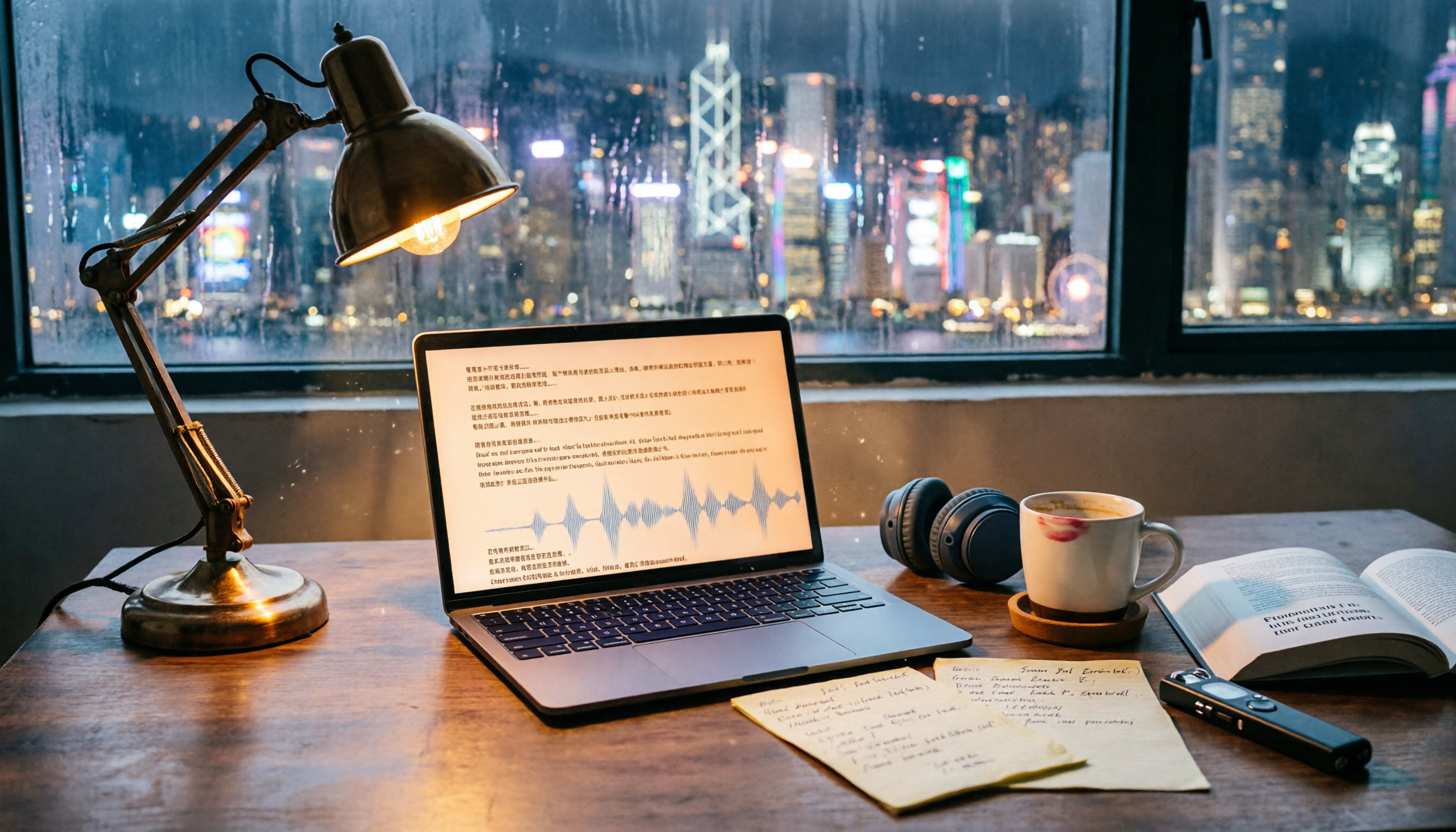
2026 Free Transcription Tools for Thesis Interviews: 4 Options Compared
Transcribing thesis interviews is a nightmare—one hour of audio can take half a day to type up. This article tests four free transcription tools to help Hong Kong graduate students find the best option, even for Cantonese mixed with English.
2026 Free AI Transcription Tools for Therapy Session Notes: 5 Options Compared
Recording therapy sessions is subject to strict regulations, but AI tools can help therapists efficiently organize session notes while staying ethical. This article compares 5 AI transcription tools for therapists, from free to paid options.
How to Convert Training Recordings to Text in 2026: A Complete Guide to 4 AI Tools
Stop wasting time transcribing training recordings! This article highlights 4 AI speech-to-text tools: Tinrec, cSubtitle, MyEdit, and Monica, comparing free and paid plans, with a selection guide and important tips to quickly turn training content into notes and transcripts.

2026 Medical Recording-to-Text Tools: Tinrec vs Yating Verbatim - Real-Time Transcription + AI Summaries
Medical professionals often need to quickly organize recordings of meetings, case discussions, or patient communications. This article compares two recording-to-text tools, Tinrec and Yating Verbatim, analyzing them across five key dimensions: transcription quality, AI organization capabilities, input sources, export flexibility, and cross-platform convenience, to help you choose the solution that saves the most administrative time.

5 Best Speech-to-Text Tools in 2026: Which Free Version Is Worth It?
Struggling to choose a speech-to-text tool? Pseric tested 5 popular AI transcription tools, comparing free plans, Chinese accuracy, and post-processing features to help you find the perfect transcription app for your needs.
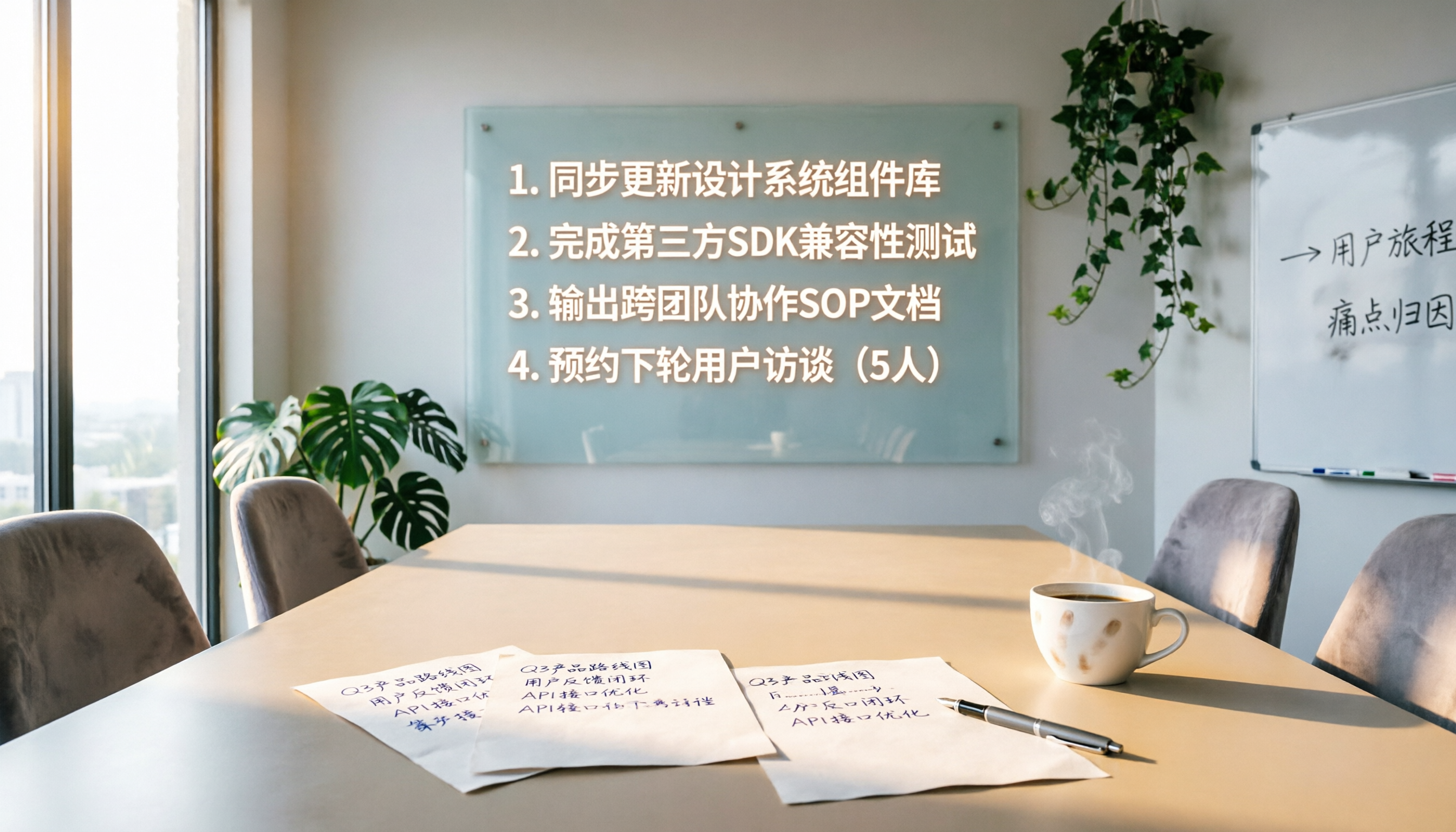
4 Meeting Follow-Up Automation Tools Tested in 2026: Which One Turns Decisions into To-Do Lists?
Meeting follow-ups often miss action items. This article tests 4 automation tools, covering transcription, action item extraction, and task sync, to help you find the best meeting follow-up solution.

Best AI Meeting Notes Tools: 2026 Hands-On Test of 2 Top Picks—Which One Fits More Scenarios?
A mid-level manager tests two AI meeting notes tools, Tinrec and PLAUD Note, comparing them across five dimensions to help busy professionals choose the right one.
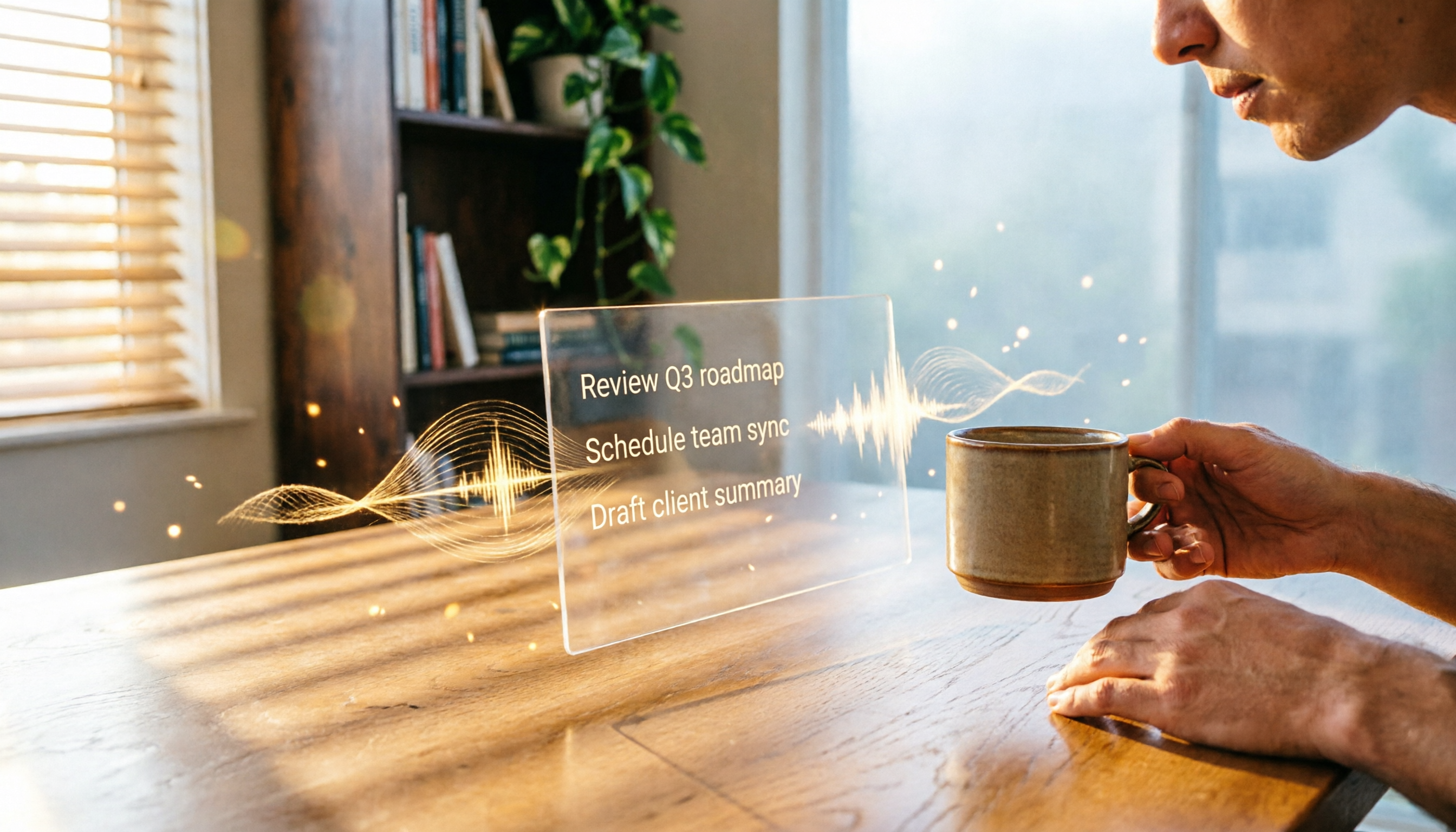
2026 AI Recording Tool Comparison: Tinrec Makes Office Automation More Efficient
Still using traditional methods to organize meeting recordings, course audio, or interview content? This article tests Tinrec, an AI recording tool that not only transcribes audio but also summarizes, extracts to-dos, and answers questions, helping you build an automated office workflow. Full unboxing tutorial and free plan limitations included.

2026 Hands-On Comparison of 4 AI Meeting Follow-Up Tools: Which One Is Best at Finding Key Points After Recording?
This article tests 4 AI meeting follow-up tools, including Tinrec, Otter.ai, Fireflies.ai, and Notta, covering real-time transcription, AI summaries, action item extraction, and post-meeting AI Q&A, to help you find the best choice for Chinese meeting scenarios.