
Turn recordings into transcripts and summaries in minutes
Upload audio or video for multilingual transcription, AI notes, and action items
Google Meet Time Limits in 2026: Free 60-Minute Cap vs. Paid 24-Hour Meetings
It's 3 p.m., you're halfway through the agenda, and suddenly a message pops up: "Meeting will end in 5 minutes." You scramble to jot down action items on a sticky note, attendees drop off one by one, and those 55 minutes of discussion might as well have never happened.
This is the most common scenario for free users. Google Meet's time-limit rules really come down to just two. Once you understand them, you can plan your meeting pace in advance and know when it's time to consider paying.
Google Meet Time Limits at a Glance
The short version: free personal accounts cap group calls at 60 minutes; 1-on-1 calls and all paid plans allow up to 24 hours.
| Account Type | 1-on-1 Call | Group Call (3+ People) |
|---|---|---|
| Free personal Google account | Up to 24 hours | Up to 60 minutes |
| Paid Google Workspace plan | Up to 24 hours | Up to 24 hours |
One more note: 24 hours is Google Meet's maximum—even Enterprise plans don't offer an "unlimited" option. In practice, almost no meeting runs all day, so the real difference comes down to free vs. paid.
How Is the Free 60-Minute Limit Calculated?
The 60 minutes is continuous—you can't pause or extend it.
- Around 55 minutes: a warning appears that the meeting is about to end.
- At 60 minutes: the system automatically ends the call and everyone is disconnected.
Keep in mind that once a meeting is split into two segments, attendees have to rejoin; the flow gets interrupted, and the discussion rhythm falls apart.
Why Can 1-on-1 Calls Last Up to 24 Hours?
Google is much more lenient with two-person calls—free accounts can talk for up to 24 hours. For remote interviews, one-on-one consultations, tutoring, or family calls, that's more than enough.
Conversely, as soon as a third person joins, the rules switch to group mode and the 60-minute cap kicks in immediately.
Paid Plans: Up to 24 Hours—The Difference Is Participant Limits and Features
All paid Google Workspace plans raise the group call limit to 24 hours, from Business Starter to Enterprise.
The differences between plans mainly come down to participant limits, recording, breakout rooms, polls, attendance reports, and storage. Participant limits and pricing vary by plan and region, so check Google's official page before you buy.
What Happens When Time Runs Out? Can You Pause or Extend?
Three key points:
- You can't pause the timer, and there's no "buy extra minutes" extension option.
- The meeting link doesn't expire. After 60 minutes, everyone can rejoin using the same link and get a fresh 60 minutes.
- What gets cut off is the call itself; if you didn't record separately, the content discussed won't be saved automatically.
So the free 60-minute limit is more like an "interruption" than "not enough time."
The Real Cost Is in the Segment That Gets Cut Off
Honestly, most people don't care about the number "60"—they care that after a meeting is split into multiple segments, conclusions, action items, and transcripts end up scattered in different places.
The problem isn't "is 60 minutes enough?"—it's "after the meeting is split into segments, does anyone help you connect the content?" That's not something upgrading to a paid plan automatically solves.
Tinrec Fills the Post-Meeting Gap
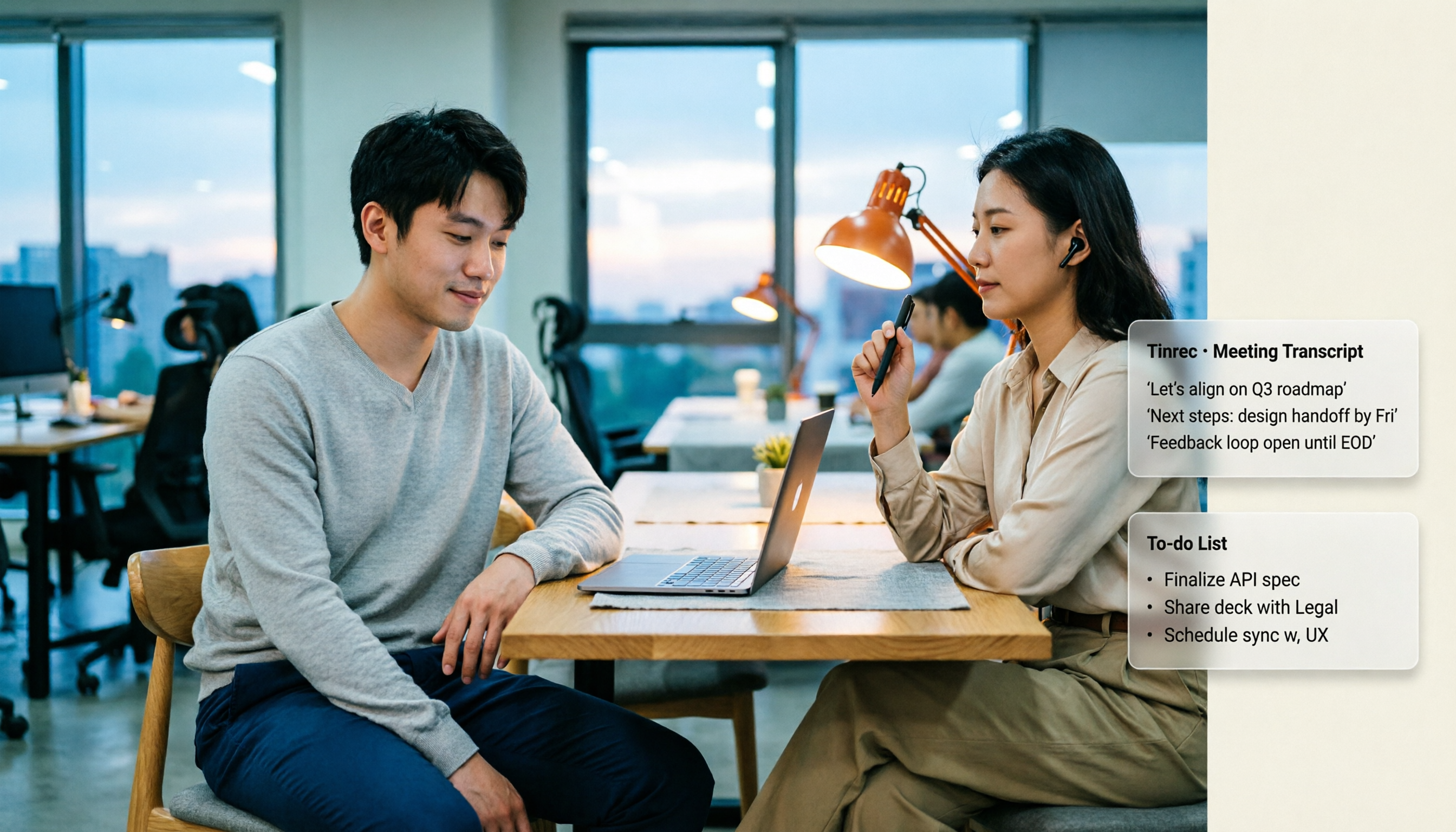
Tinrec (秒聽錄音) is an AI meeting notes and collaboration tool for individuals and teams. It doesn't change Google Meet's limits—it handles the data flow before and after meetings.
Stop organizing recordings by hand
Upload audio or video and automatically get a transcript, summary, and action items
- No meeting bot: The desktop app captures your computer's system audio directly, so it can record Google Meet, Zoom, Microsoft Teams, Webex, and other online meetings without inviting an extra bot that shows up in the participant list.
- Live transcription during meetings: Real-time transcripts with live translation support—switch between original text, translation, or bilingual view for cross-language meetings.
- Automatic post-meeting organization: Summaries, chapters, key points, and action items generated in one go.
- Ask follow-up questions: Use AI Q&A to find key points across a single meeting or your meeting history.
- Export and reuse: Send content to Notion, Google Docs, OneNote, Dropbox, and other tools for further work, or generate reports, tables, and documents.
- Team workspace: Meeting data belongs to the team, new members can access historical records, and admins can manage roles, seats, usage, and audits.
One caveat: Tinrec requires users to manually start recording—it doesn't automatically join all calendar meetings. Transcription quality is also affected by recording environment, accents, simultaneous speakers, and technical jargon, so for important content, double-check against the recording and transcript.
Pricing and Plans (Listed as Is)
Tinrec's personal plans are tiered by usage: for occasional recording organization, start with the free plan; for short bursts of intensive meetings or interviews, consider a weekly card; for regular weekly needs, the Pro monthly plan fits; for long-term accumulation of recording data, the annual plan offers better value.
Tinrec's current team plan details:
- First eligible team trial: 7 days, 1 free seat, 300 minutes of shared team import quota.
- Team monthly: USD 29.80 per paid seat per month.
- Team annual: USD 199 per paid seat per year, equivalent to about USD 16.58 per month.
- Paid seat benefits: 2,000 minutes of shared team import quota per seat per month.
- Under an active team plan and active seats, real-time recording is currently not deducted by the minute.
Prices, currencies, and promotional details are subject to the official purchase page.
Conclusion: Which Approach Should You Choose?
- If you only occasionally hold meetings with 3+ people that can barely fit in 60 minutes → free Google Meet is enough; keeping the agenda under 50 minutes is safest.
- If meetings often run over an hour and you need complete records → upgrade to Google Workspace, or stay on the free plan and use Tinrec's desktop app to record and organize each segment.
- If your real pain point is "can't find conclusions and action items after the meeting" → upgrading Google Meet won't help; what you need is a post-meeting organization process.
- If you need multiple members to share meeting data and manage seats and usage → look at Tinrec's team plan, which is clearer than having multiple people share personal accounts.
In one sentence: Google Meet's time limits aren't complicated—just 60 minutes and 24 hours. The hard part is preserving content after a meeting is cut off. Figure out your actual meeting length first, then decide whether to pay for those 60 minutes.
FAQ
Q1: How long can a meeting last on Google Meet's free plan?
Two cases: group calls with 3+ people cap at 60 minutes; 1-on-1 calls can last up to 24 hours.
Q2: Do two-person calls also have a 60-minute limit?
No. Two-person calls on free accounts can last up to 24 hours; as soon as a third person joins, group rules apply.
Q3: Is there a warning before time runs out?
Yes, a notice appears around 55 minutes that the meeting is about to end, and the call ends automatically at 60 minutes.
Q4: Can I pause the timer or extend mid-meeting?
No. The free 60 minutes can't be paused or extended, and there's no option to buy extra minutes.
Q5: Can I rejoin immediately after the meeting ends?
Yes. The meeting link doesn't expire—rejoin with the same link to get a fresh 60 minutes, though the flow will be interrupted.
Q6: Do paid plans have no limits at all?
No. Paid plans raise the group call limit to 24 hours, but 24 hours is the maximum across all plans—there's no truly "unlimited" option.
Q7: If a meeting is split into two segments, what happens to transcripts and action items?
If recorded separately, save each segment individually, then use a tool to combine them. Tinrec supports uploading existing audio and video files for transcription, and AI Q&A can summarize key points and action items and export them to your usual document tools.
Sources
- Google Meet Time Limit: Free vs Paid Plans (2026)
- Google Meet Time Limit & How to Get Past It (2026) - Convo
- Google Meet Time Limit: Free vs Paid (2026) | Smart Noter
- Google Meet Time Limit: Free vs. Paid Limits (and How to Get Past Them in 2026)
- r/MeetGeek on Reddit: Dealing with Google Meet time limit: Understand and work around free plan restrictions
Turn every recording into actionable outcomes
Get 60 free transcription minutes when you sign in. No credit card required.
Related Reading
You might also like

Google Meet Companion Mode in 2026: 5 Hybrid Meeting Scenarios and Limitations
What is Google Meet Companion Mode? It lets you join an ongoing meeting from a laptop, tablet, or phone with mic and camera off by default, preventing audio feedback with room hardware. This article breaks down its practical uses, version limitations, and how to handle post-meeting transcript organization.

Google Meet Recording in 2026: 3 Limits to Know Before You Record
Google Meet recording is not meeting minutes—it's a video file stored in the host's Google Drive. This guide breaks down 4 recording prerequisites, 3 common misconceptions, and shares my tested post-meeting workflow for adding transcripts, summaries, and action items.

Google Meet Camera Not Working in 2026? 7 Troubleshooting Steps and an Alternative for Meeting Notes
When your camera won't turn on during a Google Meet call, it's usually caused by permissions, the wrong device selected, or browser settings. This article outlines 7 proven troubleshooting steps in order—from camera covers and system permissions to hardware acceleration and Workspace admin settings—and explains how to use Tinrec to capture meeting content once your camera is fixed.

2026 Comparison of 2 Meeting Notes Solutions: Google Meet Built-in Features vs. Tinrec — Which Saves More Time?
Most people think that using Google Meet for meetings means they automatically have meeting notes. This article first breaks down what Google Meet can actually do, then compares Tinrec across four dimensions: transcripts, post-meeting organization, Chinese language support, and team management, to help you decide which combination to use.

5 Google Meet Recording Methods Tested for 2026: No-Bot Options That Work With Free Accounts
Google Meet's built-in recording requires a specific plan, role, and admin enablement—free accounts often can't find the record button. This hands-on test covers 5 ways to record Google Meet, including built-in recording, OBS Studio, Granola, Notta, and Tinrec, comparing their requirements, file destinations, transcription, and post-meeting organization capabilities. It also lists 4 common pitfalls to help you choose the right method based on your account plan and use case.

2026 Google Meet Premium: 3 Upgrade Paths Tested & Compared — Why You Still Rework After Buying
Google Meet doesn't have a standalone Premium subscription; advanced features are tied to Google One Premium 2TB or Google Workspace plans. This article starts with the question 'Is your gap during the meeting or after?' and compares three upgrade paths, explaining how Tinrec fills the post-meeting gap in organization, action-item tracking, and team knowledge retention.

Google Meet Pricing in 2026: 5 Steps to Understand Free vs Paid Plans
What's the difference between Google Meet's free and paid plans? This article breaks down 2026 Google Meet and Google Workspace pricing, participant limits, and feature restrictions in 5 steps, explains when to upgrade, and how Tinrec can fill the gap for post-meeting organization and team knowledge retention.

2026 Comparison of 3 Online Meeting Tools: Google Meet, WhatsApp, and Tinrec — How to Choose?
Many people search for 'Is Google Meet better than WhatsApp?' but the real question is about use case. This article compares Google Meet, WhatsApp, and Tinrec from three perspectives: video conferencing, daily communication, and post-meeting organization, helping professionals and teams choose the right tool combination.

Is Google Meet Safe in 2026? Free vs. Paid Meeting Notes Solutions: 6 Key Points
Is Google Meet safe? This article breaks down Google Meet's security and practical blind spots across 6 dimensions: encrypted transmission, meeting code intrusion prevention, recording storage, account privacy, post-meeting transcription, and team data management. It also compares built-in transcription with Tinrec on Chinese meeting organization, cross-platform bot-free recording, team seats, and auditing, and concludes with a pre-meeting security checklist.