

Turn recordings into transcripts and summaries in minutes
Upload audio or video for multilingual transcription, AI notes, and action items
2026 Google Meet Premium: 3 Upgrade Paths Tested & Compared — Why You Still Rework After Buying
Whenever someone asks me "Where do I buy Google Meet Premium?" I always ask first: Are you buying "longer meeting time" or "meeting data you can use right after the meeting?"
These two sound similar, but they determine where you should spend your money.
Let me start with a gap I often see.
Many people's problem isn't that meetings never end—it's that after the meeting, the data is unusable.
Recordings sit in some cloud folder, transcripts are pasted into shared docs, and action items are scattered across chat. Next time you need to check a sentence, you still have to listen to the recording again.
So the real decision isn't "which plan to buy," but "is my gap during the meeting or after the meeting?"
First, clarify: Google Meet has no standalone Premium subscription
This is the most common misconception when searching for this keyword.
Google Meet's advanced features aren't a separate subscription like a streaming service; they're tied to Google One or Google Workspace plans.
And according to Google Meet's official documentation, only the Google One Premium 2TB plan qualifies for some Meet advanced features.
Paid Google Workspace editions unlock recording, attendance tracking, breakout rooms, polls, and more, but each edition includes different items—check against your needs before buying.
Watermarks, voice translation, and studio-quality audio/video enhancements each require corresponding Workspace or Google One plans and device conditions.
Actual prices vary by country, currency, and promotions; check the official page before ordering.
In other words, what you buy on this path is "meeting capabilities"—longer time, recording, breakout rooms, polls.
But it won't automatically solve "how to organize after the meeting."
Three paths and what each solves
- Google One Premium 2TB: For individuals. Unlock Meet advanced features without managing an entire organization.
- Google Workspace paid editions: For teams needing account management. Features are tiered by edition; confirm your edition includes what you need.
- Post-meeting organization tools (e.g., Tinrec): For situations where "meetings can be recorded, but no one wants to organize afterward."
In my experience, most people get stuck on the third path.
After buying the first two, you get more raw material; the third determines whether that material becomes something actually usable.
My approach: separate "recording" and "using"
My own workflow: first use Tinrec desktop to record the meeting and convert to transcript; then let it generate summaries, chapters, and action items; finally export results to where I normally work.
The key here isn't tool replacement, but division of labor.
The Google path handles "meetings happen and get recorded"; Tinrec handles "after recording, data can be found, queried, and handed off."
Moreover, Tinrec desktop captures system audio directly, so for online meetings like Zoom, Google Meet, Microsoft Teams, Webex, no extra meeting bot needs to join as a listener.
Just open Tinrec and start recording.
This is especially noticeable with external clients—one less unfamiliar account in the participant list makes communication cleaner.
6 specific Tinrec capabilities for post-meeting organization
1. Live transcript while recording
No waiting for conversion after the meeting. During the meeting, you can follow the text to confirm key points and ask clarifying questions on the spot—much more efficient than listening to recordings afterward.
2. Real-time translation and bilingual view
For cross-language meetings, switch between original, translation, or bilingual view. I use bilingual mode to review foreign clients' wording and avoid adding my own interpretation in summaries.
3. Summaries, chapters, and action items
The hardest part of long meetings is "finding that one sentence." Tinrec breaks meetings into chapters, lists conclusions and action items separately, and shows who's responsible at a glance.
4. Ask questions directly about meeting content
After transcription, you can ask "What was the client's budget cap?" or "What three things were decided in this meeting?" It answers based on semantics, not just keyword matching.
5. Export and post-meeting processing
Results can be exported to Notion, Google Docs, OneNote, Dropbox, and other common tools, and further generate reports, tables, and meeting minutes.
Stop organizing recordings by hand
Upload audio or video and automatically get a transcript, summary, and action items
This step matters—data must be able to leave the tool to truly enter your workflow.
6. Team spaces and governance
Team edition isn't multiple people sharing one account, but independent collaboration spaces: create multiple teams, invite members via link, set owners and admins, assign or revoke seats.
Admins can also see usage trends, member rankings, query and export audit logs, use audio recycle bin and team hotwords.
Roles determine who can manage the team; seats determine who can record, upload, edit, export.
Members who are active but have no seat can still view, play, and read team data, but cannot perform resource-consuming operations.
Clarify this distinction before purchasing, or you'll find "can view but can't act" awkward after buying.
Three real scenarios
Scenario 1: Individual with three meetings per week
Previously I'd spend time recalling and organizing after meetings; now transcript, summary, and action items are ready when the meeting ends. I just spend a few minutes checking names and owners.
Scenario 2: Client interviews and requirements communication
The worst is "nodding then, but can't recall what they said later." Tinrec keeps recording and transcript, so important commitments can be verified by timestamp.
Scenario 3: Project team weekly meetings
After meeting data enters the team space, new members can review past meetings themselves without relying on others to re-explain. When members leave or lose seats, team resources don't disappear with them.
5 things I check when choosing
1. Identify your gap first.
If you only need longer meeting time and recording, Google One Premium 2TB or Workspace suffices. If you need post-meeting search, querying, and handoff, include tools like Tinrec in your evaluation.
2. Does recording interfere with the meeting?
Meeting bots appear in the participant list. Tinrec desktop captures system audio, less intrusive for external meetings.
3. Are audio files retained?
Keeping audio allows later verification. Tinrec retains audio; team edition has a recycle bin to recover accidentally deleted audio.
4. Performance with Chinese and mixed Chinese-English.
Meetings in Taiwan are rarely pure Chinese. Tinrec covers Chinese, Traditional Chinese, and multilingual scenarios, and supports team hotwords for internal product codes and abbreviations. Actual results depend on recording quality, accent, noise, and overlapping speech; verify important content against transcript timestamps.
5. Team permissions and usage logic.
Ask how "roles" and "seats" are divided, and whether quotas are shared or individual. Tinrec team edition currently offers: first-time eligible users get 7 days, 1 free seat, 300 minutes shared team import quota; team monthly USD 29.80 per paid seat per month, annual USD 199 per paid seat per year (about USD 16.58/month); each paid seat provides 2,000 minutes shared team import quota per month. Real-time recording under an active team plan is currently not deducted by minutes.
Prices, currencies, and promotions are subject to the official purchase page.
FAQ
Q: Can Google Meet Premium be purchased separately?
No. Google Meet has no standalone Premium subscription; advanced features require Google One Premium 2TB or eligible Google Workspace editions. Prices vary by region and promotion; check official page.
Q: Does buying a Google plan include transcripts and action items?
Features differ by edition and plan. List the three things you really need and compare. If you need post-meeting querying, action-item tracking, and cross-meeting search, native features are usually weaker here.
Q: Does Tinrec require a meeting bot to join?
No. Desktop version captures system audio directly, suitable for online meetings played on computer. It doesn't auto-join all calendar meetings; you must start recording manually.
Q: Can team members without a seat see data?
They can view, play, and read team data, but cannot upload, edit, import, or export.
Q: Can deleted team audio be recovered?
Audio in the team recycle bin can be restored before permanent deletion; current retention is 30 days. Action items are not covered by the recycle bin.
Conclusion: calculate your gap, then decide what to buy
Back to the initial question.
"Purchase google meet premium" usually buys meeting capabilities, not post-meeting productivity.
If after buying you still spend time re-listening to recordings and manually organizing action items, the gap isn't in the plan—it's in the process.
Let Google handle "recording" and Tinrec handle "using." Separate the two, and you'll find meeting value isn't in the hour it's held, but in the dozens of times it's reused afterward.
Quick start checklist
- List last week's meetings and actual time spent organizing afterward.
- Mark features you truly need: recording, transcript, action items, cross-meeting search, team sharing.
- For individual needs, check Google One Premium 2TB first; for account management, check Google Workspace editions.
- Run a real meeting with Tinrec free version to see how accurate summaries and action items are.
- If it fits, evaluate Pro or team edition seats and quotas—don't buy everything at once.
Test step by step, and you'll gradually find the meeting workflow that suits your team.
References
- How to Buy Google Meet Premium in 2026: 3 Plans Compared—Which One Is Worth Your Money? - Official Tinrec Blog
- How To Purchase Google Meet Premium 2026 (FULL GUIDE) - YouTube
- How to Buy Google Meet Subscription in 2026: A Complete Guide to Google One Premium and Google Workspace Plans - Official Tinrec Blog
- Premium Meet features for Google Workspace - Google Meet Help
- How to Buy Google Meet Premium in 2026? 3 Upgrade Paths Compared: Which Is the Best Deal? - Official Tinrec Blog
Turn every recording into actionable outcomes
Get 60 free transcription minutes when you sign in. No credit card required.
Related Reading
You might also like

Google Meet Companion Mode in 2026: 5 Hybrid Meeting Scenarios and Limitations
What is Google Meet Companion Mode? It lets you join an ongoing meeting from a laptop, tablet, or phone with mic and camera off by default, preventing audio feedback with room hardware. This article breaks down its practical uses, version limitations, and how to handle post-meeting transcript organization.

Google Meet Recording in 2026: 3 Limits to Know Before You Record
Google Meet recording is not meeting minutes—it's a video file stored in the host's Google Drive. This guide breaks down 4 recording prerequisites, 3 common misconceptions, and shares my tested post-meeting workflow for adding transcripts, summaries, and action items.

Google Meet Camera Not Working in 2026? 7 Troubleshooting Steps and an Alternative for Meeting Notes
When your camera won't turn on during a Google Meet call, it's usually caused by permissions, the wrong device selected, or browser settings. This article outlines 7 proven troubleshooting steps in order—from camera covers and system permissions to hardware acceleration and Workspace admin settings—and explains how to use Tinrec to capture meeting content once your camera is fixed.

2026 Comparison of 2 Meeting Notes Solutions: Google Meet Built-in Features vs. Tinrec — Which Saves More Time?
Most people think that using Google Meet for meetings means they automatically have meeting notes. This article first breaks down what Google Meet can actually do, then compares Tinrec across four dimensions: transcripts, post-meeting organization, Chinese language support, and team management, to help you decide which combination to use.

5 Google Meet Recording Methods Tested for 2026: No-Bot Options That Work With Free Accounts
Google Meet's built-in recording requires a specific plan, role, and admin enablement—free accounts often can't find the record button. This hands-on test covers 5 ways to record Google Meet, including built-in recording, OBS Studio, Granola, Notta, and Tinrec, comparing their requirements, file destinations, transcription, and post-meeting organization capabilities. It also lists 4 common pitfalls to help you choose the right method based on your account plan and use case.
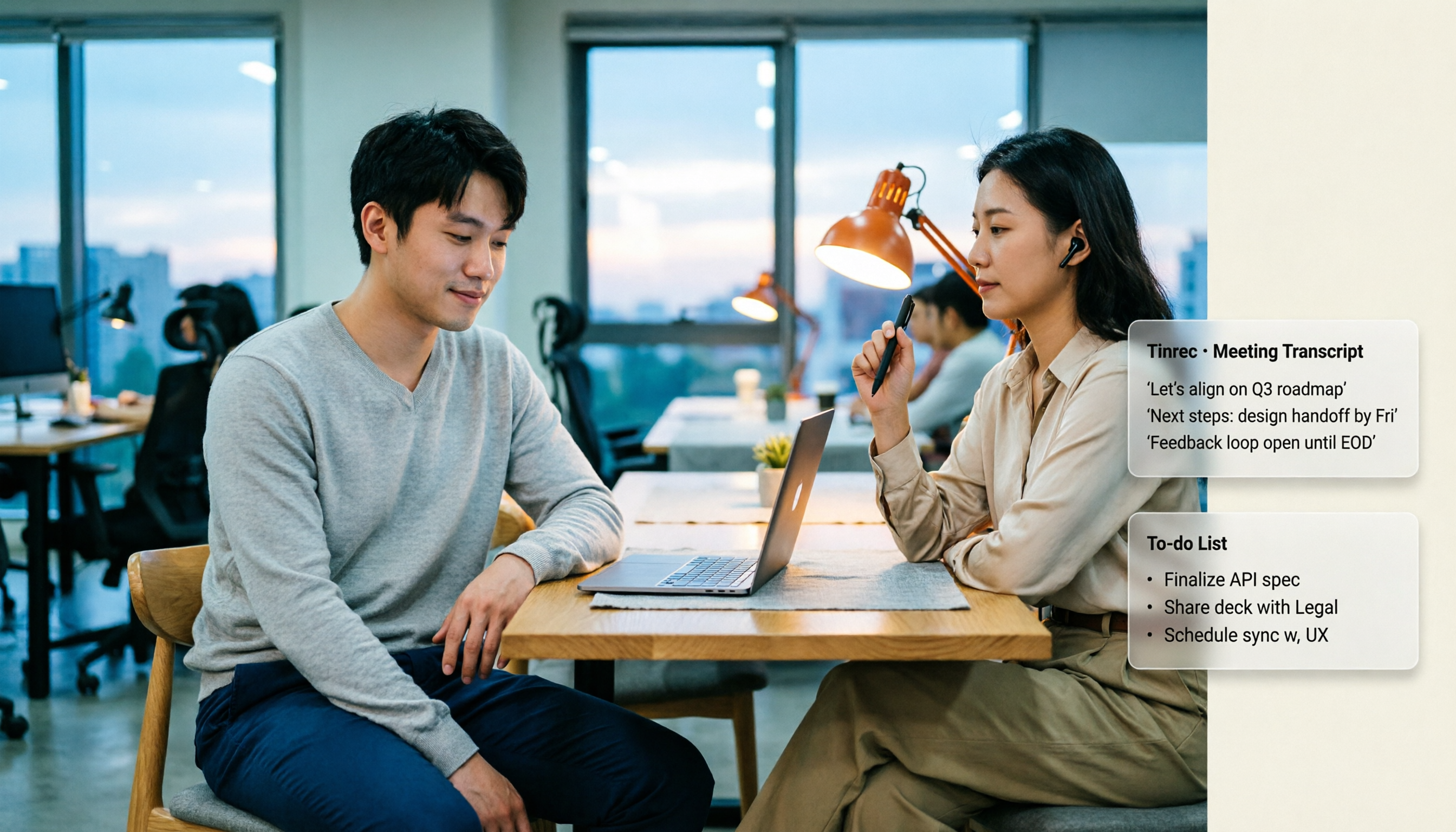
Google Meet Time Limits in 2026: Free 60-Minute Cap vs. Paid 24-Hour Meetings
Google Meet has only two time-limit rules: free personal accounts cap group calls of 3+ people at 60 minutes, while 1-on-1 calls and all paid Google Workspace plans allow up to 24 hours. This guide breaks down the differences by plan, what happens when time runs out, whether you can extend, and how to preserve transcripts and action items after a meeting is cut off.

Google Meet Pricing in 2026: 5 Steps to Understand Free vs Paid Plans
What's the difference between Google Meet's free and paid plans? This article breaks down 2026 Google Meet and Google Workspace pricing, participant limits, and feature restrictions in 5 steps, explains when to upgrade, and how Tinrec can fill the gap for post-meeting organization and team knowledge retention.
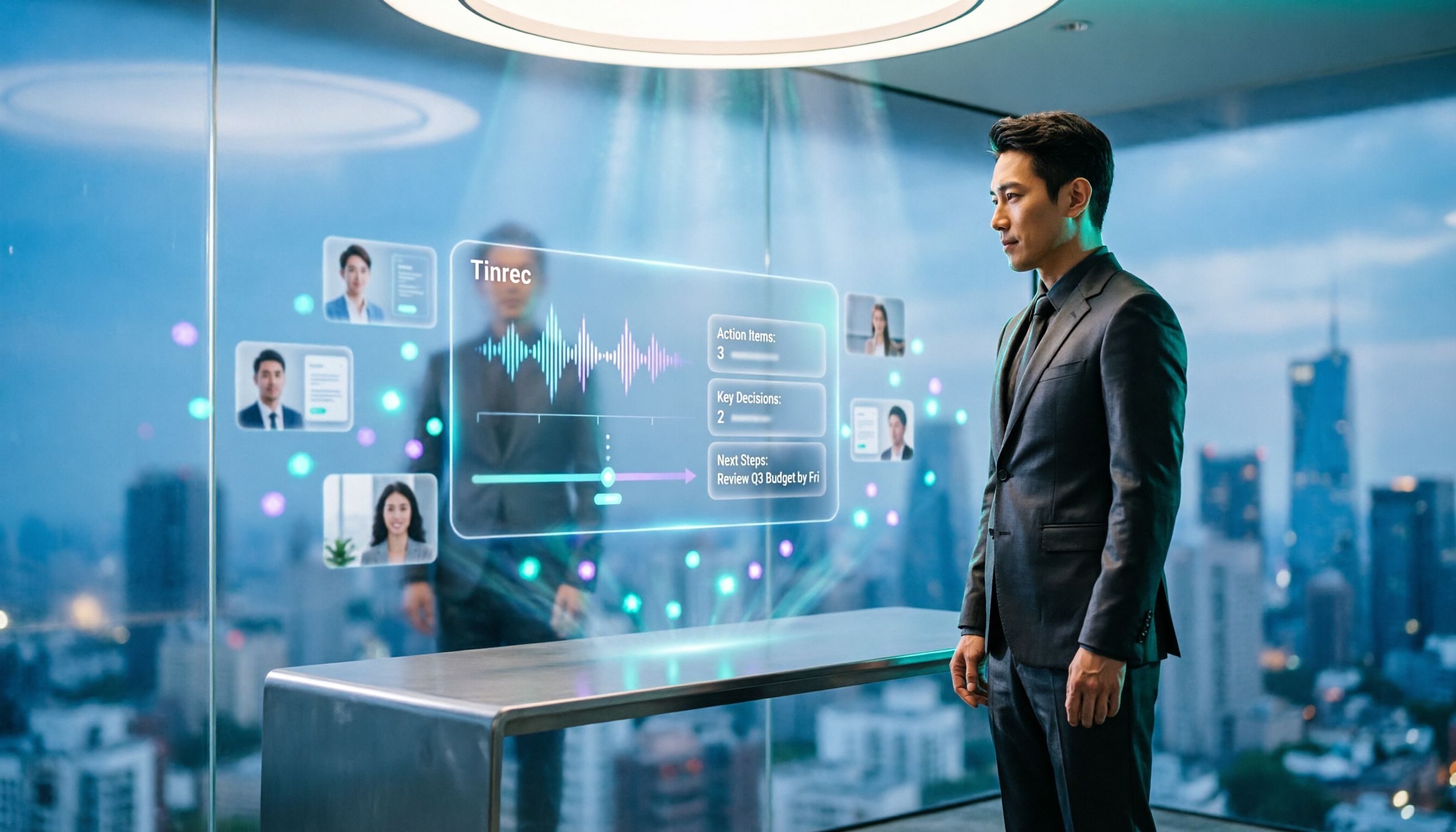
2026 Comparison of 3 Online Meeting Tools: Google Meet, WhatsApp, and Tinrec — How to Choose?
Many people search for 'Is Google Meet better than WhatsApp?' but the real question is about use case. This article compares Google Meet, WhatsApp, and Tinrec from three perspectives: video conferencing, daily communication, and post-meeting organization, helping professionals and teams choose the right tool combination.

Is Google Meet Safe in 2026? Free vs. Paid Meeting Notes Solutions: 6 Key Points
Is Google Meet safe? This article breaks down Google Meet's security and practical blind spots across 6 dimensions: encrypted transmission, meeting code intrusion prevention, recording storage, account privacy, post-meeting transcription, and team data management. It also compares built-in transcription with Tinrec on Chinese meeting organization, cross-platform bot-free recording, team seats, and auditing, and concludes with a pre-meeting security checklist.