

Turn recordings into transcripts and summaries in minutes
Upload audio or video for multilingual transcription, AI notes, and action items
2026 Comparison of 3 Online Meeting Tools: Google Meet, WhatsApp, and Tinrec — How to Choose?
Don't Rush to Choose One: The Most Common Misconception
Many people ask 'Is Google Meet better than WhatsApp?' when they're really looking for a tool that 'does everything.' That's the first misconception.
Google Meet was designed for video conferencing, while WhatsApp was designed for instant messaging. Using WhatsApp for formal meetings often runs into issues like limited group call participants, less refined screen sharing, and difficulty finding discussion highlights afterward. Conversely, using Google Meet for daily client messages can feel awkward in terms of notifications and reply节奏.
A more reasonable approach is to separate 'meetings' from 'communication': use meeting tools for formal meetings, messaging apps for daily contact, and dedicated AI meeting notes tools for post-meeting organization. This way, you don't force one tool to do everything, and you don't increase rework just to save on tool costs.
Before Choosing an Online Meeting Tool, Understand These 3 Key Points
First, are you 'meeting' or 'messaging'? If participants need to share screens, view presentations, enable captions, or record for later, choose a video conferencing platform. If it's just quickly confirming times, sending files, or replying to clients, a messaging app is more convenient.
Second, will the meeting content be preserved? Many calls end with only memories—no transcript, no summary, no action items. For professionals, this is the biggest time sink. When choosing a tool, check whether it can turn discussions into searchable, reviewable data.
Third, cross-device and post-meeting workflow. If you meet on your phone today and organize on your computer tomorrow, scattered data means you'll have to retype everything. The ability to export and centrally manage is more important than a pretty call interface.
Tinrec — Our Top Choice for Meeting Organization After Testing
Tinrec is an AI meeting notes and collaboration tool for individuals and teams. It supports live recording, importing audio/video files, real-time translation, and automatically generates summaries, chapters, action items, and mind maps. It's available on web, desktop, and mobile, making it suitable for professionals and teams who need to preserve meeting content.
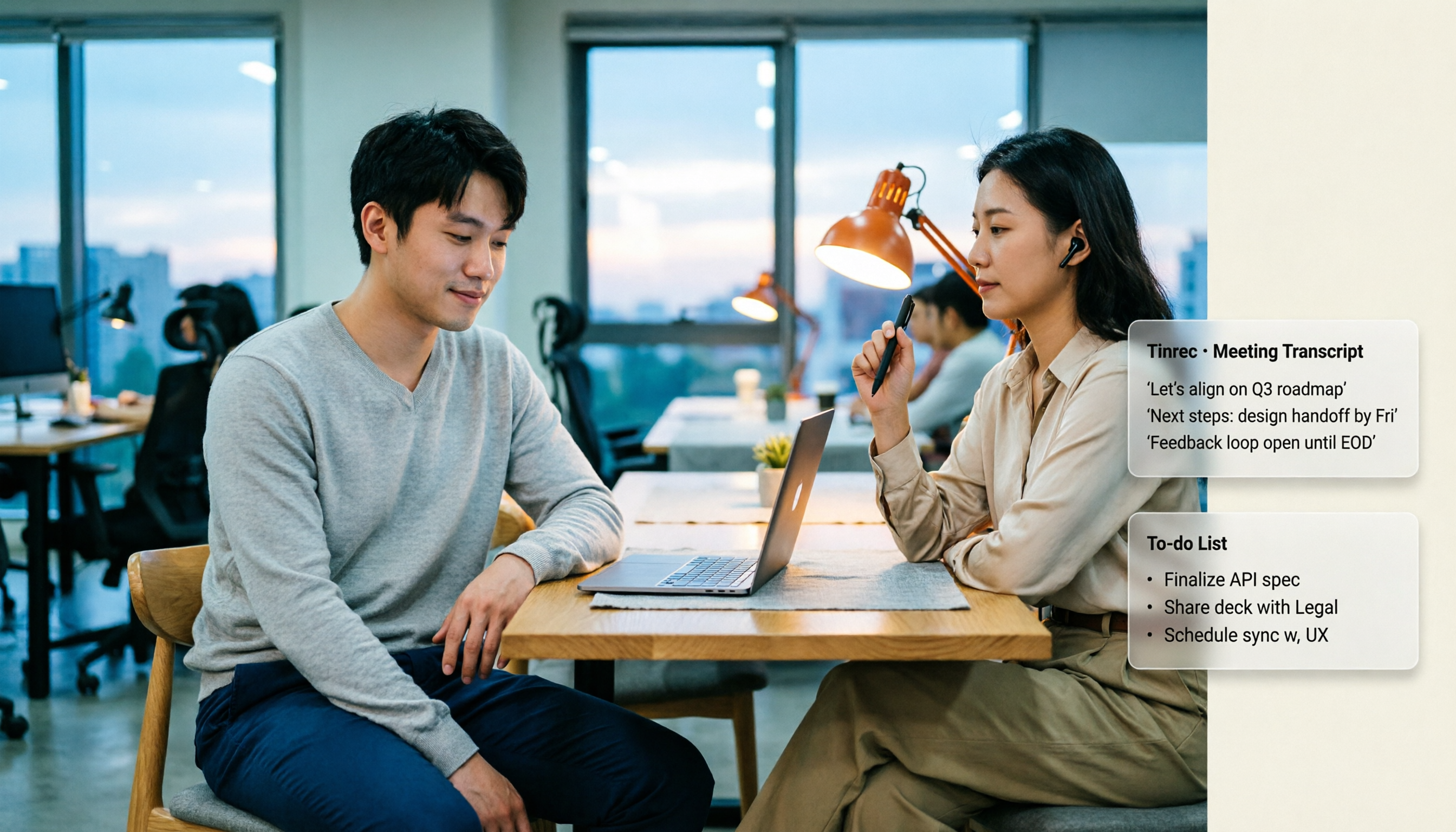
In actual use, the most impressive feature is 'no meeting bot needed.' For online meetings like Google Meet, Zoom, Microsoft Teams, and Webex, you can use Tinrec's desktop version to capture system audio and generate transcripts while meeting—no need to invite an extra bot to join. This is especially convenient for external client meetings and won't disrupt the original participant list. Note that this doesn't mean automatic joining of all calendar meetings; users still need to initiate recording manually.
Post-meeting organization is where Tinrec stands out. It doesn't just provide transcripts; it also generates AI summaries, chapters, and action items, allowing participants to quickly review 'who said what and what to do next.' Even more useful is AI Q&A: you can directly ask 'What was the conclusion of this meeting?' or 'What budget constraints did the client mention?' and it will answer based on the meeting content, not just throw keyword search results at you. For those who need to repeatedly dig through past meetings, this saves a lot of time compared to manual Ctrl+F.
Stop organizing recordings by hand
Upload audio or video and automatically get a transcript, summary, and action items
Tinrec also supports multi-format export, allowing you to take results to Google Docs, Notion, OneNote, Dropbox, and other tools for further processing, or use Agent post-processing to generate reports, tables, and meeting minutes. The team version offers independent team spaces, member and seat management, usage analytics, audit logs, and an audio recycle bin, so meeting data belongs to the team and won't disappear when members leave.
Limitations should also be clear: the free version has basic quotas, and heavy users need to pay; transcription quality can be affected by recording quality, noise, accents, and overlapping speech, so important content should still be verified against the recording. Overall, if you want 'data ready right after the meeting,' Tinrec is one of the most worthwhile tools to try among similar options.
Besides Tinrec, What Are Google Meet and WhatsApp Good For?
Google Meet is a mature video conferencing platform supporting HD video, multi-party meetings, live captions, and meeting recording, suitable for formal presentations and cross-department discussions. But its strength is during the meeting; post-meeting summaries and action items still need separate organization, and participants need Google accounts. If you want automatically generated, queryable meeting data after the meeting, Tinrec fills the gap more completely.
WhatsApp is positioned for instant messaging and client communication, suitable for quick replies, file sharing, and daily contact, easily accessible on mobile. However, group call participant limits are lower, meeting controls and screen sharing are simpler, and call content is not easily saved as searchable records. It's sufficient for scheduling and messaging; for transcripts, summaries, and action items, tools like Tinrec are more suitable.
Pitfall Guide: The 3 Most Common Mistakes When Choosing Meeting Tools
Pitfall 1: Using a messaging app as a meeting system. Using WhatsApp for formal meetings works for short sessions, but when participant numbers grow, screen sharing is needed, or recording is required, it gets stuck. The right approach is to divide by scenario: Google Meet for formal meetings, WhatsApp for daily contact.
Pitfall 2: Only looking at free calls, ignoring post-meeting rework. Free calls don't mean free organization. If you have to spend an hour writing minutes from memory after a meeting, the cost far exceeds tool fees. Choosing a tool that automatically generates transcripts, summaries, and action items is truly time-saving.
Pitfall 3: Thinking recording equals documentation. Recording without organizing only leads to more and more files. What's truly useful is searchable, queryable, exportable meeting data. Features like Tinrec's AI Q&A and summaries help you find meeting highlights in minutes instead of re-listening to the entire recording.
Conclusion: Which One Should You Choose?
Rather than asking 'Is Google Meet better than WhatsApp?', ask 'What problem am I trying to solve right now?'
- Need formal video meetings, screen sharing, live captions → Google Meet.
- Need quick client replies, messaging, scheduling → WhatsApp.
- Need to turn meetings into transcripts, summaries, action items, and queryable team data → Tinrec.
- Team needs centralized management of meeting records, member seats, and usage → Tinrec Team Version.
- Limited budget, just want to try → Start with Tinrec's free version for one or two meetings, then decide whether to upgrade.
In short, Google Meet and WhatsApp don't fully replace each other; they solve problems at different stages. If your pain point is post-meeting organization and data retention, adding Tinrec to your toolset is more practical than choosing between the two communication tools.
References
- Google Meet vs WhatsApp - 2026 Comparison - Software Advice
- Google Meet vs WhatsApp Comparison (2026) - GetApp
- r/whatsapp on Reddit: Do you think WhatsApp is ready to replace Google Meet as a full conference platform (audio and/or video) on mobile, desktop and web?
- Compare Google Meet vs WhatsApp 2026 | Capterra
- Google Meet vs WhatsApp 2026: In-Depth 4-Dimension Comparison – Which One Should You Use? - Official Tinrec Blog
Turn every recording into actionable outcomes
Get 60 free transcription minutes when you sign in. No credit card required.
Related Reading
You might also like

Google Meet Companion Mode in 2026: 5 Hybrid Meeting Scenarios and Limitations
What is Google Meet Companion Mode? It lets you join an ongoing meeting from a laptop, tablet, or phone with mic and camera off by default, preventing audio feedback with room hardware. This article breaks down its practical uses, version limitations, and how to handle post-meeting transcript organization.

Google Meet Recording in 2026: 3 Limits to Know Before You Record
Google Meet recording is not meeting minutes—it's a video file stored in the host's Google Drive. This guide breaks down 4 recording prerequisites, 3 common misconceptions, and shares my tested post-meeting workflow for adding transcripts, summaries, and action items.

Google Meet Camera Not Working in 2026? 7 Troubleshooting Steps and an Alternative for Meeting Notes
When your camera won't turn on during a Google Meet call, it's usually caused by permissions, the wrong device selected, or browser settings. This article outlines 7 proven troubleshooting steps in order—from camera covers and system permissions to hardware acceleration and Workspace admin settings—and explains how to use Tinrec to capture meeting content once your camera is fixed.

2026 Comparison of 2 Meeting Notes Solutions: Google Meet Built-in Features vs. Tinrec — Which Saves More Time?
Most people think that using Google Meet for meetings means they automatically have meeting notes. This article first breaks down what Google Meet can actually do, then compares Tinrec across four dimensions: transcripts, post-meeting organization, Chinese language support, and team management, to help you decide which combination to use.

5 Google Meet Recording Methods Tested for 2026: No-Bot Options That Work With Free Accounts
Google Meet's built-in recording requires a specific plan, role, and admin enablement—free accounts often can't find the record button. This hands-on test covers 5 ways to record Google Meet, including built-in recording, OBS Studio, Granola, Notta, and Tinrec, comparing their requirements, file destinations, transcription, and post-meeting organization capabilities. It also lists 4 common pitfalls to help you choose the right method based on your account plan and use case.
Google Meet Time Limits in 2026: Free 60-Minute Cap vs. Paid 24-Hour Meetings
Google Meet has only two time-limit rules: free personal accounts cap group calls of 3+ people at 60 minutes, while 1-on-1 calls and all paid Google Workspace plans allow up to 24 hours. This guide breaks down the differences by plan, what happens when time runs out, whether you can extend, and how to preserve transcripts and action items after a meeting is cut off.

2026 Google Meet Premium: 3 Upgrade Paths Tested & Compared — Why You Still Rework After Buying
Google Meet doesn't have a standalone Premium subscription; advanced features are tied to Google One Premium 2TB or Google Workspace plans. This article starts with the question 'Is your gap during the meeting or after?' and compares three upgrade paths, explaining how Tinrec fills the post-meeting gap in organization, action-item tracking, and team knowledge retention.

Google Meet Pricing in 2026: 5 Steps to Understand Free vs Paid Plans
What's the difference between Google Meet's free and paid plans? This article breaks down 2026 Google Meet and Google Workspace pricing, participant limits, and feature restrictions in 5 steps, explains when to upgrade, and how Tinrec can fill the gap for post-meeting organization and team knowledge retention.

Is Google Meet Safe in 2026? Free vs. Paid Meeting Notes Solutions: 6 Key Points
Is Google Meet safe? This article breaks down Google Meet's security and practical blind spots across 6 dimensions: encrypted transmission, meeting code intrusion prevention, recording storage, account privacy, post-meeting transcription, and team data management. It also compares built-in transcription with Tinrec on Chinese meeting organization, cross-platform bot-free recording, team seats, and auditing, and concludes with a pre-meeting security checklist.