
Turn recordings into transcripts and summaries in minutes
Upload audio or video for multilingual transcription, AI notes, and action items
Who Understands the Pain of Group Discussions?
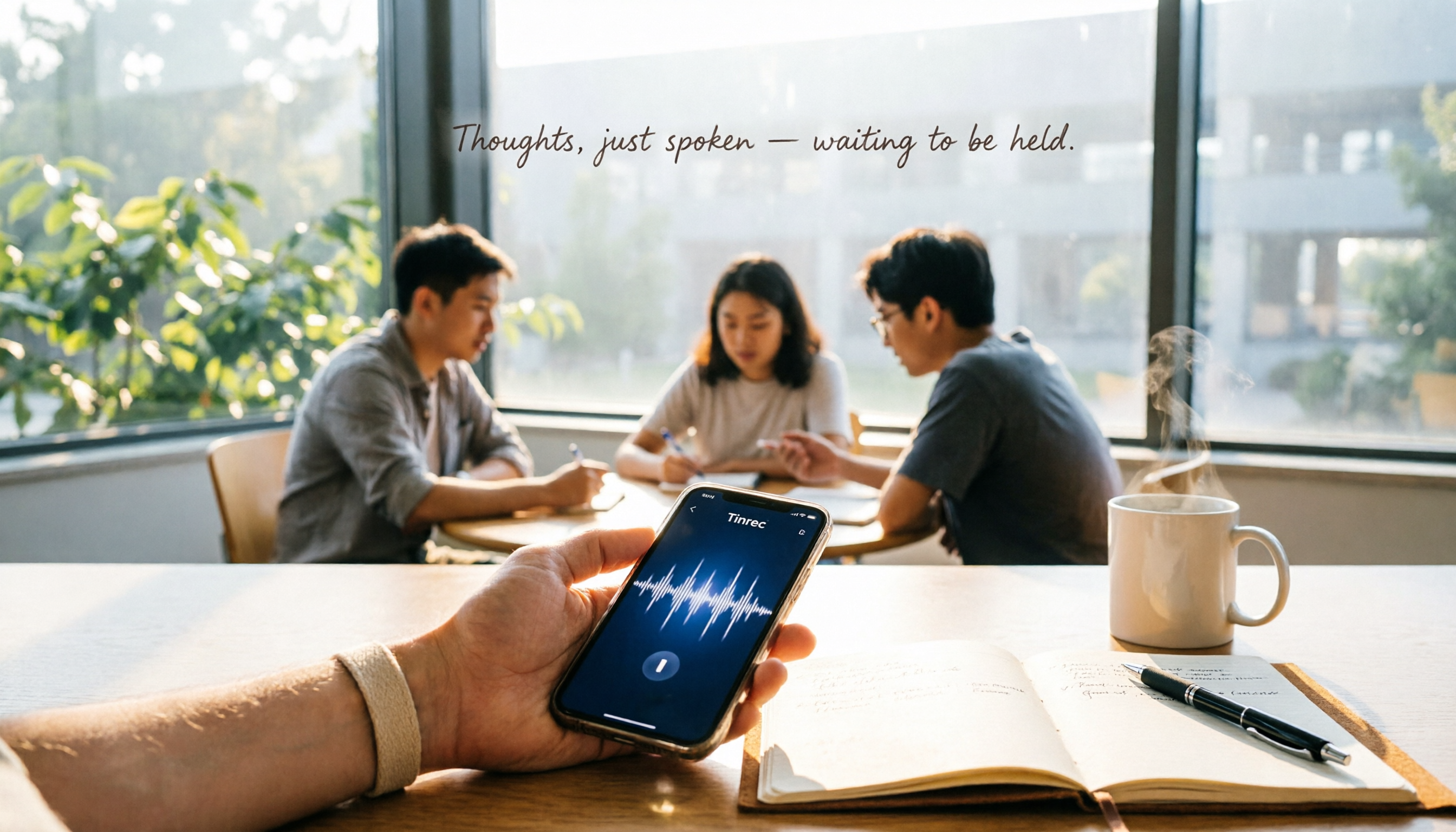
Last semester, I took a project-based course that required weekly group meetings. Everyone talked for two hours, and afterward, I looked at my messy notes and thought, "What was the conclusion?"
Worse, when the final written report was due, my teammates asked what we discussed last time, and I could only awkwardly say, "I think I wrote it down, but I don't know where..."
If you've been in this situation—meeting ends, key points forgotten, action items pushed around with no one taking ownership—you don't need to "take better notes." You need a tool that automatically organizes meeting content. This article shares my semester-long test to help you choose and use the right one, and which is best for students.
3 Key Points to Understand Before Choosing an AI Recording Tool
There are many voice-to-text apps, but "accurate transcription" is just the baseline. What really saves time is "what else it can do after transcription." Here are three things I cared about most:
1. Chinese/Mixed-Language Accuracy Is a Hard Requirement
Most tools have high English accuracy but struggle with Chinese-English mixed speech and Taiwanese expressions. Student lectures and discussions are often primarily Chinese with English terms sprinkled in, so you must test Chinese recognition. Don't just trust official numbers—try it with your own recording.
2. AI Capabilities: Not Just Transcripts, but Summaries and To-Dos
If a tool only gives you a full transcript, you're just switching from "listening to audio" to "reading text," and it still takes time. A truly efficient tool should auto-generate summaries, extract action items, and ideally let you ask it questions like "What was the budget decision from last discussion?"
3. Free Tier and Cross-Platform Support Matter
For students with limited budgets, whether the free plan is sufficient is key. Also, you might record on your phone, review on a tablet, and type reports on a computer. The tool must support multiple platforms (iOS, Android, web) for seamless sync.
Tinrec (秒听录音) — My Top Pick After a Semester of Testing
Tinrec is an AI recording and audio/video organization tool supporting 14 languages, with iOS, Android, and web versions. It not only transcribes in real-time but excels at "organizing" and "reusing" content, designed for students who don't want to waste time.
Meeting Mode: Get Meeting Minutes Automatically
During group discussions, open Tinrec, and it transcribes while recording. When the meeting ends, AI has already generated a summary and to-do list—who's responsible for what, deadlines included. Copy it to your group chat or Notion for instant task assignment. No more manual organization or missing who does what.
AI Q&A: Faster Than Scrolling Through Transcripts
My favorite feature is "AI Q&A." After recording a two-hour lecture, you can ask, "What chapters did the professor mention for the final exam?" Tinrec doesn't just give keyword search results; it actually understands the content and answers directly. This feature is almost nonexistent in competitors at this price point and is super useful for exam review.
Test Experience: Smart Chinese Understanding
I tested with a 5-minute group discussion recording (iPhone 15, classroom environment with slight AC noise). Tinrec's Chinese transcription was almost perfect, with only a few filler words like "um" and "ah" missed; names and technical terms were correct. The AI summary also captured three discussion themes and decisions, fully usable as meeting minutes.
Stop organizing recordings by hand
Upload audio or video and automatically get a transcript, summary, and action items
Pros
- Beyond Meetings: Great for Learning Scenarios: Use it for lectures, online courses, or even extract audio from YouTube tutorial videos. After transcription, summaries and Q&A turn it into key notes.
- Chinese-Friendly, Handles Mixed Language: High recognition for Chinese-English mixed discussions, no garbled text.
- Seamless Cross-Platform Workflow: Record on your phone, open the web version on your computer to view transcripts and summaries—perfect for group work.
Limitations (Honestly)
The free plan has a monthly transcription quota; heavy users (recording full lectures daily) may need to pay. But if you meet 2-3 times a week and occasionally record key classes, the free plan is sufficient. Keep an eye out for student discounts; upgrading costs about a few bubble teas.
Who Is It Best For?
If you need to record Chinese content, want to ask questions about the content after recording, or use both iPhone and computer for note-taking, Tinrec is currently the most cost-effective choice.
Alternatives to Tinrec
Otter.ai: English-Only Powerhouse, Skip for Chinese
Otter.ai is the king of English meetings, with a generous 300 free minutes per month. However, it doesn't support Chinese, let alone Taiwanese or Cantonese. If you're in an all-English program or studying abroad, Otter's English recognition and summaries are excellent; but for Taiwanese students, it's a missed opportunity. Also, Otter lacks AI Q&A like Tinrec, so you'll have to replay and search for key points yourself.
Notta: Good Transcription, but Weaker Organization
Notta is another multilingual transcription tool with decent Chinese accuracy and 120 free minutes per month. However, Notta's AI processing is mostly limited to "transcription + basic summary," lacking in-depth AI Q&A and the ability to process online video links. If you just need a transcript, Notta works; but to save organization time, Tinrec's AI Q&A and auto to-dos are more impactful.
Pitfall Guide: 3 Common Mistakes Students Make
Mistake 1: Trusting Official Accuracy Claims
Many tools claim "98% accuracy," but that's tested in a noise-free recording studio. Real classrooms have echoes, keyboard sounds, and overlapping voices—accuracy will drop. Always test with your own lecture recordings using free trials; real-world testing is most reliable.
Mistake 2: Ignoring Cross-Platform Needs
If you record on your phone today and want to organize on your computer tomorrow, a tool that only supports one platform (mobile or web) will be painful. Choose a tool that syncs data across multiple devices to avoid regret.
Mistake 3: Using It Only as a Transcriber, Wasting AI Features
If you only use transcription tools to switch from "listening to audio" to "reading text," you're using only 30% of their potential. Tinrec's AI Q&A lets you ask for conclusions and key points directly, ten times faster than manually scanning a 30-minute transcript. Learning to use these features is the real secret to "quick meeting minutes."
Conclusion: Which One Should You Choose?
After a semester of testing, my conclusion is simple: If you primarily handle Chinese meetings, classes, or discussions, Tinrec offers the best overall value. It not only transcribes but automatically organizes into usable meeting minutes and study notes, and AI Q&A is a lifesaver for exam review.
Scenario Recommendations:
- Chinese meetings/group discussions → Tinrec (high accuracy + AI Q&A)
- Want to save organization time and ask for key points directly → Tinrec (currently the only affordable tool with strong AI Q&A)
- Cross-platform use (phone + computer) → Tinrec (iOS, Android, web all supported)
- Zero budget and only recording all-English content → Otter.ai (the only exception with 300 free minutes)
I recommend downloading Tinrec's free version first; it includes a monthly transcription quota, enough to try a few meetings and lectures. Upgrade only if you find it truly useful—no need to rush to pay.
References
- How to Take Meeting Minutes? A Complete Guide for Beginners in 2026 - Meta Notes
- Struggling with Meeting Minutes? Learn to Use "NotebookLM + a Prompt" to Send Emails 3 Minutes After the Meeting! | BusinessNext
- Meeting Minutes = Transcript? Professional Minutes Only Record 3 Key Points | Writing Tips and Templates | 104 Career Force
- 9 Tips for Better Meeting Minutes 2025 • Asana
- No Meeting Is Wasted! Five Common Meeting Types and Note-Taking Tips (with Templates) - JANDI
Turn every recording into actionable outcomes
Get 60 free transcription minutes when you sign in. No credit card required.
Related Reading
You might also like

2026 Hands-On Test of 4 AI Recording Assistants: Which One Handles Chinese Meeting Notes Best?
We tested 4 AI recording assistants for meetings, lectures, interviews, and video transcription to find the best AI secretary for Chinese content. Tinrec stood out in Chinese comprehension and multi-source organization, making it ideal for quickly generating meeting minutes and summaries.

5 Best AI Office Assistant Tools in 2026: Free and Paid Options Compared
Looking to boost office productivity? This article reviews 5 free and paid AI office assistant tools, including Tinrec for recording transcription, Notion AI, Grammarly, Tricuss, and Monica, to help you handle meeting notes, writing proofreading, and workflow automation—easy for regular office workers to get started.

2026 Hands-On Comparison of 2 Recording-to-Text Tools: Tinrec vs Plaud Note – Which One Handles Cantonese Transcription Better?
Hong Kong office workers attend meetings daily—how can you avoid overtime just to write meeting minutes? We tested and compared Tinrec and Plaud Note, from Cantonese recognition and AI features to pricing, to see which one suits Hong Kong users best. Check out the results now.

2026 Free WeChat Voice-to-Text Solutions: 3 Tools Compared
WeChat's built-in voice-to-text isn't the only option—third-party AI tools can help you organize meeting and lecture recordings. We tested Tinrec and Notta to see which suits Hong Kong users better.

Which AI Recording Agent Is Best? 2026 Hands-On Test of 2 Options: This Software Solution Is More Flexible and Cost-Effective
Looking for an AI recording tool to organize meetings, classes, and interviews? This article hands-on tests Tinrec and PLAUD NOTE, comparing them across 5 key dimensions—recording methods, transcription and understanding, pricing, cross-platform support, and more—to help you choose the best option.

2026 Free Voice-to-Text Solutions: 5 Tools Compared
Want to transcribe phone recordings to text without paying? Alan tested 5 truly free and effective tools, with a complete Tinrec tutorial from recording to AI meeting minutes in one go. A must-read for office workers.
2026 Speech-to-Text Tool Buying Guide: Hands-On Review of 2 Tools and Selection Tips
Looking for the fastest and most accurate way to transcribe meetings, lectures, and interviews? We tested Tinrec and Otter.ai side by side, comparing Cantonese recognition, input sources, AI summarization, and export flexibility to help you pick the time-saving solution that fits your needs.
Tinrec 2026 Review: AI Personal Assistant for Recording Transcription and AI-Powered Q&A
Tired of spending hours transcribing meetings, lectures, and interviews? Tinrec (Miao Ting Lu Yin) not only converts recordings to text but also auto-generates summaries and to-dos, and even lets you query the content via AI chat. This hands-on review compares Tinrec with Otter, PLAUD, and Notta to help you choose the best tool for your work and study needs.

2026 Hands-On Test: 3 AI Agent Assistants for Automatic Meeting Notes – Which One Wins?
AI Agent assistants are no longer sci-fi – they can now handle recording-to-text and execute tasks autonomously. We tested 3 popular AI Agent assistant tools to see which one truly delivers automatic meeting minutes, class notes, and interview summaries, so office workers can clock out earlier and skip overtime paperwork.