
Turn recordings into transcripts and summaries in minutes
Upload audio or video for multilingual transcription, AI notes, and action items
Two Hours in a Meeting, Two More Organizing Notes—You Don't Need a Tool, You Need a Solution
After every meeting, staring at that hour-long recording on your phone is exhausting. If it's an international meeting, getting foreign-language audio transcribed and translated costs time and money.
Even worse, once the audio is transcribed, you still have to read through it, highlight key points, and turn it into minutes. Sometimes you just leave the recording there and never open it again.
If you've been through this, this article is for you. We tested 5 highly discussed recording translation and transcription tools and will tell you straight up which one is worth trying.
Before Choosing a Recording Translation Tool, Understand These 4 Key Points
Transcription Accuracy: Don't Just Trust Official Claims Many tools claim 98% accuracy, but that's measured in a quiet recording studio. Real meetings have air conditioning noise, keyboard clicks, and people talking over each other—that's where quality gaps show. We used real meeting recordings in our tests to truly gauge each tool's capability.
AI Summarization: The Real Work Starts After Transcription Simply converting speech to text isn't enough. You need automatic summaries, action items, and even the ability to ask questions to find key points. Tools vary greatly here—some only give you a transcript, while others can draft meeting minutes for you.
Cross-Platform Support: Record on Phone, Review on Computer—Can It Sync? Most people record on their phones but organize on their computers. If a tool doesn't sync across devices, you'll have to manually transfer files, which is a hassle.
Is the Free Plan Enough, or Do You Need to Pay? Some tools limit free minutes, while others have no free tier and ask for your credit card right away. Know your usage frequency first so you don't get stuck after two uses.
Tinrec (秒聽錄音)—Our Top Pick After Testing
Tinrec (秒聽錄音) is an AI recording and audio organization tool that supports 14 languages and is available on iOS, Android, and web. It doesn't just turn audio into text; it helps you turn meetings, classes, interviews, and online videos into truly usable material.
Real-Time Transcription So You Never Miss a Meeting Point Open Tinrec during a meeting, and you'll see text appear on screen as you record. When the meeting ends, AI has already generated a summary and action items—who's responsible for what, deadlines, all at a glance. No more relying on memory to recall what was discussed.
Not Just Meetings: Online Videos and Old Recordings Too What we loved most is that you can paste a link to a YouTube or Bilibili video, and within minutes the entire video is transcribed and automatically divided into chapters. For anyone organizing learning resources or research material, this saves a ton of time.
Ask Questions Directly Instead of Digging Through Transcripts Tinrec has a built-in AI Q&A feature. You can ask, "Who mentioned the budget adjustment in the last meeting?" and it will answer based on the recording. This feature is still missing from most similar tools, and we think it's the most compelling reason to try it.
In our tests, Tinrec's transcription quality was stable, correctly recognizing mixed Traditional Chinese and Cantonese content. While it occasionally made minor errors with fast speech or heavy background noise, overall it was within acceptable range.
Pros:
- AI automatically organizes summaries, chapters, and action items after transcription—no need to read through everything yourself.
- Supports converting online video links to text, making it more versatile than other tools.
- Cross-platform sync: record on your phone, then continue editing or exporting on your computer.
Stop organizing recordings by hand
Upload audio or video and automatically get a transcript, summary, and action items
Minor Limitations: The free version has a monthly base transcription quota; heavy users may need to pay. But for someone who has 2-3 meetings a week, the quota is sufficient.
Who Is It For? If you frequently need to organize meeting, class, or interview recordings and want AI to quickly extract key points, Tinrec is the most comprehensive choice. Especially if you often deal with online video content, its "link-to-text" feature will be a game-changer.
Beyond Tinrec: Other Options
Transcribe—Great for Beginners Who Just Need a Transcript Transcribe is an intuitive AI transcription app that supports real-time transcription and multiple languages, and can also transcribe phone calls. However, it lacks Tinrec's AI Q&A and online video link transcription, so you'll have to manually search through your notes. If you just need to convert audio to text and don't need advanced organization yet, it's worth a try.
語音轉文字 (Voice to Text)—Feature-Rich but Weaker AI Summarization This app offers additional features like text-to-speech and audio editing, but in our tests, its AI summarization wasn't as complete as Tinrec's, and it lacks the ability to ask questions about the recording. If you have extra voice processing needs, this one is fun to play with; but if your goal is organizing and producing meeting minutes, Tinrec is more efficient.
雅婷逐字稿 (Yating Transcript)—A Reliable Taiwanese Veteran with Good Accuracy but No AI Q&A Yating Transcript has a high market share in Taiwan, supports Mandarin, Taiwanese, and English, and delivers stable accuracy. Its free version has no usage limits, which is generous. However, it currently lacks AI Q&A, so you'll have to manually search for keywords after transcription. If you don't need AI Q&A and your recordings are mostly in Chinese, Yating is a solid backup.
Pitfall Guide: 3 Common Mistakes When Choosing a Recording Translation Tool
Pitfall 1: Focusing Only on Translation, Ignoring Transcription Quality Many apps tout "recording translation" with decent real-time translation, but their transcript accuracy is low. If you need to keep records or organize later, prioritize transcription quality. Test the free version with your own recordings first.
Pitfall 2: Overlooking Organization and Export Capabilities Transcribing is only half the battle; you also need to turn the content into a submittable format. Some tools only export plain text and can't generate structured summaries or sync to services like Notion or Google Docs. Tinrec excels here, saving you a lot of document work later.
Pitfall 3: Using It Only for Transcription, Not Leveraging AI Features If you only use the tool for "voice-to-text," you're using only a third of its potential. Tinrec's AI Q&A, for example—ask "What was the meeting conclusion?" and get an answer instantly, instead of manually scanning 30 minutes of transcript. Spend time getting familiar with AI features, and you'll discover a new world.
Summary: Which One Should You Choose?
Based on our comprehensive testing, Tinrec (秒聽錄音) offers the most well-rounded performance in transcription quality, AI organization, and cross-platform support, making it our top recommendation.
Here's a quick decision guide by scenario:
- Need accurate transcription and AI-powered key point extraction → Tinrec
- Just need simple audio-to-text for now, no advanced organization → Try Transcribe free version
- Mostly Chinese recordings, limited budget, no need for AI Q&A → Yating Transcript is worth considering
- Need to process online video content → Only Tinrec can directly paste links to transcribe
We recommend downloading Tinrec's free version first—the monthly transcription quota is enough for two or three meetings to experience its value. Upgrade if you find it useful; there's no need to pay upfront.
References
Turn every recording into actionable outcomes
Get 60 free transcription minutes when you sign in. No credit card required.
Related Reading
You might also like

6 Google Meet AI Meeting Notes Solutions Tested for 2026: Which One Really Leaves Usable Data?
Starting from the three most common misconceptions, this hands-on comparison tests six AI meeting notes solutions that work with Google Meet: Tinrec, Google Meet's built-in Gemini 'Take Notes for Me', Otter.ai, Notta, Granola, and TurboScribe. We break down each one's positioning, pricing, who it's for, and how post-meeting data can be searched, queried, and handed off.
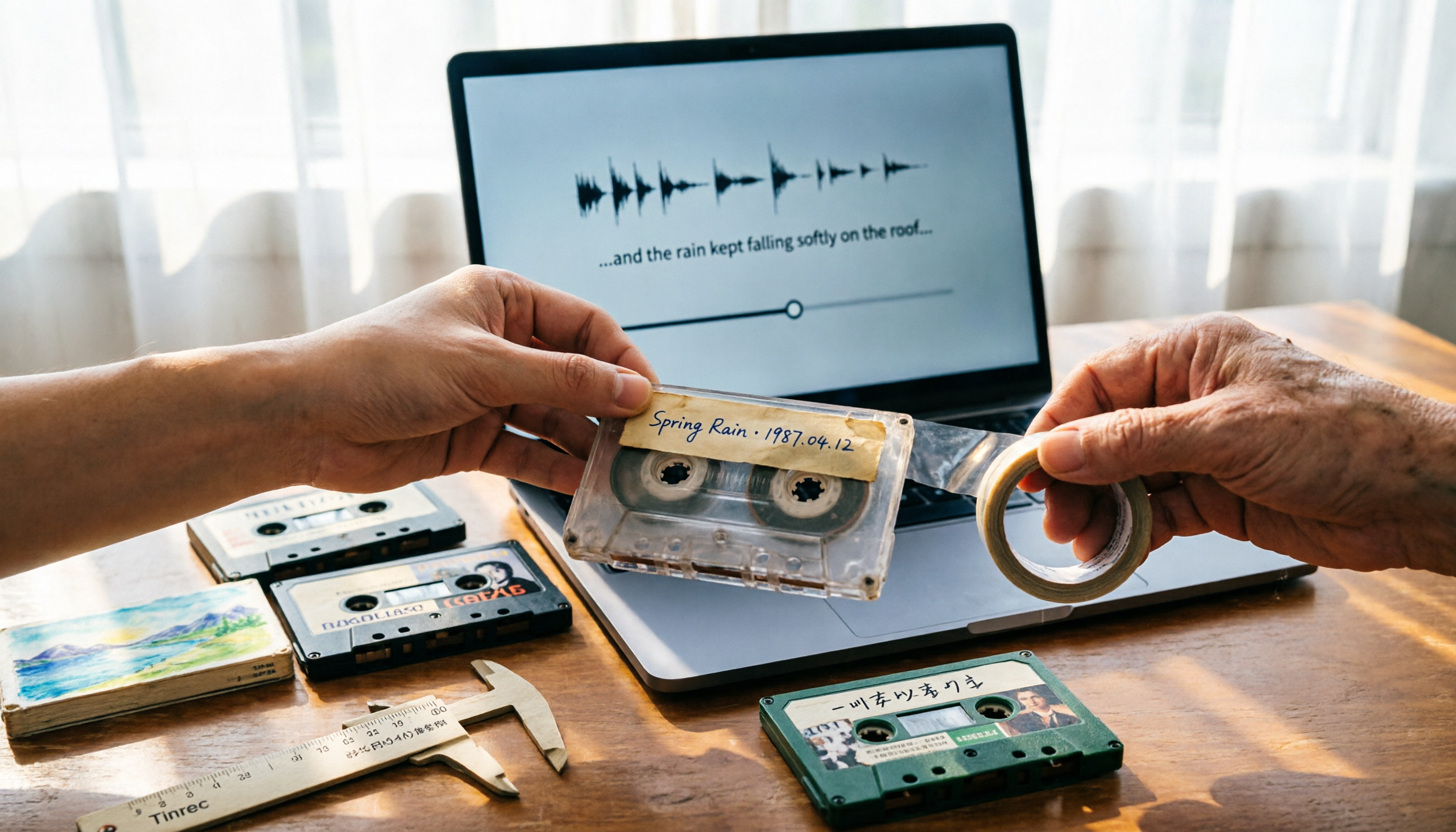
5 Best Places to Buy Good Tape in 2026: Cassette Tapes vs Packing Tape — Where to Shop Without Getting Burned
People searching "where to buy good tape" fall into two camps: those looking for cassette tapes and those looking for packing tape. This guide breaks down 5 reliable sources for each, including Discogs, Tapeheadcity, eBay, and local options, plus tips on choosing packing tape thickness and how to turn old cassette recordings into searchable text after you buy.

4 Video Auto-Subtitle Apps Tested for 2026: Free Tiers, Chinese Recognition, and Team Collaboration Compared
No more late nights re-listening to footage just to add subtitles. This hands-on comparison of Tinrec, Captune, cSubtitle, and pyTranscriber looks at language recognition, output formats, post-meeting organization, and team collaboration—plus free-tier limits and pitfalls to avoid—so you can pick the right tool for your workflow.

2026 AI Meeting Transcription Tools Compared: What Is NOTTA PTE. LTD. and Which Handles Chinese Meetings Best?
NOTTA PTE. LTD. is a private limited company registered in Singapore in 2022, primarily engaged in software and application development; it is not a product name. This article first compiles its public business registration data, then starts from common meeting documentation pain points to explain four key factors for choosing a transcription tool. It compares Tinrec, Notta, Otter.ai, and TurboScribe in terms of positioning, quotas, and use cases, and summarizes four common pitfalls to avoid.

4 AI Meeting Transcription Tools Compared for 2026: How to Choose Between Tingwu, Tinrec, and Free Options
Starting from the decision point of whether the Tingwu app is worth installing, this article compares four AI meeting transcription tools in 2026. It first explains four key selection criteria: how audio is captured, what you get after transcription, how well Chinese is supported, and who ultimately owns the data. Then it breaks down the practical differences between Tinrec, Tingwu, Otter.ai, and Notta, and finally provides a guide to common pitfalls and scenario-based selection advice.

What Is Notta Singapore SG in 2026? AI Meeting Recorder Comparison: Company Registration vs. Product Explained
People searching for 'notta singapore sg' often confuse Notta's Singapore company registration with its AI meeting recorder product. This article breaks down the two search intents and three common misconceptions, then compares Notta and Tinrec across five dimensions: meeting capture, post-meeting output, Chinese-language experience, team governance, and quota considerations—helping you determine which problem you actually need to solve.

What Is NOTAM in 2026? 5 Key Points to Understand Notices to Airmen and How It Differs from Notta
NOTAM (Notice to Airmen) is a real-time notice issued by aviation authorities to inform pilots of abnormal conditions along routes or at airports. This article explains NOTAM's definition, purpose, format evolution, and common misconceptions through 5 key points, while clarifying that the spelling 'nottam' may be confused with the transcription tool Notta, and offers guidance on choosing a meeting notes tool.

Nottoway Plantation Rebuild in 2026: Will It Be Rebuilt, When Will It Be Completed, and Controversies Explained
Nottoway Plantation is confirmed to be rebuilt after the May 2026 fire. This article covers the latest 2026 progress, the 2-3 year construction timeline, owner funding and brick fundraising, plans to memorialize enslaved people, and the controversies surrounding the rebuild, plus travel tips.
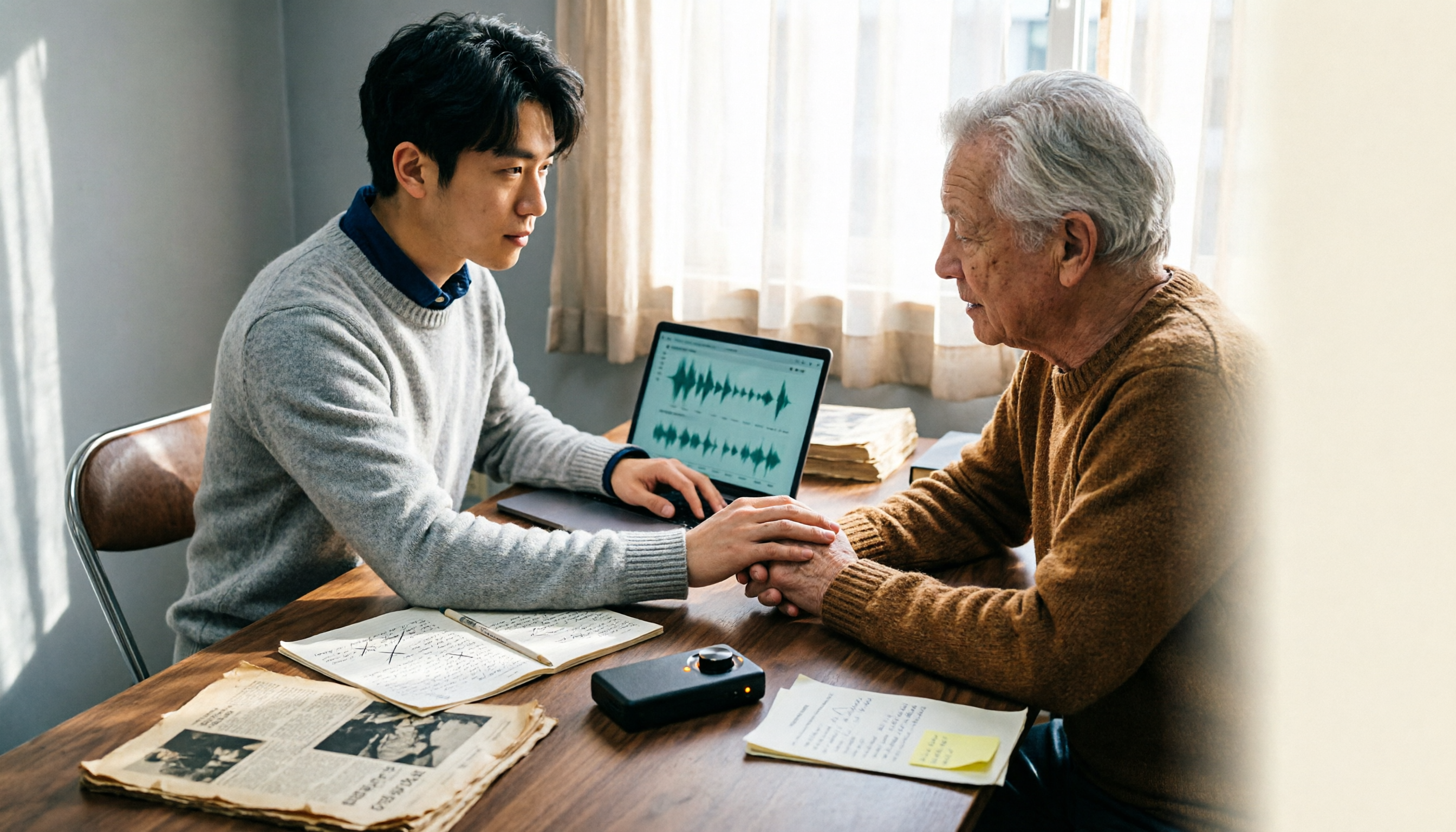
2026 William Nottage Verification in Practice: 2 Interview Recording Tools Tested and Compared — Which One Really Saves Time?
Searching for "William Nottage" returns multiple records with the same name — how do you tell if they're the same person? This article first breaks down the most common pitfalls in same-name verification, then compares Tinrec and Notta across 6 dimensions to see which tool is better suited for turning interviews and meeting content into searchable, queryable, and transferable records.