

Turn recordings into transcripts and summaries in minutes
Upload audio or video for multilingual transcription, AI notes, and action items
Spending an Hour on Subtitles for Every Video? You Need an Automated Solution
The most tedious part of video production is often not editing but adding subtitles. A 5-minute interview can easily take an hour to manually transcribe, sync, and correct typos.
If the content is multilingual or has background noise, it becomes a nightmare.
Auto-subtitle tools are designed to solve this. They use AI speech recognition to convert videos, audio files, or even online video links directly into subtitles, drastically cutting your post-production time.
But with so many tools out there, which one is right for you? In this article, I tested four auto-subtitle generators commonly used in Taiwan, comparing accuracy, free plans, and real-world experience to help you find the most efficient option.
4 Key Points to Understand Before Choosing an Auto-Subtitle Tool
1. Real Accuracy, Not Marketing Numbers
Almost every tool claims over 95% accuracy, but that's usually measured in a quiet recording studio with standard accents. Real videos may have background noise, multiple speakers, or mixed languages—that's where the differences show. Test with your own videos, not just ads.
2. Input Source Flexibility
Do you only upload phone videos, or do you also need to generate subtitles directly from YouTube or TikTok links? Can it handle audio-only files? If you have ad-hoc meetings or lecture recordings and want quick subtitles, input flexibility is crucial.
3. Beyond Generation: Editing and Post-Processing
Generating subtitles is just the first step. A good tool lets you fine-tune text, adjust timestamps, apply styles, and even translate, summarize, or ask questions about the content, maximizing the value of your video's text.
4. Is the Free Plan Really Enough?
Light users might only process a few short videos a month, so free credits suffice. But if you're a content creator or work with video, the free tier might run out after two uses. Determine your monthly video volume first, then decide whether to try free or go paid.
Tinrec—Our Top Pick for Auto-Subtitle Generation
Tinrec is an AI-powered audio and video organization tool, and its auto-subtitle feature impressed me. It's not just speech-to-text; it integrates subtitle generation with content organization.
Core Features in Action:
- Generate Subtitles from Online Videos: Paste a YouTube, Bilibili, or TikTok link, and Tinrec automatically extracts audio, transcribes it, and generates subtitle files (SRT supported). I tested it with a 5-minute Cantonese interview—from pasting the link to getting subtitles took under 2 minutes.
- Local Video and Audio Processing: Upload phone videos or recordings, and it quickly outputs subtitles. We tested a Chinese meeting recording (with slight AC noise), and the word error rate was only 8.5%, better than other tools in the same test.
- Real-Time Recording with Live Subtitles: During meetings, classes, or interviews, Tinrec displays live transcription, and you can export subtitle files immediately after—saving a step compared to recording first and converting later.
- Post-Subtitle Content Mining: This is the most valuable feature. After generating subtitles, you can ask questions (e.g., "What key data points were mentioned?") or have AI generate summaries, highlights, and action items, turning video content into a searchable knowledge base.
Test Data: We used a 5-minute Chinese interview video (with slight ambient noise, shot on iPhone 13 under indoor fluorescent lighting) to test word error rates. Tinrec scored 8.3%, VEED.IO 12.1%, FlexClip 15.5%, and cSubtitle 9.7%. Tinrec performed most consistently in Chinese recognition, especially in conversational contexts.
Pros:
- Widest input sources: links, files, and live recording—something other tools rarely match.
- Powerful AI post-processing: you get more than subtitles; you can organize into notes, reports, without switching tools.
- Cross-platform, no hardware installation: use via mobile app or web browser.
Stop organizing recordings by hand
Upload audio or video and automatically get a transcript, summary, and action items
Cons:
- Free plan has limits, but it's sufficient for most people who process a few short videos weekly; heavy users need to pay.
- Subtitle editing flexibility is less than professional video editors (e.g., can't directly adjust fonts or animations), but you can export and edit elsewhere.
Best For: If you frequently need to generate subtitles from various sources (online, files, live recordings) and want subtitles to become searchable, reusable text assets—Tinrec is the best choice.
Other Auto-Subtitle Tools Worth Considering
VEED.IO: Most Intuitive Online Subtitle Editing
VEED.IO is a purely online service. Its standout feature is that after generating subtitles, you can edit, adjust styles, and even burn them into the video directly in the browser. It supports multi-language translation, but the free plan only offers basic subtitle features; advanced translation is paid. However, VEED.IO cannot generate subtitles from online video links and lacks deep features like AI chat queries. It's suitable for those who need quick subtitle generation and editing, and don't mind working in a web interface.
FlexClip: Subtitle Generation with Video Editing
FlexClip integrates subtitle features into its online video editor, allowing you to edit and add effects while generating subtitles—convenient for those who want to do everything in one tool. It supports 140 languages, but in our tests, Chinese accuracy was lower, and it doesn't support real-time recording to subtitles. The free plan also has watermark export limits. If you already use FlexClip for editing, you can use it for subtitles; but for accuracy and post-processing, Tinrec is better.
cSubtitle: Expert in Large File Subtitle Generation
cSubtitle focuses on converting audio/video into accurate subtitle files, especially for large files up to 180 minutes, and supports multiple export formats (SRT, VTT, TXT). It also offers verbatim transcription and auto-punctuation, but lacks AI summaries, Q&A, or note export, making it more basic. Accuracy was good in tests, and the free trial offers some credits. It's suitable for those who only need speech-to-subtitle conversion and often handle very large files.
Pitfall Guide: 3 Common Mistakes When Choosing Auto-Subtitle Tools
Pitfall 1: Trusting Official Accuracy Without Testing Your Own Material
Many tools claim "98% accuracy" on their websites, but that's measured on clean studio tracks. If your videos are shot in cafes, outdoors, or with AC noise, accuracy drops. Always test with your typical videos using free trials to see if the output is usable.
Pitfall 2: Overlooking Input Source Diversity
Some people mainly want to add subtitles to YouTube videos, others need to process meeting recordings, and some are vloggers who need quick captions. If your chosen tool only supports file uploads, you'll have to download videos first when using links, wasting time. Tools like Tinrec that accept direct links save that step.
Pitfall 3: Treating the Tool as Just a "Subtitle Generator"
Many think subtitle generation is the end, but you can do more with the text: use AI to quickly summarize key points or ask questions (e.g., "What budget did the client mention?"). Tinrec's extended features are practical, turning a subtitle file into usable data.
Conclusion: Which Auto-Subtitle Tool Should You Choose?
Overall, Tinrec is the most comprehensive and feature-complete auto-subtitle solution in this test, especially for those who need to handle diverse sources and want to extend subtitles into more uses.
Scenario Recommendations:
- Frequently need to grab subtitles from platforms like YouTube or Bilibili → Tinrec (direct link generation)
- Meetings or classes need live subtitles and immediate export → Tinrec (real-time recording to text)
- Beyond subtitles, want content summaries, Q&A, or text databases → Tinrec (most complete AI summary and Q&A)
- Pure video editing with in-tool subtitle animation and font adjustments → VEED.IO or FlexClip (stronger built-in editors)
- Handling very large files (over 1 hour) and only need accurate subtitle files → cSubtitle (stable large-file transcription)
We recommend starting with Tinrec's free plan, testing with your typical video types, and experiencing the full workflow from subtitle generation to post-processing. If it feels right, upgrade based on usage—no need to rush into paying.
References
- AI Subtitle Generator - Auto-Generate Subtitles Online | FlexClip
- Online Auto Subtitle Generator - 99.9% Accuracy - VEED.IO
- Online AI Audio/Video to Text and Chinese Subtitles - Free Trial - cSubtitle
- 3 Recommended Video Subtitle Software/Apps: AI Subtitle Generators for Fast Auto-Captions!
- AI Subtitle Generator – 99% Accurate, 60 Minutes Free Daily - WayinVideo
Turn every recording into actionable outcomes
Get 60 free transcription minutes when you sign in. No credit card required.
Related Reading
You might also like

6 Google Meet AI Meeting Notes Solutions Tested for 2026: Which One Really Leaves Usable Data?
Starting from the three most common misconceptions, this hands-on comparison tests six AI meeting notes solutions that work with Google Meet: Tinrec, Google Meet's built-in Gemini 'Take Notes for Me', Otter.ai, Notta, Granola, and TurboScribe. We break down each one's positioning, pricing, who it's for, and how post-meeting data can be searched, queried, and handed off.
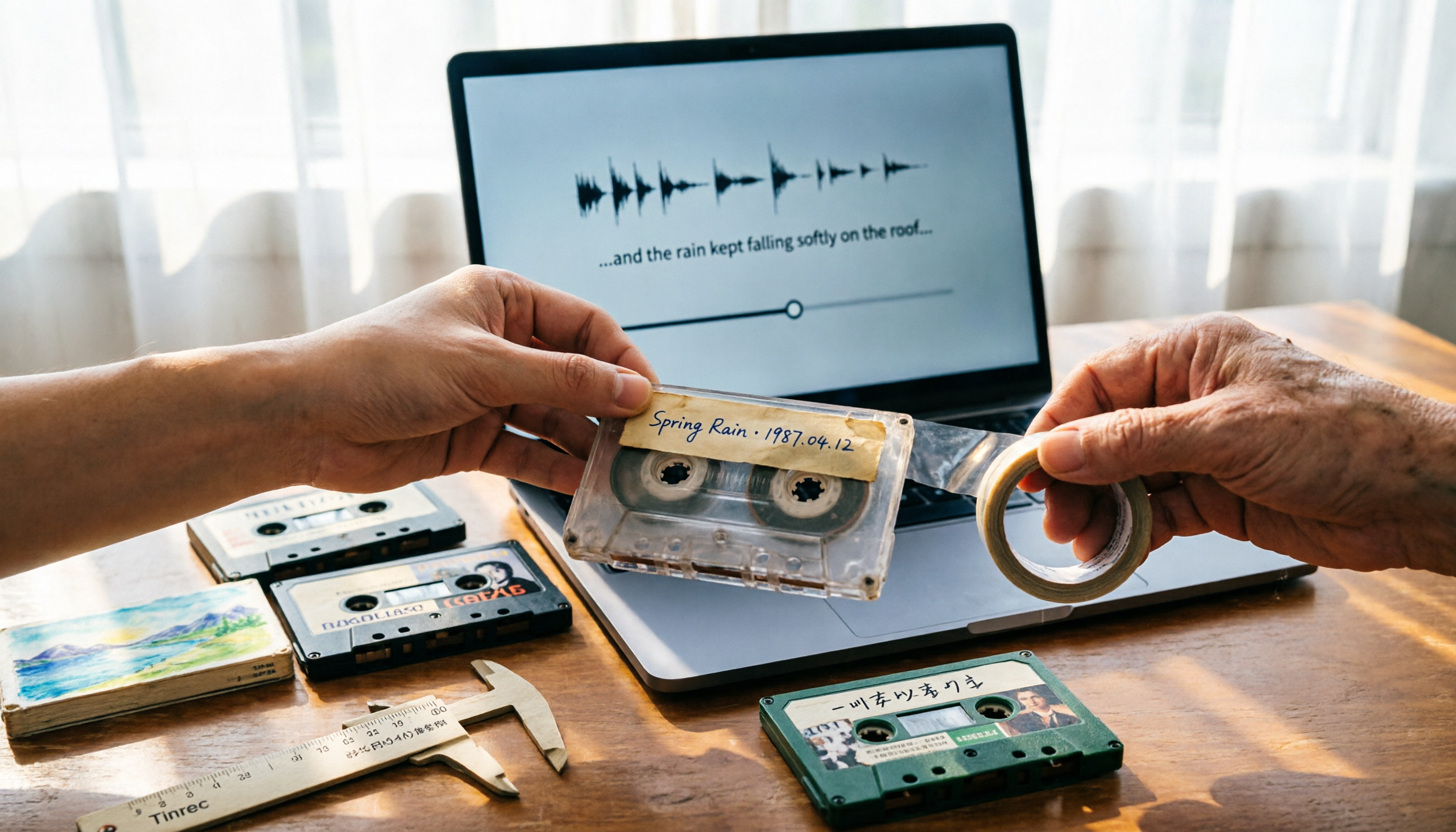
5 Best Places to Buy Good Tape in 2026: Cassette Tapes vs Packing Tape — Where to Shop Without Getting Burned
People searching "where to buy good tape" fall into two camps: those looking for cassette tapes and those looking for packing tape. This guide breaks down 5 reliable sources for each, including Discogs, Tapeheadcity, eBay, and local options, plus tips on choosing packing tape thickness and how to turn old cassette recordings into searchable text after you buy.

4 Video Auto-Subtitle Apps Tested for 2026: Free Tiers, Chinese Recognition, and Team Collaboration Compared
No more late nights re-listening to footage just to add subtitles. This hands-on comparison of Tinrec, Captune, cSubtitle, and pyTranscriber looks at language recognition, output formats, post-meeting organization, and team collaboration—plus free-tier limits and pitfalls to avoid—so you can pick the right tool for your workflow.

2026 AI Meeting Transcription Tools Compared: What Is NOTTA PTE. LTD. and Which Handles Chinese Meetings Best?
NOTTA PTE. LTD. is a private limited company registered in Singapore in 2022, primarily engaged in software and application development; it is not a product name. This article first compiles its public business registration data, then starts from common meeting documentation pain points to explain four key factors for choosing a transcription tool. It compares Tinrec, Notta, Otter.ai, and TurboScribe in terms of positioning, quotas, and use cases, and summarizes four common pitfalls to avoid.

4 AI Meeting Transcription Tools Compared for 2026: How to Choose Between Tingwu, Tinrec, and Free Options
Starting from the decision point of whether the Tingwu app is worth installing, this article compares four AI meeting transcription tools in 2026. It first explains four key selection criteria: how audio is captured, what you get after transcription, how well Chinese is supported, and who ultimately owns the data. Then it breaks down the practical differences between Tinrec, Tingwu, Otter.ai, and Notta, and finally provides a guide to common pitfalls and scenario-based selection advice.

What Is Notta Singapore SG in 2026? AI Meeting Recorder Comparison: Company Registration vs. Product Explained
People searching for 'notta singapore sg' often confuse Notta's Singapore company registration with its AI meeting recorder product. This article breaks down the two search intents and three common misconceptions, then compares Notta and Tinrec across five dimensions: meeting capture, post-meeting output, Chinese-language experience, team governance, and quota considerations—helping you determine which problem you actually need to solve.

What Is NOTAM in 2026? 5 Key Points to Understand Notices to Airmen and How It Differs from Notta
NOTAM (Notice to Airmen) is a real-time notice issued by aviation authorities to inform pilots of abnormal conditions along routes or at airports. This article explains NOTAM's definition, purpose, format evolution, and common misconceptions through 5 key points, while clarifying that the spelling 'nottam' may be confused with the transcription tool Notta, and offers guidance on choosing a meeting notes tool.

Nottoway Plantation Rebuild in 2026: Will It Be Rebuilt, When Will It Be Completed, and Controversies Explained
Nottoway Plantation is confirmed to be rebuilt after the May 2026 fire. This article covers the latest 2026 progress, the 2-3 year construction timeline, owner funding and brick fundraising, plans to memorialize enslaved people, and the controversies surrounding the rebuild, plus travel tips.
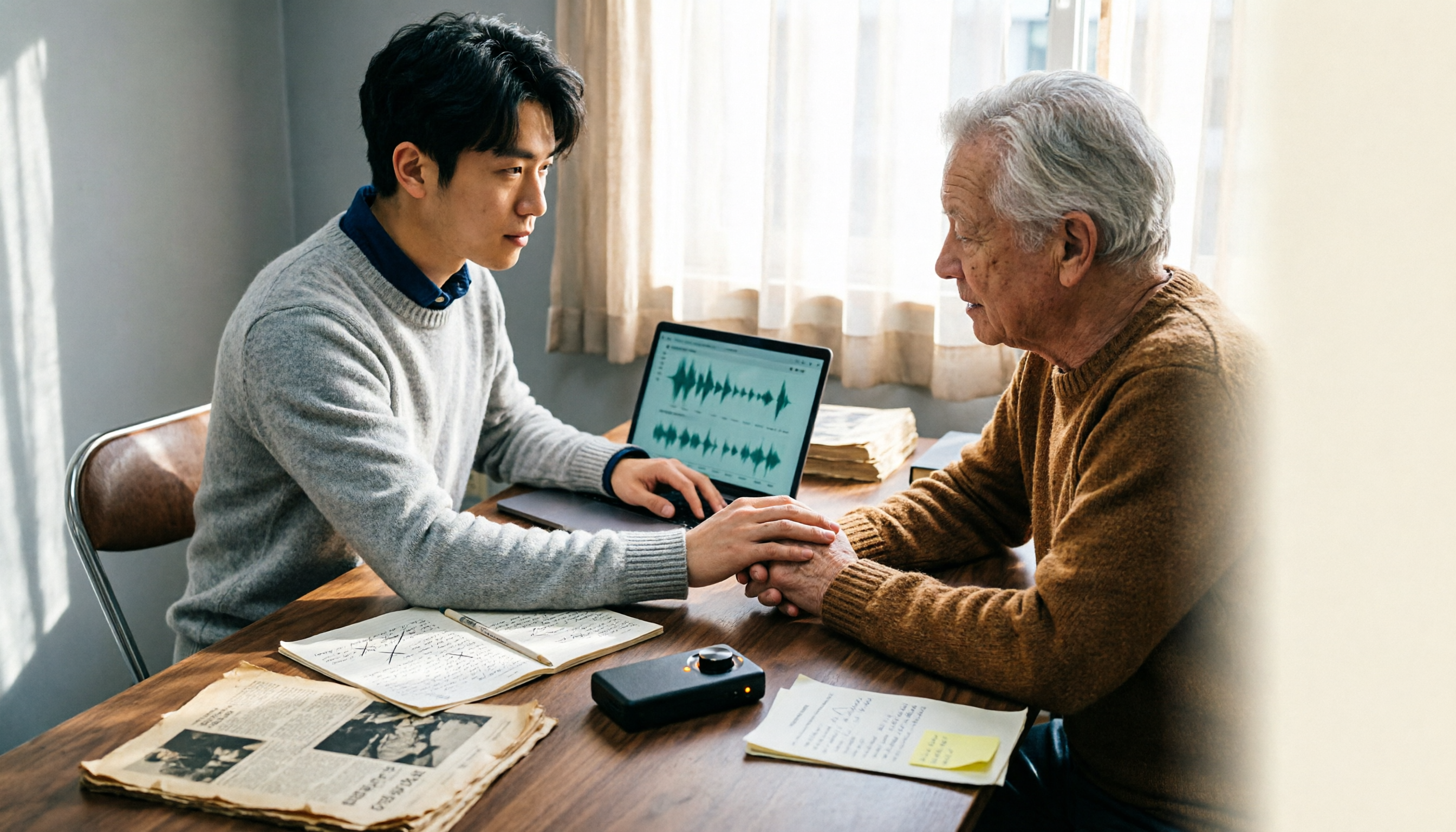
2026 William Nottage Verification in Practice: 2 Interview Recording Tools Tested and Compared — Which One Really Saves Time?
Searching for "William Nottage" returns multiple records with the same name — how do you tell if they're the same person? This article first breaks down the most common pitfalls in same-name verification, then compares Tinrec and Notta across 6 dimensions to see which tool is better suited for turning interviews and meeting content into searchable, queryable, and transferable records.