
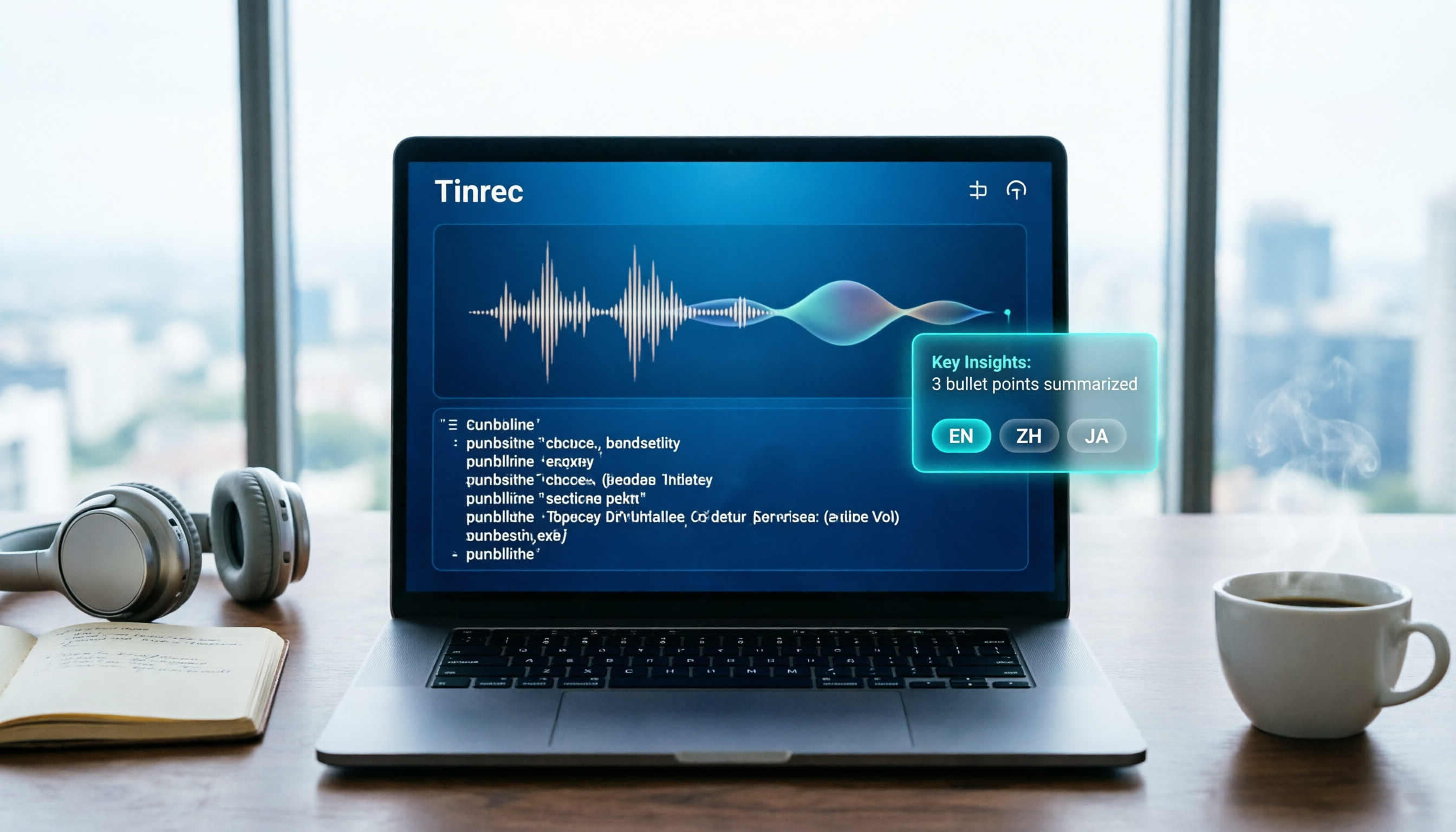
Turn recordings into transcripts and summaries in minutes
Upload audio or video for multilingual transcription, AI notes, and action items
Struggling to keep up with handwritten meeting notes, typing interview transcripts until your hands ache, or letting course recordings sit untouched on your phone—these are common pain points for every professional. Notta, an AI voice-to-text tool, is designed to solve the problem of "recorded but never organized." This tutorial will quickly walk you through how to use Notta, from registration, recording, and transcription to AI summaries, and finally help you decide if it's worth paying for.
What is Notta? A Quick Look at Core Features
Notta is a cross-platform AI recording-to-text tool developed by NOTTA PTE. LTD., supporting web, iOS, Android, and Chrome extensions. It doesn't just convert audio to transcripts; it also uses GPT-4-powered Notta AI to automatically generate summaries, extract action items, translate content, and even answer questions about your recordings. Currently, Notta supports up to 58 languages, making it especially useful for mixed Chinese-English or multilingual meetings.
Key features:
- Real-time recording to text: Transcribe while recording during meetings or classes, reducing manual note-taking.
- Audio file to text: Upload MP3, M4A, WAV, and other files; old recordings can be quickly converted to transcripts.
- AI summaries and key point extraction: Automatically organize meeting highlights and action items.
- Multilingual translation: After transcription, translate into different languages for cross-border collaboration.
- Custom vocabulary and summary templates: Add company names, product names, and other proper nouns to improve accuracy.
- Export options: Export to Notion, Google Docs, OneNote, Dropbox, and more.
How to Use Notta: From Registration to Meeting Minutes
Step 1: Sign Up and Download
Go to the Notta website and sign up with a Google account or email. The free plan doesn't require a credit card and offers 120 minutes of transcription per month (with a 3-minute limit per recording, suitable for testing). Download the mobile app or install the Chrome extension to sync across your phone and computer.
Step 2: Start Recording or Upload Files
- Real-time recording: Click the "Record" button, and Notta will transcribe speech to text in real time, saving both audio and transcript. Ideal for meetings, interviews, and classes.
- Upload audio files: Drag and drop previously recorded audio or video files into Notta, and the system will automatically transcribe them. Supports various common formats.
- Web video to text: Paste a link to a public video like YouTube, and Notta can extract the audio and transcribe it (be mindful of platform policies and copyright).
Step 3: Edit and Organize the Transcript
After transcription, you can directly edit the transcript to correct recognition errors. Notta provides timestamps; click on text to jump to the corresponding audio position for easy verification. In multi-speaker meetings, Notta automatically labels different speakers (accuracy depends on recording quality).
Stop organizing recordings by hand
Upload audio or video and automatically get a transcript, summary, and action items
Step 4: Use AI Summaries and Q&A
Notta AI can generate a structured summary with one click, condensing a one-hour meeting into a few key paragraphs and automatically listing action items. You can also type questions in the chat box, such as "What was the decision in this meeting?" and Notta will find the answer from the recording.
Step 5: Export and Share
Export your organized content as TXT, DOCX, PDF, SRT subtitles, or sync directly to Notion, Google Docs, or OneNote. Team users can also share transcripts and summaries within Notta.
How to Choose a Notta Pricing Plan?
According to official information, Notta offers three plans:
- Free: 120 minutes per month, 3-minute limit per recording, suitable for trials or light use.
- Pro: $8.17/month billed annually ($13.99/month billed monthly), 1,800 minutes of transcription per month, unlocks more AI features and export options.
- Business: $59/month for two seats, featuring unlimited transcription and team collaboration tools.
If you only occasionally transcribe an interview or meeting, the free plan is sufficient; but if you have several meetings to organize each week, the Pro plan offers the best value. Business teams might consider the Business plan, but it's pricey; we recommend trying the 7-day Business trial first (no credit card required).
Who Is Notta For? Who Is It Not For?
Ideal for:
- Professionals who need to quickly organize meeting minutes: AI summaries and action item extraction can save over 50% of organization time.
- Students and researchers: Quickly transcribe class recordings and interview transcripts for easy citation.
- Cross-border teams or language learners: Supports 58 languages, handling mixed Chinese-English meetings.
- People with hearing impairments: Real-time captions help with participation in meetings and classes.
Not ideal for:
- Those who only need recording, not transcription: Built-in recording apps are sufficient.
- Those with heavy long-file transcription needs (e.g., transcribing audio over 3 hours at once): The free plan has limits, and the Pro plan's 1,800 minutes may not be enough; consider other tools like TurboScribe.
- Users seeking local customer support in Taiwan or Chinese-first service: Notta is a Singapore-based company, with technical support primarily in English, though the interface has Traditional Chinese.
Conclusion: Is Notta Worth It?
As an AI recording-to-text tool, Notta ranks among the top in feature completeness and language support. My rating is 8.5/10—it solves the pain point of converting recordings to text, but more advanced AI features (like Notta AI Q&A and templates) require a paid plan, and the free plan's 3-minute limit isn't friendly for long meetings.
If you have a pile of meeting recordings and interview audio files, try the free plan with a recording under 3 minutes to see if the transcription accuracy and summary quality meet your expectations. If you handle recordings daily, the Pro plan at $8.17/month billed annually is a reasonable investment. Remember: tools are aids; always spend 10 minutes quickly reviewing important meeting notes to ensure AI hasn't misunderstood your content.
References
Turn every recording into actionable outcomes
Get 60 free transcription minutes when you sign in. No credit card required.
Related Reading
You might also like
2026 Comparison of 4 Speech-to-Text Tools: Notta Free Plan Limits and Alternatives Explained
Notta's free plan offers 120 minutes per month, which sounds like a lot, but the 3-minute limit per recording makes it hard to complete a formal meeting. This article compares Notta, Otter.ai, TurboScribe, and Tinrec from four perspectives: free quota, export restrictions, Chinese recognition, and online meeting recording methods, to help you determine if the free version is sufficient and when to upgrade.
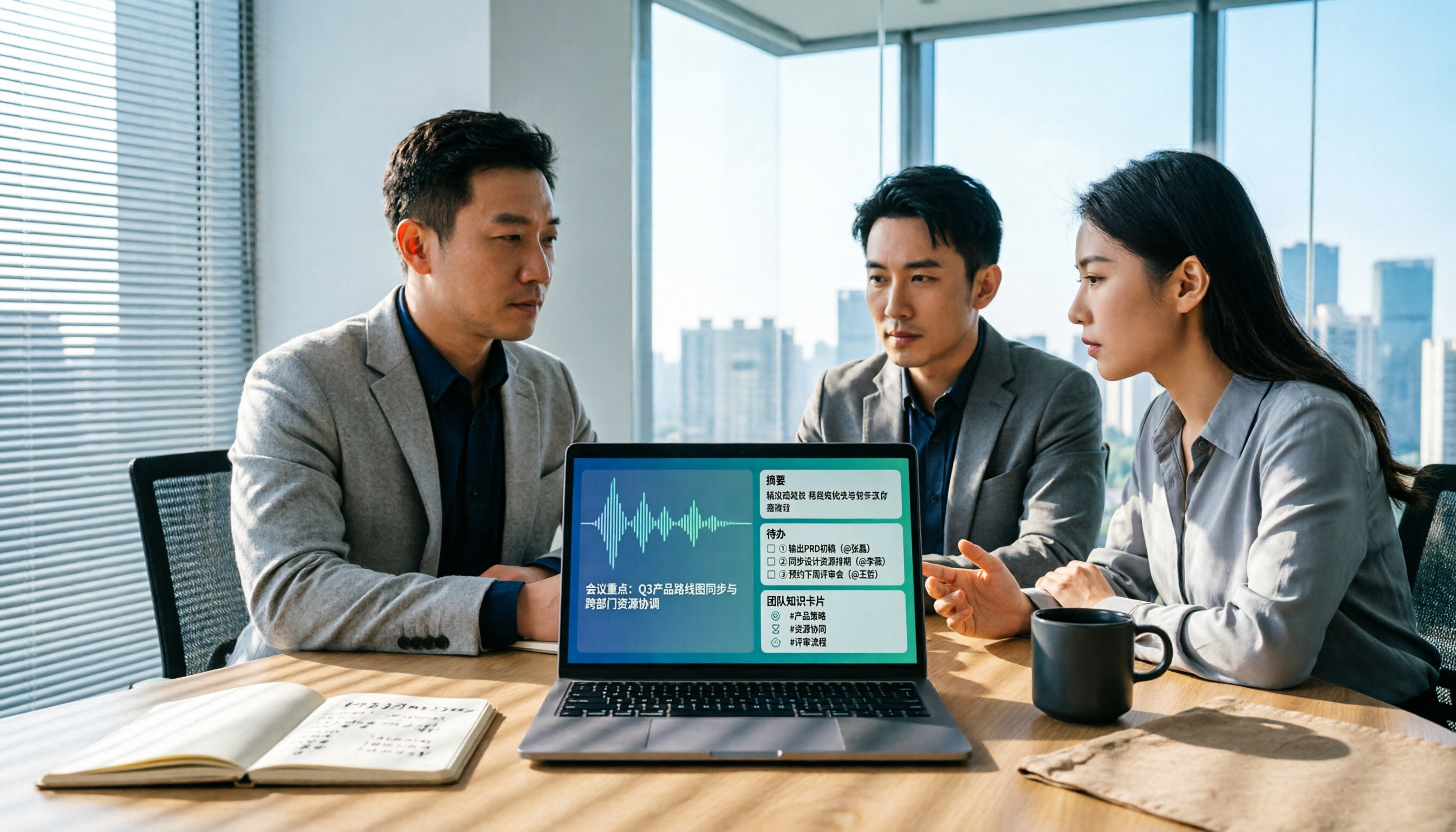
Best AI Meeting Notes Tools in 2026: 4 Tested for Chinese Meetings and Team Knowledge
Vocol news is everywhere, but purchasing decisions hinge on how meeting audio enters the system, what you get after the meeting, and who owns team data. This article breaks down 5 key selection criteria from real-world usage, compares Tinrec, Vocol.ai, Otter.ai, and Notta in positioning, quotas, and team governance, and lists 4 common pitfalls to help you choose the right meeting notes tool within budget.

AI Meeting Transcription Tools Pricing Comparison 2026: How Notta Charges, Which Free Plan Works
Searching for 'how Notta charges' often gets stuck on annual billing conversions, per-segment limits, and team seat calculations. This article breaks down Notta's free, Pro, and Business pricing logic, compares Tinrec, Otter.ai, and TurboScribe's pricing and free quotas, and outlines 4 key points to check before calculating costs and 3 common mistakes, helping you choose a plan that truly fits your usage and budget.

5 AI Speech-to-Text Tools Tested and Compared in 2026: What Is Notta and Is the Free Version Enough?
Notta is a speech-to-text tool that supports multilingual real-time transcription, AI summaries, and translation. Its free version offers 120 minutes per month but only 3 minutes per session. Starting with "What is Notta?", this article organizes the positioning, pricing, and use cases of 5 AI speech-to-text and meeting notes tools to help you decide if the free version is enough and which one to choose.

2026 AI Meeting Transcription Tools Compared: What Is Notta, and How to Choose Between Tinrec and Otter
Starting from the question 'What does Notta mean?', this article compares four AI meeting transcription tools—Notta, Tinrec, Otter, and Fireflies—covering their differences, free plan limits, ideal use cases, and key considerations for buying team versions.
How to Choose Cantonese Speech-to-Text in 2026: 5 Steps to Compare Free and Paid Tools
Before searching for 'free Cantonese speech-to-text,' understand the limits of free plans. This article compares Tinrec and Otter.ai across 5 dimensions: transcription experience with Cantonese and mixed Chinese-English, free quotas and pricing, bot-free meeting capture, post-transcription workflow, and team data retention. It includes a 5-step implementation process and clear purchasing conclusions.

How Much Does Notta Cost? 2026 Test of 3 AI Meeting Tools: Most People Don't Need Business
A breakdown of Notta's free, Pro, and Business plans—pricing, billing logic, and real limitations—plus annual vs. monthly differences and checkout tips. Also compares Tinrec, Otter.ai, and TurboScribe for meeting notes and post-meeting organization to help you choose the right plan before you pay.

How to Use Notta & Which Is Best? 2026 Test of 5 Audio-to-Text Tools, Top Pick for Chinese Meetings
First, we explain Notta's registration, recording, transcription, and export process, along with free quota and single-session length limits. Then we compare Tinrec, Otter, Fireflies, Granola, TurboScribe, and PLAUD in terms of positioning, pricing, and ideal users. Finally, we help you choose the most efficient tool for Chinese meetings and post-meeting organization based on your use case.

What Is Notta in 2026: Traditional Chinese Transcription + AI Summaries in One Tool
Notta is an AI speech-to-text tool that turns meeting, interview, and lecture recordings into transcripts and automatically generates summaries. This guide covers its core features, the free plan's 120-minute monthly limit with a 3-minute cap per recording, Pro and Business pricing, and compares it with Tinrec, Otter, TurboScribe, Granola, PLAUD, and other alternatives to help you decide which one truly fits your needs.