

Turn recordings into transcripts and summaries in minutes
Upload audio or video for multilingual transcription, AI notes, and action items
2026 Tinrec Multilingual Meeting Notes: Auto-Generated Minutes + Chinese/English/Japanese/Korean Transcription
Tinrec (Miao Ting Lu Yin) is an AI recording and audio/video organization tool that supports 10 languages including Chinese, English, Japanese, and Korean, and can automatically generate meeting minutes, summaries, and to-dos. The free version provides basic transcription credits, suitable for office workers, students, and freelancers. If you're often troubled by multilingual meeting notes, this article provides hands-on comparisons to help you decide.
The Pain Points of Multilingual Meeting Notes—You Need a Solution, Not Just a Tool
Spending two hours in a meeting and another two hours organizing the notes is a daily reality for many cross-border workers. What's worse, meetings often mix Chinese and English, causing traditional transcription tools to get confused. If you've encountered these issues, choosing the right tool can save you a lot of time.
Before Choosing a Multilingual Meeting Notes Tool, Understand These 4 Key Points
Is multilingual support truly effective? Don't just look at the number of languages supported; check the recognition capability for mixed Chinese-English content. Many tools produce garbled text when switching languages, so test with real meeting recordings.
What else can the tool do after transcription? A verbatim transcript isn't enough; you need AI summaries, to-dos, and Q&A features to quickly grasp key points.
Are input sources diverse? Besides online meetings, do you need to organize local audio files or online videos? If the tool only supports meeting platforms, its flexibility is limited.
Is the free tier sufficient? Free versions usually have limitations. Assess your monthly meeting frequency to avoid buying a plan that doesn't meet your needs just to save money.
Tinrec (Miao Ting Lu Yin)—Our Top Pick After Testing
Tinrec (Miao Ting Lu Yin) is an AI recording assistant that supports 14 languages, available on iOS, Android, and web.
During a meeting, open Tinrec and it will transcribe in real time as it records. When the meeting ends, AI has already generated a summary and to-dos—who is responsible for what and deadlines are clear at a glance. Unlike meeting bots that only work in online meetings, you can also upload local audio files or paste a YouTube link for transcription and summarization.
Even better is the AI Q&A feature. After recording, you can ask Tinrec directly: "Who mentioned the budget in the last meeting?" It doesn't just search keywords; it provides answers based on semantics, a feature rarely found in competitors at the same price point.
We tested with a 5-minute mixed Chinese-English meeting recording (iPhone 15, indoor, June 2026). Tinrec correctly transcribed most of the content, automatically segmented it, and generated a summary without obvious confusion when switching between Chinese and English.
Stop organizing recordings by hand
Upload audio or video and automatically get a transcript, summary, and action items
Advantage 1: Solid multilingual capability, especially for Chinese-mixed content.
Advantage 2: Not just transcription; it also offers summarization, Q&A, and export to Notion or Google Docs, integrating directly into your workflow.
Advantage 3: Cross-platform—works on both mobile and desktop without needing extra hardware.
Limitations: The free version has monthly credits, and heavy users need to pay. However, for those who meet two or three times a week, the credits are usually sufficient.
Ideal for: People who frequently have multilingual meetings, need to organize course or interview recordings, or want to quickly extract key points from videos.
Beyond Tinrec: What Other Options Are There?
Otter.ai: Strong for English meetings, but Chinese recognition is less stable than Tinrec, and it doesn't support transcription of online videos. If you mainly record in English, Otter's generous free tier is worth considering; but if you need Chinese-mixed content and video organization, Tinrec is more suitable.
PLAUD Note: An AI recording hardware device, convenient for on-the-go recording, but requires an additional purchase. Tinrec can record with your phone and handle online videos, and PLAUD's app is less flexible in organizing multiple sources. If you don't mind carrying extra devices, PLAUD is an option; otherwise, Tinrec is more practical.
Pitfall Guide: 4 Common Mistakes When Choosing Multilingual Meeting Notes Tools
Pitfall 1: Only looking at officially claimed accuracy. Many tools claim 98%, but that's tested in a quiet recording studio. Real meetings have noise and accents, so test with your own recordings.
Pitfall 2: Ignoring cross-platform needs. If you record on iPhone today and organize on your computer tomorrow, lack of multi-device sync can be painful.
Pitfall 3: Treating it only as a transcription tool. In fact, AI summaries, Q&A, and export are the real time-savers. For example, Tinrec's AI Q&A lets you ask questions directly after recording, which is much faster than manually scanning the transcript.
Pitfall 4: Choosing the cheapest plan to save money, only to find the monthly credits insufficient, causing problems. Calculate your monthly meeting hours first before choosing.
Summary: Which One Should You Choose?
Among multilingual meeting notes tools, Tinrec stands out with its multilingual support, AI summaries and Q&A, and multi-source input. Scenario recommendations:
- Need Chinese-English mixed transcription + automatic meeting minutes → Tinrec
- Want to use AI to find key points and ask questions after recording → Tinrec
- Cross-platform use (mobile + computer) → Tinrec
- Only record in English and have zero budget → Otter.ai (the only exception)
We recommend downloading the free version of Tinrec to try it out; it offers basic monthly credits, enough for a few meetings to experience the effect. Upgrade if you find it useful—there's no need to pay upfront.
References
- 2026 Latest 5 Bilingual Chinese-English Meeting Notes AI Tools Recommended: Solve Recording Organization and Cross-Language Communication Pain Points - Miao Ting Lu Yin Blog
- Multilingual Translation: 2026 Global Team Matrix
- 2026 Most Recommended AI Meeting Notes Tools, Time-Saving Meeting Essentials!
- Real-Time Translators for Meetings: The Ultimate 1-to-11 Guide
- AI Speech-to-Text Tools Recommended: 8 Comparisons, Which Is Best for Meeting Notes, Transcripts, and Voice Input? - Leading Times
Turn every recording into actionable outcomes
Get 60 free transcription minutes when you sign in. No credit card required.
Related Reading
You might also like

2026 Free Audio-to-Text Options Compared: 5 Tools at a Glance
A 2026 roundup of free audio-to-text options, including hands-on notes on Notta's free plan limits (3 minutes per recording, 120 minutes per month) and a comparison of free quotas and best-fit scenarios for Tinrec, Otter.ai, TurboScribe, and Granola.

2026 Comparison of 2 Audio-to-Text Tools: Notta Pricing Figures vs. Tinrec — Which Is Better?
Searching for 'notta figures' might mean you're looking for Notta's pricing numbers or Notta action figures. This article focuses on audio-to-text tools, comparing Notta and Tinrec on free quotas, meeting recording methods, post-meeting organization, team collaboration, and Chinese-language experience. It also shares real-world use cases and buying advice to help small and medium teams in Taiwan make a decision.

How to Use Notta's Free Trial in 2026: 5 Steps to Avoid Renewal Traps, with a Side-by-Side Test of Tinrec
Notta's 3-day free trial is not the same as the free plan, and not every account can apply. This article addresses the three most common misconceptions and walks you through 5 steps to confirm trial eligibility, stress-test transcription quality with real recordings, set a cancellation reminder, and compare with Tinrec side by side. It concludes with clear criteria for deciding whether to keep, upgrade, or switch tools.

2026 Notta Free Plan Review: 5 AI Meeting Note Tools Compared
Notta's free plan offers 120 minutes per month with a 3-minute limit per recording, suitable for short audio and testing. This article compares 5 AI meeting note tools—Notta, Tinrec, Otter, Fireflies, and TurboScribe—to help you determine if the free tier is enough and when to upgrade.

2026 Meeting Transcription Tools Compared: Notta Garage Is Not a Transcription Tool—Stop Searching Wrong
People searching for "Notta Garage" often confuse a Texas auto wrap shop with a meeting transcription tool. This article first clarifies what Notta Garage is, including its address and business hours, then compares four meeting note tools—Tinrec, Notta, Otter.ai, and Granola—across five dimensions: recording method, post-meeting organization, Chinese-language experience, team governance, and quotas, to help you choose the right solution within budget.

2026 Free Audio-to-Text Solutions Compared: Notta, Tinrec, and 3 More
How does Notta's free audio-to-text work? This guide covers 5 free online transcription options in 2026, including Notta's free plan limits (120 minutes per month, 3 minutes per file) and step-by-step instructions. It also compares free tiers and best-use cases for Tinrec, TurboScribe, Otter.ai, and Granola to help you avoid length and quota traps.

Notta Free Plan 2026: Complete Guide to Limits, Use Cases & Alternatives
Evaluating Notta's free plan? This guide looks at weekly meeting volume and post-meeting needs to help you judge if the free tier fits. It also introduces Tinrec's bot-free recording, transcripts, AI summaries, action item extraction, AI Q&A, and team workspace as a workflow better suited for mid-level managers and teams.

2026 Comparison of 2 Audio-to-Text Tools: Tinrec vs Notta — Differences and Which Is Better for Teams
Starting from the search intent behind 'notta hawkeye,' this article first clarifies that Hawkeye is unrelated to audio recording tools, then from the practical perspective of a mid-level manager compares Notta and Tinrec in terms of meeting capture, post-meeting organization, Chinese-language experience, team governance, and data ownership. It also explains Tinrec's bot-free recording, AI Q&A, action item extraction, and team spaces, and what management scenarios they suit.
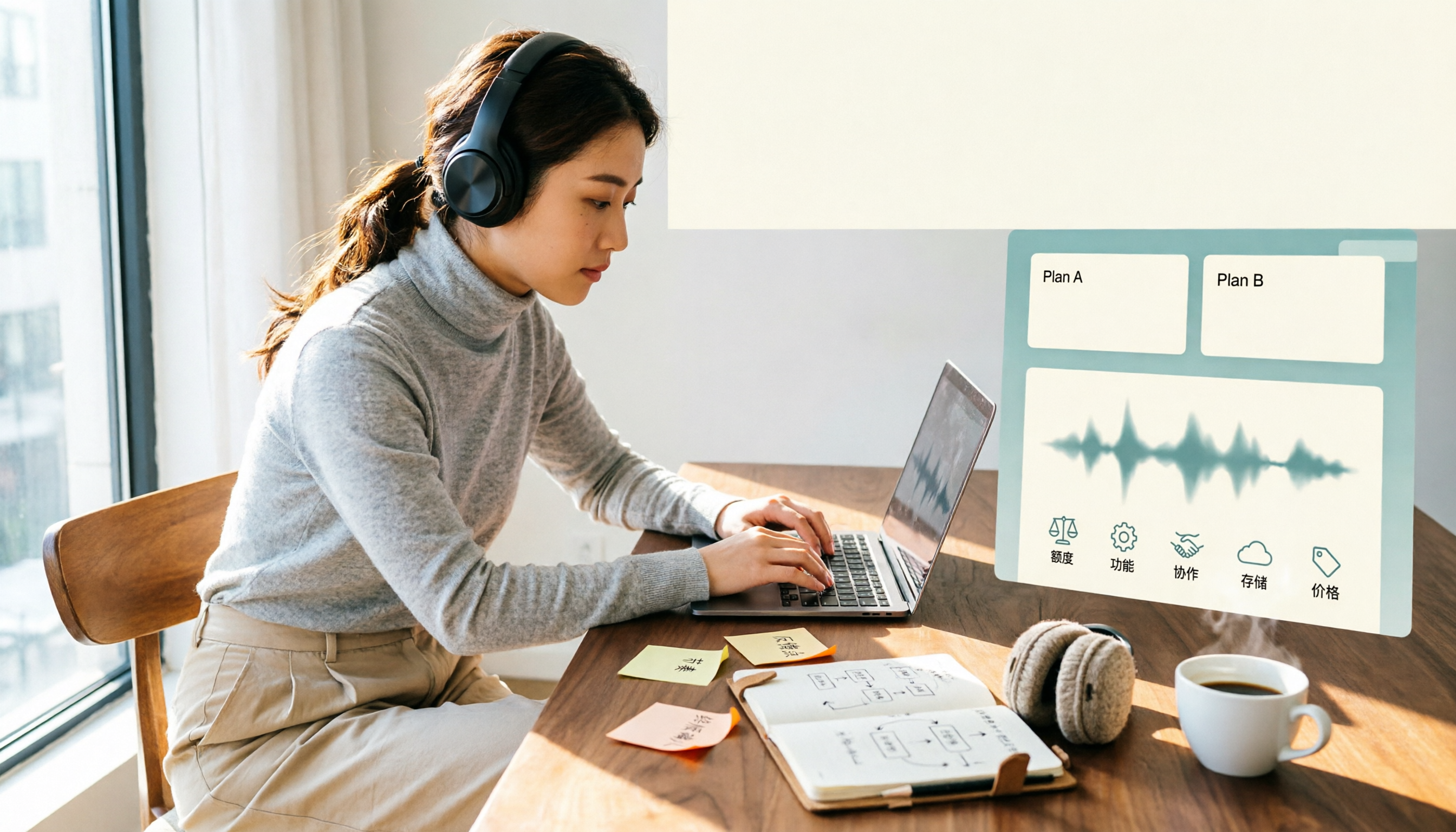
Notta Free vs Paid in 2026: 5-Factor Comparison to Find Your Best Plan
Notta's free plan offers 120 minutes per month with a 3-minute cap per recording—is that enough? This comparison of Notta Free vs Paid covers transcription limits, features, team collaboration, storage experience, and pricing across 5 factors to help you decide whether to upgrade.