

Turn recordings into transcripts and summaries in minutes
Upload audio or video for multilingual transcription, AI notes, and action items
What Can Chinese-English Mixed Speech-to-Text Do for You?
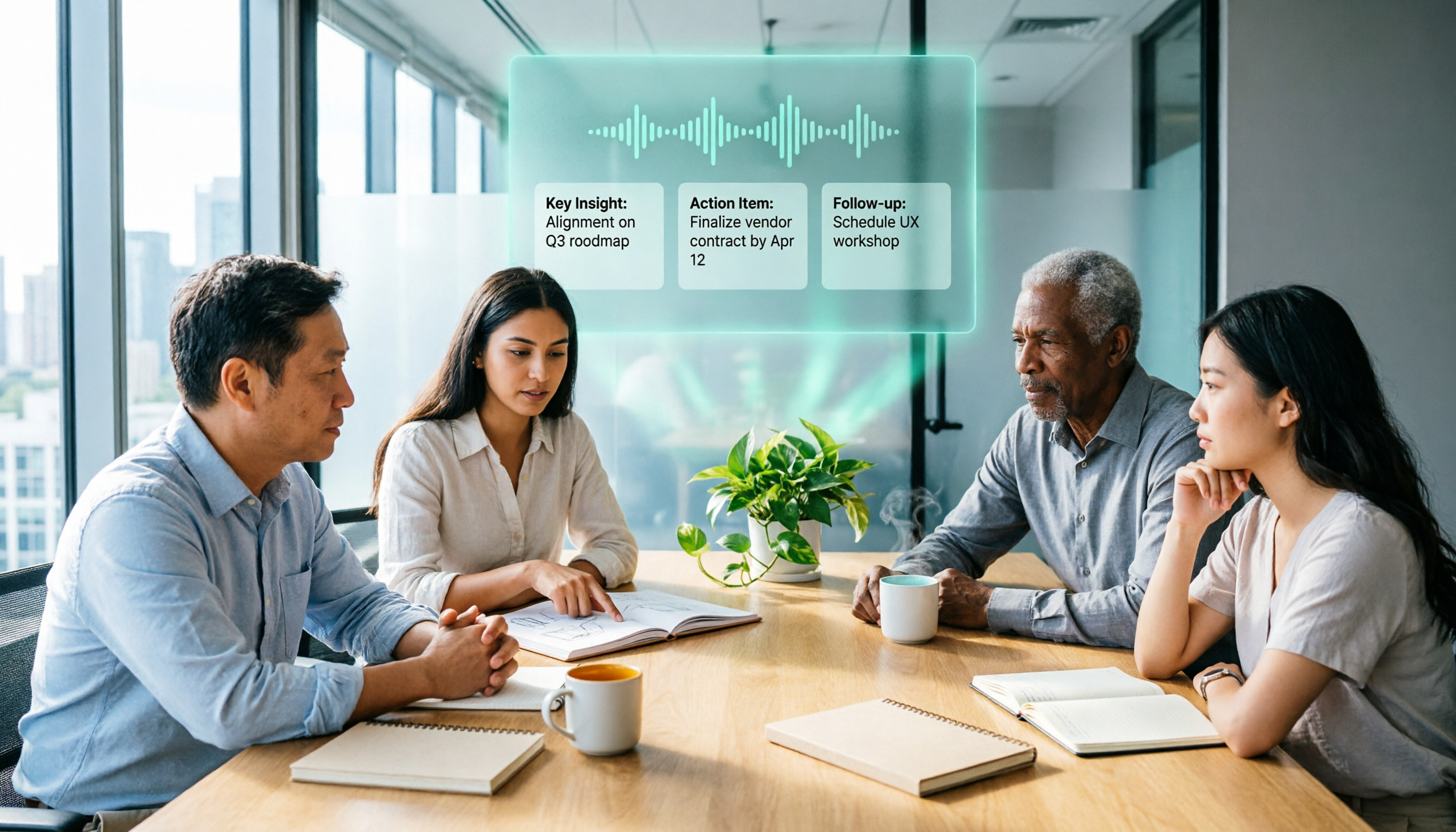
Scenario 1: Never Miss Key Points in Meetings During meetings, discussions often mix Chinese and English. Previously, you had to re-listen to recordings and manually organize notes afterward. Now, with Tinrec, you can record and transcribe in real time, with synchronized Chinese-English transcripts. After the meeting, AI automatically generates summaries and action items, making it clear who is responsible for what and when deadlines are.
Scenario 2: Double Your Learning Efficiency In online courses or lectures, instructors often switch between Chinese and English. With Tinrec, you can record and transcribe, and AI automatically segments the content into chapters and highlights key points. During review, you can use AI Q&A to quickly locate exam points without listening to the entire recording.
Scenario 3: Save Time on Interview Organization Cross-border interviews or bilingual client communications often involve mixed Chinese-English content. Tinrec generates complete transcripts and extracts key insights, making it easy to quote, archive, and analyze. It turns interview material into a searchable database.
What Are the Core Capabilities of Chinese-English Mixed Speech-to-Text?
Real-Time Transcription Tinrec's real-time transcription has a latency of less than 1 second. During meetings, you can record and watch the text sync in real time, ensuring accurate Chinese-English content without missing key terms.
AI Semantic Summarization Instead of simply condensing the transcript, it structures the content: meeting topics, conclusions, action items, and responsible persons are listed separately. Even if the original content is mixed Chinese-English, Tinrec produces clear Chinese summaries.
AI Conversational Query After transcription, you can directly ask Tinrec: "Who mentioned the budget in the meeting?" "What was the client's feedback?" It understands the semantics in the mixed Chinese-English corpus and answers directly, saving you time searching through the transcript.
Chapter and Key Point Organization Long recordings are automatically split into chapters, highlighting key sections, turning hours of content into a browsable structure for quick review.
Multi-Format Export Supports exporting to docx, txt, srt, and other formats, or syncing to tools like Notion and Google Docs, seamlessly integrating into your workflow.
Practical Application Scenarios
Scenario 1: Company Weekly Meetings In weekly meetings, project progress is discussed in a mix of Chinese and English. Use Tinrec to record and transcribe in real time. After the meeting, AI automatically generates meeting minutes and action items, which can be sent directly to team members, saving 1 hour of manual organization.
Scenario 2: Study Abroad Courses or Online Lectures Professors often mix Chinese and English during lectures. Use Tinrec to record and transcribe, then use the chapter feature to organize notes into a clear structure. Before exams, use AI Q&A to review weak points.
Scenario 3: Bilingual Interviews and Client Communication When interviewing foreign speakers or bilingual clients, use Tinrec to record and automatically generate transcripts and key points, quickly producing quotable material and shortening project cycles.
Scenario 4: Content Creation and Reuse Chinese videos or podcasts often contain many English terms. Use Tinrec to upload audio files or paste video links, transcribe to text, and generate subtitles, making it easy to edit key clips or write articles.
5 Key Points to Consider When Choosing a Chinese-English Mixed Transcription Tool
1. Accuracy: Test with Your Own Recordings Mixed Chinese-English recognition is challenging, so don't rely solely on official claims. Tinrec supports automatic multi-language recognition and performs well on mixed Chinese-English content with clear audio. We recommend using the free quota to upload an actual recording for testing.
Stop organizing recordings by hand
Upload audio or video and automatically get a transcript, summary, and action items
2. AI Organization Features: Transcription Is Just the First Step The key is whether the tool can help you organize after transcription. Tinrec offers AI summaries, action item extraction, and conversational queries, turning transcripts into actionable data rather than just text files.
3. Language Support: Confirm It Covers Your Needs Tinrec supports automatic recognition of 10 languages, including Chinese, English, Japanese, and Korean, handling mixed Chinese-English meetings, courses, and interviews without manual language switching.
4. Cross-Platform and Input Sources Check if the tool supports your commonly used devices and input methods. Tinrec has iOS, Android, and Web versions, and supports real-time recording, audio file upload, and online video link transcription, covering various use cases.
5. Free Quota and Paid Plans The free version offers 100 minutes of recording per month, suitable for initial experience. If you have meetings, courses, or interviews weekly, consider weekly or Pro plans based on usage frequency, avoiding long-term commitments upfront.
Comparison of 5 Free Chinese-English Mixed Transcription Solutions
| Tool Name | Free Quota | Mixed Chinese-English Features | Best For |
|---|---|---|---|
| Tinrec | 100 minutes of recording per month | Automatic recognition of 10 languages, AI summaries, Q&A, action items | Meetings, learning, interviews, content creation |
| Otter.ai | 300 minutes per month | Excellent English recognition, weaker Chinese support | Meetings primarily in English with some Chinese |
| Notta | 120 minutes per month | Multi-language transcription, decent mixed Chinese-English | Document transcription, subtitle creation |
| TurboScribe | 3 transcriptions per day (30 minutes per file) | General-purpose transcription, handles Chinese | Batch transcription of long documents |
| Fireflies.ai | Free version includes transcription and AI summaries | Multi-language but focused on meeting scenarios | Automatic recording of online meetings |
Frequently Asked Questions
Q1: How accurate is Chinese-English mixed transcription? Current AI models have significantly improved recognition of mixed Chinese-English, but actual accuracy is affected by audio quality, accents, and technical terms. We recommend using the free quota to upload your own recordings for testing. Tinrec supports automatic multi-language recognition and handles mixed Chinese-English well.
Q2: How long can I transcribe with Tinrec's free version? The free version provides 100 minutes of recording transcription per month, suitable for light use. If you need more time, consider weekly or Pro plans.
Q3: Can AI generate meeting minutes from mixed Chinese-English meeting recordings? Yes. Tinrec can extract summaries and action items from mixed Chinese-English transcripts, and you can ask follow-up questions via AI Q&A, such as "Who mentioned the budget in the meeting?"
Q4: Besides meetings, what other mixed Chinese-English audio can Tinrec handle? Tinrec supports course audio, interview recordings, podcasts, and online video links, all of which can be transcribed and organized into summaries, chapters, or action items.
Q5: How do I choose the right Chinese-English mixed transcription tool? First, check the free quota, language support, AI organization features, and platform coverage. Tinrec is a well-rounded choice, especially for users who need to organize audio/video from multiple sources and value Chinese content processing.
Conclusion
Transcribing mixed Chinese-English recordings is no longer a challenge, with multiple free options available in 2026. If you need more than just transcripts—such as automatic summaries, action items, and AI Q&A—Tinrec is a worthwhile option to try first. Use the 100-minute free monthly quota to upload a mixed Chinese-English recording and experience the transcription and organization effects before deciding whether to upgrade.
References
- 2026 Latest 9 Free Speech-to-Text Tool Recommendations: Solving Transcript Organization and Meeting Summary Pain Points - Tinrec Blog
- 2026 Latest 7 Speech-to-Text Tool Recommendations: Solving Time-Consuming Manual Transcription, Easily Convert Recordings to Text - Tinrec Blog
- No Need to Wait for Interpreters: 7 Best Speech-to-Text Translation Apps (2026)
- 2026 Latest 6 AI Transcription Tool Recommendations: Easily Convert English Meeting Recordings to Chinese - Tinrec Blog
- Pinyin Query - Chinese Transliteration Conversion System
Turn every recording into actionable outcomes
Get 60 free transcription minutes when you sign in. No credit card required.
Related Reading
You might also like

3 AI Meeting Note Tools Tested: What to Know Before Paying Monthly for Notta Pro in 2026
Notta Pro costs about USD 13.99/month billed monthly, or about USD 8.17/month billed annually—a difference of over 40%. Switching from annual to monthly requires canceling and resubscribing. This article compares Tinrec, Notta, and Otter.ai across billing cycles, quota calculations, post-meeting workflows, and team seats, highlighting common pitfalls when switching from monthly to annual, adding features, and seat pricing.

2026 AI Meeting Recorder Comparison: Is Dcard's Favorite Meeting Ink Worth It?
Is Meeting Ink, the tool buzzing on Dcard, actually worth using? This article compares four AI meeting recorder tools using the same criteria, from language recognition and meeting recording methods to post-meeting summaries and team permissions. It also breaks down Tinrec's bot-free recording, AI follow-up questions, and team governance features to help you pick the one that truly saves time.

2026 AI Meeting Notes Tools Compared: Meeting Ink vs. Tinrec and More
This guide tackles three common misconceptions about choosing an AI meeting notes tool and compares Meeting Ink, Notta, Otter.ai, and Tinrec on audio capture methods, post-meeting organization, Chinese language support, and team collaboration. It concludes with recommendations based on different use cases.

How to Organize Worship Audio in 2026: Before Your Throne Transcript + AI Summary
Before Your Throne is a 12-minute worship EP released by Mattie Nottage in 2024. Starting from the real pain of organizing long audio files, this guide explains how to turn worship and sermon recordings into citable transcripts, summaries, and notes, and compares Tinrec, Otter.ai, TurboScribe, and Granola in terms of differences and use cases.

2026 AI Meeting Recorder Comparison: Notta vs. Tinrec — Which Handles Chinese Meetings Faster?
Tired of replaying recordings after meetings? This comparison puts Tinrec, Notta, Otter.ai, and Granola head-to-head, breaking down online meeting capture methods, Chinese and mixed-language recognition, post-meeting summaries and AI Q&A, plus free tiers and team licensing. Find out if Notta is enough or when to switch to Tinrec.

2025 Comparison of 3 Audio-to-Text Tools: Notta vs. Tinrec for Chinese Meeting Notes—Which Saves More Time?
When choosing a meeting notes tool in 2025, don't just look at how many minutes are included each month. This article starts from three decision points: how audio gets in, what can be produced after transcription, and whether team data remains when people change. It compares Notta, Tinrec, and Otter, and breaks down Tinrec's bot-free recording, AI Q&A, action item extraction, and team spaces to help you decide which one truly saves that hour after meetings.

2026 Free Voice Translation Guide: Tinrec Real-Time Bilingual Subtitles + Transcript Organization
A hands-on comparison of Vidnoz and Tinrec, two voice translation tools you can start using for free, broken down across five dimensions: real-time performance, post-meeting output, audio sources, free quota, and team collaboration, to help you decide which one fits your meeting notes and video dubbing needs.

Tinrec vs Notta in 2026: 5-Dimension Comparison — Which Chinese Meeting Transcription App Is Worth Downloading?
Before searching for 'Notta AI app download,' understand the real limits of the free tier and how online meetings are captured. This article compares Tinrec and Notta across 5 dimensions—meeting audio source, post-meeting organization, Chinese performance, team collaboration, and quota calculation—to help you decide which app to download.
2026 AI Meeting Recorder Comparison: 3 Tools Tested, and the Notta Alternative Worth Buying
Thinking about Notta or comparing AI meeting note tools? This guide starts with what to clarify before buying, breaks down 5 key criteria—live transcription, bot-free recording, summaries and action items, AI Q&A, and team seat governance—and uses Tinrec as the main hands-on example, with team pricing and FAQs to help you spend on features you'll actually use.