

Turn recordings into transcripts and summaries in minutes
Upload audio or video for multilingual transcription, AI notes, and action items
I Have 15 Meetings a Week, and Post-Meeting Notes Are More Exhausting Than the Meetings Themselves
I attend about 15 meetings a week—team meetings, project status updates, one-on-ones, and cross-departmental coordination. The most annoying part isn't the meetings themselves; it's what comes after. Every meeting generates a pile of decisions and action items, so my work really starts after the meeting ends.
I've tried handwritten notes (too slow), recording and listening back (too time-consuming), and asking my team to take notes (they're busy too). Worse, when my boss asks, "What was the conclusion from last meeting?" and I flip through three minutes of notes without finding it—that feels terrible.
If you've been through this, this article is for you.
Before Choosing Meeting Minutes Software, Understand These 5 Key Points
1. Accuracy: Don't Just Trust the Official 98% Claim. Many tools advertise accuracy numbers tested in a quiet recording studio, but real meeting rooms have air conditioning noise, keyboard clicks, and people talking over each other. We recommend testing with your own recordings for free, not just relying on ads.
2. AI Features: Transcription Alone Isn't Enough; It Should Summarize Key Points. A verbatim transcript can be thousands of words, making it costly to read. What truly saves time is automatic summarization and action item extraction, and ideally, the ability to ask the AI, "What was the meeting conclusion?"
3. Cross-Platform: Record on Phone, Review on Computer—Must Sync. If you record on your iPhone today and organize on your computer tomorrow, a tool that doesn't support cross-platform use will be painful.
4. Free Tier: Calculate Your Monthly Usage to Avoid Pitfalls. Some free versions have very limited minutes; heavy users might find it more cost-effective to go straight to a paid plan.
5. Input Sources: Should Handle Meetings, Courses, and Videos. A bot that only records online meetings isn't enough; it should also transcribe local audio files and web videos.
Tinrec (Miao Ting Lu Yin) — Our Team's Top Pick After Hands-On Testing
Tinrec is an AI tool that turns recordings and audio/video into actionable knowledge. It doesn't just transcribe; it also auto-summarizes, extracts action items, and even lets you query past content conversationally.
During our department meetings, we use Tinrec to record and transcribe in real time. By the end of the meeting, the AI has already generated a structured summary and action items, showing who's responsible for what and deadlines at a glance. I no longer spend 40 minutes manually organizing; I just drop the action items into our group chat for tracking.
What surprised me most is the AI Q&A feature. After recording, you can ask Tinrec directly, "Who mentioned budget adjustments in the last meeting?" It understands the content and gives you an answer, not just keyword matches. Competitors at the same price point rarely have this feature.
Tinrec also supports uploading old recordings and pasting YouTube or Bilibili links for transcription. For our weekly competitor-sharing videos, we used to take manual notes; now we just drop the link and get a summary in minutes.
Test Conditions: We used a 30-minute recording of a 5-person Chinese meeting (office environment with air conditioning noise). Tinrec's transcript was highly readable, requiring minimal manual corrections. The summary accurately captured 3 decisions and 5 action items, saving at least 40 minutes.
Pros:
Stop organizing recordings by hand
Upload audio or video and automatically get a transcript, summary, and action items
- Multi-source input: Handles meetings, local files, and web videos, unlike meeting-only bots that are tied to specific platforms.
- AI Q&A isn't a gimmick; you can genuinely search historical content conversationally, greatly improving review efficiency.
- Easy export to tools like Notion and Google Docs for archiving and collaboration.
Cons:
- The free version has a monthly transcription limit; heavy users need to pay, but the Pro price is reasonable—about the cost of a dinner out.
- AI summaries might misinterpret details; for major decisions, it's best to cross-check with the original transcript.
Who It's For: If you need to process various audio/video content like meetings, courses, interviews, and videos, and want to use AI to find key points after recording, Tinrec is currently the most suitable choice.
Beyond Tinrec: What Other Options Are There?
Otter.ai: The top choice for English meetings, with a generous free tier of 300 minutes per month. However, its Chinese experience isn't as good as Tinrec's, and it doesn't support web video link transcription. If you mainly record English business meetings, Otter is worth considering; but if you need Chinese AI Q&A and video organization, Tinrec is the better choice.
Plaud Note: A hardware recorder with precise audio capture, but it requires an extra device purchase, and handling web videos and local files isn't as convenient as Tinrec. If you value portable recording hardware, consider it; but if you don't want to carry extra devices, Tinrec works on your phone and adds AI Q&A.
Notta: Strong transcription and subtitle capabilities, with high minute counts on paid plans. However, Tinrec's AI Q&A and agent post-processing are more complete, allowing you to ask follow-up questions and generate reports. Notta suits those needing heavy transcription, but if you want "post-transcription organization and reuse," Tinrec is more comprehensive.
Pitfall Guide: 4 Common Mistakes When Choosing Meeting Minutes Software
Pitfall 1: Only Looking at Official Accuracy Claims. Many tools tout "98% accuracy," but that's tested in a quiet studio. Real meeting conditions are much worse; test with your own recordings for free.
Pitfall 2: Ignoring Free Tier Limits. Free versions might only offer a few hundred minutes; you think it's enough, but you run out mid-month. Calculate your monthly meeting hours first, then decide.
Pitfall 3: Buying It Just as a Transcription Tool, Not Using AI Features. Using it only for transcription wastes half its value. Tools like Tinrec's AI Q&A let you ask for key points right after recording, much faster than manually scanning a 30-minute transcript.
Pitfall 4: Overlooking Cross-Platform and Export. If the tool can't sync between phone and computer, or can't export to Notion or Google Docs, you'll still be copy-pasting, adding unnecessary work.
Summary: Which One Should You Choose?
Based on our hands-on testing, Tinrec is our team's current top pick because it's not just "voice-to-text"; it turns meetings, courses, and videos into a searchable, queryable database.
Scenario-based recommendations:
- Need multi-source organization (meetings + videos + files) → Tinrec
- Need Chinese AI Q&A to find key points after recording → Tinrec
- Cross-platform use (phone + computer + web) → Tinrec
- Zero budget and only English meetings → Otter.ai (the only exception)
We suggest downloading Tinrec's free version to try it out; the monthly transcription allowance is enough for a few meetings to experience the effect. If you like it, consider upgrading—no need to pay upfront.
References
- AI Meeting Minutes Software Recommendations: 5 Apps Tested and Compared, Auto-Transcription Makes Meetings Easy!
- How to Choose an Automatic Meeting Minutes App? 2026 Hands-On Test of 5 Tools and Tinrec's Efficient Usage - Miao Ting Lu Yin Blog
- Recently, many people ask me if there's an AI tool for meeting minutes. They still type manually and often can't multitask, wasting time. My answer is always — SeaMeet. Why recommend it? Here are the key points: - Integrates with Google Meet, syncs transcripts in real time, and provides instant summaries, super convenient. - No need to reorganize; after the meeting, it emails all participants directly. - So easy to use that I taught middle-aged and older people with no AI experience in 10 minutes. - For in-person meetings...
- Meeting Ink - 2026 AI Meeting Minutes Tool Test: 7 Voice-to-Text and Summary Speed Showdown | Meeting Ink - AI Meeting Minutes Assistant, Auto-Transcribe and Summarize
- 2026 Free AI Meeting Minutes Tools: 5 Practical Voice-to-Text Software Reviews and Selection Guide - Miao Ting Lu Yin Blog
Turn every recording into actionable outcomes
Get 60 free transcription minutes when you sign in. No credit card required.
Related Reading
You might also like

2026 Comparison of 4 Speech-to-Text Tools: Free Tiers and Post-Meeting Organization—Which Is Enough?
Many people think speech-to-text just means dropping an audio file into a tool and waiting for the text. What really slows things down is post-meeting organization, finding key points, and tracking action items. This article compares Tinrec, Notta, Otter.ai, and Granola using real meeting scenarios—from free tiers, Chinese transcription, bot-free recording, AI Q&A, to team data retention—to help you decide which one best fits your workflow.

2026 Comparison of 3 AI Transcription Tools: Free Tiers, Chinese Recognition, and Post-Meeting Organization—Which One Really Saves Time?
Most people misunderstand AI transcription—they think it's just about turning voice into text. This article addresses three common misconceptions, explaining that transcripts are only raw material; the real time savings come from post-transcription summaries, action items, Q&A, and team knowledge retention. Using Tinrec as an example, it walks you through features, use cases, purchasing considerations, and FAQs.
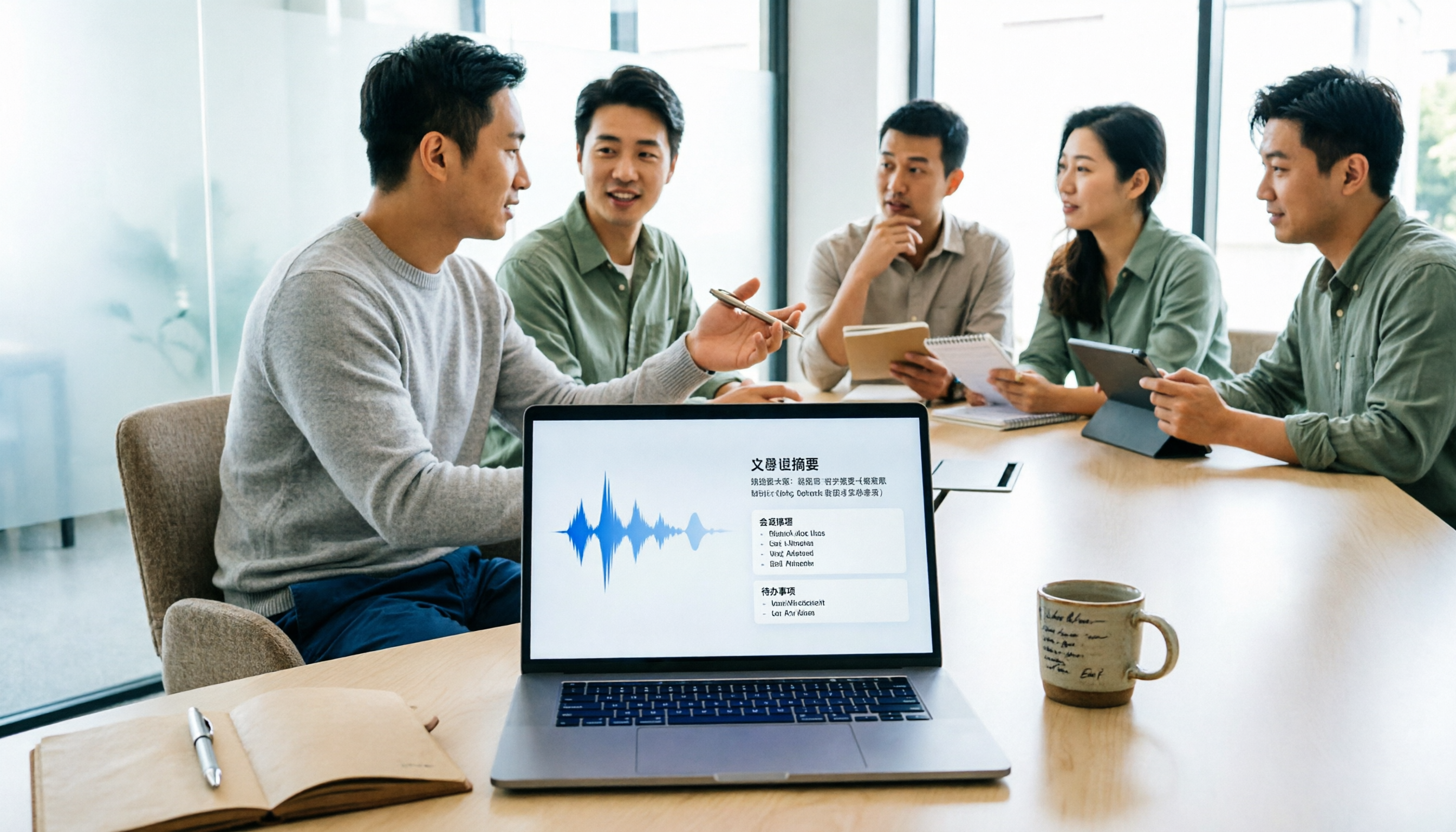
5 Meeting Minutes Software Compared: Which One Actually Saves Time with Chinese Recognition and Post-Meeting Organization?
After a meeting, you're left with just two lines of notes while two hours of discussion stay locked in the recording? This article starts from real meeting scenarios, breaks down the 4 key dimensions for choosing meeting minutes software, and compares Tinrec, Otter.ai, Notta, Granola, and TurboScribe on Chinese recognition, meeting capture methods, post-meeting outputs, and team authorization differences. It also includes a pitfalls guide and selection advice.

2026 Guide: Turn AI Transcripts into Meeting Minutes & Action Items in One Go
Meeting transcripts are often long and messy, taking more time to organize than the meeting itself. This guide, from a mid-level manager's real work scenario, breaks down four key steps for transcript organization, tests Tinrec's bot-free recording and AI Q&A workflow, and honestly compares Notta, Otter.ai, and Granola's applicable boundaries, with three common mistakes and selection advice.

4 Interview Recording-to-Text Tools Tested: Which One Handles Visit Notes and Thank-You Letters in One Go?
The real trouble starts after the interview ends: no one wants to organize the transcript, key points rely on memory, and the thank-you letter gets delayed until the third day. This article uses real scenarios from student project interviews and corporate visits to test 4 tools that turn interview recordings into text, and summarizes selection criteria, the 4 most common pitfalls, and whether the free version is actually enough.

2026 Transcription Tools Guide: AI Transcription Selection Tips + Tinrec Workflow
There are countless transcription tools, but the real challenge isn't transcription—it's what to do after. This guide covers selection criteria, hands-on testing, and pitfalls to avoid, rounding up transcription tools worth considering in 2026, and demonstrates how Tinrec turns meeting recordings into searchable, queryable, and shareable team knowledge.

4 AI Meeting Recorders Tested for 2026: Which Free Tier Works Best for Students?
A student's hands-on comparison of AI meeting note tools—Tinrec, Notta, Granola, and Otter.ai—covering free tiers, per-recording limits, post-transcript organization, and cross-platform use, with recommendations for class recordings, group projects, and final exam review.

How to Write Meeting Minutes in 2026: 5-Step Template Tutorial
Struggling to produce meeting minutes after the meeting ends? This article provides a ready-to-use meeting minutes template with fields and a 5-step process, and compares "template-only handwriting" vs. "template plus AI workflow" across recording, organizing, tracking, and team knowledge retention, helping you choose the right meeting minutes approach for your team.

2026 Tested: 4 AI Meeting Minutes Generators Compared — Which One Actually Saves You That Hour After the Meeting?
AI meeting minutes generation isn't just about uploading a recording. From the perspective of a mid-level manager who holds 15 meetings a week, I break down the most common misconceptions, 4 key purchasing criteria, and hands-on comparisons of Tinrec, Notta, Otter.ai, and Granola across Chinese-language meetings, bot-free recording, post-meeting Q&A, and team knowledge retention — with final recommendations by scenario.