

Turn recordings into transcripts and summaries in minutes
Upload audio or video for multilingual transcription, AI notes, and action items
Two hours in a meeting, three hours to write up the minutes? You need a smarter tool
After a cross-departmental meeting, the recording sits in your phone for a week, and you keep putting off organizing it.
Manually replaying, transcribing, picking out key points, and listing action items eats up most of your afternoon. Not to mention some meetings mix Chinese and English, with people talking over each other—just trying to hear clearly is exhausting.
If you're a student, lectures can easily run two hours, and organizing notes at home is another battle.
These problems can actually be solved with a good AI meeting notes app. With the right tool, transcription, summarization, and to-dos are all automated—you just focus on the meeting.
Before choosing an AI meeting notes app, understand these 5 key points
Transcription accuracy: Don't just look at the official 98% claim; check real-world performance. Meeting rooms have AC noise, keyboard sounds, and people talking over each other—very different from a quiet studio. Try free trials with your own recordings to see for yourself.
AI organization capabilities: Transcription is just the first step. What matters more is automatic summaries, chapters, action items, and Q&A. If the tool only gives you a transcript, you'll still have to read through it yourself.
Input sources: Besides live recording, can you upload old recordings or paste a YouTube link for transcription? These features let you handle more types of content.
Cross-platform support: If you record on your phone and organize on your computer, can the tool sync? Is there a web version? This affects how smooth your workflow is.
Price and free tier: Free versions usually have limits, but is it enough for your weekly meetings? Are paid plans reasonable? Try the free version first to see if it fits before upgrading.
Tinrec—Our top pick after hands-on testing
Tinrec is an AI recording and audio/video organization tool that supports iOS, Android, and web, covering meetings, study, interviews, and content creation.
We used it to organize several meeting recordings, and what impressed us most was its "organization" capability, not just transcription.
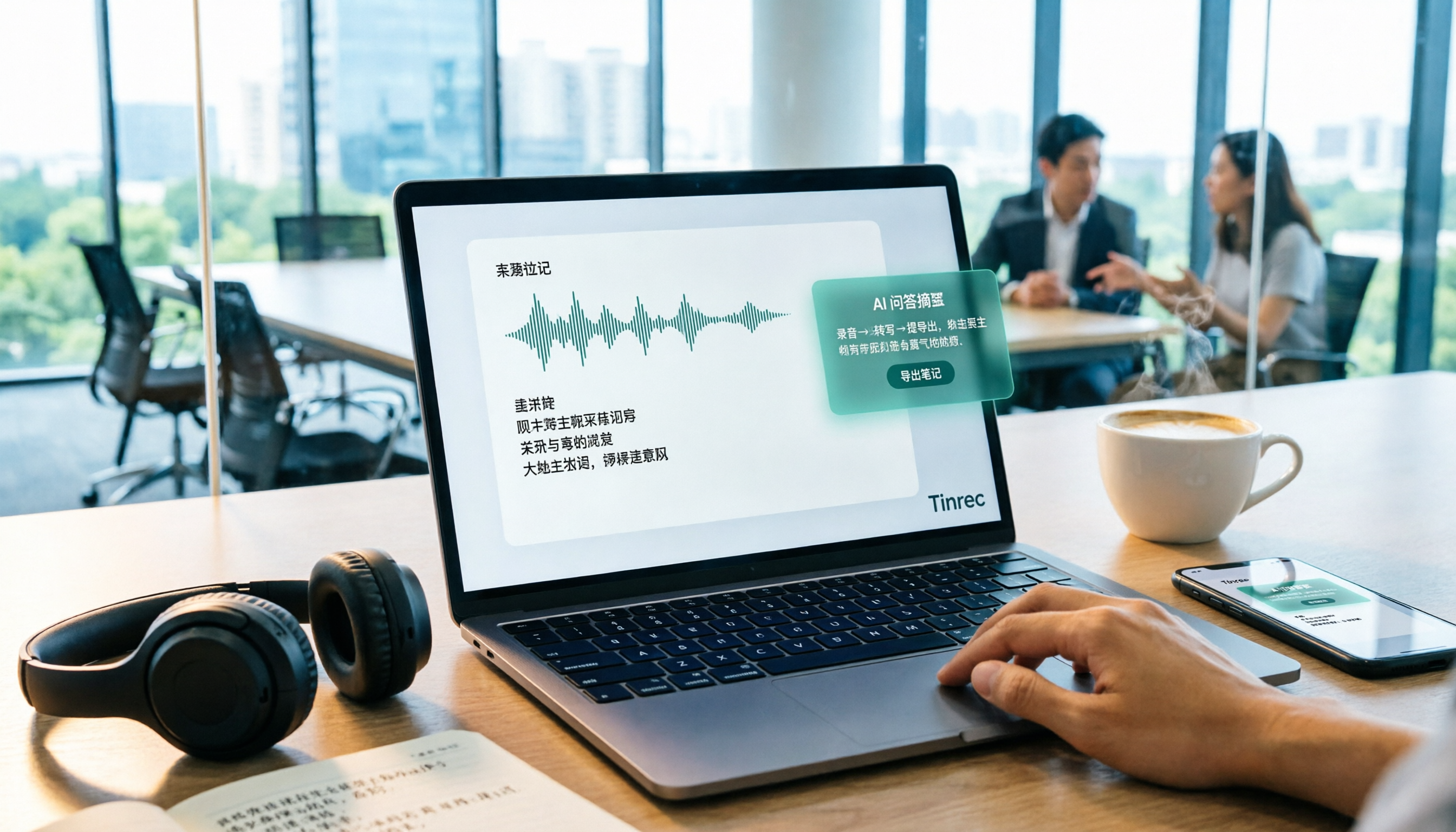
During a meeting, open Tinrec and it transcribes in real time. After the meeting, AI automatically generates a summary and action items—who's responsible for what and deadlines at a glance. No need to replay two hours of audio; you can grasp the key points in five minutes.
Even better is the AI Q&A feature. After recording, you can ask Tinrec, "Who mentioned the budget in the last meeting?" It understands the content and gives you an answer, not just keyword search results. Few competitors at this price point offer this.
Additionally, Tinrec isn't just for meetings. You can upload old recordings or paste YouTube links for transcription, turning all your audio/video content into searchable, summarizable material. This sets it apart from bots that only focus on online meetings.
Stop organizing recordings by hand
Upload audio or video and automatically get a transcript, summary, and action items
As for limitations, the free version has basic transcription credits, and heavy users need to pay, but for someone with two or three meetings a week, the free version is enough to start.
If you often need to organize meeting recordings, lecture audio, or want to use AI to find key points after recording, Tinrec is currently the most comprehensive choice.
Beyond Tinrec: What other options are there?
Otter.ai: The top choice for English business meetings, with generous free credits, but Chinese content organization isn't its strength. If you mainly record English meetings, Otter is a good alternative, but it lacks Tinrec's web video transcription and AI Q&A features.
Notta: A transcription tool with high overlap with Tinrec, with full multilingual support. However, Notta leans more toward transcription and subtitles, while Tinrec goes further with AI Q&A and report generation. If you just need quick text conversion, consider it; but if you want to turn content into actionable data, Tinrec is smoother.
PLAUD Note: Focused on hardware recording, suitable for those who want a standalone recording device. But you need to spend extra on hardware, and it relies mainly on the app for organization. Tinrec requires no extra equipment—your phone handles recording and organization, making it more suitable for general users.
Pitfall guide: 4 common mistakes when choosing an AI meeting notes app
Pitfall 1: Only looking at transcription minutes. Many tools tout "unlimited transcription," but if there's no good organization feature afterward, you'll still have to read the transcript yourself. Don't overlook the value after transcription.
Pitfall 2: Ignoring cross-platform needs. If you record on an iPhone today and organize on a computer tomorrow, and the tool doesn't support web or sync, it'll be painful. Choose one that works on both phone and computer.
Pitfall 3: Treating it only as a "voice-to-text" tool. If you only use it for transcription, you're using only a third of its capability. With Tinrec's AI Q&A, for example, you can ask "What was the meeting conclusion?" right after recording—much faster than manually scanning the transcript.
Pitfall 4: Assuming pricier is better. Price isn't the only indicator. First check if the free version is sufficient for you, then decide whether to pay. Many tools' free versions are enough for light users.
Summary: Which one should you choose?
Simply put, if you need an AI organization tool that handles meetings, lectures, interviews, and even online videos, Tinrec is currently the most comprehensive choice.
Scenario-based recommendations:
- Need Chinese meeting minutes, AI Q&A, cross-platform use → Tinrec
- Pure English business meetings with a powerful meeting bot → Otter.ai
- Heavy file transcription and subtitle needs → Notta
- Prefer standalone recording hardware → PLAUD Note
We recommend downloading the Tinrec free version to try it out—it includes basic monthly credits, enough for two or three meetings to experience the effect. If you like it, consider upgrading; no need to spend money upfront. Finding the right tool can significantly cut down your post-meeting organization time.
References
- Top 5 Online Meeting Software to Boost Remote Work Efficiency | On-line to Know
- AI Meeting Minutes Software Recommendations: 5 Apps Tested and Compared for Effortless Transcription
- How to Choose Online Meeting Software? 5 Tools' Features, Prices, and Use Cases at a Glance - ALEN
- Meeting Ink - 2026 AI Meeting Notes Tools Tested: 7 Voice-to-Text and Summary Speed Showdown | Meeting Ink - AI Meeting Notes Assistant
- 2026 Free Online Meeting and Video Conferencing Software Recommendations: Compare Teams, Zoom, Google Meet | Tasker Articles
Turn every recording into actionable outcomes
Get 60 free transcription minutes when you sign in. No credit card required.
Related Reading
You might also like

5 Free Local Speech-to-Text Solutions for 2026: A Complete Guide
Looking for a truly offline, free speech-to-text solution? This guide covers local tools like Handy, WhisperDesktop, browser-based Whisper, and Python SpeechRecognition, and explains who Tinrec—a post-meeting organization tool—is for, helping you choose based on privacy, hardware, and meeting needs.

2026 Speech-to-Text Showdown: Tinrec vs. Google Cloud Speech-to-Text
Should you build your own speech-to-text integration with an open API, or buy a ready-made tool? We compare Tinrec and Google Cloud Speech-to-Text across six dimensions—setup effort, Chinese meeting support, online meeting capture, post-meeting organization, team governance, and pricing—to help you decide which fits your team.

2026 AI Meeting Notes Tools Compared: Tinrec vs Otter.ai — Which Is Right for Chinese-Speaking Teams?
How should you take meeting notes? Instead of transcribing every word, capture decisions, owners, and deadlines. This article first breaks down 3 common inefficient practices, then compares two AI meeting notes tools, Tinrec and Otter.ai, across Chinese-language meeting experience, bot-free recording, post-meeting AI Q&A, team data governance, and real-time translation to help Chinese-speaking teams choose the more suitable option.

4 Real-Time Meeting Transcription Tools Tested for 2026: Which Handles Chinese Meetings and Post-Meeting Cleanup Best?
"Real-time meeting notes" actually covers two needs: seeing a live transcript during the meeting, and getting a summary and action items as soon as the meeting ends. This article compares Tinrec, Otter.ai, Notta, and Granola on selection criteria, hands-on experience, and pitfalls to avoid—focusing on Chinese meetings, recording without a meeting bot, and building a team knowledge base—so you can pick the one that truly saves time.
Best Audio-to-Text Tools in 2026: 5 Tested for Chinese Courses and Meeting Notes — This One Wins
From class recordings and meeting minutes to interview transcripts, this guide breaks down the complete audio-to-text workflow in five steps: how to record, what to check first after transcription, how to use AI Q&A to extract key points, and how to export results into usable notes. Using Tinrec as a hands-on example, it includes copyable prompt templates and buying tips.

4 Best Speech-to-Text Tools in 2026: Chinese Recognition, Free Tiers, and Post-Meeting Organization Compared
Many people confuse speech-to-text with text-to-speech and don't realize phone dictation can't process existing recordings. This article breaks down 4 key purchasing factors and compares Tinrec, Notta, Otter.ai, and PLAUD NotePin on positioning, quotas, and post-meeting organization, plus 3 common pitfalls to help you choose the right tool within budget.

3 Speech-to-Text SDK Paths Compared for 2026: 3 Pitfalls to Avoid Before Building Your Own API Integration
A speech-to-text SDK is not a one-size-fits-all solution. Starting from common pitfalls, this article breaks down the applicable boundaries of Google Cloud Speech-to-Text, Azure Speech SDK, and Otter.ai, then explains how Tinrec fills the post-meeting organization gap with desktop bot-free recording, AI Q&A, and team spaces when you don't want to maintain your own service.

How to Use WeChat Voice-to-Text in 2026: 3-Step Guide + Practical Solutions for Long Meeting Transcripts
How do you use WeChat voice-to-text? This guide starts with hands-on steps: long-press a voice message to convert it to text, use voice input and say "over over" to send automatically, and understand its real limits in long meetings and interviews. It then explains four decision points—length, output, history search, and team sharing—to help you decide when to switch to an AI meeting notes tool like Tinrec, with hands-on tips and pitfalls to avoid.

How to Use Online Speech-to-Text in 2026: 5 Steps to Choose the Right Tool and Build a Transcription Workflow
There are many online speech-to-text tools, but the real reason you can't choose is usually not that the tools aren't good enough—it's that you haven't thought through where the text will go after it's produced. This article uses three key questions to help you set direction, then helps you pick the right one from five options: Tinrec, Dictation.io, Google Docs, MyEdit, and Notta. Finally, it gives you a 5-step workflow you can follow directly.