
Turn recordings into transcripts and summaries in minutes
Upload audio or video for multilingual transcription, AI notes, and action items
Why Your Meeting Notes Are Always "Recorded but Never Read"
Many teams don't struggle with a lack of documentation—they struggle with recordings that might as well not exist. An hour-long meeting recording sits in cloud storage, and to find a single decision, you have to scrub the timeline, listen to speakers, and type up your own notes. Even with ChatGPT, there's an extra step of manually pasting the transcript into the chat—and when meetings pile up, this workflow falls apart.
This guide skips the theory and breaks "AI meeting notes" into 5 actionable steps: from recording, transcription, AI summarization, action item tracking, to team archiving. Along the way, we'll compare ChatGPT's free and paid plans, the Whisper transcription workflow, and integrated meeting tools like Tinrec to help you decide which path fits your needs.
First, Understand: AI Meeting Notes Aren't Just "Speech-to-Text"
Before choosing a tool, clarify what you want as the final output. A useful meeting record should include at least four layers:
| Layer | Output | Purpose | |---|---|---|---| | Transcript | Full spoken text | Verify original statements, cite sources | | Summary & Chapters | Key points, topic structure | Quickly review meeting content | | Action Items | Tasks, assignees | Track post-meeting progress | | Collaborative Data | Shared, searchable files | Turn meetings into organizational knowledge |
If you only need a transcript, ChatGPT with Whisper or a standalone speech-to-text tool is sufficient. But if you need to track actions directly after meetings and let new hires look up past decisions, treat the tool as a meeting database, not just a converter.
5 Steps: From Meeting Recording to Team-Ready Meeting Notes
Step 1: Choose Your Recording Method—Meeting Bot vs. Bot-Free Desktop Recording
Two common AI recording methods for online meetings:
Meeting bot: Joins Zoom, Meet, or Teams as a participant, automatically recording and transcribing. Pros: no manual effort. Cons: an "AI participant" appears in the meeting, which some companies or client meetings may not welcome.
Bot-free desktop recording: The user actively starts a desktop tool that captures the computer's system audio. No extra participant joins the meeting, making it ideal for client meetings or internal discussions where low disruption is key.
ChatGPT's Record mode falls into the latter category: it records meetings directly in the macOS version of ChatGPT, providing real-time transcription and summary generation. This feature is currently available with ChatGPT Plus, and also works with Pro, Business, Enterprise, and Edu plans.
Tinrec also uses bot-free desktop recording, supporting Zoom, Google Meet, Microsoft Teams, and Webex. The difference is that Tinrec is positioned as a "meeting notes and team collaboration tool," so post-meeting organization, follow-up questions, export, and team archiving all happen in one interface.
Step 2: Turn Audio into Transcripts—Whisper, ChatGPT Record, or Integrated Tools
If you have audio or video files, pairing ChatGPT with Whisper is a common DIY approach: upload the media to the cloud, use an automated workflow to have Whisper generate a transcript, then feed it into ChatGPT for summarization. This workflow is free or low-cost, but requires setting up automation yourself, and moving files between tools adds waiting time.
ChatGPT's Record mode simplifies this step: audio is transcribed in real time, so there's no need to upload files separately. It's ideal for individual users who don't want to maintain automation workflows and primarily have online meetings.
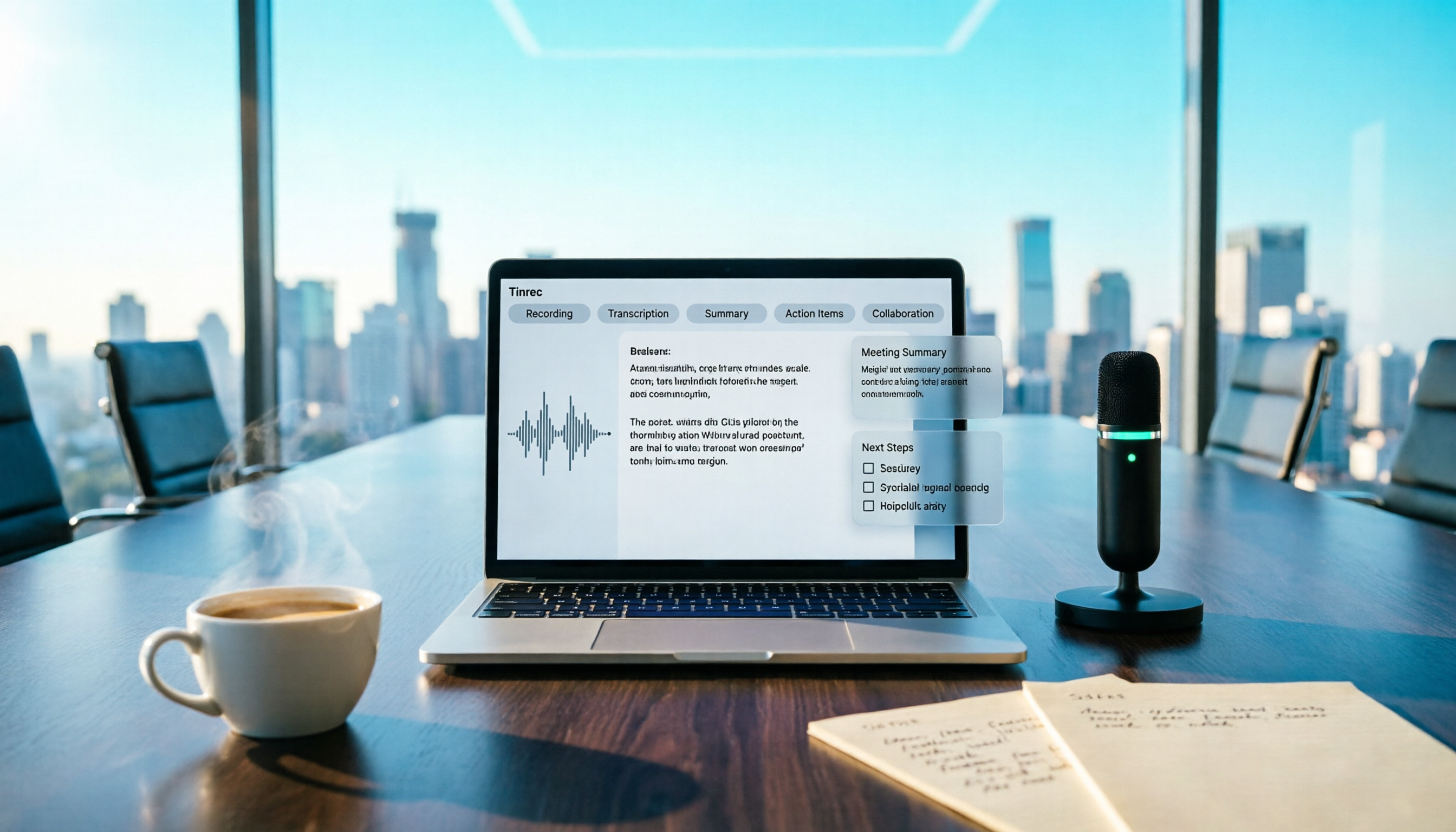
Integrated tools like Tinrec support three input sources: real-time recording, online meetings, and audio/video file uploads. After recording, you see the transcript, summary, and chapters in the same workspace. If you handle in-person interviews, historical recordings, and online meetings, this route saves the most switching overhead.
Step 3: Generate AI Summaries and Action Items—Prompts Matter More Than Tools
Whether you use ChatGPT, Claude, or Tinrec's built-in summarization, the quality of AI meeting notes largely depends on your instructions. An effective meeting summary prompt should include:
Stop organizing recordings by hand
Upload audio or video and automatically get a transcript, summary, and action items
- Meeting objectives and topic scope
- Types of information to preserve (decisions, disagreements, consensus, action items)
- Output format (paragraph summary, bullet points, action item table)
- Glossary of proper nouns and abbreviations
For example, with ChatGPT, you can upload the transcript and instruct: "Based on this transcript, create meeting notes including: 1. Meeting objectives, 2. Key discussion points, 3. Decisions made, 4. Action items with owners, 5. Tasks to complete before the next meeting."
Tinrec has built-in summaries, chapters, and action item extraction, so users don't need to repeatedly paste prompts. However, it's still recommended to set team-specific terms before recording to improve recognition of product names, project codes, and other jargon.
Step 4: Turn Action Items into Trackable Tasks
The most common failure point in meeting notes is action items scattered throughout the text, with no one revisiting them after the meeting. AI tools can extract action items, but you still need to establish a tracking mechanism.
ChatGPT can compile action item lists from transcripts and even draft notification emails to send tasks to relevant team members. However, subsequent tracking, updates, and archiving still need to happen in your project management tool or document system.
Tinrec's action item extraction separates tasks into a dedicated view, and team members can review them in the team space. With its AI Q&A feature, you can ask "What was the decision on Project X from the last meeting?" without digging through transcripts. For departments tracking multiple meetings over time, this is closer to a usable meeting asset than plain text summaries.
Step 5: Consolidate Meeting Data into a Team Space
The biggest difference between personal and team use is where meeting data lives. Personal tools keep records in individual accounts; when a member leaves or changes devices, the data becomes inaccessible.
ChatGPT's Record mode is currently geared toward personal use, suitable for individuals who organize notes and then manually share them with the team. If you need the entire department to access meeting notes and new members to review historical decisions, you'll need a team meeting tool.
Tinrec's team plan centralizes meeting recordings, transcripts, summaries, and action items in one team space, with member invitations, role and seat management, usage analytics, and audit logs. Team resources belong to the team, and when a member exits, ownership can be transferred to another active member, ensuring historical meeting data doesn't leave with the individual.
How to Choose: Free, ChatGPT Plus, or Team Meeting Tools
| Use Case | Recommended Plan | Reason |
|---|---|---|
| Occasionally organizing a recording, limited budget | ChatGPT free tier or Whisper DIY workflow | Low cost, manual steps are acceptable |
| Weekly online meetings, want to save time | ChatGPT Plus (with Record mode) | Real-time transcription and automatic summaries |
| Department or project team needs shared meeting notes | Team meeting tool (e.g., Tinrec for Teams) | Unified space, member management, searchable history |
| Need bilingual meetings, real-time translation, dual-language transcripts | Tinrec | More complete support for Chinese and multilingual meetings |
| Don't want a bot in meetings but need recordings | Tinrec or ChatGPT Record | Bot-free desktop recording, recordings available for review |
A practical way to decide: first ask who will see and use your meeting notes. If it's just you, ChatGPT with Whisper is plenty. If the notes need to be tracked, searched, and handed off by the whole team, use a team meeting tool to elevate meetings from "personal notes" to "organizational data."
Conclusion: Decide Whether You Need "Transcription" or a "Meeting Database"
ChatGPT and Whisper solve the efficiency problem of turning audio into readable text, making them ideal for personal or light use. ChatGPT's Record mode further simplifies the recording-to-summary workflow, making it a practical built-in feature for Plus users.
If your need is team collaboration—multi-user access, historical reference, action item tracking, member handoffs—then integrated meeting tools like Tinrec are closer to what you're looking for. They connect recording, transcription, summarization, action items, and team space into a single workflow, so meeting notes aren't just archived files but data your team can continuously use.
One final note: regardless of the tool, recording and transcribing meetings should comply with local laws, and you should obtain consent from participants where required. AI summaries save time, but for critical decisions, always cross-check the transcript and original recording.
References
- Meeting notes a hassle? ChatGPT+Whisper gets it done in one go! Automatic transcription, summaries, and sending—Business Next
- ChatGPT "Record Mode" Debuts! Meeting Notes and Voice Memos Turned into AI-Organized Content at One Click—Curated Insights
- Top AI Meeting Note Tools in 2026: Time-Saving Essentials for Meetings
- How to Take AI Meeting Notes? A Complete Guide from Writing Principles, Tool Selection to Automation Prompts—Manager Today
- How to Use AI for Meeting Notes? How to Organize Meeting Transcripts? AI Speech-to-Text Tutorial—104 Career Hub
Turn every recording into actionable outcomes
Get 60 free transcription minutes when you sign in. No credit card required.
Related Reading
You might also like
4 Recording and Note-Organization Tools Compared for 2026: How Should Therapy Session Recordings Be Organized?
Can therapy sessions be recorded, and if so, how should the recordings be organized? This article starts with three common misunderstandings, breaks down four key points—scope of consent, confidential storage, post-transcription usability, and Chinese terminology—and compares Tinrec, Notta, Otter.ai, and Granola in terms of their practical differences and pitfalls to avoid in therapy recording and note-taking scenarios.

2026 Guide to Choosing a Subtitle Generator for Content Creators: 3 Tools Tested and Recommendations
Starting from the real needs of campus projects and club videos, this guide outlines 4 key points content creators should consider when choosing a subtitle generation tool. It tests Tinrec's transcription and post-meeting organization workflow, and compares the use cases and limitations of YouTube's built-in captions, VideoCaptioner, and TurboScribe, concluding with selection advice for students and small teams.

4 Screenwriting Audio-to-Text Tools Tested: Which One Saves the Most Time on Dictated Scripts in 2026?
Screenwriting often starts with speaking: dictating outlines, brainstorming in writers' rooms, interviewing real-life subjects. This article tests 4 audio-to-text tools in real screenwriting scenarios—from mixed Chinese-English recognition, post-meeting organization, recording online script meetings without bots, to team knowledge retention—to tell you which one truly saves time on transcripts, and how to choose based on different budgets and needs.

2026 Recorder Comparison: PLAUD Note vs Tinrec — Which Is Better for Meeting Notes?
This article compares PLAUD Note and Tinrec across six dimensions—meeting capture, post-transcription workflow, Chinese-language experience, team collaboration, cost, and data traceability—to help you decide whether to buy a dedicated recorder or choose an AI meeting notes tool that requires no extra hardware.

Tinrec vs Otter.ai 2026: 5-Dimension Comparison for Chinese Speech-to-Text
2026 speech-to-text tool comparison focusing on Tinrec and Otter.ai across five dimensions: Chinese recognition, meeting recording, post-meeting organization, team collaboration, and pricing. Based on real meeting pain points, this article helps you decide which tool is better for Chinese meetings and team knowledge retention.

2026 Comparison of 4 Audio-to-Text Tools: Which Saves Creators the Most Time on Transcripts?
Starting from the real pain points creators face with audio-to-text, this comparison of Tinrec, Notta, TurboScribe, and MyEdit covers recording methods, post-meeting organization, Chinese language experience, and team collaboration to help you choose the right transcription tool.

2026 AI Meeting Notes Tools Compared: Which One Produces Trackable Minutes Fastest?
Meeting minutes often take too long not because you type slowly, but because of inefficient habits. This article examines three common pitfalls, outlines five key factors for choosing a tool, and tests Tinrec, Notta, Otter.ai, and Granola on the workflow from meeting end to sendable minutes. It also includes a guide to avoid common mistakes and scenario-based recommendations to help you find a tool that saves time and keeps action items trackable.

2026 Guide: Organizing Interview Recordings with Tinrec — AI Transcripts + Auto Summaries & Action Items
Tired of spending hours organizing interview recordings? This guide covers key selection criteria, walks through Tinrec's interview recording workflow, and compares Notta, Otter.ai, and TurboScribe. Includes pitfalls to avoid and selection advice to turn recordings into searchable, actionable data.

2026 Comparison of 5 Voice Recorder Solutions: AI Transcription Tools Are the Real Money-Savers
Many people choose a voice recorder based only on price and recording quality, overlooking hidden costs like transcription fees, post-meeting organization time, and scattered data. This article starts with common misconceptions, compares the true cost-effectiveness of 5 common recording solutions, and uses Tinrec as an example to explain how AI recording transcription, summarization, to-dos, AI Q&A, export, and team spaces turn recordings into directly usable data.