
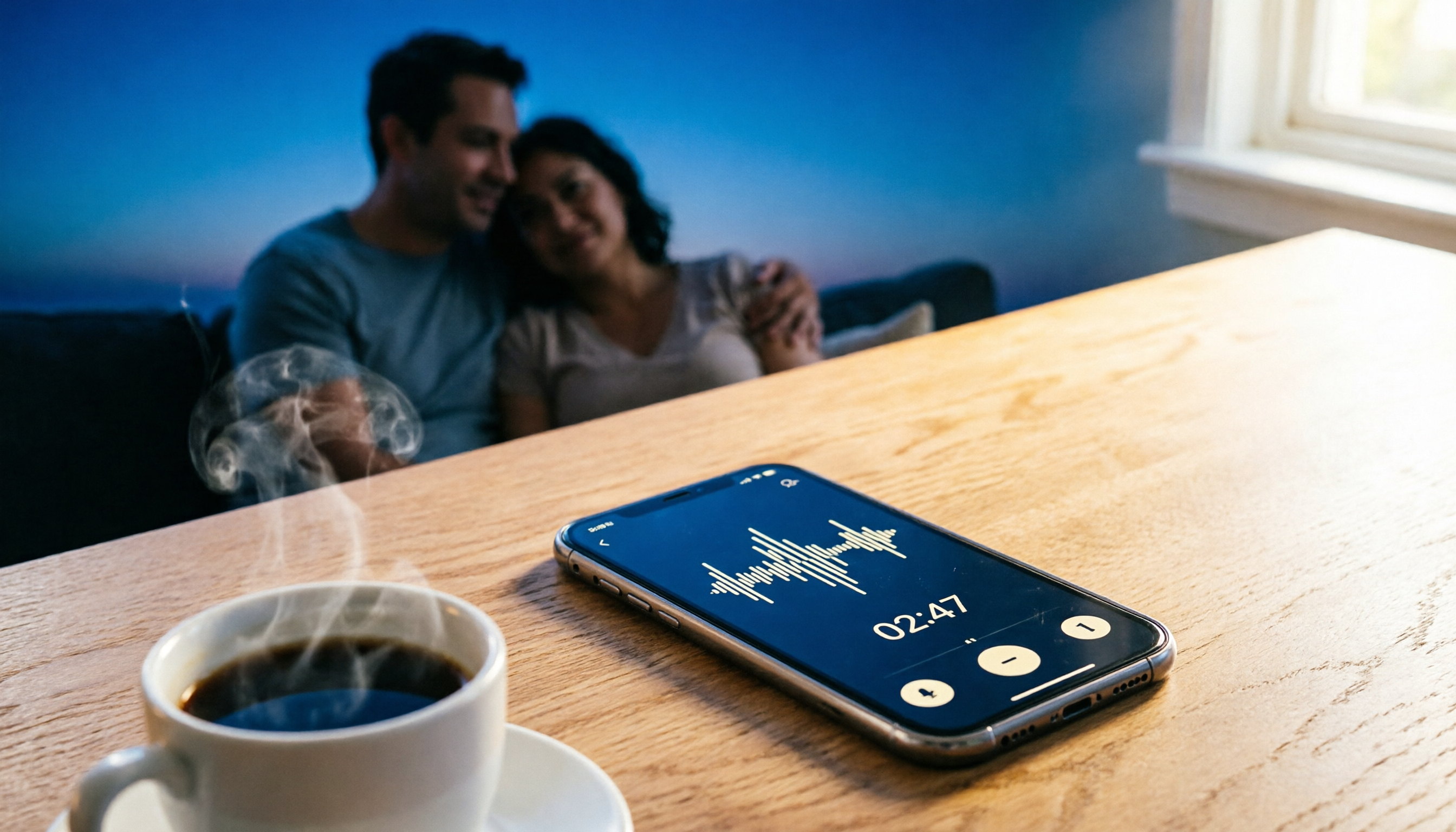
Turn recordings into transcripts and summaries in minutes
Upload audio or video for multilingual transcription, AI notes, and action items
Free Call Recording Isn't Just About Installing an App – Most People Struggle with Version Compatibility and File Management
Many people think call recording is as simple as downloading an app and hitting the record button. In practice, the real issue isn't whether you can record—it's whether you can reliably capture calls and easily find the files afterward.
Common frustrations include auto-recording suddenly failing after a system update, needing to turn on speakerphone to capture the other party's voice, and recorded files scattered across different folders that are hard to organize. Worse, some free tools fail to record at critical moments, and users often don't realize it until they need to play back the call.
If you've run into similar issues, this article compares the stability and limitations of several free call recorder tools from a practical, hands-on perspective.
Before Choosing a Free Call Recorder App, Check These 3 Often-Overlooked Points
1. Android Version Compatibility Matters More Than Interface Design
Android's permissions for call recording have been evolving. Some tools work fine on Android 9.0 and earlier but fail after updating to newer versions. Before committing, test the app with your own phone a few times—don't wait until an important call to discover it didn't record.
2. Auto-Recording Doesn't Guarantee Success Every Time
Auto-recording is convenient, but its stability depends on your phone brand, OS version, and call method. Some tools work fine on regular calls but struggle with Bluetooth headsets or certain VoIP calls. A quick test call before important conversations is a safer approach.
3. File Organization Determines Whether You Can Find Recordings Later
Free tools typically save recordings to a specific folder on your phone, but sorting logic varies. Some organize by date and time, others by contact name. If you frequently revisit recordings, choosing a tool with quick search and clear naming will save you time.
Call Recorder: A Basic Free Option for Users Who Don't Want to Tinker with Settings
Call Recorder is a straightforward free call recording app that captures both incoming and outgoing calls. Its interface is simple, and you can start recording without complex setup.
In testing, Call Recorder performed reliably on standard calls, and some users report it even captures conversations when connected to Bluetooth headsets. However, note that some users have experienced auto-recording failures on Android 9.0 and above. If you're on a newer Android device, test it manually a few times to confirm it works with your setup.
It's best suited for light users who need basic call recording, don't want to fiddle with settings, and have a compatible phone. If you need advanced file management or cross-device sync, this tool falls short.
Call Recorder (通話錄音): Weighing Auto-Recording Against Speakerphone Mode
Call Recorder (通話錄音) is another free tool that automatically starts recording when you make or receive calls. After the call ends, you tap save, and the file is stored in your phone's folder. Files are sorted by date/time or contact name, which is handy for quickly finding past recordings.
Stop organizing recordings by hand
Upload audio or video and automatically get a transcript, summary, and action items
One key caveat: this app typically auto-enables speakerphone to ensure both sides are clearly captured. The upside is higher recording completeness; the downside is that in public places, your conversation can be overheard. If you often take calls in quiet offices or outdoors, weigh this limitation before using it.
It's ideal for users who want auto-recording, don't mind speakerphone, and prefer files sorted by contact or time.
For iPhone Users: Practical Workarounds for Free Call Recording
Due to iOS privacy restrictions, iPhones can't directly record standard phone calls via third-party apps like Android can. Many free "call recorder" apps on the App Store actually rely on three-way call merging, which requires carrier support for that feature.
If you're on an iPhone, consider these alternatives:
- Use a built-in or third-party voice memo app, put the call on speaker, and record with another device.
- Use meeting or internet calling tools with built-in recording for important conversations.
- For calls you need to keep, inform the other party and get consent, then record with a secondary device.
These methods aren't as seamless as Android, but they're practical and cost-free given current iPhone limitations.
Avoid These 3 Common Mistakes with Free Call Recorders
Mistake 1: Installing Based on Download Counts Alone
High download numbers don't guarantee compatibility with your phone. Call recorder stability is closely tied to your phone brand and OS version—what works for others may not work on your device. After installing, test with a short call—it's more reliable than reading reviews.
Mistake 2: Ignoring Speakerphone's Impact on Privacy
Some free tools auto-enable speakerphone to capture both voices. If you use them in public or at the office, your conversation could be overheard. Check the app's recording mechanism beforehand to avoid unintentionally leaking sensitive info.
Mistake 3: Not Verifying File Completeness After Recording
Free tools aren't as stable as paid options, and occasional interruptions or corrupted files can happen. After recording an important call, play it back immediately to confirm it's complete—don't wait until you need it as evidence to discover a problem.
Summary: How to Choose a Free Call Recorder
If you're on Android and need basic call recording, both Call Recorder and Call Recorder (通話錄音) are solid free starting points. The former is simpler; the latter offers auto-recording and better file sorting. Key factors: first, verify Android version compatibility; then decide based on whether you mind speakerphone and whether you need auto-recording.
If you're on iPhone, don't expect third-party apps to directly record standard calls right now. Using speakerphone with a secondary recording device, or relying on internet calling tools with built-in recording for important conversations, is the more practical route.
Free call recorders have clear limitations, making them suitable for occasional use or tight budgets. If you need stable, high-volume, cross-device recording and organization, consider upgrading to a paid solution.
References
- 【Tech News】3 Recommended "Phone Call Recorder Apps"! Free, High-Quality Call Recording | JYES Communication – Challenging the Lowest Phone Prices
- Call Recorder App Recommendations: 2026's Most Practical Phone Call Recording Apps
- 2026's Top 5 Call Recorder Apps: Comprehensive Review of Auto-Recording/Transcription – AirDroid
- 《電話錄音 ™ Call Recorder》App - App Store
- 2023's Top 5 Free Mobile Recording Apps: Side Recording, Ringtones, Voiceovers All in One!
Turn every recording into actionable outcomes
Get 60 free transcription minutes when you sign in. No credit card required.
Related Reading
You might also like

4 Real-Time Translation Tools Tested for 2026: Which One Leaves You With Usable Meeting Notes?
Real-time translation tools solve the problem of understanding in the moment, but the real cost comes after the meeting. This article compares Tinrec, Transync AI, Vurbo.ai, and Notta on real-time translation, bilingual transcripts, post-meeting AI Q&A, and team management, and provides 4 key purchasing criteria, 3 common pitfalls to avoid, and scenario-based recommendations to help you explain clearly why you chose a particular tool.

Best Real-Time Translation Tools in 2026: 4 Tested, Top Free Pick for Meetings
How to choose a free real-time translation tool? This article covers three needs: web reading, ad-hoc interpretation, and cross-language meetings. We tested Tinrec, Google Translate, Immersive Translate, and Transync AI, summarizing free quotas, limitations, and use cases, and explain how Tinrec turns meeting recordings into transcripts, summaries, action items, and team data.

Tinrec vs Notta 2026: Real-Time Translation AI 5-Dimension Comparison, Which Is Better for Chinese Meetings?
Real-time translation AI isn't just about the number of languages—it's also about meeting capture methods, bilingual subtitles, post-meeting organization, AI Q&A, and team data ownership. This article compares Tinrec and Notta across 5 dimensions and explains which Chinese meeting scenarios each suits.

4 Free Simultaneous Interpretation Tools Tested: Which Offers Enough Free Minutes and Post-Meeting Value?
How to choose a free simultaneous interpretation tool? This article reviews four free-trial real-time translation tools—Tinrec, JotMe, Transgull, and Felo Translate—comparing them across five aspects: free quota calculation, translation presentation, recording and transcript retention, post-meeting organization, and team collaboration. It also includes a pitfalls guide and buying advice to help you find the one that truly saves time.

2026 Comparison of 3 Meeting Transcription Tools: Tinrec Turns Transcripts into Action Items
Turning meeting recordings into transcripts isn't hard—the hard part is post-meeting organization. Starting from meeting transcription needs, this article compares Tinrec, Notta, Good Tape, and Yating Transcript, covering transcription, online meeting recording, summary and to-dos, AI Q&A, and team collaboration to help you find the right meeting notes tool.

2026 Online Simultaneous Interpretation Guide: Tinrec Real-Time Translation + Bilingual Transcripts as an Alternative to Traditional Translation Apps
Online simultaneous interpretation is not just about real-time translation—it also depends on whether post-meeting materials are usable. This article addresses common misconceptions and explains how Tinrec uses desktop bot-free recording, real-time transcription, and bilingual translation, combined with summaries, action items, AI Q&A, and team spaces, to turn cross-language meetings into searchable, collaborative records.

How to Use Real-Time Voice Translation in 2026: 5 Steps from Recording to Bilingual Transcript
In cross-language meetings, front-desk reception, and international calls, real-time voice translation needs to solve more than just "understanding in the moment"—it also needs to leave you with usable records afterward. This article breaks down real-time voice translation tools using 5 key selection criteria, compares Tinrec, Transync AI, Vurbo.ai, and JotMe in hands-on testing, and summarizes 4 common pitfalls to help you choose the one that truly works for you.

How to Generate Transcripts with Tinrec in 2026: Bot-Free Recording + AI Summaries and Action Items
Transcript generation isn't just about feeding an audio file into a tool. This guide tackles four common pitfalls and compares Tinrec with Yating Transcription across meeting capture, Chinese recognition, post-meeting organization, AI Q&A, export, and team governance to help you decide which workflow truly saves time.

2026 Comparison of 3 Transcription Tools: Which One Actually Turns Meeting Recordings into Usable Data?
The real difference between transcription tools isn't speed—it's whether the output is ready to use. Starting from the question 'Do you want text or results?', this article outlines 4 key buying criteria, compares Tinrec, Notta, Otter.ai, and Granola on meeting recording, transcript organization, AI Q&A, export, and team collaboration, and includes a pitfalls guide and scenario-based recommendations.