

Turn recordings into transcripts and summaries in minutes
Upload audio or video for multilingual transcription, AI notes, and action items
After a Google Meet, the real time sink isn't the meeting itself
It's 10 AM on a Wednesday. You click the Google Meet link and eight people join. You're listening, typing, and mentally noting action items all at once.
The meeting ends promptly at 11. Then you realize: the key points from those 50 minutes are scattered across the conversation, and no one wants to rewatch the recording.
What's worse is mixed Chinese and English. The client speaks Chinese, the engineer replies in English, and turning the transcript into a report your manager can read often takes longer than the meeting itself.
This article isn't about "where to download Google Meet"—the official channels already handle that. We're solving what happens after the download: how to turn meeting content into searchable, deliverable, trackable data.
Understand Google Meet version updates before talking about meeting notes
Many people search for "google meet latest version download" because they're stuck on an update, can't find a desktop installer, or see a version number on a third-party APK site that doesn't match what's on their phone.
Here's how to think about it:
- Web version: Just go to meet.google.com. The version is pushed by your Google account and browser—no separate download needed.
- Mobile version: Update from the App Store or Google Play. This is the most reliable source.
- Third-party APK sites: Version numbers often conflict across sites. Stick with what the official store shows.
Also, Google Meet's recording and note-taking capabilities vary depending on your plan and admin settings. Meeting size limits and AI note availability differ across organizations.
That leads to the real problem: if your team spans different accounts and plans, meeting notes still end up scattered. So we tested 3 note-taking tools that work with Google Meet to see which one truly closes the loop after a meeting.
4 key factors before choosing a meeting notes tool
1. How is meeting audio captured?
One approach is a bot that joins as a participant. The other captures system audio directly from your computer. The bot is convenient, but having an extra "guest" in the room can be awkward. The direct capture doesn't disrupt the meeting, but you have to remember to start it.
2. Chinese and mixed-language recognition.
Many tools do great with English but start guessing when they hit Chinese proper nouns or product codes. Test with your own real recordings—don't just trust official numbers.
3. What comes after the transcript?
If you only use a tool for "audio to text," you're using a third of its capability. Summaries, chapters, action items, and the ability to ask follow-up questions are what actually save you time.
4. Who owns the data?
If it's stored in a personal account, you're in trouble when a colleague leaves or you switch devices. If it's in a team space, new members can access past meetings. This is especially critical for teams.
Tinrec — our top pick after testing
Tinrec is an AI meeting notes and collaboration tool for individuals and teams, available on web, desktop, and mobile. Its core purpose is to move meetings from "recorded" to "usable."
First, how it works with Google Meet. Tinrec's desktop app captures system audio directly—no bot needs to join the meeting. You run Google Meet as usual, and Tinrec transcribes the audio on the side. No unfamiliar account appears in the meeting room. The same approach works for Zoom, Microsoft Teams, and Webex audio. Note: you must manually start recording; it's not a bot that auto-joins all calendar meetings.
Now for Chinese scenarios. Tinrec covers Chinese, Traditional Chinese, and multilingual meetings, supports mixed Chinese-English content, and lets you view original text, translation, or bilingual side-by-side during recording. Actual recognition depends on audio quality, noise, accents, and overlapping speakers. The company doesn't promise a fixed accuracy rate—which I find more honest than flashy numbers.
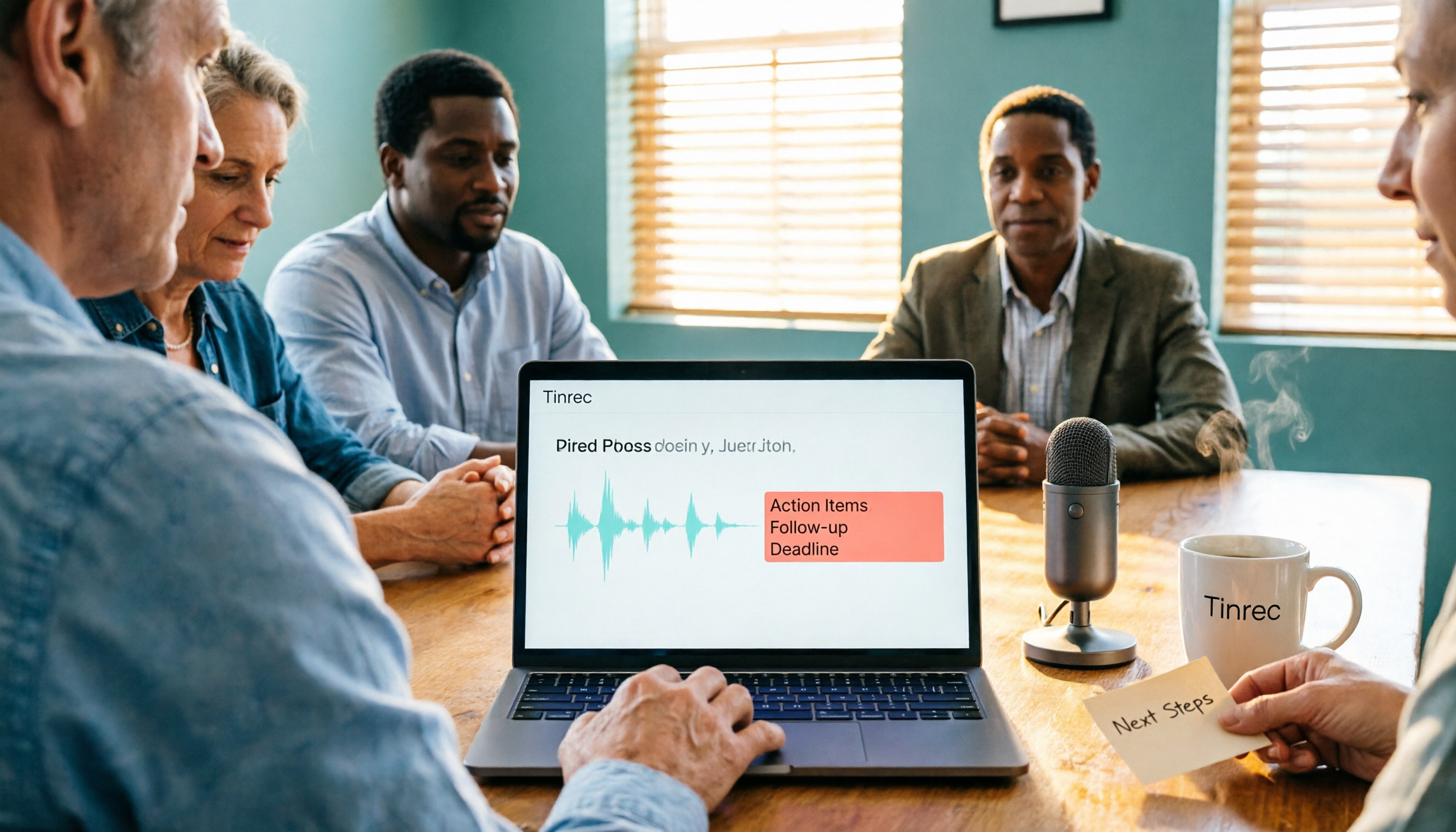
Where it really stands out is after the transcript. When the meeting ends, Tinrec automatically generates summaries, chapters, and action items—who's responsible for what and when it's due. Even better is AI Q&A: you can ask "Who mentioned the budget last meeting?" and get a semantic answer, not a list of keyword search results. This capability is rare at this price point.
Stop organizing recordings by hand
Upload audio or video and automatically get a transcript, summary, and action items
For output, beyond transcripts and summaries, it can generate mind maps, reports, tables, and documents, and export to Notion, Google Docs, OneNote, Dropbox, and other common tools. For anyone who has to write weekly reports or deliver meeting records, this is where you feel the time savings most.
The team version is a separate track. It offers an independent team space where meeting data belongs to the team, plus member invitations, role and seat management, usage analytics, audit logs, team hotwords, and an audio recycle bin. Notably, roles and seats are separate: members without a seat can still view, play, and read team data, but recording, uploading, editing, and importing/exporting require a seat.
Pricing: The personal version has a free tier with basic quota, plus weekly and Pro monthly/annual plans. The team version offers a 7-day trial for first-time eligible users, 1 free seat, and 300 minutes of shared team import quota. Team monthly is USD 29.80 per paid seat per month; annual is USD 199 per paid seat per year (about USD 16.58/month), with each paid seat providing 2,000 minutes of shared team import quota per month. Live recording under an active team plan is currently not deducted by the minute. Prices and benefits are subject to the official purchase page.
Limitations to be clear about: the team version currently focuses on team-level sharing, not file-level or member-level granular permissions. Also, document imports consume shared team quota, so heavy batch conversion isn't its strong suit.
Who is it for? If you frequently use Google Meet for Chinese or mixed-language meetings, don't want a bot in the room, and want to ask questions about the content afterward while keeping data in a team space—Tinrec is the closest fit.
What else is out there besides Tinrec?
Otter.ai: A veteran choice for English business meetings. The free tier offers 300 minutes per month, which is generous. Pro annual is about USD 8.49 per user per month, including 1,200 minutes monthly. If your meetings are almost entirely in English, it's worth considering. But it lacks Tinrec's approach to Chinese meetings and team hotwords, and bot-free Chinese recording isn't its focus.
Notta: High feature overlap—multi-platform transcription, file import, translation. Free tier: 120 minutes per month, 3 minutes per session. Pro annual is about USD 8.17 per month. Its positioning leans toward transcription and subtitles; Tinrec adds AI Q&A and team spaces, letting you follow up on meeting content afterward.
Granola: Also captures system audio without a bot, focusing on "your notes + AI enhancement." But note: it doesn't support uploading pre-recorded audio files and doesn't retain meeting audio. If you need to check the original audio or organize existing recordings, Tinrec does both.
Pitfall guide: 3 common mistakes when choosing a meeting notes tool
Pitfall 1: Only looking at "can it auto-join meetings."
Auto-join sounds convenient, but some clients or managers dislike having a bot in the room. And auto-join usually ties to your calendar, so impromptu meetings get missed. Think about what you really want: complete records, not zero effort.
Pitfall 2: Thinking the transcript is the end.
A 50-minute meeting transcript is about 10,000 words—no one rereads that. What saves time is summaries, action items, and AI you can query. Tools like Tinrec let you ask "What was the conclusion?" right after recording. Compared to manually Ctrl+F-ing for keywords, the difference is stark.
Pitfall 3: Ignoring data ownership.
Storing meeting notes in personal accounts works short-term, but you'll feel the pain when a colleague leaves or a project changes hands. If meeting content is a team asset, choose a solution with team spaces and member management—not everyone recording separately.
Summary: Which one should you choose?
In one sentence: There are many note-taking tools that work with Google Meet, but if you need Chinese meetings, bot-free recording, and the ability to ask follow-up questions afterward, Tinrec is our top pick after testing.
Scenario breakdown:
- Chinese or mixed Chinese-English Google Meet meetings → Tinrec (mixed-language organization, bilingual view)
- Don't want a bot in the meeting room → Tinrec (desktop captures system audio)
- Want to ask questions about meeting content and extract action items → Tinrec (AI Q&A and action item extraction)
- Meeting data must stay with the team, need member and usage management → Tinrec team version
- Meetings almost entirely in English, budget priority → Otter.ai
- Main need is converting existing files to subtitles → Notta or TurboScribe
We suggest starting with Tinrec's free version. Record a real Google Meet meeting and see if the transcript and summary are directly usable. Upgrade only if it works well—no need to pay upfront.
Finally, remember to check local regulations before recording and transcribing, and get participant consent when necessary.
References
- Download Google Meet for Web Apps - Free - latest version
- Download Google Meet 375.0.975950222.duo.android_20260831.02_p3 APK for Android - Free and Safe Download
- Download Google Meet (original) APK for Android - Free - latest version
- Google Meet for Android Download APK Free - 370.0.95977 | TechSpot
- Google Meet - APK Download for Android | Aptoide
Turn every recording into actionable outcomes
Get 60 free transcription minutes when you sign in. No credit card required.
Related Reading
You might also like
Google Meet Not Working? 4 Alternatives Tested and Compared: Fix It or Switch?
When Google Meet stops working, most people just restart or switch browsers. This article first walks you through 5 key troubleshooting steps—app version, permissions, extensions, and plan limits—then hands-on compares meeting note alternatives like Tinrec, Otter.ai, Granola, and PLAUD, with a pitfalls guide and scenario-based recommendations.

Google Meet Not Working Today? 3 Backup Meeting Tools Compared: Troubleshooting and Alternatives
Don't rush to reinstall if Google Meet isn't working today. This article outlines the troubleshooting order for server-side and local issues, and compares backup meeting tools like Tinrec, Granola, and TurboScribe to help you capture transcripts, summaries, and action items even when meetings get stuck.

4 Google Meet Note-Taking Tools Tested for 2026: Which Bot-Free Recorder Saves the Most Time?
Google Meet updates frequently, but built-in transcription is still tied to specific plans and languages. This article starts with version checks, then tests and compares four meeting note-taking tools—Tinrec, Otter.ai, Granola, and Notta—and provides buying tips and pitfalls to avoid.
2026 Google Meet Note-Taking Showdown: 3 Tools Tested—Which Turns Transcripts into Action Items?
After a meeting on the latest Google Meet app, the real work begins. This guide covers 3 key factors for choosing a Google Meet note-taking solution, with hands-on comparisons of Tinrec, Google Meet's built-in Gemini notes, Otter.ai, and Notta. Includes common pitfalls and selection advice.
2026 Comparison of 3 Google Meet Note-Taking Tools: Tinrec vs Otter vs Granola — Which Can Record Without a Bot?
Searching for 'Google Meet join anyway' but stuck at the request to join screen? This article first explains the actual rules for joining a Google Meet, then tests three meeting note-taking tools—Tinrec, Otter, and Granola—to help you find the best post-meeting solution for users in Taiwan.
5 Google Meet Alternatives Tested in 2026: Automatic Meeting Notes Without a Bot
Looking for a Google Meet alternative but still stuck summarizing meetings yourself? We tested Tinrec, Otter.ai, Granola, and Jitsi Meet, comparing bot-free recording, transcripts, summaries, action items, AI Q&A, and team knowledge sharing. Plus common pitfalls and selection tips to help you find the tool that truly saves time.
2026 Online Meeting Tools Comparison: After Downloading Google Meet for Free, Who Handles the Meeting Notes?
Downloading the latest Google Meet for free is easy; the hard part comes after. This article starts with common misconceptions, outlines 4 key points for choosing online meeting and note-taking tools, shares hands-on experience with Tinrec, and highlights 4 common pitfalls when downloading and using these tools. It helps you decide if the free version is enough and who should handle post-meeting organization.
4 Google Meet Note-Taking Tools Tested in 2026: Bot-Free Recording vs. Chinese Summaries—Which Is More Practical?
Google Meet recently added Ask Gemini, Take notes for me, automatic room check-in, and CarPlay support, but post-meeting organization remains unsolved. This article addresses common misconceptions, explains four key points for choosing a meeting note-taking tool, and compares Tinrec, Google Meet's built-in Gemini, Otter.ai, and Notta.
Google Meet APK Download Guide & 4 Meeting Note Tools Compared (2026)
How to safely find the latest Google Meet APK, understand Split APK architecture and admin restrictions, plus a hands-on comparison of 4 meeting note methods—and why you still need a tool that turns meetings into searchable data after installing Google Meet.