
Turn recordings into transcripts and summaries in minutes
Upload audio or video for multilingual transcription, AI notes, and action items
Most People Get the First Step Wrong When Looking for the Latest Google Meet APK
When searching for the latest Google Meet APK, many people think "the higher the version number, the better" and download from whichever site claims to have the newest version. That's the first mistake.
The second mistake is even more common: assuming that once you install the latest version, meeting notes will be automatically taken care of. In reality, what you get is usually just screen, audio, or captions—after the meeting ends, you still have to figure out how to organize everything yourself.
Google Meet is a video conferencing service by Google LLC, supporting Android 6.0 and above. It works for both work and personal calls, and can host up to 250 participants. It offers live captions, Q&A, polls, and other interactive features. Some plans also allow recording meetings and saving them to Google Drive.
But the availability of these features varies by plan, device, and administrator settings.
In other words, the APK version is just your ticket in. What really determines when you clock out is what happens after the meeting ends.
4 Key Things to Understand Before Downloading Google Meet APK
1. Source credibility Google Play is the only channel that guarantees source and signature. Third-party APK sites (like APKPure, APKMirror, Aptoide) can serve as backups, but before downloading, always verify the developer is listed as Google LLC, check version and device compatibility, and pay attention to the site's own security warnings.
2. Device architecture and Split APK Google Meet installation files are often distributed as Split APKs, split by CPU architecture (arm64-v8a, armeabi-v7a), screen density, and language. Installing the wrong architecture will cause installation to fail—this is the most common reason for "why can't I install it?"
3. Are features locked? Features like AI meeting notes are controlled by administrators in the Admin console; 1080p video, noise cancellation, and similar capabilities depend on paid plans. Installing the latest version doesn't mean all features are unlocked.
4. Post-meeting organization This is the most easily overlooked point. After a meeting, what you need is searchable, queryable, actionable data—not just a recording or a transcript.
Tinrec — Turn Google Meet Meetings into Usable Data
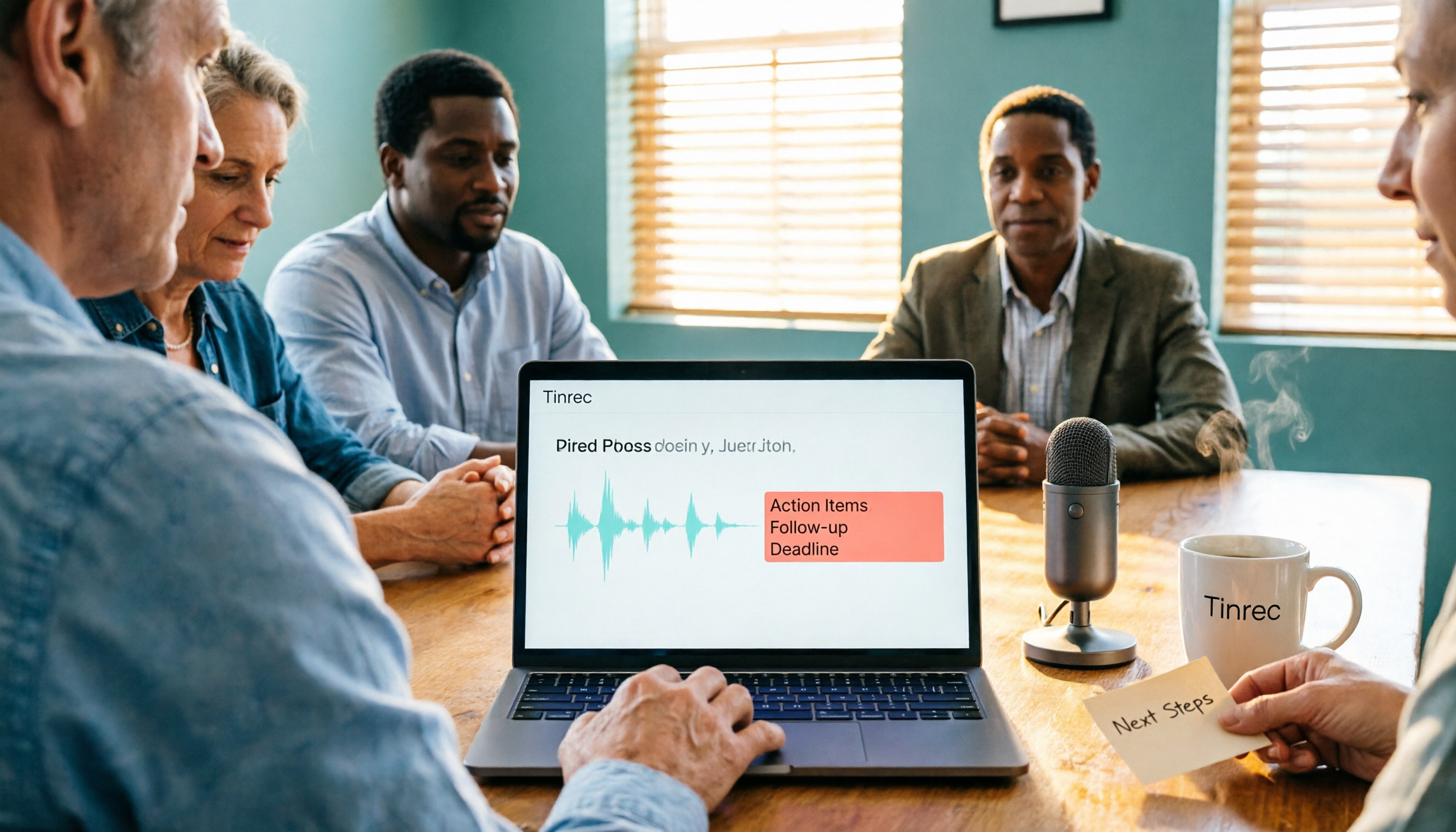
Tinrec is an AI meeting notes and collaboration tool for individuals and teams, available on iOS, Android, and web. For online meetings on your computer, the desktop version handles it.
Its biggest difference: the desktop version captures system audio directly, so you don't need a meeting bot to join Google Meet, Zoom, Microsoft Teams, or Webex. Just open Tinrec and start recording, and the meeting is transcribed in real time.
During the meeting: transcribe while recording, with translation While the meeting is in progress, Tinrec generates live transcripts. For cross-language situations, you can view the original, translation, or bilingual content simultaneously. For those who frequently meet with overseas colleagues, this is far more practical than trying to guess what was said afterward.
After the meeting: summaries, chapters, and action items all at once When the meeting ends, AI automatically organizes summaries and chapters, extracting key discussion points and action items. Who's responsible for what, what's next—no need to re-listen to an hour of recording.
Post-meeting queries: ask the meeting content directly This is where Tinrec differs most from ordinary transcription tools. After recording, you can ask questions directly, such as "Who mentioned the budget in the last meeting?" It answers based on semantics, not just a list of keyword search results. Most competitors in the same price range don't have this capability yet.
Stop organizing recordings by hand
Upload audio or video and automatically get a transcript, summary, and action items
Additionally, Tinrec supports exporting results to Notion, Google Docs, OneNote, Dropbox, and other tools. It can also generate reports, tables, and meeting minutes, fitting right into your existing workflow.
Limitations to note The free version offers a basic quota, suitable for trying it out. Heavy users who meet daily will need a paid plan. Also, transcription accuracy is affected by recording quality, noise, accents, multiple people talking over each other, and technical jargon. For important content, it's recommended to cross-check with recording playback.
For team use, the team plan offers a separate team space: the first eligible trial is 7 days, including 1 free seat and 300 minutes of shared team import quota; team monthly billing is USD 29.80 per paid seat per month, annual billing is USD 199 per paid seat per year (about USD 16.58 per month). Each paid seat provides 2,000 minutes of shared team import quota per month. Live recording is currently not deducted by minutes. Roles and seats are separate: members without a seat can still view and read team data, but need a seat to record, upload, and edit. Actual prices and benefits are subject to the official purchase page.
Who it's for People who frequently hold Google Meet meetings in Chinese or mixed Chinese-English, need post-meeting summaries and action items, and want meeting data to remain searchable long-term.
Besides Tinrec, What Other Meeting Note Options Are There?
Otter.ai A mature English AI meeting assistant. Free version offers 300 minutes per month; Pro annual billing is about USD 8.49 per user per month, with 1,200 minutes per month. It's strong for English business meetings, but Chinese meetings aren't its strong suit, and it lacks Tinrec's desktop bot-free recording and team hotwords.
Notta A multilingual transcription and meeting notes tool. Free version offers 120 minutes per month, max 3 minutes per session; Pro annual billing is about USD 8.17 per month, with 1,800 minutes per month. It overlaps significantly with Tinrec, but Tinrec adds bot-free online meeting recording and AI Q&A around meeting content.
PLAUD Note / NotePin AI recording hardware. NotePin costs USD 159, suitable for phone call recording and portable note-taking. You're buying the device and hardware experience; Tinrec requires no extra equipment and is better at handling online meetings on computers and team data retention.
Pitfall Guide: 3 Most Common Mistakes When Looking for Google Meet APK
Pitfall 1: Believing in "unlimited minutes cracked versions" Any installation file claiming to be cracked or unlocking paid features carries risks far greater than the convenience. At best, features malfunction; at worst, accounts and data are compromised. Such files have no source guarantee, and if problems arise, there's no one to hold accountable.
Pitfall 2: Ignoring CPU architecture Before downloading, confirm whether your phone is arm64-v8a or armeabi-v7a, and check that your Android version meets requirements. Installing the wrong Split APK will almost certainly result in installation failure.
Pitfall 3: Thinking installing the tool equals completing the notes Google Meet can give you screen, audio, and captions, but it won't organize who agreed to what. The real cost is the one to two hours after the meeting—that's where you should focus on saving time.
Conclusion: Which One Should You Choose?
- Phone can't update via Google Play → First confirm device architecture, then download from a trusted third-party site, and verify the developer is Google LLC.
- Just need to meet, no transcript needed → Google Meet's built-in features are sufficient.
- Need Chinese meeting transcripts + post-meeting summaries and action items → Tinrec, desktop bot-free recording is easiest to start with.
- Want to directly ask AI about meeting content → Tinrec, a rare capability in this price range.
- Mainly English meetings, limited budget → Otter.ai free version with 300 minutes per month is worth considering.
- Need team sharing of meeting data, manage seats and usage → Tinrec team plan, run the free trial first before deciding.
Downloading the latest APK just opens the door. What really saves time is not having to re-listen to the recording after the meeting ends.
References
- Download Google Meet 375.0.975950222.duo.android_20260831.02_p3 APK for Android - Free and Safe Download
- Google Meet - APK Download for Android | Aptoide
- Google Meet for Android Download APK Free - 370.0.95977 | TechSpot
- Download Google Meet (formerly Google Duo) APKs for Android - APKMirror
- Google Meet APK Download for Android - Latest Version
Turn every recording into actionable outcomes
Get 60 free transcription minutes when you sign in. No credit card required.
Related Reading
You might also like
Google Meet Not Working? 4 Alternatives Tested and Compared: Fix It or Switch?
When Google Meet stops working, most people just restart or switch browsers. This article first walks you through 5 key troubleshooting steps—app version, permissions, extensions, and plan limits—then hands-on compares meeting note alternatives like Tinrec, Otter.ai, Granola, and PLAUD, with a pitfalls guide and scenario-based recommendations.

Google Meet Not Working Today? 3 Backup Meeting Tools Compared: Troubleshooting and Alternatives
Don't rush to reinstall if Google Meet isn't working today. This article outlines the troubleshooting order for server-side and local issues, and compares backup meeting tools like Tinrec, Granola, and TurboScribe to help you capture transcripts, summaries, and action items even when meetings get stuck.

4 Google Meet Note-Taking Tools Tested for 2026: Which Bot-Free Recorder Saves the Most Time?
Google Meet updates frequently, but built-in transcription is still tied to specific plans and languages. This article starts with version checks, then tests and compares four meeting note-taking tools—Tinrec, Otter.ai, Granola, and Notta—and provides buying tips and pitfalls to avoid.
2026 Google Meet Note-Taking Showdown: 3 Tools Tested—Which Turns Transcripts into Action Items?
After a meeting on the latest Google Meet app, the real work begins. This guide covers 3 key factors for choosing a Google Meet note-taking solution, with hands-on comparisons of Tinrec, Google Meet's built-in Gemini notes, Otter.ai, and Notta. Includes common pitfalls and selection advice.
2026 Comparison of 3 Google Meet Note-Taking Tools: Tinrec vs Otter vs Granola — Which Can Record Without a Bot?
Searching for 'Google Meet join anyway' but stuck at the request to join screen? This article first explains the actual rules for joining a Google Meet, then tests three meeting note-taking tools—Tinrec, Otter, and Granola—to help you find the best post-meeting solution for users in Taiwan.
5 Google Meet Alternatives Tested in 2026: Automatic Meeting Notes Without a Bot
Looking for a Google Meet alternative but still stuck summarizing meetings yourself? We tested Tinrec, Otter.ai, Granola, and Jitsi Meet, comparing bot-free recording, transcripts, summaries, action items, AI Q&A, and team knowledge sharing. Plus common pitfalls and selection tips to help you find the tool that truly saves time.
2026 Online Meeting Tools Comparison: After Downloading Google Meet for Free, Who Handles the Meeting Notes?
Downloading the latest Google Meet for free is easy; the hard part comes after. This article starts with common misconceptions, outlines 4 key points for choosing online meeting and note-taking tools, shares hands-on experience with Tinrec, and highlights 4 common pitfalls when downloading and using these tools. It helps you decide if the free version is enough and who should handle post-meeting organization.
4 Google Meet Note-Taking Tools Tested in 2026: Bot-Free Recording vs. Chinese Summaries—Which Is More Practical?
Google Meet recently added Ask Gemini, Take notes for me, automatic room check-in, and CarPlay support, but post-meeting organization remains unsolved. This article addresses common misconceptions, explains four key points for choosing a meeting note-taking tool, and compares Tinrec, Google Meet's built-in Gemini, Otter.ai, and Notta.
How to Join a Google Meet with a Code in 2026: Steps for 3 Devices & Common Error Fixes
2026 Google Meet join with code tutorial: covers code format, steps for desktop, mobile, and Gmail, waiting room, common errors, and how to use Tinrec to organize transcripts and summaries after the meeting.