
Turn recordings into transcripts and summaries in minutes
Upload audio or video for multilingual transcription, AI notes, and action items
Most People Get Stuck Not on the 'Download' but on What Comes After
Many people search for the latest Google Meet free download, but what they really want is 'a smooth online meeting.' Google Meet offers a web version, Android, and iOS apps. You can start or join meetings with a Google account, and the free version is sufficient for individuals and small teams.
But the real trouble usually emerges after the meeting ends: after a two-hour discussion, conclusions are scattered in the chat, to-dos are on sticky notes, and you have to replay the recording to remember who promised what.
Downloading is just the starting point. Whether meeting content can be saved, searched, and used is the key to determining how many extra hours you'll spend each week.
Before Choosing Online Meeting and Note-Taking Tools, Understand These 4 Key Points
1. Do you need 'connection' or 'documentation'?: Google Meet, Zoom, and Teams solve the problem of bringing people together; meeting notes, summaries, and to-dos are usually only basic features built into the platform. It's best to evaluate these two things separately.
2. Recognition performance for Chinese and mixed Chinese-English: Meetings in Taiwan are rarely pure Chinese, with product codes and English jargon flying around. Instead of relying on official accuracy claims, test with a recording of your own meeting.
3. Should you invite another meeting bot?: Some tools join meetings as a participant. For internal meetings, it's fine, but for external client meetings, it could be disruptive. A method that captures audio directly from the desktop is more natural for sales and consulting roles.
4. Where does meeting data ultimately reside?: If it's stored on a personal phone, data is lost when the person leaves. For team use, centralized storage and member/seat management are more important than saving on monthly fees.
Tinrec – Our Top Choice After Hands-On Testing
Tinrec is an AI meeting notes and collaboration tool for individuals and teams, supporting iOS, Android, and web versions, with a desktop version for online meetings. It's not meant to replace Google Meet for meetings but to fill the gap after the meeting ends.
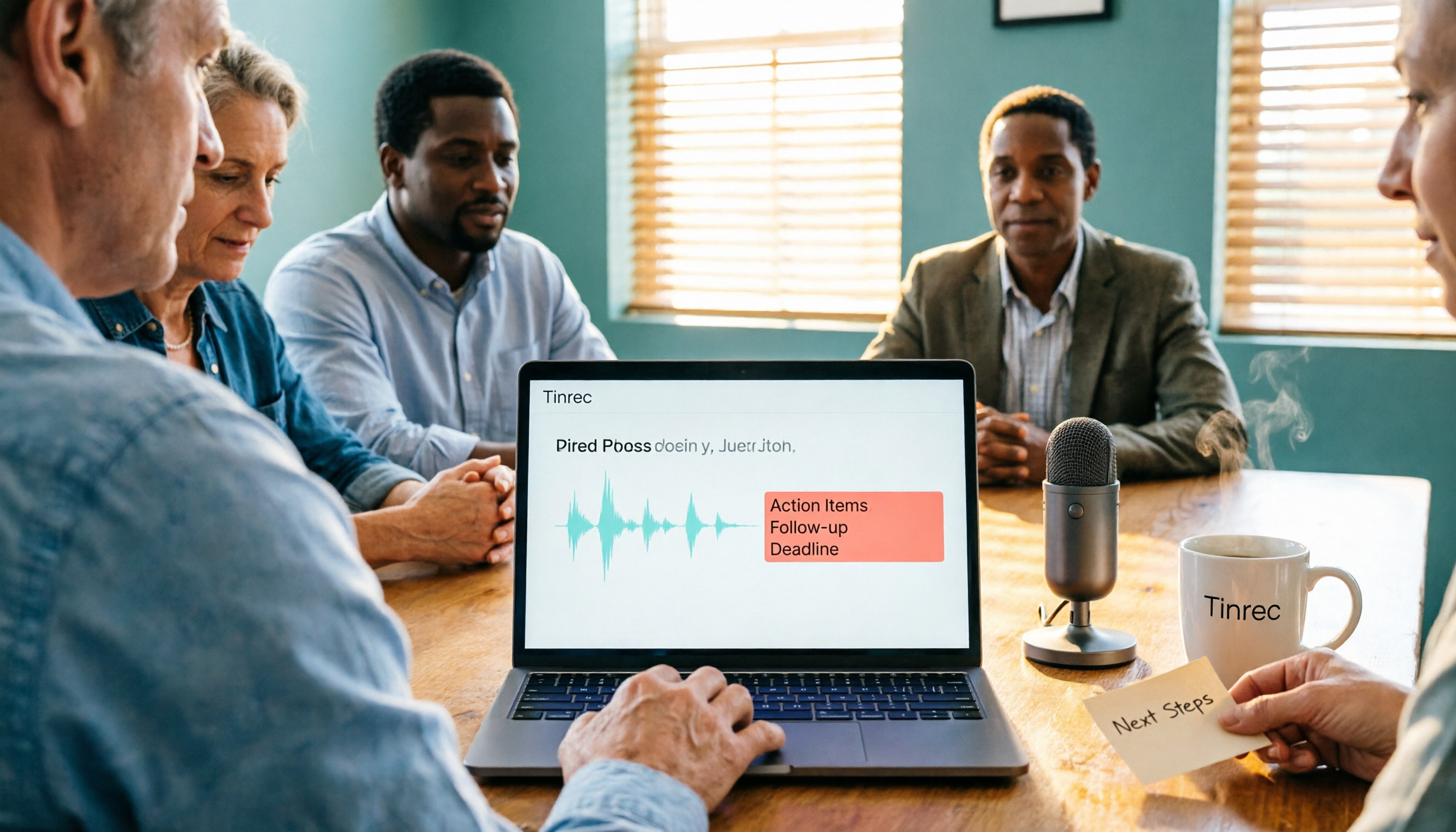
During a meeting, open the Tinrec desktop version, and it directly captures the computer's system audio without inviting any meeting bot to join Google Meet, Zoom, Teams, or Webex. The transcript is generated in real-time during the meeting, and after it ends, AI has already organized the summary, chapters, and to-dos—who is responsible for what and what's next is clear at a glance.
Even better is the AI Q&A. You can directly ask it 'What was the budget range the client mentioned in the last meeting?' and it will answer based on the meeting content, rather than giving you a bunch of keyword search results. This saves a lot of time for those who need to review historical meetings.
The output is also covered: transcripts, summaries, and to-dos can be exported and taken to Notion, Google Docs, OneNote, and other tools for further processing. The team version centralizes this data into a team space and provides member, role, seat, usage, and audit management.
Stop organizing recordings by hand
Upload audio or video and automatically get a transcript, summary, and action items
Note that the free version is a basic quota experience; long-term high-frequency use requires considering Pro or team versions. Also, actual recognition performance can be affected by recording quality, accents, and multiple people talking over each other. For important content, it's advisable to double-check the transcript timestamps and recording.
Besides Tinrec, What Other Options Are There?
Google Meet's built-in meeting features: The most hassle-free, no extra installation needed, and the free version includes real-time captions. However, cross-platform post-meeting organization, follow-ups, and to-do extraction are relatively limited, suitable for users who just want 'a record.'
Otter.ai: A mature choice for English meetings. The Basic free version offers 300 minutes per month, generous for pure English content. It's geared towards English business meetings, not ideal for Chinese or mixed Chinese-English, and lacks Tinrec's team hotwords and bilingual real-time translation design.
Notta: Good at multilingual transcription and file import. The free version offers 120 minutes per month, with a single content limit of 3 minutes. It's more of a file transcription tool, lacking Tinrec's desktop bot-free recording of online meetings and the process of depositing data into a team space.
Pitfall Guide: The 4 Most Common Mistakes When Downloading Online Meeting Tools
Pitfall 1: Downloading from unknown APK sites. Third-party APK websites may show very new version numbers, but security and update responsibility are not on your side. For Android, use Google Play; for iOS, use the App Store; for desktop, use the official web version—simplest.
Pitfall 2: Assuming 'free' means unlimited quota. Most tools' free plans have limits on participants, duration, or monthly minutes, and the numbers can change with plan adjustments. Check clearly before downloading, don't wait until mid-meeting to find out.
Pitfall 3: Only comparing participant limits. How many people and minutes the free version allows often varies by source; refer to the official page. But even if you win on participant count, post-meeting organization still requires manual effort.
Pitfall 4: Treating AI transcripts as 100% accurate. AI can miss words and mishear proper nouns. Treat it as an assistant that saves you most of the organization time, and double-check the original for important decisions.
Conclusion: Which One Should You Choose?
Just occasional video calls with friends and family → Use Google Meet free version, no extra tools needed.
Internal company meetings, need Chinese transcripts and summaries → Tinrec, record directly from desktop, no bot invitation.
Want to use AI to follow up on meeting details after recording → Tinrec, this is the most obvious difference from pure transcription tools.
Team needs centralized management of meeting data and member permissions → Tinrec team version, with team space, seat, and usage management.
Content is almost all English, zero budget → Otter.ai free version is a worthwhile exception.
It's recommended to start with a free version or trial, test with your own meeting recording, see if the transcript and summary meet expectations, then decide whether to upgrade.
References
- Download Google Meet for Web Apps - Free - latest version
- Download Google Meet 375.0.975950222.duo.android_20260831.02_p3 APK for Android - Free and Safe Download
- Google Meet for Android Download APK Free - 370.0.95977 | TechSpot
- Download Google Meet (free) for Android, APK, iOS and Web App | Gizmodo
- Google Meet APK Download for Android - Latest Version
Turn every recording into actionable outcomes
Get 60 free transcription minutes when you sign in. No credit card required.
Related Reading
You might also like
Google Meet Not Working? 4 Alternatives Tested and Compared: Fix It or Switch?
When Google Meet stops working, most people just restart or switch browsers. This article first walks you through 5 key troubleshooting steps—app version, permissions, extensions, and plan limits—then hands-on compares meeting note alternatives like Tinrec, Otter.ai, Granola, and PLAUD, with a pitfalls guide and scenario-based recommendations.

Google Meet Not Working Today? 3 Backup Meeting Tools Compared: Troubleshooting and Alternatives
Don't rush to reinstall if Google Meet isn't working today. This article outlines the troubleshooting order for server-side and local issues, and compares backup meeting tools like Tinrec, Granola, and TurboScribe to help you capture transcripts, summaries, and action items even when meetings get stuck.

4 Google Meet Note-Taking Tools Tested for 2026: Which Bot-Free Recorder Saves the Most Time?
Google Meet updates frequently, but built-in transcription is still tied to specific plans and languages. This article starts with version checks, then tests and compares four meeting note-taking tools—Tinrec, Otter.ai, Granola, and Notta—and provides buying tips and pitfalls to avoid.
2026 Google Meet Note-Taking Showdown: 3 Tools Tested—Which Turns Transcripts into Action Items?
After a meeting on the latest Google Meet app, the real work begins. This guide covers 3 key factors for choosing a Google Meet note-taking solution, with hands-on comparisons of Tinrec, Google Meet's built-in Gemini notes, Otter.ai, and Notta. Includes common pitfalls and selection advice.
2026 Comparison of 3 Google Meet Note-Taking Tools: Tinrec vs Otter vs Granola — Which Can Record Without a Bot?
Searching for 'Google Meet join anyway' but stuck at the request to join screen? This article first explains the actual rules for joining a Google Meet, then tests three meeting note-taking tools—Tinrec, Otter, and Granola—to help you find the best post-meeting solution for users in Taiwan.
5 Google Meet Alternatives Tested in 2026: Automatic Meeting Notes Without a Bot
Looking for a Google Meet alternative but still stuck summarizing meetings yourself? We tested Tinrec, Otter.ai, Granola, and Jitsi Meet, comparing bot-free recording, transcripts, summaries, action items, AI Q&A, and team knowledge sharing. Plus common pitfalls and selection tips to help you find the tool that truly saves time.
4 Google Meet Note-Taking Tools Tested in 2026: Bot-Free Recording vs. Chinese Summaries—Which Is More Practical?
Google Meet recently added Ask Gemini, Take notes for me, automatic room check-in, and CarPlay support, but post-meeting organization remains unsolved. This article addresses common misconceptions, explains four key points for choosing a meeting note-taking tool, and compares Tinrec, Google Meet's built-in Gemini, Otter.ai, and Notta.
Google Meet APK Download Guide & 4 Meeting Note Tools Compared (2026)
How to safely find the latest Google Meet APK, understand Split APK architecture and admin restrictions, plus a hands-on comparison of 4 meeting note methods—and why you still need a tool that turns meetings into searchable data after installing Google Meet.
How to Join a Google Meet with a Code in 2026: Steps for 3 Devices & Common Error Fixes
2026 Google Meet join with code tutorial: covers code format, steps for desktop, mobile, and Gmail, waiting room, common errors, and how to use Tinrec to organize transcripts and summaries after the meeting.