
Turn recordings into transcripts and summaries in minutes
Upload audio or video for multilingual transcription, AI notes, and action items
Switched Video Platforms, Still Stuck Writing Meeting Notes?
Two-hour meeting, two more hours organizing notes—that's the daily reality for most office workers.
But many people get the first step wrong: they think simply switching to a "Google Meet-like video tool" is enough. The platform changes, but transcripts, summaries, and action items still need to be handled manually.
The reason is that "starting a meeting" and "recording a meeting" are actually two different things. What most people really lack isn't another video conferencing app, but a tool that can take over post-meeting organization.
If you're stuck at this point, the following guide is written for you.
Before Choosing This Type of Tool, Understand 4 Key Points
1. How does it "get into the meeting"?
There are two common approaches: sending a meeting bot to join as a participant, or capturing system audio directly from your computer. The former is convenient, but in external client meetings, an unfamiliar account on the participant list often feels inappropriate.
2. What does it give you after the meeting?
A transcript alone just turns "listening" into "reading," saving limited time. What really matters is whether it can automatically generate summaries, chapters, and action items—ideally, you can also ask questions directly about the meeting content.
3. Does it handle Chinese and mixed Chinese-English?
Meetings in Taiwan are rarely pure Chinese or pure English. A tool's ability to handle mixed Chinese-English and technical terms is often more important than the number of languages listed on paper.
4. Quota and data ownership.
How much the free version offers, how paid plans are calculated, and whether meeting data stays in personal accounts or team spaces—these three points will determine whether you'll want to switch tools six months later.
Tinrec (秒聽錄音) — Our Top Pick After Testing
Tinrec (秒聽錄音) is an AI meeting recording and collaboration tool for individuals and teams, supporting web, desktop, and mobile.
Its most convenient feature is the desktop version's "bot-free recording." Open Tinrec desktop, and it directly captures your computer's system audio. Meetings played on Zoom, Google Meet, Microsoft Teams, or Webex can all be processed without pulling any bot into the meeting room. For those who frequently have client meetings, this is very practical.
During the meeting, it produces live transcripts and can enable real-time translation, letting you read in original, translated, or bilingual mode. It handles mixed Chinese-English segments fairly smoothly.
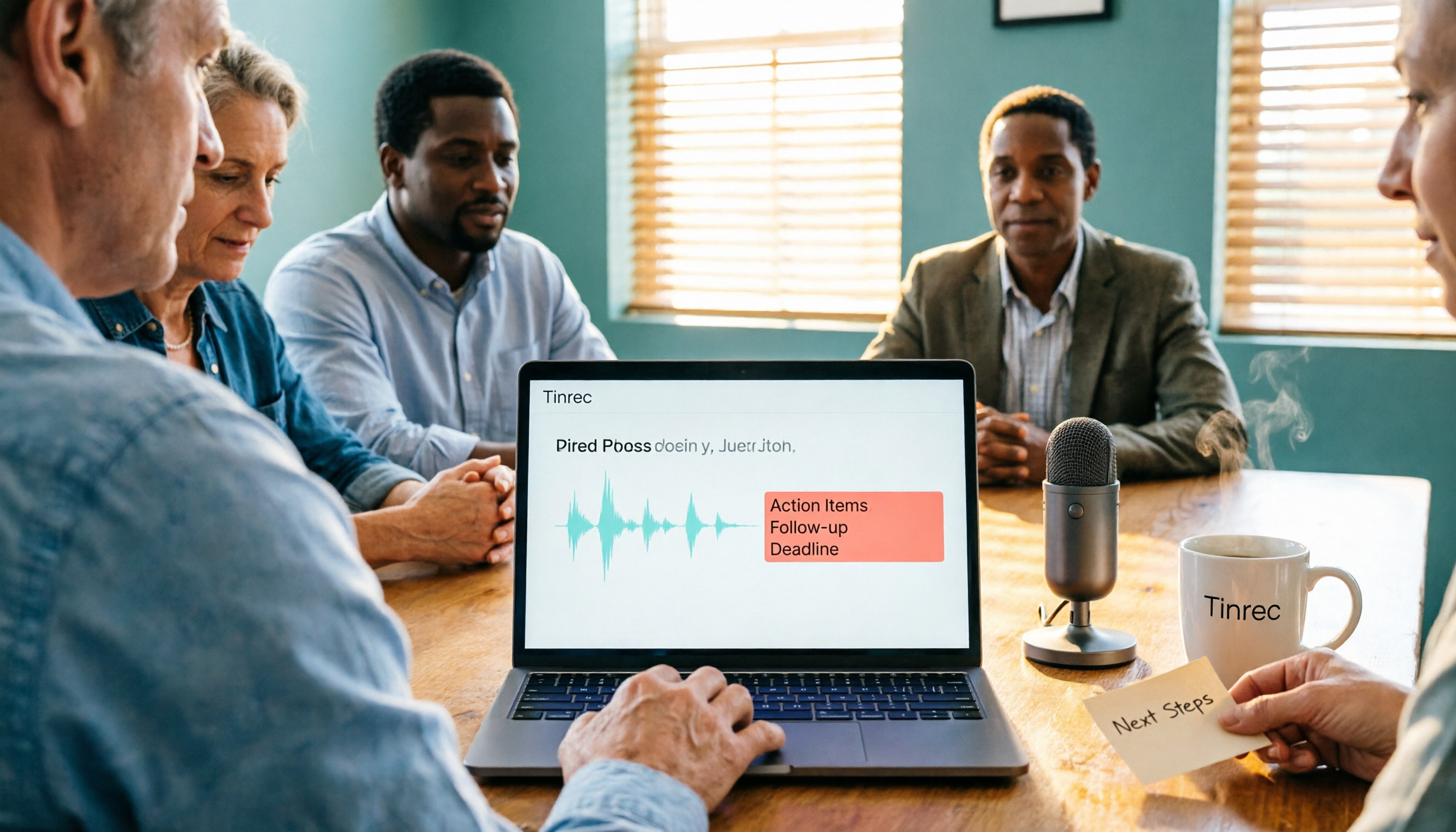
After the meeting ends is where it really shines. Tinrec automatically generates summaries and chapters, breaking long meetings into a readable structure and extracting action items from discussions. Even better is the AI Q&A—you can directly ask "Who mentioned the budget in the last meeting?" or "What were the client's concerns about the timeline?" It answers based on semantics, rather than dumping a list of keywords for you to dig through.
For reporting, you can use Agent to turn meeting content into reports, tables, or documents, and export to Notion, Google Docs, OneNote, Dropbox, and other tools for further processing.
One thing to note: actual transcription quality can be affected by recording environment, noise, accents, multiple people talking over each other, and technical terms. For important content, it's recommended to cross-check with transcript timestamps and recording playback.
Stop organizing recordings by hand
Upload audio or video and automatically get a transcript, summary, and action items
In terms of limitations, the free version offers a basic quota, suitable for trying out. Those with steady weekly meeting needs can consider the Pro monthly or annual plan. The team version is a separate team space with a 7-day trial (1 free seat, 300 minutes of shared team import quota). Paid seats are USD 29.80 per month, or USD 199 annually (about USD 16.58 per month). Each paid seat gets 2,000 minutes of shared team import quota per month; live recording under an active team plan currently doesn't deduct minutes.
Who is it for? If you often have mixed Chinese-English online meetings, don't want a bot in the meeting, and want to use AI to pull out key points right after, Tinrec is currently the smoothest choice.
Besides Tinrec, What Other Options Are There?
Otter.ai: A veteran choice for English business meetings. Free version offers 300 minutes per month; Pro annual is about USD 8.49/month. English experience is mature, but Chinese meetings are not its focus. If your meetings are almost entirely in English, consider it; if you need Chinese transcripts plus post-meeting AI Q&A, Tinrec is more suitable.
Granola: Also a bot-free AI meeting notes tool, Business plan at USD 14/user/month. It focuses on "your notes + AI enhancement," but doesn't support uploading pre-recorded audio files and doesn't save meeting audio. If you only want real-time meeting notes, consider it; if you want to keep recordings, import historical files, or build team knowledge, Tinrec offers more complete coverage.
Jitsi Meet: An open-source, self-hostable video conferencing solution. Data stays in your hands, suitable for teams with technical staff who value autonomy. However, its positioning is "starting meetings"—transcripts, summaries, action items, and AI Q&A are out of scope, and post-meeting organization is still up to you.
Pitfall Guide: 4 Most Common Mistakes When Choosing This Type of Tool
Pitfall 1: Treating a "video platform" as a "meeting notes tool."
Built-in transcription in Google Meet and Zoom is convenient, but content usually stays within that platform, limiting cross-platform organization, unified search, and further processing. First clarify whether you're solving "having meetings" or "post-meeting organization."
Pitfall 2: Only looking at free minutes, not post-meeting output.
A large free quota doesn't mean it's useful. If it only gives you a transcript, you still have to spend time reading through 40 minutes of content. What really saves time is summaries, action items, and Q&A.
Pitfall 3: Not considering Chinese and team handover.
Many tools are strong in English but often stumble on Chinese meetings with proper nouns and names. Also, if meeting data is tied to personal accounts, it becomes troublesome when colleagues leave or hand over—this is why team spaces exist.
Pitfall 4: Ignoring recording consent.
Recording and transcription involve personal data. Before meetings, it's best to inform participants and get consent—this is more important than which tool you choose.
Conclusion: Which One Should You Choose?
In one sentence: If you want "transcripts, summaries, and action items ready to use right after the meeting," Tinrec is the most complete choice in this roundup.
Scenario breakdown:
- Mixed Chinese-English online meetings, no meeting bot wanted → Tinrec (desktop captures system audio)
- Want to use AI to pull out conclusions and action items right after recording → Tinrec (AI Q&A and Agent post-processing)
- Need to build meeting data into team assets → Tinrec (team space, seats, usage, and audit)
- Meetings almost entirely in English → Otter.ai can be included in comparison
- Want open-source, self-hostable, full data control → Jitsi Meet (post-meeting organization on your own)
We suggest starting with Tinrec's free version, running through a real meeting once, and seeing if transcript and summary quality meets your needs before deciding whether to upgrade.
References
Turn every recording into actionable outcomes
Get 60 free transcription minutes when you sign in. No credit card required.
Related Reading
You might also like
Google Meet Not Working? 4 Alternatives Tested and Compared: Fix It or Switch?
When Google Meet stops working, most people just restart or switch browsers. This article first walks you through 5 key troubleshooting steps—app version, permissions, extensions, and plan limits—then hands-on compares meeting note alternatives like Tinrec, Otter.ai, Granola, and PLAUD, with a pitfalls guide and scenario-based recommendations.

Google Meet Not Working Today? 3 Backup Meeting Tools Compared: Troubleshooting and Alternatives
Don't rush to reinstall if Google Meet isn't working today. This article outlines the troubleshooting order for server-side and local issues, and compares backup meeting tools like Tinrec, Granola, and TurboScribe to help you capture transcripts, summaries, and action items even when meetings get stuck.

4 Google Meet Note-Taking Tools Tested for 2026: Which Bot-Free Recorder Saves the Most Time?
Google Meet updates frequently, but built-in transcription is still tied to specific plans and languages. This article starts with version checks, then tests and compares four meeting note-taking tools—Tinrec, Otter.ai, Granola, and Notta—and provides buying tips and pitfalls to avoid.
2026 Google Meet Note-Taking Showdown: 3 Tools Tested—Which Turns Transcripts into Action Items?
After a meeting on the latest Google Meet app, the real work begins. This guide covers 3 key factors for choosing a Google Meet note-taking solution, with hands-on comparisons of Tinrec, Google Meet's built-in Gemini notes, Otter.ai, and Notta. Includes common pitfalls and selection advice.
2026 Comparison of 3 Google Meet Note-Taking Tools: Tinrec vs Otter vs Granola — Which Can Record Without a Bot?
Searching for 'Google Meet join anyway' but stuck at the request to join screen? This article first explains the actual rules for joining a Google Meet, then tests three meeting note-taking tools—Tinrec, Otter, and Granola—to help you find the best post-meeting solution for users in Taiwan.
2026 Online Meeting Tools Comparison: After Downloading Google Meet for Free, Who Handles the Meeting Notes?
Downloading the latest Google Meet for free is easy; the hard part comes after. This article starts with common misconceptions, outlines 4 key points for choosing online meeting and note-taking tools, shares hands-on experience with Tinrec, and highlights 4 common pitfalls when downloading and using these tools. It helps you decide if the free version is enough and who should handle post-meeting organization.
4 Google Meet Note-Taking Tools Tested in 2026: Bot-Free Recording vs. Chinese Summaries—Which Is More Practical?
Google Meet recently added Ask Gemini, Take notes for me, automatic room check-in, and CarPlay support, but post-meeting organization remains unsolved. This article addresses common misconceptions, explains four key points for choosing a meeting note-taking tool, and compares Tinrec, Google Meet's built-in Gemini, Otter.ai, and Notta.
Google Meet APK Download Guide & 4 Meeting Note Tools Compared (2026)
How to safely find the latest Google Meet APK, understand Split APK architecture and admin restrictions, plus a hands-on comparison of 4 meeting note methods—and why you still need a tool that turns meetings into searchable data after installing Google Meet.
How to Join a Google Meet with a Code in 2026: Steps for 3 Devices & Common Error Fixes
2026 Google Meet join with code tutorial: covers code format, steps for desktop, mobile, and Gmail, waiting room, common errors, and how to use Tinrec to organize transcripts and summaries after the meeting.