
Turn recordings into transcripts and summaries in minutes
Upload audio or video for multilingual transcription, AI notes, and action items
Just finished a Google Meet and realized you missed the key points? It's not about willpower
"What was that number again?" "Who's following up on this?"—the five minutes after an online meeting ends are usually the most chaotic.
Google Meet makes meetings easy, but it doesn't organize them for you. The recording sits in the cloud, the transcript is separate, and action items are scattered in the chat.
If you have three to five Google Meet calls every week, this article is for you.
Is your Google Meet up to date? Take 30 seconds to check
Google Meet updates frequently. Third-party APK download sites currently list the Android version as 375.0.975950222.duo.android_20260831.02_p3, while another site lists 371.0.958218800.duo.android_20260803.01_p0. The numbers look intimidating, but the only thing that matters is whether your version is too far behind.
Android users can check the current version number from "Settings → Apps → Google Meet → App info." The installation file is about 147.2 MB, and the system requirement is Android 7.0 or higher. Keep in mind that downloading APKs from third-party sites may lead to insufficient storage, version incompatibility, or installation permission issues. Generally, I recommend updating directly through Google Play.
Recent Google Meet updates have a clear direction: Gemini will prompt presenters to open Google Slides with one click when it detects key phrases; the mobile version adds automatic meeting room check-in, making Companion mode smoother; and on the developer side, Meet REST API 1.1.0 opens up querying the meetingCode of ongoing meetings, while the spaces.members resource is now generally available.
However, no matter how new the version is, Google Meet's built-in transcription and summaries are still tied to specific Workspace plans and language conditions. If you want cross-platform, queryable, and persistent meeting data, you'll still need dedicated meeting note-taking tools.
Before choosing a meeting note-taking tool, understand these 4 key points
1. Whether to let a bot join the meeting. Many tools send a meeting bot as a participant. That's fine for internal meetings, but awkward for external clients or interviews. Whether you can record without adding a participant is the first threshold.
2. Recognition ability for Chinese and mixed Chinese-English. Meetings in Taiwan are rarely pure Chinese or pure English—they're often mixed, like "Let's follow up on this case next week." Testing accuracy in a quiet recording studio is meaningless; you need to see performance with air conditioning noise, keyboard sounds, and overlapping speech in a real meeting room.
3. What you can do after recording. A transcript is just raw material. Whether it can automatically generate summaries, chapters, and action items, and whether you can ask follow-up questions about the content, is what determines how much time you save.
4. Who holds the data in the end. If meeting records stay in a personal account, they leave when the person does. For team use, data ownership, seats, and permission design need to be clarified before the feature list.
Tinrec—our top recommendation after testing
Tinrec is an AI meeting note-taking and collaboration tool for individuals and teams. It supports iOS, Android, and web, and the desktop version can directly handle online meetings on Zoom, Google Meet, Microsoft Teams, Webex, and more.
The first thing I found practical is that it doesn't need a meeting bot. Before a Google Meet starts, you just open the Tinrec desktop app, and it directly captures your computer's system audio—no unfamiliar account appears in the meeting. For teams that meet with external clients, this is crucial.
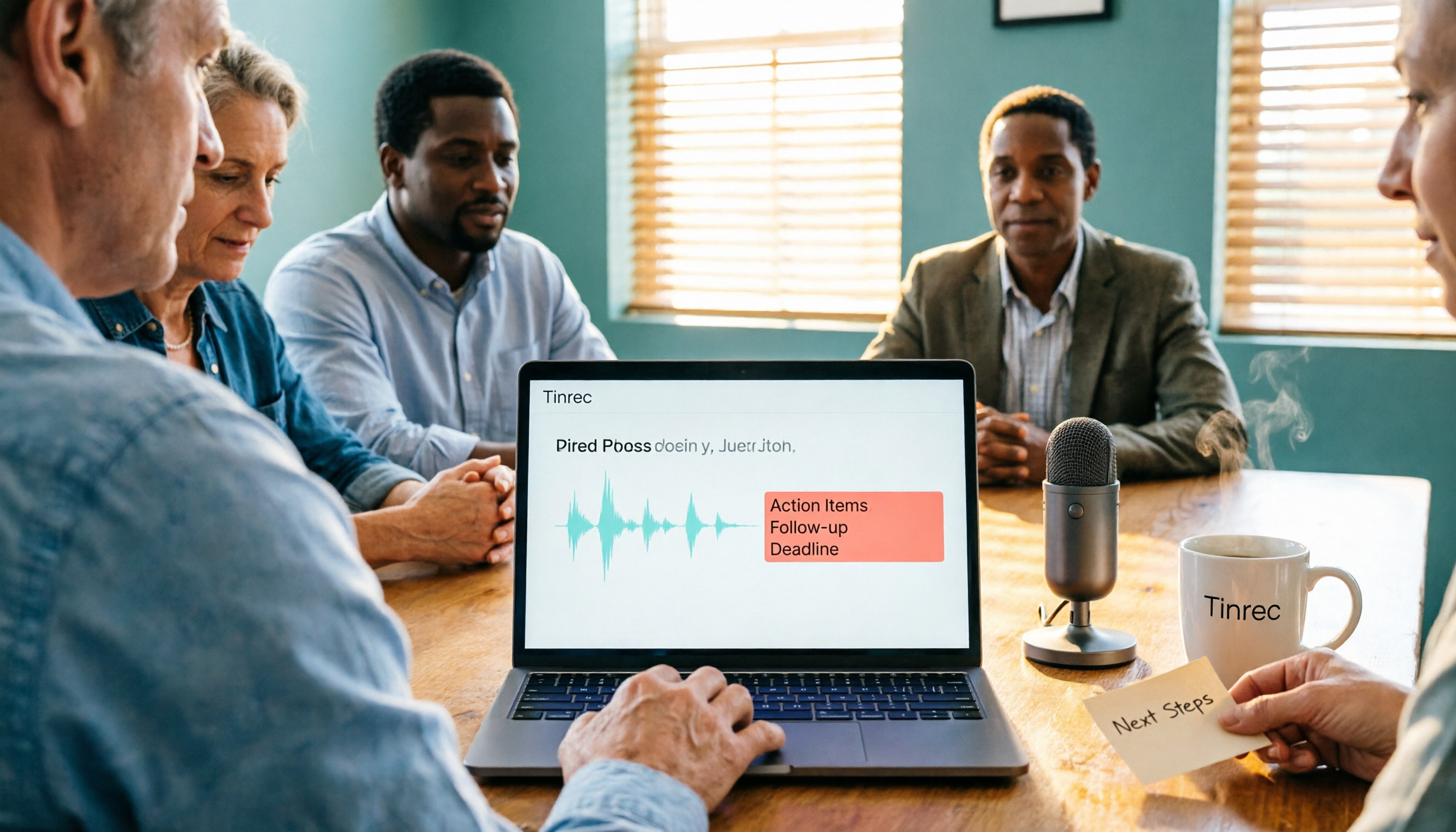
The second is that it doesn't just give you a transcript. After the meeting, AI automatically generates a summary, chapters, and action items—who's responsible for what, what to follow up on next time—organized into a list, much faster than scrolling through a 50-minute transcript.
Stop organizing recordings by hand
Upload audio or video and automatically get a transcript, summary, and action items
The third, and what I think is relatively rare among similar tools: AI Q&A. After recording, you can directly ask it "What was the conclusion about the budget in the last meeting?" It answers based on semantics, not a list of keyword search results. For those who need to look back at historical meetings, this feature saves the most time.
In addition, Tinrec supports real-time translation and bilingual view, audio/video file import, mind maps, and export to Notion, Google Docs, OneNote, Dropbox, and other tools for further processing. You can also use Agent post-processing to turn meeting content into reports, tables, or documents.
Limitations should also be clear: the free version provides a basic quota, suitable for occasional organizing; those who meet regularly every week are better off with Pro. Actual transcription quality is affected by recording quality, noise, accents, and overlapping speakers. For important content, it's recommended to cross-check with transcript timestamps and recording playback—don't treat it as 100% error-free.
If you're using it as a team, the team version is a separate team space: you can create multiple teams, invite members via link, distinguish owner/admin/member roles, and control who can record, upload, edit, and export via seats. Team monthly is USD 29.80 per paid seat per month, annual is USD 199 per paid seat per year (about USD 16.58/month). Each paid seat provides 2,000 minutes of shared team import quota per month; eligible teams get a 7-day trial, 1 free seat, and 300 minutes of shared quota for the first time. Also, members without a seat can still view, play, and read team data—this is often misunderstood and worth noting.
Besides Tinrec, what other options are there?
Otter.ai: A veteran choice for English business meetings. Free version offers 300 minutes per month; Pro annual is about USD 8.49 per user per month. Its English meeting mindset is mature, but Chinese and mixed Chinese-English meetings are not its strong suit; it also lacks Tinrec's bot-free desktop recording and team data persistence workflow around meetings. If almost all your meetings are in English, consider it.
Granola: Also bot-free, using desktop system audio plus your own notes to generate content. Business is USD 14 per user per month. Note that it doesn't support uploading pre-recorded audio files and doesn't retain meeting audio—whereas retaining recordings and importing files are things Tinrec does.
Notta: A multi-platform transcription tool. Free version offers 120 minutes per month, with a 3-minute limit per session; Pro annual is about USD 8.17 per month. Suitable for quick transcription and translation, but lacks Tinrec's AI Q&A and team space governance. If you just occasionally need to turn an audio file into text, it's enough.
Pitfall guide: 4 most common mistakes when organizing Google Meet meetings
Pitfall 1: Thinking recording equals note-taking. A recording won't turn itself into an action list; someone still has to watch it again. A better approach is to have a tool transcribe in real time during the meeting, then start directly from the summary and action items afterward.
Pitfall 2: Only looking at official claimed recognition accuracy. Those numbers are usually measured in ideal conditions. It's better to try your own real meeting recording to see the actual gap.
Pitfall 3: Treating the transcript as the end goal. A transcript is just raw material. Features like Tinrec's AI Q&A, action item extraction, and Agent post-processing are where the real time savings are; using it only as audio-to-text means using only a third of its capabilities.
Pitfall 4: Ignoring team data ownership. If meeting data stays in a personal account, it disappears when the person leaves. The team version keeps data in a team space; when a member leaves, is removed, or loses their seat, their resources can be handed over to other active members—this is especially noticeable during project handovers.
Conclusion: Which one should you choose?
- Need Chinese and mixed Chinese-English meeting notes → Tinrec
- Don't want a bot in the meeting room (especially with external clients) → Tinrec
- Want to use AI to ask follow-up questions directly after the meeting → Tinrec
- Need to use on phone, computer, and web → Tinrec
- Almost only English meetings, zero budget → Otter.ai free version
I suggest starting with a free version or team trial, running your own meeting recording through it, and then deciding whether to upgrade—that's much more accurate than looking at spec sheets.
References
- Download Google Meet Latest Version 371.0.9... Android APK File
- Google Meet REST API release notes | Google for Developers
- Google Meet Updates by Google - September 2026 - Releasebot
- Download Google Meet 375.0.975950222.duo.android_20260831.02_p3 APK for Android - Free and Safe Download
- Google Meet - APK Download for Android | Aptoide
Turn every recording into actionable outcomes
Get 60 free transcription minutes when you sign in. No credit card required.
Related Reading
You might also like
Google Meet Not Working? 4 Alternatives Tested and Compared: Fix It or Switch?
When Google Meet stops working, most people just restart or switch browsers. This article first walks you through 5 key troubleshooting steps—app version, permissions, extensions, and plan limits—then hands-on compares meeting note alternatives like Tinrec, Otter.ai, Granola, and PLAUD, with a pitfalls guide and scenario-based recommendations.

Google Meet Not Working Today? 3 Backup Meeting Tools Compared: Troubleshooting and Alternatives
Don't rush to reinstall if Google Meet isn't working today. This article outlines the troubleshooting order for server-side and local issues, and compares backup meeting tools like Tinrec, Granola, and TurboScribe to help you capture transcripts, summaries, and action items even when meetings get stuck.

2026 Google Meet Note-Taking Showdown: 3 Tools Tested—Which Turns Transcripts into Action Items?
After a meeting on the latest Google Meet app, the real work begins. This guide covers 3 key factors for choosing a Google Meet note-taking solution, with hands-on comparisons of Tinrec, Google Meet's built-in Gemini notes, Otter.ai, and Notta. Includes common pitfalls and selection advice.
2026 Comparison of 3 Google Meet Note-Taking Tools: Tinrec vs Otter vs Granola — Which Can Record Without a Bot?
Searching for 'Google Meet join anyway' but stuck at the request to join screen? This article first explains the actual rules for joining a Google Meet, then tests three meeting note-taking tools—Tinrec, Otter, and Granola—to help you find the best post-meeting solution for users in Taiwan.
5 Google Meet Alternatives Tested in 2026: Automatic Meeting Notes Without a Bot
Looking for a Google Meet alternative but still stuck summarizing meetings yourself? We tested Tinrec, Otter.ai, Granola, and Jitsi Meet, comparing bot-free recording, transcripts, summaries, action items, AI Q&A, and team knowledge sharing. Plus common pitfalls and selection tips to help you find the tool that truly saves time.
2026 Online Meeting Tools Comparison: After Downloading Google Meet for Free, Who Handles the Meeting Notes?
Downloading the latest Google Meet for free is easy; the hard part comes after. This article starts with common misconceptions, outlines 4 key points for choosing online meeting and note-taking tools, shares hands-on experience with Tinrec, and highlights 4 common pitfalls when downloading and using these tools. It helps you decide if the free version is enough and who should handle post-meeting organization.
4 Google Meet Note-Taking Tools Tested in 2026: Bot-Free Recording vs. Chinese Summaries—Which Is More Practical?
Google Meet recently added Ask Gemini, Take notes for me, automatic room check-in, and CarPlay support, but post-meeting organization remains unsolved. This article addresses common misconceptions, explains four key points for choosing a meeting note-taking tool, and compares Tinrec, Google Meet's built-in Gemini, Otter.ai, and Notta.
Google Meet APK Download Guide & 4 Meeting Note Tools Compared (2026)
How to safely find the latest Google Meet APK, understand Split APK architecture and admin restrictions, plus a hands-on comparison of 4 meeting note methods—and why you still need a tool that turns meetings into searchable data after installing Google Meet.
How to Join a Google Meet with a Code in 2026: Steps for 3 Devices & Common Error Fixes
2026 Google Meet join with code tutorial: covers code format, steps for desktop, mobile, and Gmail, waiting room, common errors, and how to use Tinrec to organize transcripts and summaries after the meeting.