

Turn recordings into transcripts and summaries in minutes
Upload audio or video for multilingual transcription, AI notes, and action items
Two-hour meeting, another two hours to organize the transcript—what you need isn't a recording, but a record you can use directly
After an online meeting ends, the audio fades, but the work has just begun. You have to recall who said what, what was decided, and who promised to deliver something next week.
If your meetings are on Microsoft Teams, it actually has a built-in "transcription" feature that can convert speech to text. The problem is that most people open it and realize: you have the transcript, but the meeting minutes you need to submit still have to be created yourself.
This article will break down "Teams meeting transcription": what the built-in feature can do, when you need another tool, and the choices that felt smoothest after actual testing.
Before choosing a Teams meeting transcription tool, understand these 4 key points
1. Language settings and the reality of mixed Chinese and English In a Teams meeting, click "More" → "Record and transcribe" → "Start transcription," select the primary language and confirm, and transcription will begin. The language you set and the language spoken will determine how captions match. Note that the transcript is based on the language set for the meeting. In Taiwan, meetings often mix Chinese with English technical terms, which is a challenge for any single-language transcription setting.
2. What else you need after the transcript A transcript is just raw material. What really saves time are summaries, chapters, action items, and AI Q&A you can ask follow-up questions to. Teams' smart summaries and real-time translation require Teams Premium or Microsoft 365 Copilot licenses, which are add-ons on top of your existing plan.
3. Should you let a bot join the meeting? Some tools rely on a meeting bot joining as a participant. This works in most companies, but gets stuck with external client meetings or when the company doesn't allow unknown accounts to enter. Another approach is to capture system audio directly on the desktop, so no extra name appears in the meeting room.
4. How quotas and costs are calculated Free quotas are usually enough to try, but long-term use depends on monthly minutes and whether the quota is per-person or shared across the team. When shared across a team, this difference is significant.
These 4 points became our main criteria for choosing tools later.
Tinrec—our top pick after testing
Tinrec is an AI meeting notes and collaboration tool for individuals and teams, supporting real-time recording, online meeting transcription, audio/video file import, and real-time translation, covering web, desktop, and mobile.
Record Teams meetings without a meeting bot This is what impressed us most. Tinrec's desktop version directly captures computer system audio, handling audio played from Zoom, Google Meet, Microsoft Teams, Webex, and other online meetings, without inviting an extra bot into the meeting room. The approach is that you actively open Tinrec to start recording—it is not a service that automatically joins all meetings on your calendar, which should be made clear upfront.
After the meeting ends is where it truly saves time After the meeting, Tinrec produces a transcript and automatically generates summaries and chapters, breaking a long meeting into a quickly scannable structure, then organizing action items—who is responsible for what, what follow-ups are needed. For those who run several weekly meetings and review sessions, this step is the most impactful.
Even better is AI Q&A. After recording, you can directly ask: "Who mentioned the budget in the last meeting?" It doesn't give you keyword search results, but answers based on the meeting content. This is not common among tools at the same price point. Results can also be exported to Notion, Google Docs, OneNote, Dropbox, and other tools for further processing, or directly generate reports, tables, and meeting minutes.
Chinese and bilingual scenarios Tinrec covers Chinese, Traditional Chinese, and multilingual meeting scenarios, supports real-time translation during recording, and allows switching between original text, translation, or bilingual view. The team version also maintains hot words, adding internal product codes and technical terms.
Stop organizing recordings by hand
Upload audio or video and automatically get a transcript, summary, and action items
Actual results will be affected by recording quality, environmental noise, accents, overlapping speakers, and technical terms. It is not recommended to treat it as a 100% accuracy guarantee; for important content, it is better to cross-check with transcript timestamps and recording playback.
Plans and limitations The personal version has a free version, plus weekly, Pro monthly, and annual cards, depending on usage frequency. The team version is a separate team space: monthly USD 29.80 per paid seat per month, annual USD 199 per paid seat per year (about USD 16.58 per month), each paid seat provides 2,000 minutes of team shared import quota per month; under an active team plan, real-time recording currently does not deduct minutes. The first eligible team trial is 7 days, 1 free seat, 300 minutes shared import quota. Prices and benefits are subject to the official purchase page.
Note that the team version is primarily team-level sharing, not file-level granular permissions: members without a seat can view, play, and read team data, but to record, upload, edit, import/export, they need a seat.
Who it's for If you frequently have Teams meetings, need Chinese transcripts, want to use AI to find key points after the meeting, and don't want to buy an extra recording device—Tinrec is currently the smoothest choice.
Besides Tinrec, what other options are there?
Teams built-in transcription: Your Teams already has it, no extra cost, transcripts and recordings are stored in the meeting organizer's OneDrive (or SharePoint for channel meetings), with timestamps and speaker labels. But real-time translation and smart summaries require Teams Premium or Copilot licenses, and transcription assumes a single language. If you only want a raw transcript and the meeting is in a single language, built-in is enough. What Tinrec can do is cross-platform unified organization and post-meeting AI Q&A.
Otter.ai: A mature choice for English business meetings, free version 300 minutes per month, Pro annual equivalent to about USD 8.49 per user per month, including 1,200 minutes of in-app recording and 10 file imports per month. If you mainly record English content, it's a good deal. But Chinese meetings are not its strong suit, while Tinrec handles Chinese and mixed Chinese-English, and supports real-time translation and team data accumulation.
Notta: A multi-platform transcription tool with high overlap with Tinrec, free version 120 minutes per month, single session limit 3 minutes, Pro annual equivalent to about USD 8.17 per month. It is suitable for creating detailed transcripts, but Tinrec's differences are bot-free online meeting recording, AI Q&A, and team space member, seat, and usage governance.
Pitfall guide: 3 most common mistakes when organizing Teams meeting transcripts
Pitfall 1: Thinking a transcript is meeting minutes. A transcript is raw material, not a finished product. Instead of spending time rereading a 40-minute transcript, first use post-meeting summaries and action items to grasp key points, then go back to the original text to confirm.
Pitfall 2: Ignoring language settings. Teams transcription works according to the spoken language you set. If participants speak a language different from the setting, Teams will detect it and prompt the organizer to update, but frequent switching still increases recognition burden. For mixed Chinese-English meetings, it is recommended to choose one primary language and use hot words to reinforce technical terms.
Pitfall 3: Forgetting permissions and retention periods. Recordings and transcripts have a default expiration setting (official documentation says 120 days), and will be deleted upon expiration to save space. Compliance data that needs long-term retention must be placed in a SharePoint document library and retention policies applied. Also, remember to inform participants and obtain consent before recording and transcription.
Conclusion: Which one should you choose?
Need Chinese transcripts + post-meeting AI to find key points → Tinrec Don't want a bot to join the meeting, but need cross-platform organization → Tinrec (desktop version captures system audio) Team needs to share meeting data, manage seats and usage → Tinrec (team space) Only exceptions: only record English meetings, budget priority → Otter.ai; only want a single-language raw transcript → Teams built-in transcription.
It is recommended to first use the free quota to try one of your own meeting recordings. Real meeting room noise and mixed Chinese-English are the key to judging whether a tool is usable. If it feels smooth, then consider upgrading; no need to pay from the start.
References
Turn every recording into actionable outcomes
Get 60 free transcription minutes when you sign in. No credit card required.
Related Reading
You might also like
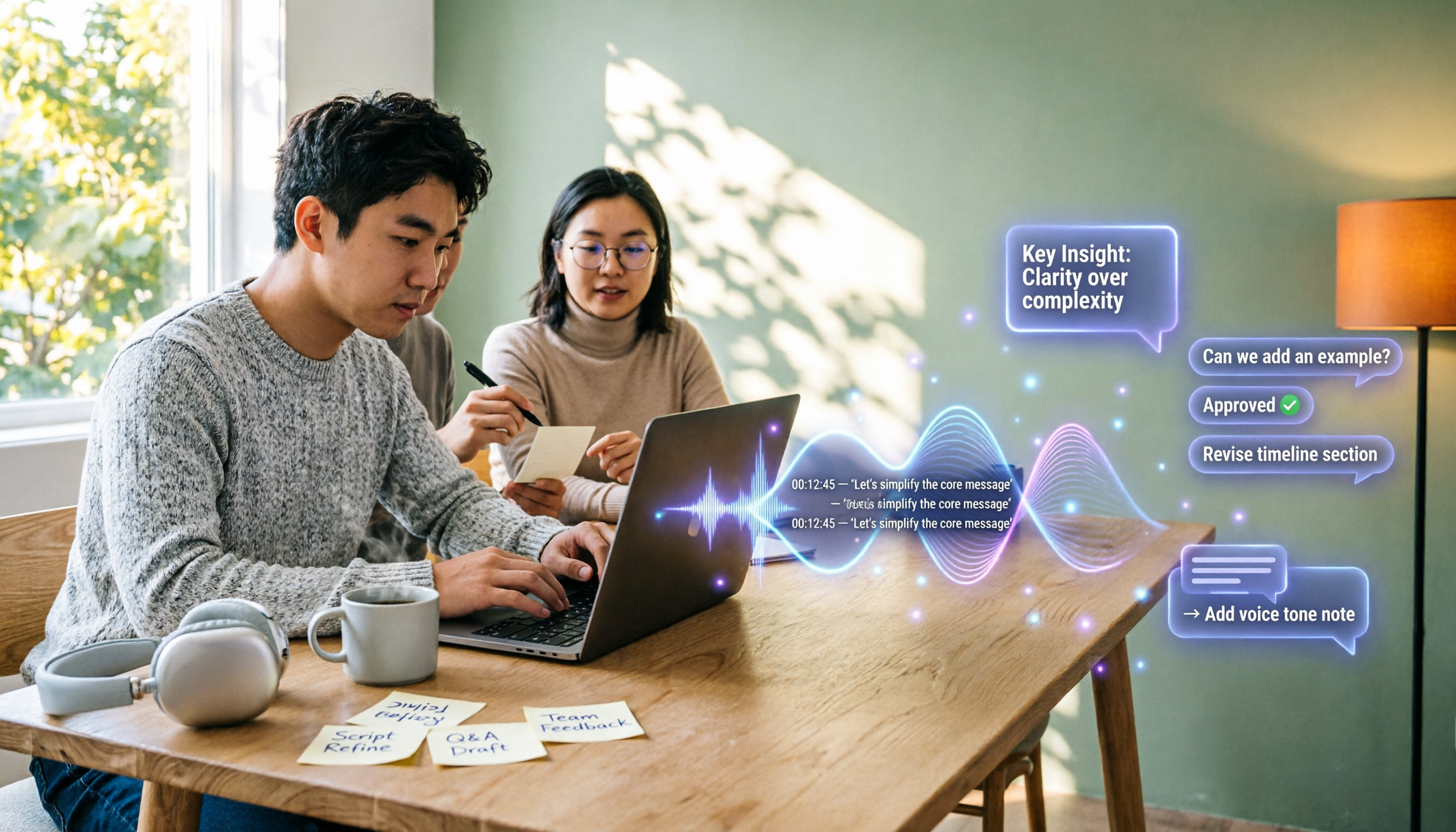
4 YouTube Transcript Tools Tested and Compared in 2026: Which Free Tier Gives You the Most?
A comparison of four free YouTube transcript tools covering free usage limits, support for videos without captions, timestamps, and export formats. It also explains how Tinrec fits in after transcription with summaries, AI Q&A, and team collaboration, helping you decide which tool to use.

4 Teams Meeting Transcription Tools Tested in 2026: Built-in Transcription vs. Tinrec — Which Is Enough?
Complete guide to Teams meeting transcription: first, the requirements and common pitfalls of Teams built-in transcription, then a 5-step walkthrough using Tinrec for recording, transcript, summary, action items, and team export, plus troubleshooting tips.
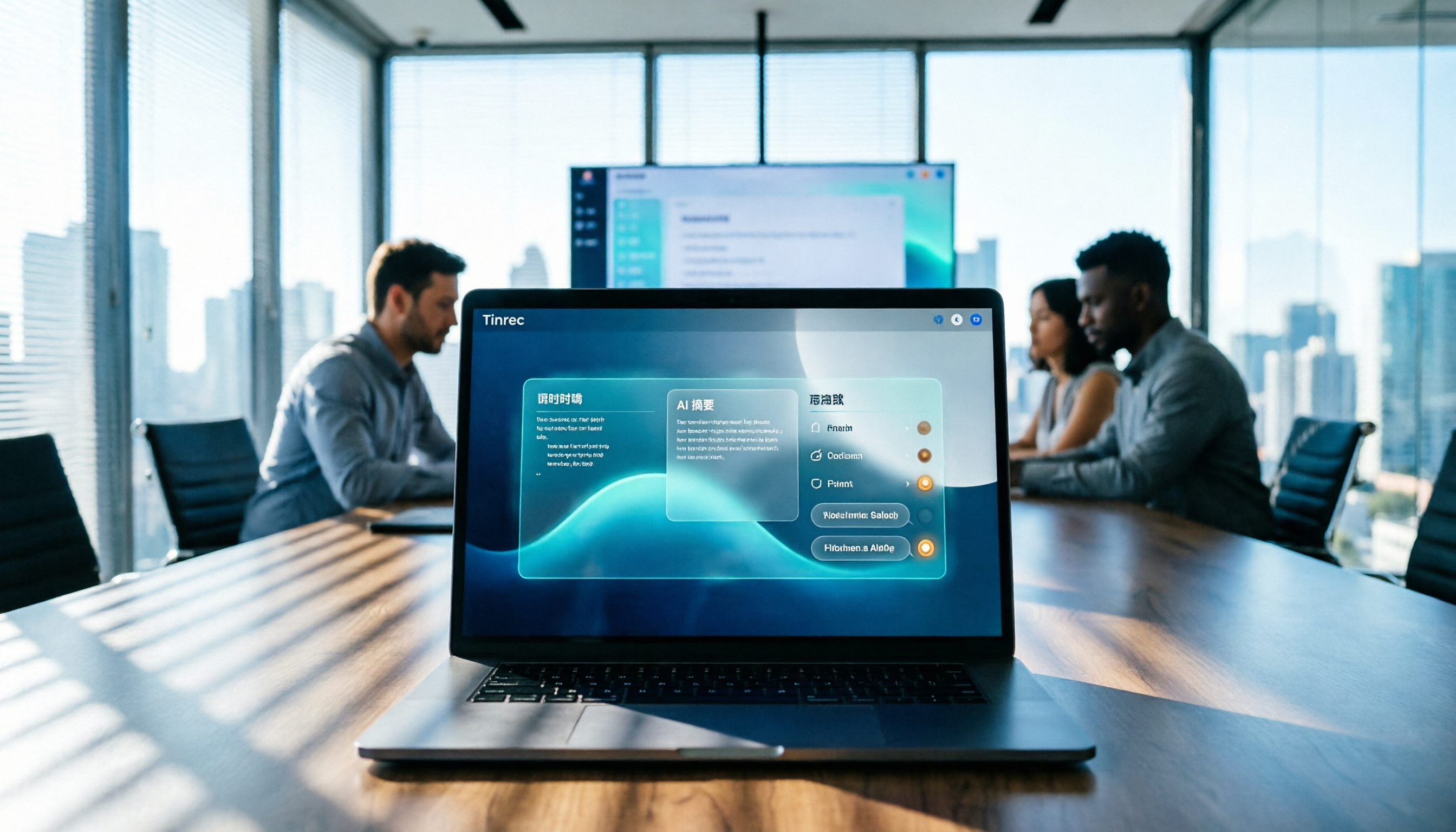
Tinrec Meeting Notes 2026: Auto Summaries + Action Items, a Notion Template Alternative
Notion meeting note templates are great for manual organization, but typing while listening and filling in action items afterward can be time-consuming. This article features Tinrec voice recording, comparing bot-free recording, real-time transcription, AI summaries, action item extraction, AI Q&A, Notion export, and team spaces. It also covers free and team pricing to help you decide if you should add an automated meeting notes workflow.

Which YouTube Transcript Tool Is Best? 2026 Hands-On Test of 4 Options—This Free, No-Login One Is the Easiest
How do you choose a free YouTube transcript tool? This article starts with common misconceptions, then hands-on tests and compares 4 transcript tools. It explains the difference between grabbing captions and AI speech-to-text, the traps of free quotas, and outlines the best use cases for Tinrec, youtube-transcript.ai, Notta, and TurboScribe.

2026 Teams Meeting Notes Tools Buyer's Guide: 4 Tested Picks and Selection Tips
Tired of messy Teams meeting transcripts? We tested 4 tools and organized a guide covering capture methods, post-meeting organization, audio retention, and free tiers so you can choose with confidence.

2026 Teams Meeting Transcription Comparison: 3 Tools Tested for Ready-to-Use Transcripts
Teams built-in transcription only gives you a transcript; organizing, searching, and tracking action items are still on you. This article starts from real meeting scenarios, outlines 4 key buying factors, and compares Teams built-in transcription, Otter.ai, Notta, and Tinrec to show which one truly helps you wrap up meeting notes.

6 Zoom Meeting Transcription Tools Tested and Compared for 2026: How to Choose for Chinese Meetings and Free Plans
A practical guide to common misconceptions and methods for getting Zoom meeting transcripts, with hands-on comparisons of six options (Tinrec, Zoom built-in, Otter.ai, Fireflies.ai, Notta, Granola) covering positioning, pricing, and ideal users, plus notes on recording permissions, participant consent, free quotas, and team seats.

2026 Teams Meeting Transcription: Auto Transcribe + AI Summary Guide
Teams built-in transcription only gives you a raw transcript, summaries require an add-on license, and transcripts expire after 120 days by default. This article addresses common misconceptions, breaks down 4 key factors for choosing a Teams meeting transcription tool, shares hands-on experience with Tinrec, and covers alternatives and pitfalls to help you build a truly workable meeting notes workflow.

6 Best Audio Transcription Tools Tested for 2026: Which Free Version Is Enough?
Meeting's over, but the recording has been sitting on your phone for days? This guide shares hands-on experience with 6 audio transcription tools—Tinrec, Otter.ai, Notta, TurboScribe, Granola, and PLAUD—covering their positioning, key features, free and paid pricing, and ideal use cases. Find out whether a free plan is enough, whether you need a meeting bot, and what you can do with transcripts afterward.