
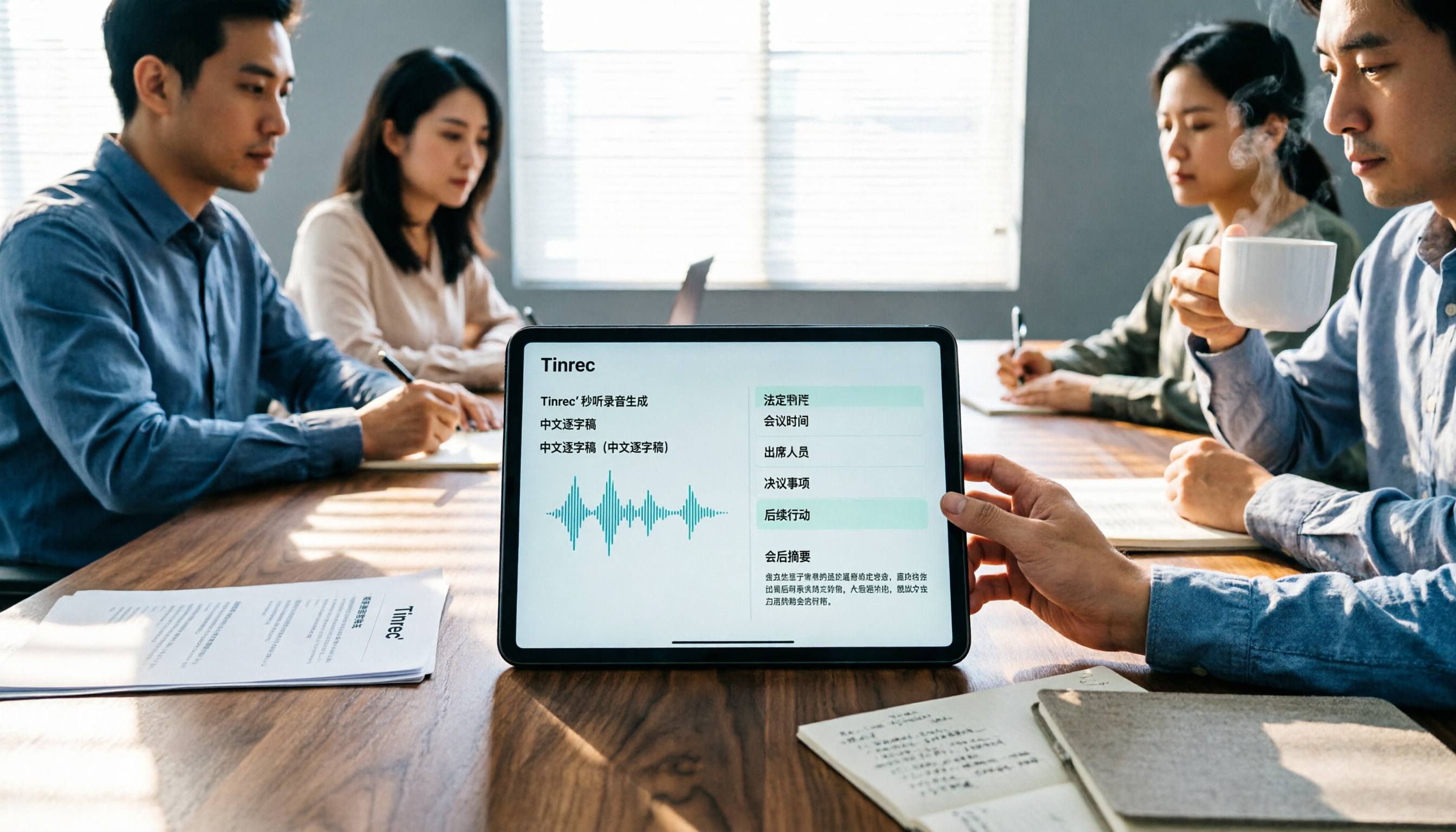
Turn recordings into transcripts and summaries in minutes
Upload audio or video for multilingual transcription, AI notes, and action items
2026 Comparison of 2 Labor-Management Meeting Minutes Tools: Which Saves More Time—Templates or AI?
You have to hold a labor-management meeting, but the minutes don't have to be written from scratch—provided you first know which fields absolutely cannot be omitted.
Many people search for "labor-management meeting minutes template" with two questions in mind: First, what are the legally required fields? Second, is there a tool that can automatically turn a two-hour meeting into those minutes?
This article will first clarify the template fields with a table, then compare two common Chinese meeting minutes tools—Tinrec and Notta—across 5 dimensions to see which better fits the actual use case of labor-management meetings.
Tinrec vs Notta | Quick Overview
Both can handle transcription of Chinese meetings, but their approaches differ.
- Tinrec: An AI meeting minutes and team collaboration tool. The desktop version directly captures system audio without needing a meeting bot to join; it supports real-time recording, audio file import, summaries, action items, AI Q&A, and multi-format export.
- Notta: A multi-platform transcription tool covering meeting minutes, file import, translation, and team plans. The official free version offers 120 minutes per month with a 3-minute limit per recording; Pro annual billing is approximately USD 8.17/month with 1,800 minutes per month; Business annual billing is approximately USD 16.67/seat/month.
The 5 dimensions compared in this article: legal field mapping, Chinese transcription performance, post-meeting output, team and data storage, and pricing and quotas.
Dimension 1 | Who Helps You Cover the Legally Required Fields of Labor-Management Meeting Minutes?
Bottom line first: Tools won't judge regulations for you, but they can help turn "speech" into "material that can be filled into fields."
According to Article 21 of the Labor-Management Meeting Implementation Regulations, meeting minutes shall record the following items and be signed by the chairperson and the recorder separately:
- Meeting term and session number
- Meeting time
- Meeting location
- Names of attendees and invitees
- Reports
- Discussion items and resolutions
- Miscellaneous business and resolutions
The minutes should also be distributed to attendees and invitees.
In practice, items 5, 6, and 7 take the most time—what was reported, how to write the opinions of various parties during discussion, and how to word the resolutions. Both Notta and Tinrec can assist with transcription, but Notta's free version has a 3-minute limit per recording, and a labor-management meeting often lasts over an hour, so you'd need to process it in segments. Tinrec focuses on real-time recording, so you can record the meeting from start to finish without splitting files.
→ This dimension: Both can produce transcription material, but Tinrec is smoother for long meetings.
Dimension 2 | Chinese and Mixed Chinese-English Transcription Performance
Labor-management meetings often include specialized terms like "annual leave," "flexible working hours," and "overtime pay calculation," and may also mix Chinese and English job titles or system names.
Notta's multilingual support has always been its strength. Tinrec can highlight Chinese, Traditional Chinese, and multilingual meeting scenarios, and offers a team hotword feature that allows teams to maintain their own commonly used terminology to improve recognition of specialized terms.
Note that no tool should promise a fixed accuracy rate—audio quality, noise, accents, and multiple people speaking simultaneously all affect results. Important numbers and resolutions should still be verified by replaying the transcription at the corresponding timestamps.
→ This dimension: Both perform in Chinese scenarios, but Tinrec adds maintainable team hotwords.
Dimension 3 | Post-Meeting Output: Resolutions, Action Items, Reports
Labor-management meeting minutes aren't just for filing—they need to be trackable. Who is responsible after a resolution, and when it will be completed, is the key.
Notta provides outputs such as summaries, subtitles, and translations. In addition to summaries and chapters, Tinrec extracts action items from discussions, supports AI Q&A around meeting content, and can generate meeting minutes, reports, tables, and documents, and export to Notion, Google Docs, OneNote, Dropbox, and other tools for further processing.
In other words, you may only need to paste the "discussion items" section into the template and let AI handle the rest.
Stop organizing recordings by hand
Upload audio or video and automatically get a transcript, summary, and action items
→ This dimension: Tinrec offers more post-meeting output options.
Dimension 4 | Team Space and Data Storage
This is especially relevant for labor-management meetings where you need to refer to previous minutes each time.
Notta's Business plan provides role permissions and usage reports. Tinrec's team version offers an independent team space: meeting data belongs to the team, members can be invited, and owners, admins, and regular members can be set. It also distinguishes between "roles" and "seats"—only those with a seat can record, upload, edit, import, and export; those without a seat but still valid members can view, play, and read team data.
Tinrec's team version also provides usage analytics, audit logs, team hotwords, and an audio recycle bin; when a member leaves, is removed, or loses their seat, their team resources must be handed over to other valid members.
→ This dimension: For teams that need to manage historical meetings and personnel changes, Tinrec's governance tools are more complete.
Dimension 5 | Pricing and Free Quotas
Notta official figures: Free offers 120 minutes per month with a 3-minute limit per recording; Pro annual billing is approximately USD 8.17/month with 1,800 minutes per month; Business annual billing is approximately USD 16.67/seat/month.
Tinrec's personal version includes a free version, weekly pass, Pro monthly, and Pro annual, chosen by usage density; the team version's first eligible trial is 7 days, 1 free seat, and 300 minutes of shared team import quota. Monthly billing is USD 29.80/paid seat/month, annual billing is USD 199/paid seat/year (about USD 16.58/month), and each paid seat provides 2,000 minutes of shared team import quota per month; under a valid team plan and valid seats, real-time recording is currently not deducted by minutes.
To try a labor-management meeting first, you can use the free version or weekly pass; for HR or employee welfare units that meet quarterly, Pro or the team version is more suitable. Prices and benefits are subject to the official purchase page.
→ This dimension: Notta has a lower entry barrier, while Tinrec draws a clearer line between real-time recording and shared team quotas.
What Are the Unique Advantages of Each?
Tinrec's advantages:
- The desktop version directly captures computer system audio, so when handling online meetings on Zoom, Google Meet, Microsoft Teams, Webex, etc., no bot needs to join the meeting.
- More diverse sources: real-time recording, audio and video file import, mobile recording, and some web link imports.
- Not just transcription—it also generates summaries, chapters, action items, mind maps, and report documents.
- The team space includes roles, seats, usage analytics, audit logs, and an audio recycle bin.
Notta's advantages:
- Multilingual transcription and translation are established strengths, with broad language coverage.
- The free version lets you experience the basic workflow with a low entry barrier.
Conclusion: Which Should You Choose?
• Frequently hold online labor-management meetings and don't want a bot to join → Tinrec
• Need to turn transcripts directly into resolutions, action items, and reports → Tinrec
• Want to store each meeting's minutes as a searchable team asset → Tinrec
• Only occasionally transcribe a recording and have a limited budget → Try Notta's free version or Tinrec's free version first
In one sentence: Template fields are the regulatory baseline, and tools bridge the gap between "two hours of meeting, three hours of typing." For most teams that need to hold labor-management meetings continuously, Tinrec is a more complete choice. It's recommended to test with your own meeting recordings first to see if the transcription and summaries match your documentation habits.
FAQ
Q1: Must labor-management meeting minutes use a template?
There is no mandatory format, but Article 21 of the Labor-Management Meeting Implementation Regulations specifies 7 items that must be recorded, signed by the chairperson and recorder separately, and distributed to attendees and invitees. Any template must cover these fields.
Q2: Can AI automatically generate meeting minutes?
AI can assist in producing transcripts, summaries, and draft action items, but resolution wording and regulatory judgment still require human confirmation. It's recommended to treat AI output as material and verify important content against the original text and recording.
Q3: Does Tinrec require a bot to join the meeting?
No. Tinrec's desktop version captures computer system audio to record online meetings, and users must actively start recording; it is not a calendar-based automatic meeting bot.
Q4: Can team members without a seat see meeting minutes?
They can view, play, and read team data, but cannot record, upload, edit, or export. Seats determine "whether you can use resources," while roles determine "whether you can manage the team."
Q5: After a team member leaves, will previous meeting minutes be taken away?
Team resources belong to the team. When a member leaves, is removed, or loses their seat, their team resources must be handed over to other valid members.
Q6: What should be noted before recording?
In most cases, consent from participants is required, and local regulations must be followed. For highly regulated scenarios involving medical, legal, or financial matters, authorization and internal policies should be confirmed first.
References
- Labor-Management Meeting Minutes Example
- Labor-Management Meeting Minutes (Example) _______________ (Business Unit Name) Term ____ Session ____ Labor-Management Meeting Minutes
- Labor-Management Meeting Minutes (Example)
- Promoting Labor-Management Meetings
- Labor-Management Meeting Minutes Examples and Related Documents | Legispedia
Turn every recording into actionable outcomes
Get 60 free transcription minutes when you sign in. No credit card required.
Related Reading
You might also like
6 Ways to Use Google Meet on Apple TV in 2026: Screen Mirroring, Streaming Devices, and Post-Meeting Tools Compared
Google Meet doesn't have an official Apple TV app. This guide covers 6 practical workarounds, from AirPlay screen mirroring and Mac mirroring to Google TV streaming devices, plus post-meeting tools like Notta, Granola, and Tinrec, with free and paid pricing to help you decide which is easiest.

How to Use Google Meet in Gmail (2026): Start a Meeting in 3 Steps & Auto-Organize Notes
Google Meet is built right into the Gmail sidebar, so you can start or join video meetings without switching to Calendar. This guide walks you through 3 steps, explains entry points for different account types, and tackles the part most people get stuck on—organizing transcripts, summaries, and action items after the meeting.

How to Record Google Meet Without a Bot and Auto-Generate Action Items with AI (2026 Guide)
Tired of forgetting key points after a Google Meet call? This guide explains the relationship between Google Meet and Google One plans, then hands-on tests Tinrec's bot-free desktop recording, AI summaries, and action item extraction. We also compare Otter.ai, Notta, and Granola, with key buying factors and pitfalls to avoid.

Google Meet Time Limit in 2026: Free 60-Minute Cap and Which Meeting Notes Tool to Choose
Google Meet free version limits group meetings with 3+ participants to 60 minutes, while 1-on-1 calls can last up to 24 hours. Paid Workspace plans allow up to 24 hours. This article breaks down how the limit actually works and compares Google Meet with Tinrec for meeting notes, cross-platform support, post-meeting output, and team data retention, helping you decide which to choose.

Best Google Meet Note-Taking Tools in 2026: 7 Tested, This One Excels for Chinese Meetings Without a Bot
Starting from the need to join a meeting via Google Meet now, this guide reviews 7 Google Meet note-taking and transcription tools, including Tinrec, Otter, Fireflies, Notta, Granola, TurboScribe, and Google Meet's built-in capabilities. It compares Chinese meeting support, bot-free recording, AI Q&A, team knowledge retention, and pricing.

Google Meet Pricing in 2026: Free Plan Limits and Tinrec as an Alternative
Google Meet's free version caps group meetings at 60 minutes, and recording and AI features are tied to Workspace subscriptions (annual billing around $7/$14/$22 per user per month). This article, from a student's hands-on perspective, explains why post-meeting organization is the real pain point and compares Tinrec's differences in bot-free recording, Chinese transcription, AI summaries, and team knowledge retention.
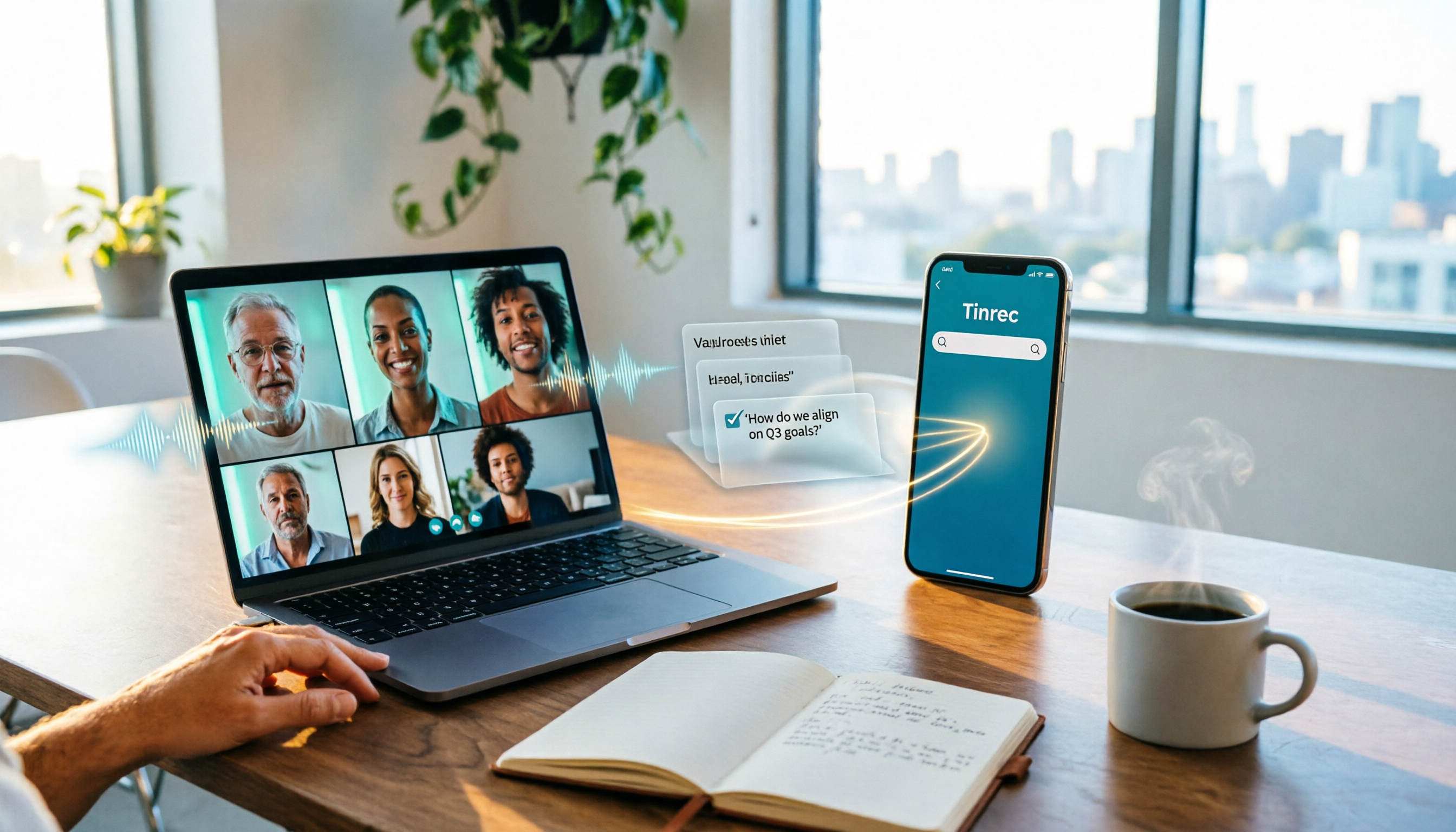
How to Share System Audio in Google Meet (2026): Full System Sound + High-Quality Stereo
Google Meet now lets you share your entire device's system audio during presentations, not just Chrome tab audio. This guide covers the steps to enable it, system requirements, rollout timeline, and common limitations, plus how to use Tinrec after a presentation to turn transcripts, summaries, and action items into searchable meeting records.
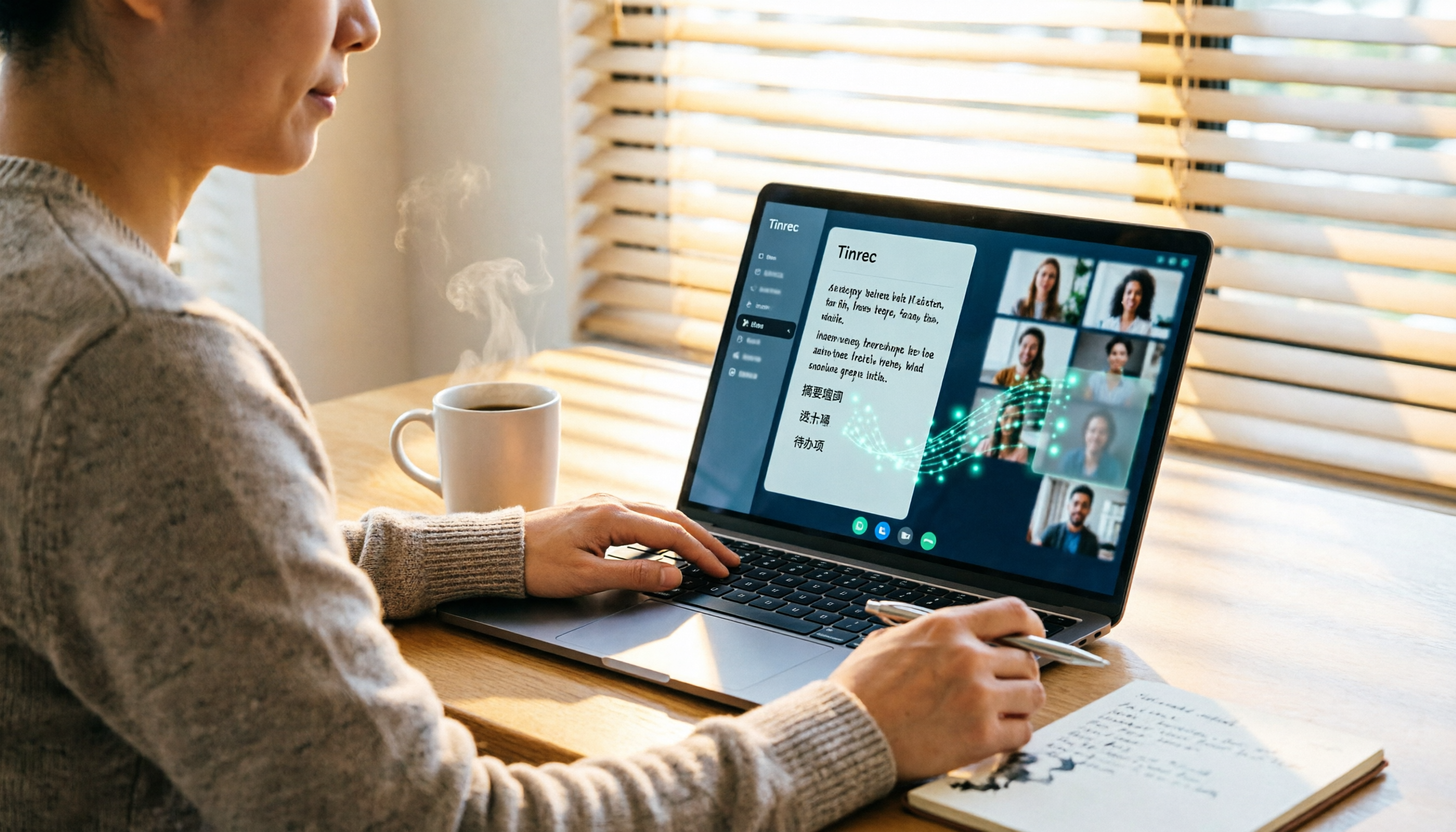
3 Google Meet on Windows Options Tested in 2026: Which Meeting and Note-Taking Method Saves the Most Time?
Using Google Meet on Windows, most people only solve the meeting itself but not how to keep the post-meeting data. This article walks you through: from browser and PWA to Tinrec desktop bot-free recording, automatically turning Google Meet meetings into transcripts, summaries, action items, and team-searchable data.

How to Check Your Google Meet Version in 2026: 4 Steps to Confirm the Latest Version
Can't find the version number in Google Meet settings? This guide covers how to check and update Google Meet across web, Android, iOS, Meet hardware, and the REST API, plus a practical way to organize transcripts, summaries, and action items after meetings.