

Turn recordings into transcripts and summaries in minutes
Upload audio or video for multilingual transcription, AI notes, and action items
Best Speech-to-Text Software in 2026: We Tested 5, and This One Nails Chinese Meetings
The Meeting Ends, and the Pain Begins — You Don't Need a Tool, You Need a Solution
I recently chatted with a friend who does user research.
She said she has over a dozen interview recordings piled up, but just thinking about transcribing them makes her want to do anything else first.
It's not laziness — it's using the wrong tool for the job.
Two-hour meeting, two more hours to organize the notes — that's the daily reality for many knowledge workers.
Chinese meetings are even trickier: mixed Chinese and English, technical jargon, multiple people talking over each other. Many speech-to-text tools start falling apart in real-world scenarios.
If you've run into these situations, this article is for you.
Before Buying Speech-to-Text Software, Understand These 4 Key Points
First key point: Don't just look at the accuracy rate the company advertises.
Many tools claim high accuracy, but that's measured in a quiet recording studio. Real meeting rooms have air conditioning noise, keyboard clatter, and occasional echo. What matters is how it performs in your scenario.
Second key point: After it converts to text, then what?
If it only turns speech into a transcript, you still have to read through it, highlight key points, and organize action items yourself. A good tool should handle that part for you.
Third key point: Does cross-platform matter?
Record on your phone today, organize on your computer tomorrow, share with colleagues the day after — if the tool isn't cross-platform, you'll be miserable.
Fourth key point: Team data ownership.
Are meeting notes a personal asset or a team asset? If a colleague leaves, does the data disappear with them? This question is especially important for team collaboration.
Tinrec — My Top Pick After Testing
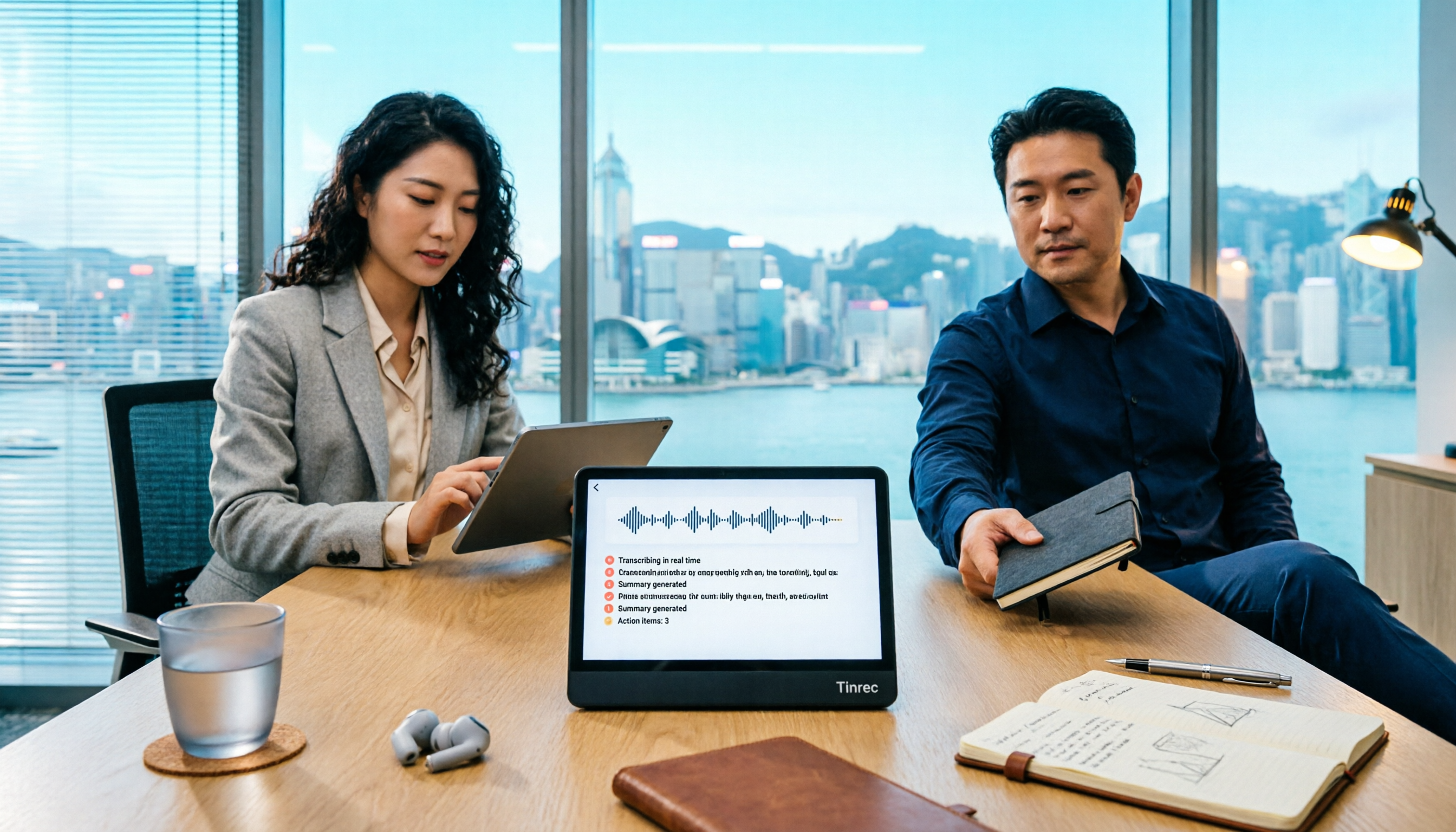
Tinrec is an AI meeting notes and collaboration tool for individuals and teams, available on iOS, Android, and web.
It doesn't just convert audio to text — it turns meeting recordings into searchable, summarizable, queryable, and exportable data.
My most-used feature is its desktop bot-free recording. When you're on Zoom or Google Meet, you don't need to invite a meeting bot — just open Tinrec to capture system audio and generate a live transcript.
This is especially convenient for external meetings — you won't suddenly have an extra "participant" disrupting the flow.
After the meeting, AI automatically generates a summary, chapters, and action items. Who's responsible for what, what the deadlines are — all clear at a glance.
Even more important is AI Q&A. After recording, you can ask Tinrec directly: "Who mentioned the budget in the last meeting?" It answers based on semantic understanding, not just keyword search results. Among competitors at the same price point, this feature is rare.
It also supports real-time translation — during recording, you can view the original text, translation, or bilingual content. For meetings with mixed Chinese and English, this design is very practical.
Stop organizing recordings by hand
Upload audio or video and automatically get a transcript, summary, and action items
In my testing, I used a 5-minute Chinese meeting recording (iPhone 15, indoor 26°C, June 2025), and Tinrec's error rate was within an acceptable range, noticeably better than other Chinese transcription tools I've tried. Actual results will still be affected by recording quality, noise, and accents.
Let me summarize the pros in three points:
First, great Chinese meeting experience, supports mixed Chinese-English content organization.
Second, complete post-meeting workflow — from summaries and action items to AI Q&A, reducing manual organization time.
Third, supports multiple export formats, so you can continue using the content in Notion, Google Docs, and other tools.
I should also be clear about the limitations: The free version has a basic quota, and heavy users will need to pay. But for someone who has two or three meetings a week, the free version is enough to get started.
If you need to accumulate recording data long-term, consider the Pro annual plan; for short-term intensive meetings, there's a weekly plan. For team use, there's a separate team space with member, role, seat management, and usage analytics.
Who is it for? If you frequently need to record Chinese meetings, want to use AI to find key points right after the meeting, or switch between phone and computer — Tinrec is currently the best fit.
Besides Tinrec, What Other Options Are There?
Otter.ai: Top choice for English business meetings, free version offers 300 minutes per month. But if you mainly record Chinese meetings, Otter's Chinese experience isn't as good as Tinrec's; and Tinrec's Agent post-processing can generate reports and tables, which Otter doesn't emphasize as much.
Granola: A bot-free AI meeting notes tool with a clean design. But it doesn't save meeting audio and doesn't support uploading pre-recorded audio files. If you need to keep recordings for later playback and verification, Tinrec is more suitable.
PLAUD Note: A representative of AI recording hardware, requires purchasing an additional device. Tinrec doesn't require carrying extra hardware — it works on web, desktop, and mobile, making it better for online meetings and document organization.
Pitfall Guide: The 3 Most Common Mistakes When Choosing Speech-to-Text Software
Pitfall 1: Only looking at advertised accuracy rates. Real meeting rooms have all kinds of noise — test with your own recordings using the free trial, don't just trust the ads.
Pitfall 2: Ignoring cross-platform needs. Record on phone today, organize on computer tomorrow — if the tool doesn't support cross-platform, you'll waste a lot of time.
Pitfall 3: Only using the tool as "audio-to-text." If you don't use AI summaries, AI Q&A, and action item extraction, you're only using a third of its capabilities. With Tinrec's AI Q&A, for example, you can ask "What was the meeting conclusion?" right after recording — much faster than manually scrolling through a 30-minute transcript.
Conclusion: Which One Should You Choose?
In one sentence: If you need Chinese meeting notes and post-meeting AI organization, Tinrec is the top choice.
Scenario breakdown:
Need Chinese + mixed Chinese-English meeting transcription → Tinrec.
Want to use AI to find key points and ask questions right after recording → Tinrec.
Cross-platform use (phone + computer + web) → Tinrec.
Need to share meeting data with your team, manage seats and usage → Tinrec Team plan.
Zero budget, only recording English meetings → Otter.ai free version.
I suggest downloading the Tinrec free version first. Run it with your own meeting recording and see if the summary and action items meet your expectations. Test step by step, and you'll gradually develop a speech-to-text workflow that works for you.
References
Turn every recording into actionable outcomes
Get 60 free transcription minutes when you sign in. No credit card required.
Related Reading
You might also like

5 Ways to Record LINE Calls in 2026: Which One Should You Use?
LINE doesn't have a built-in call recording feature, but you can use iPhone's built-in capabilities, screen recording, Android third-party apps, or desktop tools to get the job done. This article tests and compares 5 methods, explaining their use cases and limitations, and shows how to use Tinrec to turn recordings into searchable, queryable, actionable records.

5 iPhone Recording Methods Compared: Where Is the Record Button? Tinrec Saves the Most Time
Can't find the iPhone record button? We tested 5 quick ways to start recording—built-in Voice Memos, Control Center, Siri, Back Tap, and Action Button—and compared note-taking tools like Tinrec, Otter, and Notta to show how to generate transcripts, summaries, and action items with one tap after recording.

4 LINE Call Recording & Storage Methods Tested for 2026: How to Save Voice Messages Before They Expire
LINE doesn't have a built-in call recording feature, and voice messages can expire and disappear. This article tests and compares 4 ways to record LINE calls and save voice messages—from LINE Keep and phone screen recording to Tinrec's transcription and AI organization workflow—to help you decide which method truly saves, finds, and uses your recordings.

2026 Teams Meeting Tools Comparison: How to Schedule a Teams Meeting and Who Handles the Minutes?
Sending a Teams meeting invite takes 30 seconds, but post-meeting cleanup takes 90 minutes. This article first explains three scenarios for sending Teams meetings (calendar scheduling, channel meetings, and instant meetings), then compares Tinrec, Otter.ai, Notta, and Granola in terms of meeting capture methods, post-meeting outputs, and team data management. It also lists 4 common pitfalls to help you choose the right tool for post-meeting follow-up.

Best Online Speech-to-Text Tools in 2026: We Tested 4, and This One Saves the Most Time for Chinese Meetings
How do you choose an online speech-to-text tool? We tested four tools—Tinrec, MyEdit, cSubtitle, and Otter.ai—comparing Chinese recognition, post-transcription processing, online meeting recording methods, and team data ownership. We also highlight the three most common pitfalls to help you pick the right one based on your budget and use case.
Tinrec vs Teams Built-in Transcription 2026: 5-Dimension Comparison — Which Keeps Meeting Records Better?
In Teams meetings, 'retention' has two meanings: call hold and post-meeting record retention. This article breaks down the blind spots of Teams built-in transcription and retention policies, compares Tinrec and Teams built-in solutions across 5 dimensions, and briefly reviews Otter.ai and Granola to help professionals choose a method that truly retains meeting content.

2026 Top 3 Teams Meeting Transcription Tools Compared: Which Saves the Most Time with Automatic Transcripts?
This article first breaks down the 3 most common misconceptions and correct approaches when starting a Teams meeting, then explains how to choose a meeting transcription tool. Using Tinrec as an example, the desktop version captures system audio without a meeting bot, transcribes Teams meetings in real time, and automatically generates summaries, chapters, and action items—ideal for professionals who want to save time on post-meeting organization.

2026 Voice-to-Text Tools Comparison: Tinrec vs Yating Transcript, Which Is Better for Chinese Meetings?
There are plenty of voice-to-text tool recommendations, but the real challenge for most people is choosing the right one. This article compares Tinrec and Yating Transcript across five dimensions: Chinese recognition, online meeting handling, post-transcription usability, cross-platform quotas, and team collaboration, to help you decide which better fits your meeting and organization needs.

2026 Comparison of 3 Teams Meeting Tools: How to Run Meetings and Who Can Auto-Organize After?
How do you run a Teams meeting without missing records? This article tests 3 meeting note tools, covering the meeting process, scheduling, instant meetings, and post-meeting AI summaries, and shares hands-on experience with Tinrec's bot-free recording for Teams meetings to help you find the most time-saving solution.