
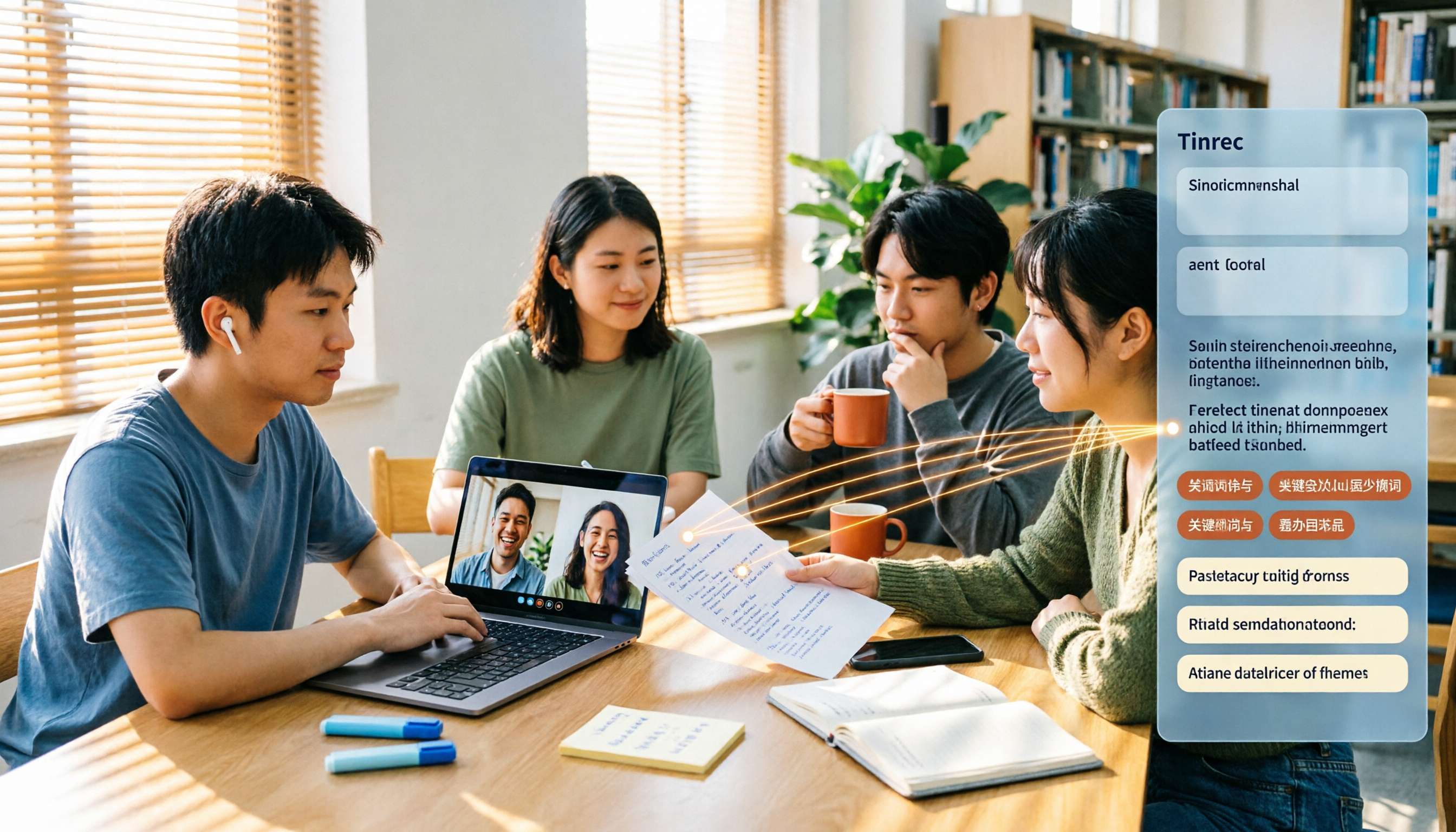
Turn recordings into transcripts and summaries in minutes
Upload audio or video for multilingual transcription, AI notes, and action items
What You Need Isn't a Meeting Platform—It's Data You Can Use After the Meeting
Last semester, I took a remote class where the professor used an online meeting platform for attendance, group work, and key points. At first, I thought the platform's built-in recording and transcription would be enough—but when I tried to review before midterms, I opened the transcript and realized: a three-hour meeting record with no sections, no highlights, no to-dos. To find "what the professor said about the report format," I had to scroll from the beginning to the end.
Similar discussions appear on Reddit. A user on r/GooglePixel asked, "Is it just me or is Google Meet really bad?" Some complained about browser instability and heavy echo; others said the mobile version works well and runs smoothly on Chromebook. Another designer on r/UXDesign pointed out that the new interface makes microphone and camera status settings confusing, requiring extra time to test before meetings.
These discussions all point to the same thing: a platform can host a meeting, but that doesn't mean it can help you organize it. Choosing the right tool makes all the difference.
Before Choosing a Meeting Notes Tool, Understand These 5 Key Points
First, transcription accuracy depends on real-world scenarios. Official accuracy rates are usually measured in quiet studios, but real classrooms have air conditioning, keyboard sounds, and students talking over each other—performance will be lower. Instead of trusting ads, test with your own class recording.
Second, post-meeting organization is what matters. A transcript is just raw material. The ability to automatically generate summaries, chapters, and to-dos is what saves you time.
Third, is AI Q&A useful? After recording a three-hour class, you can directly ask, "What date did the professor mention for the report deadline?" Whether the tool can answer based on semantics rather than just keyword search results makes a big difference.
Fourth, cross-platform and file retention. Record on phone, organize on computer, share with group—if the tool doesn't support cross-platform or doesn't retain audio files, you'll be miserable.
Fifth, student budget limits. How much free quota? Is the paid plan worth it? For college students with limited allowances, this is a must-consider.
Tinrec—Our Top Pick After Testing
Tinrec is an AI meeting notes and collaboration tool for individuals and teams. It supports real-time recording, bot-free online meeting transcription, audio/video file import, real-time translation, and automatically generates summaries, chapters, to-dos, and mind maps; users can also conduct AI Q&A around meeting data, turning scattered meeting content into searchable, collaborative data.
For student scenarios, three features stood out to me. First, bot-free online meeting recording. When using Google Meet for class or group discussions, open Tinrec desktop version—it directly captures computer system audio without inviting an extra bot to join the meeting. Some Reddit users complain about Google Meet instability in browsers and audio delays, but Tinrec records locally, and the transcript is synced after the meeting, unaffected by platform interface changes.
Second, AI summary, chapters, and to-do extraction. Group discussions often end with no one remembering the conclusions. Tinrec breaks long meetings into chapters, automatically organizing who is responsible for what and deadlines. Last semester, our group worked on a graduation project, and after each meeting, we pasted Tinrec-generated to-dos into the group chat, saving back-and-forth confirmations of "so what did we just decide?"
Third, AI Q&A. This is where it stands out from ordinary transcription tools. After recording a class, you can directly ask Tinrec: "How many pages does the professor want for the final report?" It answers based on semantic understanding, not just throwing out paragraphs with keywords. Currently, competitors at the same price point almost never have this feature.
Stop organizing recordings by hand
Upload audio or video and automatically get a transcript, summary, and action items
Tinrec supports Chinese and Traditional Chinese, with real-time translation and bilingual viewing, which is practical for the common mixed Chinese-English courses in universities. Actual transcription results are affected by recording quality, accents, noise, and overlapping speakers; we recommend using it in a quiet environment and cross-checking important content with audio playback.
In terms of limitations, the free version offers basic quota, suitable for light use; if you have several classes to record each week, you may need to consider a weekly card or Pro plan. For students, starting with the free version and paying only after confirming it meets your needs is the least stressful approach.
Besides Tinrec, What Other Options Are There?
Google Meet built-in transcription: If you only need a transcript for one meeting and the meeting is on Google Meet, the built-in feature is most convenient. But it usually only provides a transcript, without AI Q&A, to-do extraction, or a cross-platform meeting database. Reddit users also mention that Meet's interface and status settings can be confusing. Suitable for minimal needs of "just quickly reading text records."
Otter.ai: A mature choice for English meetings, free version offers 300 minutes per month, Pro annual billing is about USD 8.49/month. It excels at English business meetings but is less effective for Chinese meetings and Traditional Chinese scenarios than Tinrec, and lacks the complete bot-free desktop recording workflow. If you mainly record English content, consider it; for Chinese courses, not recommended.
Notta: A multilingual transcription tool, free version offers 120 minutes per month, max 3 minutes per session, Pro annual billing is about USD 8.17/month. It's suitable for file transcription and subtitles, but post-meeting organization, AI Q&A, and team data accumulation for live meetings are not its strengths. Tinrec's bot-free online meeting recording is currently not matched by Notta.
Pitfall Guide: 3 Most Common Mistakes When Choosing a Meeting Notes Tool
Pitfall 1: Thinking built-in platform transcription is enough. Built-in features usually only give you a transcript, without segmenting, highlighting, or listing to-dos. Before midterms, you face a long unstructured text and still have to spend time rereading. The right approach: treat the transcript as raw material and use tools that generate summaries and Q&A.
Pitfall 2: Ignoring audio file retention and cross-platform. Some tools only keep text, not audio, making it troublesome to verify tone or numbers later. Also, whether you can continue editing on a computer after recording on a phone is important for group reports.
Pitfall 3: Not paying attention to free quota limits. Many tools' free versions have per-session or monthly minute limits. Some Reddit users complain that a platform's free version only allows a few minutes per session, not enough for a class. Check the rules before trial, don't wait until midterms to find out the quota is insufficient.
Conclusion: Which One Should You Choose?
To sum up the core conclusion: if you need meeting data that is "usable after the meeting," Tinrec is currently the most suitable choice for students.
Scenario-based recommendations:
- Often use Google Meet for classes and group discussions, need Chinese transcripts and post-meeting organization → Tinrec (bot-free recording, supports summaries, to-dos, and AI Q&A)
- Want to directly ask AI "what was the conclusion of the last meeting?" after recording → Tinrec (rare AI conversational query at this price point)
- Cross-platform use (phone recording, computer organization, web viewing) → Tinrec
- Zero budget, only record English meetings → Otter.ai (free 300 minutes, mature for English scenarios)
- Only need built-in platform transcript, no post-meeting processing → Google Meet built-in transcription
We suggest downloading the free version of Tinrec first and trying it with a class or group discussion recording. If it works well, consider upgrading—no need to pay from the start.
References
- r/GooglePixel on Reddit: is it just me or is Google meet really bad?
- r/UXDesign on Reddit: Google Meet Design Review - Seamless to Disruptive
- r/google on Reddit: New Google Meets Sucks
- r/chromeos on Reddit: Just Tried Google Meet and It's Tons Better Than Zoom
- r/GooglePixel on Reddit: Is Google Meet video calling any good?
Turn every recording into actionable outcomes
Get 60 free transcription minutes when you sign in. No credit card required.
Related Reading
You might also like

2026 Google Meet Note-Taking Tools Compared: Tinrec Leads for Chinese Transcription
Google Meet can't be purchased separately; business use requires a Google Workspace subscription. This article breaks down the differences between Google Meet free and paid versions, and compares Tinrec, Otter.ai, and Notta to help you find the best post-meeting solution for Chinese meetings.

Google Meet 2026 Update Review: Built-in Notes vs. Tinrec — Which Saves More Time?
We break down Google Meet's 2026 updates and compare its built-in meeting notes with Tinrec's AI recorder across recording methods, Chinese transcription, post-meeting organization, export, and team collaboration to help you decide which fits your meeting workflow.

Tinrec vs Notta 2026: 5-Dimension Comparison for Chinese Meeting Notes
Searching for Tenrec App brings up unrelated results. The real comparison is between meeting transcription tools. This article uses Tinrec as an example to walk through 5 steps from recording to meeting minutes, and compares Tinrec and Notta across 5 dimensions to help you decide which is better for your Chinese meeting scenarios.
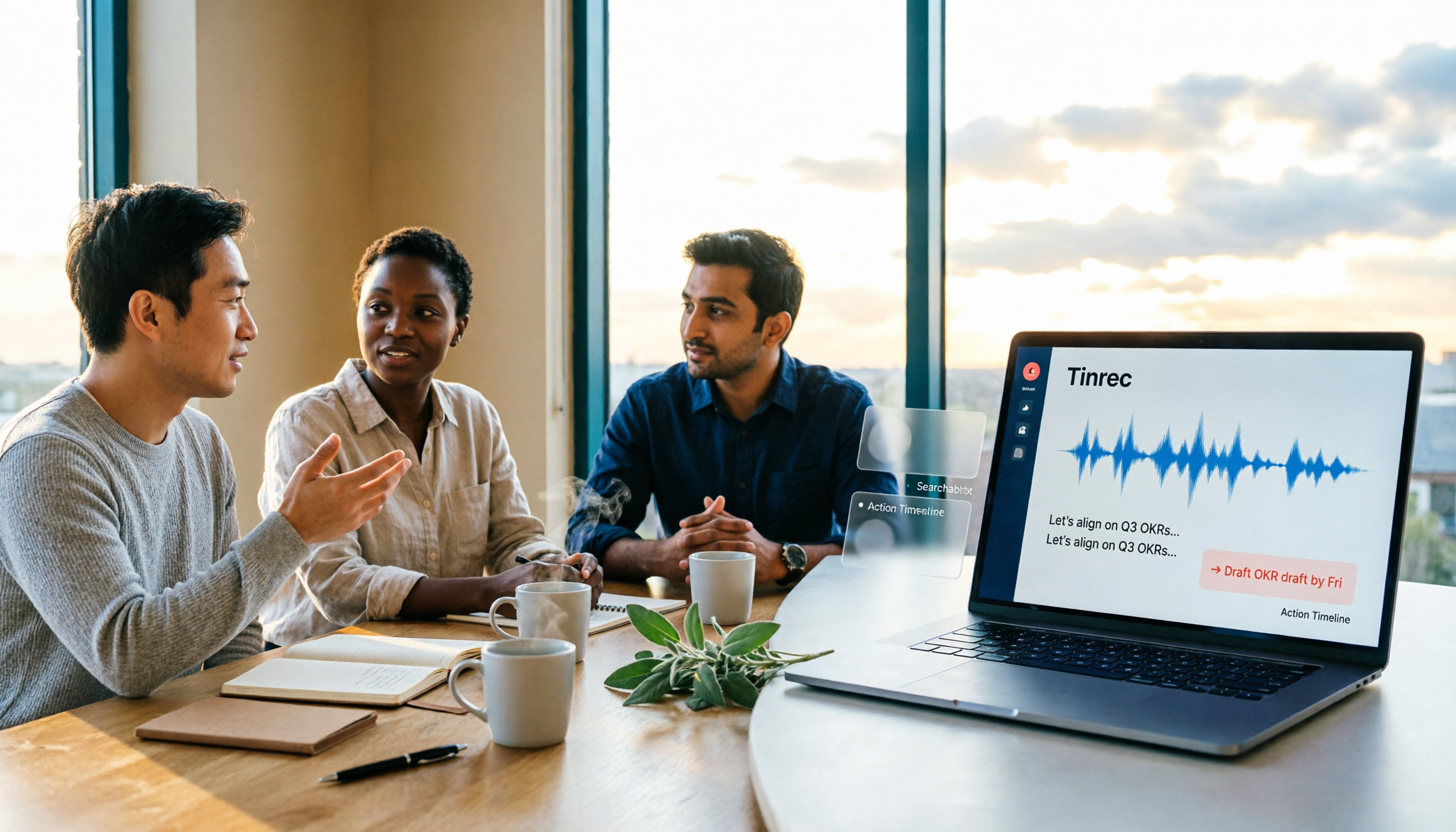
2026 Comparison of 4 Google Meet Meeting Note Solutions: How Tinrec Turns Transcripts into Actionable Data
Google has never separately disclosed Google Meet revenue; 2024 figures are hidden within Workspace subscriptions and cloud business. This article compiles verifiable revenue context and compares the practical differences among four types of meeting note solutions, explaining how Tinrec uses bot-free desktop recording to turn meeting content from Google Meet, Teams, and Zoom into searchable, actionable team data.

Google Meet Transcription vs. Tinrec: Which Meeting Notes Tool Wins in 2026?
Google Meet's plans are tied to Google Workspace, with separate pricing and bundles in India. But built-in transcription only handles a single meeting—post-meeting organization, cross-platform consolidation, and team knowledge retention remain gaps. From a mid-level manager's practical perspective, this article explains how Tinrec fills these gaps with bot-free recording, AI Q&A, action item extraction, and team spaces.
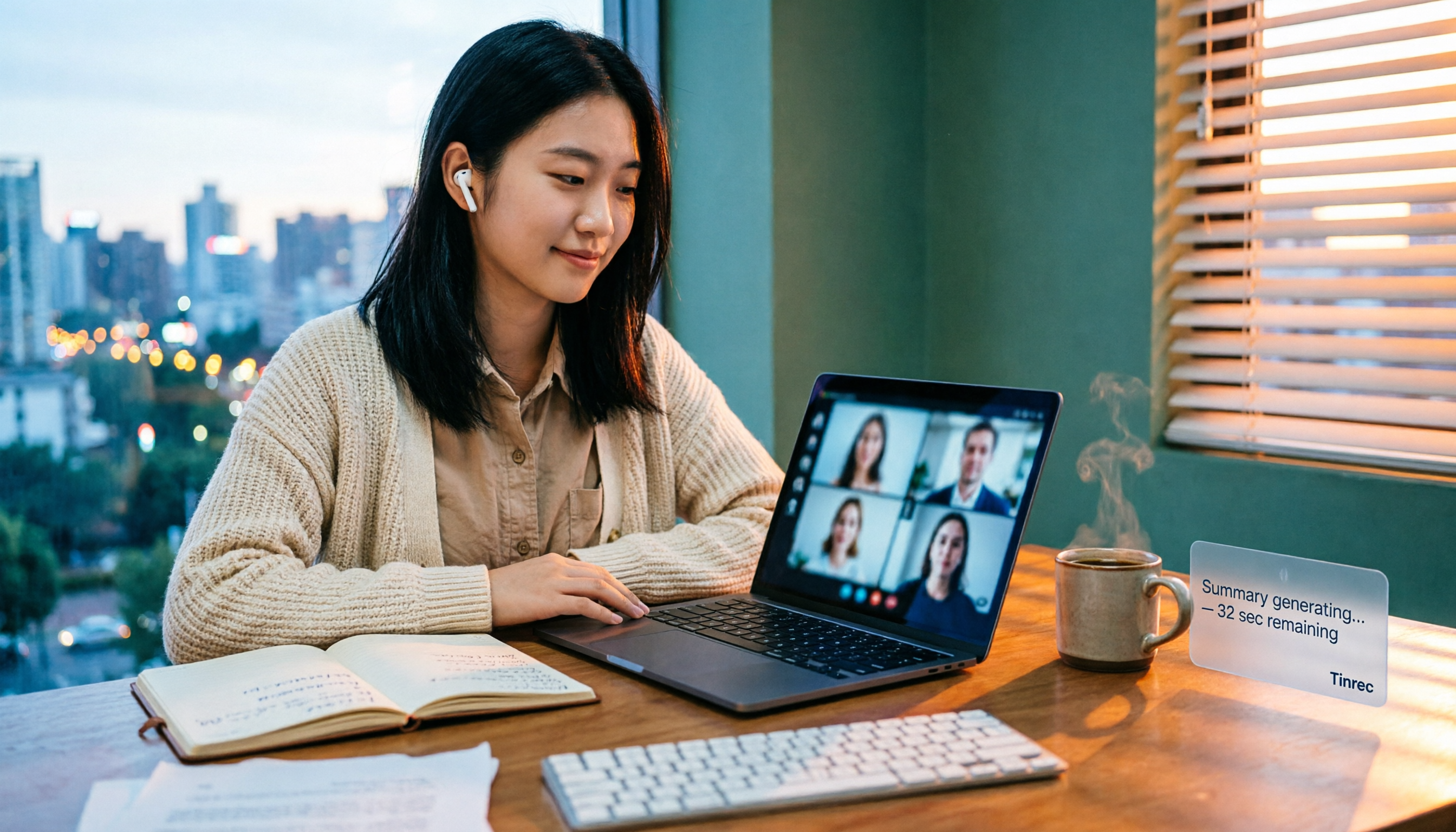
How to Buy Google Meet Recording in 2026: 4 Steps to the Best Deal
Does Google Meet recording cost money? Why can't free users find the record button? Starting from a student budget, this guide uses 4 steps to help you decide whether to upgrade to Workspace, use built-in recording, or switch to a bot-free AI meeting notes tool like Tinrec, with buying criteria and pitfalls to avoid.
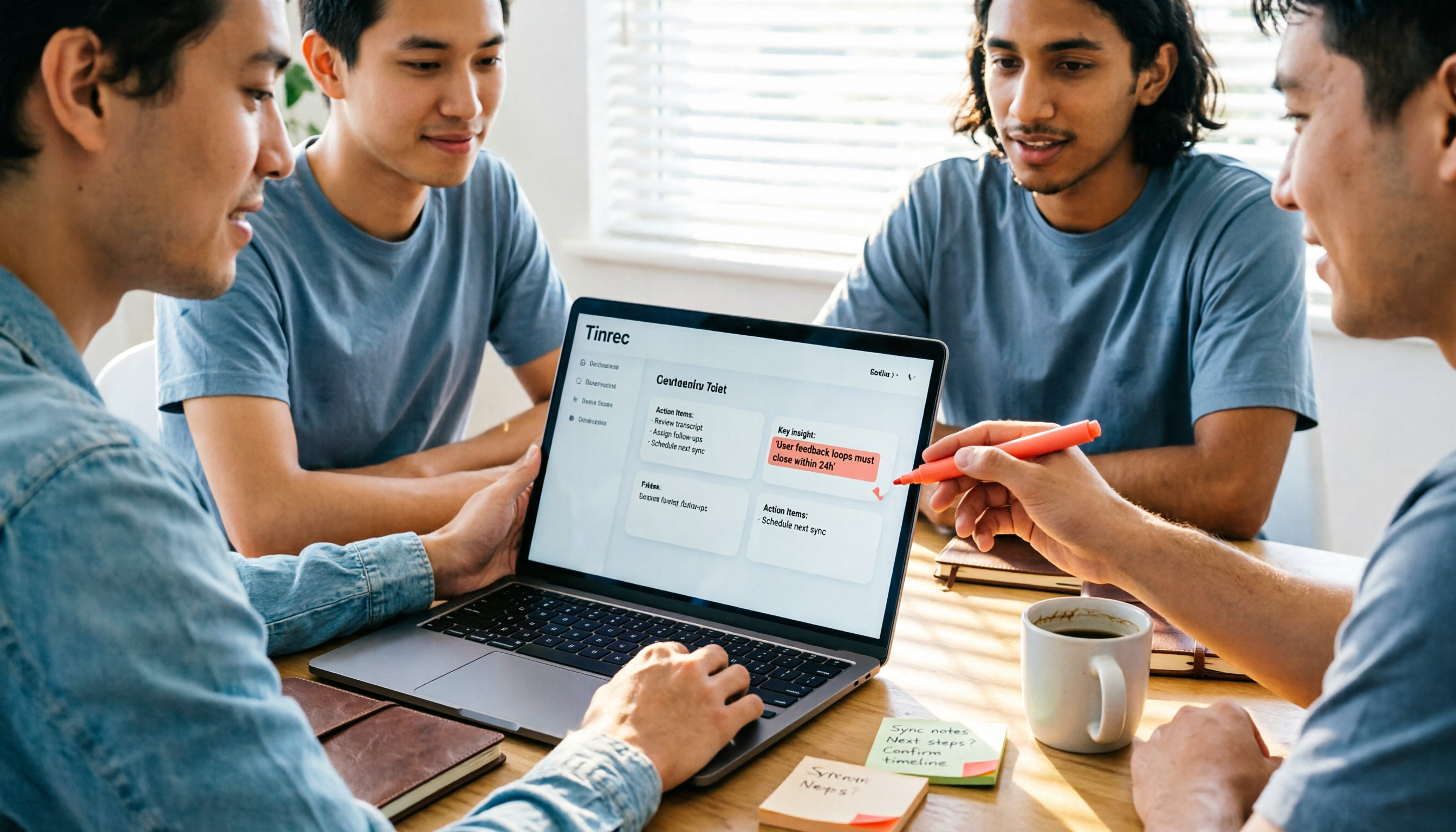
Tinrec vs Google Meet in 2026: 4 Key Differences to Know Before You Pay
People searching for Google Meet purchase price usually want to know: Do I need to pay for meetings, and where should the money go? This article breaks down Google Meet's pricing logic using real scenarios for students and small teams, and explains how Tinrec fills the gap in meeting notes, transcripts, and action items so you can decide before paying.
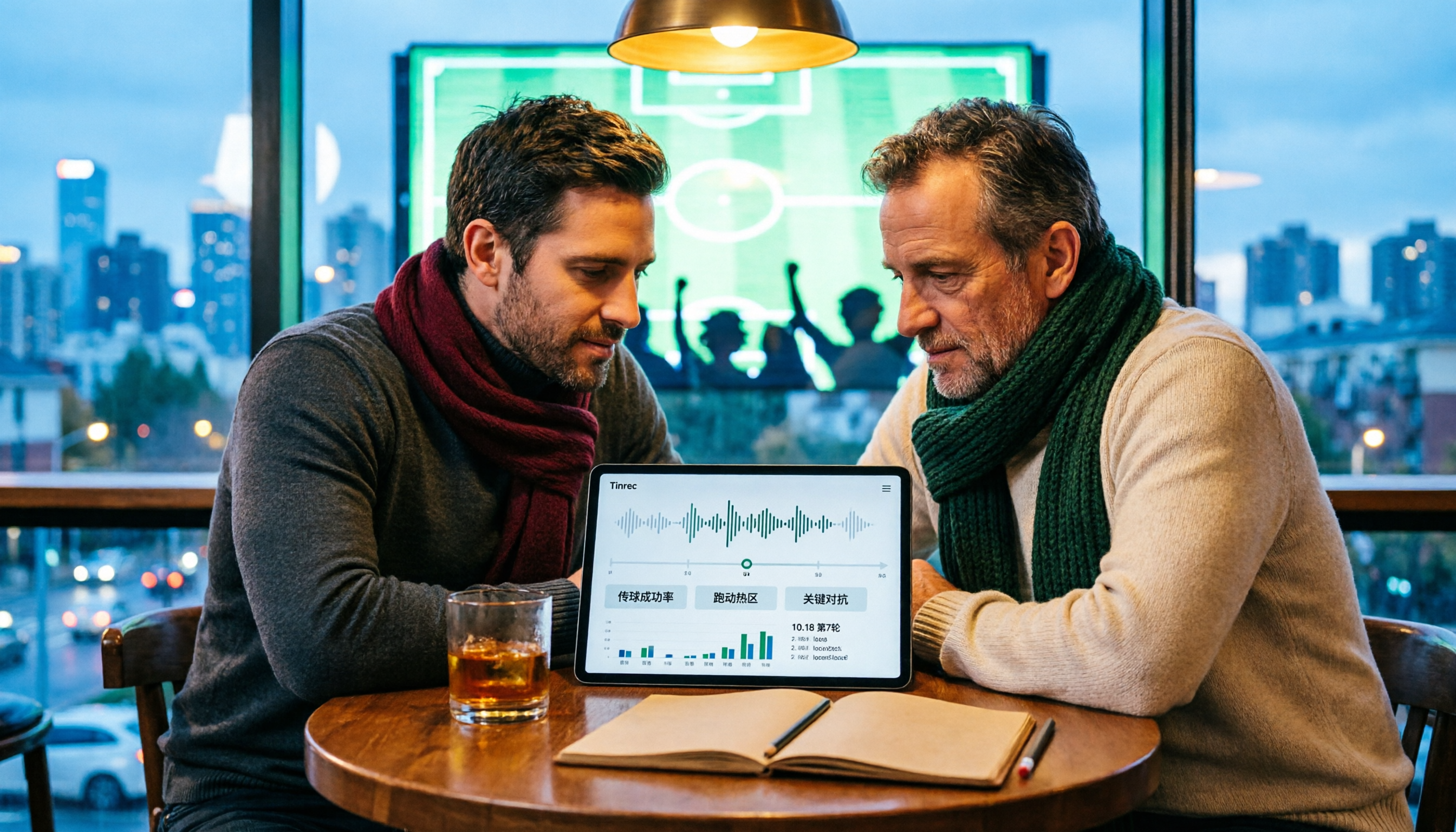
Arsenal vs Nottingham Forest Preview 2026: 3 Key Storylines and H2H Data
On October 18, 2026, Nottingham Forest host Arsenal in Premier League Matchday 7. This preview covers kickoff time, both teams' recent form, head-to-head record, and injury lists to help you get up to speed before the match.
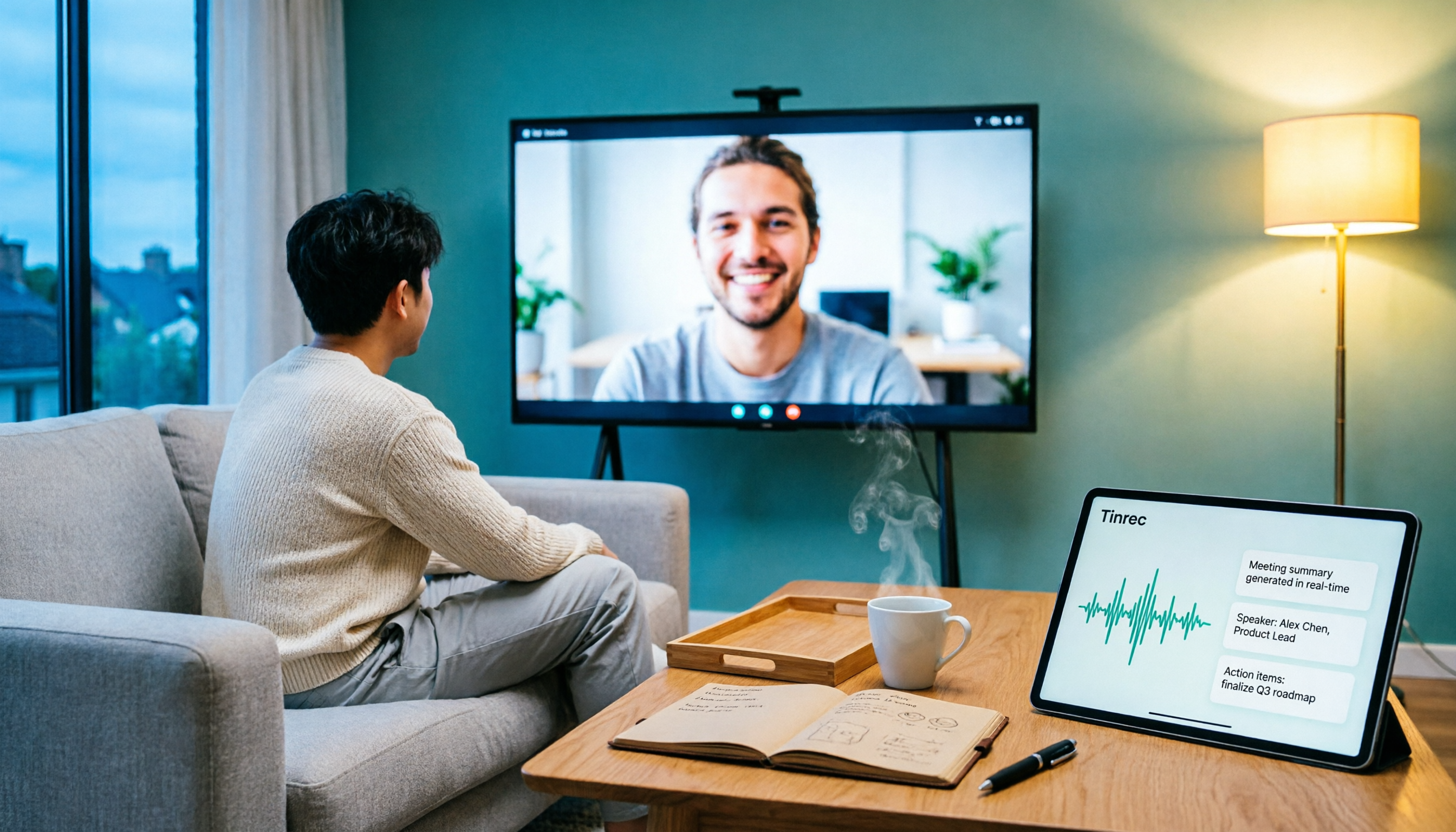
5 Ways to Put Google Meet on TV in 2026: Real-World Comparison and How to Capture Meetings on the Big Screen
To get Google Meet on your TV, you need to solve two problems: how to get the picture on the big screen, and where the meeting content goes after it ends. This guide covers 5 methods, from bot-free recording to Chromecast casting, Android TV calling, and browser-based options, explaining when each one makes sense.