

Turn recordings into transcripts and summaries in minutes
Upload audio or video for multilingual transcription, AI notes, and action items
Which Google Meet Note-Taker Is Best? 2026 Hands-On Test of 4 Tools, Tinrec Excels at Chinese
Two-Hour Meeting, Two More Hours Organizing Notes—The Problem Isn't That You Don't Know How to Meet
Last week I had a 90-minute project meeting on Google Meet.
The recording was stored in the cloud, all neat and tidy.
Then my manager asked me: "Who said we should change the budget last time?"
I scrubbed from beginning to end and spent 40 minutes just to find that one sentence.
This is the daily reality for most people.
Another common situation is mixed Chinese and English.
"Let's review this feature next sprint"—some tools turn that into a string of gibberish.
There's an even more frustrating one: meeting notes stored in personal accounts. When a colleague leaves, the data vanishes too.
If you've encountered any of the above, this article is for you.
Before Choosing a Meeting Note Tool, Understand These 3 Key Points
Key Point 1: Can It Record Meetings Without a Bot?
For online meetings like Zoom, Google Meet, and Teams, tools generally fall into two approaches.
One is to send a meeting bot as a participant, adding a stranger's name to the screen.
The other is to capture system audio directly from your computer, so no extra person appears in the meeting.
Tinrec's desktop version takes the second approach. More on that later.
Key Point 2: After Transcription, Can You Find That Sentence?
A transcript doesn't mean it's usable.
The real question is: after recording, can you ask questions about it?
Like asking a colleague directly: "What was the conclusion of this meeting?"
That's where the difference lies.
Key Point 3: Who Ultimately Owns This Data
Personal meeting notes and team meeting assets are two different things.
Data stored in personal accounts will always remain personal.
Ultimately, choosing a tool is about choosing these three things.
Tinrec—Our Top Pick After Hands-On Testing
Tinrec is an AI meeting notes and collaboration tool for individuals and teams, available on mobile, tablet, web, and desktop.
It's not just a "speech-to-text tool"; the focus is on what happens after transcription.
Bot-Free Recording—My Favorite Feature
When hosting Zoom, Google Meet, Teams, or Webex, I don't need to invite any bot into the meeting.
I open Tinrec's desktop version, and it directly captures the computer's system audio, producing a transcript while recording.
The participants' screen stays clean—no one asks "Who is that Tinrec?"
After the Meeting, AI Has Already Organized Everything
When the meeting ends, the summary, chapters, key points, and action items are all there.
Who's responsible for what and when it's due—all clear at a glance.
If you need to report to your manager, you can further generate reports, tables, or documents.
You Can Ask Questions Directly About the Meeting Content
This is the feature I find most impressive.
After recording, I directly asked it: "Who mentioned the budget in the last meeting?"
It doesn't throw a bunch of keywords at you; it answers directly.
At the same price point, I haven't seen many tools do this yet.
You can also throw multiple meetings in together for follow-up questions—very useful for project tracking.
What I Actually Tested
I tested it with a mixed Chinese-English product meeting recording (indoor environment, laptop built-in microphone).
The Chinese part needed almost no correction; English proper nouns occasionally needed a tweak.
Honestly, this kind of mixed content is inherently difficult, and it performed better than I expected.
However, note that actual results will be affected by recording quality, background noise, accents, and multiple people talking over each other—this applies to every tool.
Its Strengths
First, cross-platform. Record on your phone today, organize on your computer tomorrow—data stays in one place, no need to transfer back and forth.
Stop organizing recordings by hand
Upload audio or video and automatically get a transcript, summary, and action items
Second, very complete post-meeting output. Transcript, summary, chapters, action items, mind map, and AI Q&A—all in one go.
Third, data can be exported to tools you already use, like Notion, Google Docs, OneNote, and Dropbox, so you don't have to change your workflow.
Fourth, the team version is a separate team space, not multiple people sharing one account. Meeting data belongs to the team, members have roles and seat distinctions, admins can view usage and audit logs, and when a member leaves, data can be handed over—it won't leave with them.
Limitations to Be Clear About
The free version has a basic quota; heavy users need to pay.
The team version is currently USD 29.80 per paid seat per month, or USD 199 annually (about USD 16.58 per month), providing 2,000 minutes of team shared import quota per seat per month. Real-time recording under active seats currently doesn't deduct minutes.
Prices are subject to the official purchase page.
Also, it doesn't support every platform automation you can think of, and it's not the kind of bot that "automatically joins every meeting on your calendar"—you need to press start recording yourself.
Who It's For
If you often have mixed Chinese-English meetings, want to ask AI directly to find key points after recording, or your meetings span phone and computer—Tinrec is the smoothest one in this test.
For teams that need to share meeting data and manage members and usage, you can look directly at its team version.
Besides Tinrec, What Other Options Are There?
Google Meet Built-in Transcription
If your meetings are 100% on Google Meet, built-in transcription is the easiest choice—no installation needed.
Gemini-related automatic notes, translation, and key point summaries depend on whether your plan includes them; some features are only available in specific Google One or Workspace Business and Enterprise plans.
But its transcription stays within Google Meet. Cross-platform organization, asking questions about historical meetings, and turning data into team assets—these it doesn't have.
And if you switch to Zoom or Teams, it can't help.
Otter.ai
A veteran choice for English meetings, with a free version offering 300 minutes per month—a generous quota.
Pro annual billing is about USD 8.49 per user per month.
But Chinese and mixed Chinese-English are not its strong suit. If your meetings are mostly in Chinese, it will feel clunky.
Note: Otter now also has desktop capabilities, not just a meeting bot.
Notta
Multilingual transcription is its strength.
The free version offers 120 minutes per month, but each session is limited to 3 minutes—this restriction makes it practically unusable for organizing a full meeting.
Pro annual billing is about USD 8.17 per month.
It doesn't have Tinrec's bot-free online meeting recording, nor team seats and usage auditing governance features.
Pitfall Guide: The 3 Most Common Mistakes When Choosing a Meeting Note Tool
Pitfall 1: Thinking "Can Record" Equals "Can Find"
Many people buy as soon as they see "supports recording."
As a result, a 90-minute recording sits in the cloud, and you still have to scrub from the beginning to find one sentence.
The point isn't recording—it's whether you can ask it directly after recording.
Pitfall 2: Ignoring Mixed Chinese-English
Meetings in Taiwan are rarely pure Chinese or pure English.
"Let's follow up on this case"—sentences like this are the norm.
I suggest testing directly with a recording of your own meeting. Don't just look at official recognition rates—those are usually measured in quiet environments.
Pitfall 3: Storing Team Data in Personal Accounts
This is the most easily overlooked point.
Meeting notes stored in personal accounts leave when a colleague leaves, and new hires can't see past decision context.
Team meetings should be placed in a team space. For example, Tinrec's team version makes meeting data belong to the team, allowing handover when members change, so it won't break when one person leaves.
Conclusion: Which One Should You Choose?
In one sentence: In this test, Tinrec is the most complete overall choice.
Choose according to your situation:
- Meetings all on Google Meet, plan already includes Gemini features → Built-in transcription is enough
- Mixed Chinese-English meetings, want to ask AI directly to find key points after recording → Tinrec
- Alternating between phone and computer → Tinrec (multi-device sync)
- Need team data sharing, seat management, usage and auditing → Tinrec team version
- Pure English meetings, very tight budget → Otter.ai free version (the only exception in this article)
I suggest starting with Tinrec's free version and trying it on one meeting.
If it feels good, consider upgrading—no need to pay from the start.
References
Turn every recording into actionable outcomes
Get 60 free transcription minutes when you sign in. No credit card required.
Related Reading
You might also like

2026 Google Meet Note-Taking Tools Compared: Tinrec Leads for Chinese Transcription
Google Meet can't be purchased separately; business use requires a Google Workspace subscription. This article breaks down the differences between Google Meet free and paid versions, and compares Tinrec, Otter.ai, and Notta to help you find the best post-meeting solution for Chinese meetings.

Google Meet 2026 Update Review: Built-in Notes vs. Tinrec — Which Saves More Time?
We break down Google Meet's 2026 updates and compare its built-in meeting notes with Tinrec's AI recorder across recording methods, Chinese transcription, post-meeting organization, export, and team collaboration to help you decide which fits your meeting workflow.

Tinrec vs Notta 2026: 5-Dimension Comparison for Chinese Meeting Notes
Searching for Tenrec App brings up unrelated results. The real comparison is between meeting transcription tools. This article uses Tinrec as an example to walk through 5 steps from recording to meeting minutes, and compares Tinrec and Notta across 5 dimensions to help you decide which is better for your Chinese meeting scenarios.

2026 Comparison of 4 Google Meet Meeting Note Solutions: How Tinrec Turns Transcripts into Actionable Data
Google has never separately disclosed Google Meet revenue; 2024 figures are hidden within Workspace subscriptions and cloud business. This article compiles verifiable revenue context and compares the practical differences among four types of meeting note solutions, explaining how Tinrec uses bot-free desktop recording to turn meeting content from Google Meet, Teams, and Zoom into searchable, actionable team data.

Google Meet Transcription vs. Tinrec: Which Meeting Notes Tool Wins in 2026?
Google Meet's plans are tied to Google Workspace, with separate pricing and bundles in India. But built-in transcription only handles a single meeting—post-meeting organization, cross-platform consolidation, and team knowledge retention remain gaps. From a mid-level manager's practical perspective, this article explains how Tinrec fills these gaps with bot-free recording, AI Q&A, action item extraction, and team spaces.

How to Buy Google Meet Recording in 2026: 4 Steps to the Best Deal
Does Google Meet recording cost money? Why can't free users find the record button? Starting from a student budget, this guide uses 4 steps to help you decide whether to upgrade to Workspace, use built-in recording, or switch to a bot-free AI meeting notes tool like Tinrec, with buying criteria and pitfalls to avoid.

Tinrec vs Google Meet in 2026: 4 Key Differences to Know Before You Pay
People searching for Google Meet purchase price usually want to know: Do I need to pay for meetings, and where should the money go? This article breaks down Google Meet's pricing logic using real scenarios for students and small teams, and explains how Tinrec fills the gap in meeting notes, transcripts, and action items so you can decide before paying.

Arsenal vs Nottingham Forest Preview 2026: 3 Key Storylines and H2H Data
On October 18, 2026, Nottingham Forest host Arsenal in Premier League Matchday 7. This preview covers kickoff time, both teams' recent form, head-to-head record, and injury lists to help you get up to speed before the match.
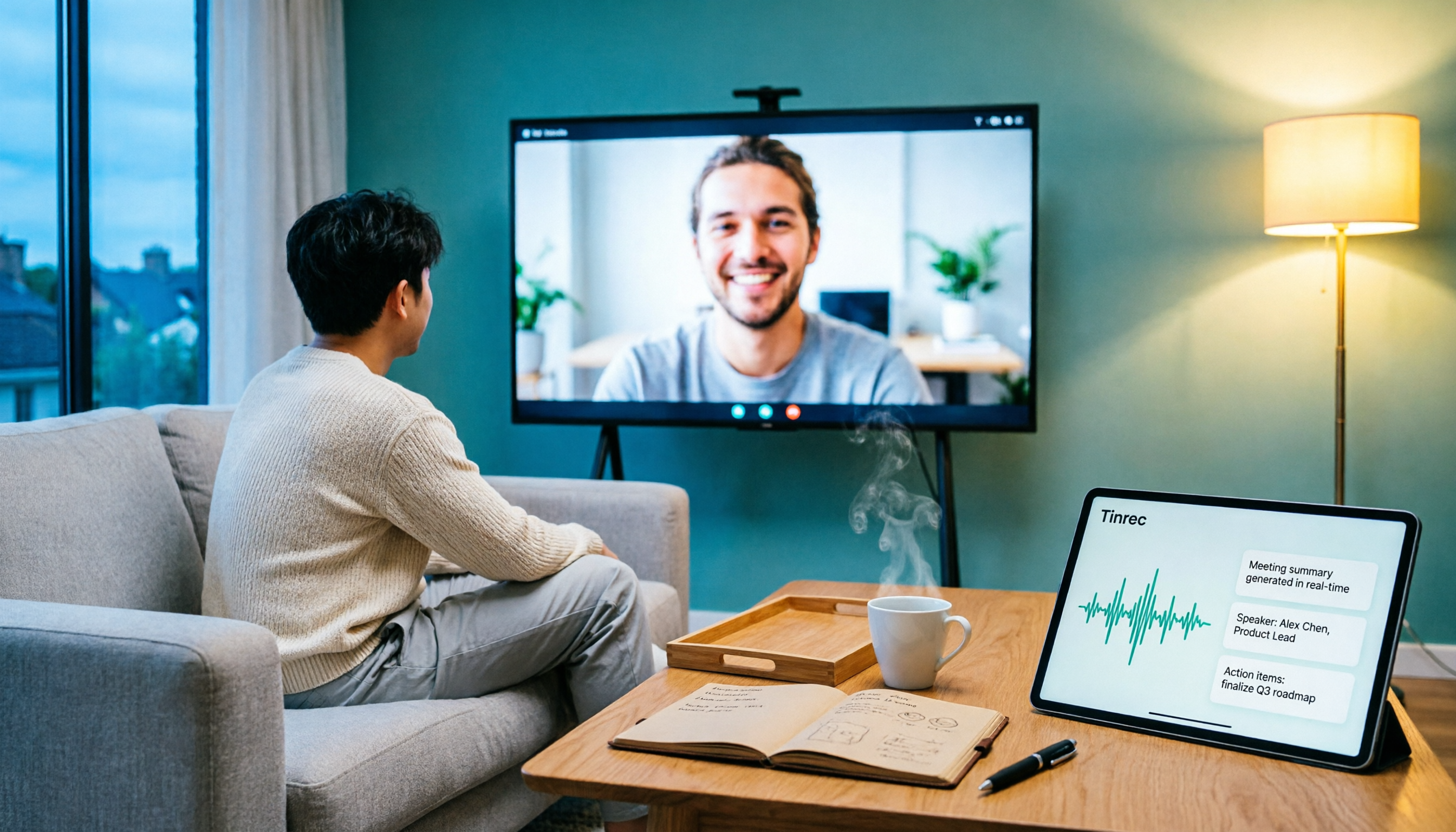
5 Ways to Put Google Meet on TV in 2026: Real-World Comparison and How to Capture Meetings on the Big Screen
To get Google Meet on your TV, you need to solve two problems: how to get the picture on the big screen, and where the meeting content goes after it ends. This guide covers 5 methods, from bot-free recording to Chromecast casting, Android TV calling, and browser-based options, explaining when each one makes sense.