

Turn recordings into transcripts and summaries in minutes
Upload audio or video for multilingual transcription, AI notes, and action items
Ask Yourself One Question: Are You Missing a Meeting Room or Meeting Notes?
Last semester, our group worked on a graduation project and met on Google Meet every week. After every meeting, someone in the group chat would ask, "So what did we decide?"—and no one could answer. That was the first time I seriously looked into whether Google Meet costs money. What I found was this: the free version is actually enough. What I really lacked wasn't a more expensive meeting room, but a way to keep the meeting content.
If you're searching for google meet purchase price, you probably have two questions in mind:
- Do I need to pay to have meetings?
- If I do pay, should the money go toward a "meeting platform" or "meeting notes"?
This article starts by breaking down these two decision points.
Google Meet's Pricing Logic: It's Not Sold Separately
Let's get the facts straight. The free version of Google Meet supports up to 100 people, 60 minutes for group meetings, and longer for 1-on-1 calls—enough for everyday class discussions and small group meetings.
To upgrade, you're actually buying the entire Google Workspace suite. Paid plans start at around $6–7 per user per month (varies by plan and billing cycle; check the official page for actual prices). In other words, Google Meet cannot be purchased separately right now; it's more like one feature within Workspace. Another common misconception is that AI features require an add-on—currently Gemini is included in Workspace plans, and the previously separate add-on is no longer available for new purchases.
So the decision point is clear: if you need a full set of office tools like business email, cloud storage, and document collaboration, upgrading to Workspace makes sense. If you just want "a usable record after the meeting," you need a different type of tool.
What Can Tinrec Do for You?
Tinrec is an AI meeting notes and collaboration tool for individuals and teams. It handles the part after the meeting that no one wants to do.
Scenario 1: Get conclusions and action items 5 minutes after a group discussion Previously, after a two-hour meeting, we'd spend another hour sorting out who does what. With Tinrec recording, by the time the meeting ends, the AI summary, chapters, and action items are already organized—you can see who's responsible for what at a glance.
Scenario 2: Online classes and lectures Professors speak fast, and slides flip even faster. Tinrec's desktop version can directly process audio from Google Meet, Zoom, Teams, and Webex playing on your computer, generating transcripts while you attend class—no need to rewatch from the beginning before exams.
Scenario 3: Club and internship meetings For club handovers and weekly internship meetings, new members often struggle with context. Tinrec saves each meeting into a searchable database, so you can later ask questions directly and find answers.
What Are Tinrec's Core Capabilities?
Bot-free recording of online meetings: The desktop version captures your computer's system audio directly, without adding an extra account as a participant. For a Google Meet group meeting, you just open Tinrec and start recording.
Real-time transcription and translation: Text appears as you record, and you can switch between original, translated, or bilingual views—handles meetings with mixed Chinese and English.
AI summaries, chapters, highlights, and action items: It doesn't just condense the transcript into a paragraph; it structurally extracts topics, conclusions, and action items.
AI Q&A: After transcription, you can ask "Who mentioned the budget?" or "What's the homework scope the professor gave?" and it answers based on semantics.
Export and post-processing: Export to Notion, Google Docs, OneNote, Dropbox, and more, and further generate reports, tables, and meeting minutes.
Stop organizing recordings by hand
Upload audio or video and automatically get a transcript, summary, and action items
Team space: The Team plan provides an independent team space where meeting data belongs to the team, including governance features like members, roles, seats, usage analytics, audit logs, and audio recycle bin.
How to Choose Based on Real Use Cases
Student groups with weekly meetings: Try the free version first to confirm transcript quality meets your course and accent needs.
Project groups sprinting for a semester: For short-term high-frequency use, consider short-term plans like weekly passes instead of committing long-term.
Those accumulating data long-term: If you have meetings every week and want to turn recordings into a searchable personal knowledge base, a stable plan like Pro is more practical than constantly resetting quotas.
Teams needing multi-person collaboration: The Team plan is $29.80 USD per paid seat per month, or $199 USD per paid seat per year (about $16.58/month). Each paid seat provides 2,000 minutes of shared team import quota per month; real-time recording under an active plan is currently not deducted by minutes. Eligible teams can try 7 days free with 1 free seat and 300 shared minutes.
4 Things to Watch When Choosing a Meeting Notes Tool
1. Is the free quota enough for you? Don't just look at plan names. Tinrec's free version provides basic quota to experience recording, importing, summaries, and transcription. We recommend testing with your own class or meeting recordings before deciding to upgrade.
2. Performance with Chinese and mixed Chinese-English: Many tools excel at English business meetings. Tinrec covers Chinese, Traditional Chinese, and multilingual scenarios, and supports real-time translation and team hotwords. Actual results still depend on recording quality, noise, accents, and overlapping speakers—we don't recommend using a fixed accuracy rate as the sole standard.
3. Can you organize after transcription? Transcripts are just the first step. Tinrec's value lies in summaries, action items, Q&A, and exports, so you get directly usable data instead of a long text you have to reread.
4. Team governance capabilities: For multi-person use, distinguish roles and seats—roles determine who can manage the team, seats determine who can record, upload, and edit. Tinrec's seatless members can still view and play team data but cannot perform uploads and edits.
Frequently Asked Questions
Does Google Meet require payment to record? Recording features depend on the plan's storage and permissions, and plans vary. Check Google's official plan page for confirmation. If your focus is just keeping meeting records, Tinrec takes a different path: recording on your own computer via desktop and generating transcripts.
Can Tinrec handle Google Meet meetings? Yes. Tinrec's desktop version processes online meetings by capturing computer system audio, without inviting a bot, and also works with Zoom, Microsoft Teams, and Webex.
Is Tinrec's free version enough for students? If you only occasionally organize a recording or a few key classes, the free version is a good starting point; consider upgrading when you need consistent weekly use.
What's the difference between Team and Personal plans? Personal plan data belongs to the individual account; the Team plan is an independent team space where data belongs to the team, with additional capabilities like members, seats, shared benefits, usage analytics, audit logs, and recycle bin.
Do Team plan quotas compete with each other? File and web imports consume team shared import minutes and do not fall back on members' personal quotas; real-time recording under an active plan and seat is currently not deducted by minutes.
Summary
Back to the original question: whether Google Meet requires payment depends on whether you need a full office suite or just a way to hold meetings. For most people, the real bottleneck after a meeting is that "records weren't kept"—and upgrading to Workspace may not solve that.
If you're a student or small team, the recommended approach is to clarify your needs first: a free meeting platform is enough, and leave meeting notes to Tinrec. Start by running one or two real group meetings with the free version's basic quota, see if the AI-generated summaries and action items are what you want, then decide whether to go further.
References
Turn every recording into actionable outcomes
Get 60 free transcription minutes when you sign in. No credit card required.
Related Reading
You might also like

2026 Google Meet Note-Taking Tools Compared: Tinrec Leads for Chinese Transcription
Google Meet can't be purchased separately; business use requires a Google Workspace subscription. This article breaks down the differences between Google Meet free and paid versions, and compares Tinrec, Otter.ai, and Notta to help you find the best post-meeting solution for Chinese meetings.

Google Meet 2026 Update Review: Built-in Notes vs. Tinrec — Which Saves More Time?
We break down Google Meet's 2026 updates and compare its built-in meeting notes with Tinrec's AI recorder across recording methods, Chinese transcription, post-meeting organization, export, and team collaboration to help you decide which fits your meeting workflow.

Tinrec vs Notta 2026: 5-Dimension Comparison for Chinese Meeting Notes
Searching for Tenrec App brings up unrelated results. The real comparison is between meeting transcription tools. This article uses Tinrec as an example to walk through 5 steps from recording to meeting minutes, and compares Tinrec and Notta across 5 dimensions to help you decide which is better for your Chinese meeting scenarios.

2026 Comparison of 4 Google Meet Meeting Note Solutions: How Tinrec Turns Transcripts into Actionable Data
Google has never separately disclosed Google Meet revenue; 2024 figures are hidden within Workspace subscriptions and cloud business. This article compiles verifiable revenue context and compares the practical differences among four types of meeting note solutions, explaining how Tinrec uses bot-free desktop recording to turn meeting content from Google Meet, Teams, and Zoom into searchable, actionable team data.

Google Meet Transcription vs. Tinrec: Which Meeting Notes Tool Wins in 2026?
Google Meet's plans are tied to Google Workspace, with separate pricing and bundles in India. But built-in transcription only handles a single meeting—post-meeting organization, cross-platform consolidation, and team knowledge retention remain gaps. From a mid-level manager's practical perspective, this article explains how Tinrec fills these gaps with bot-free recording, AI Q&A, action item extraction, and team spaces.

How to Buy Google Meet Recording in 2026: 4 Steps to the Best Deal
Does Google Meet recording cost money? Why can't free users find the record button? Starting from a student budget, this guide uses 4 steps to help you decide whether to upgrade to Workspace, use built-in recording, or switch to a bot-free AI meeting notes tool like Tinrec, with buying criteria and pitfalls to avoid.

Arsenal vs Nottingham Forest Preview 2026: 3 Key Storylines and H2H Data
On October 18, 2026, Nottingham Forest host Arsenal in Premier League Matchday 7. This preview covers kickoff time, both teams' recent form, head-to-head record, and injury lists to help you get up to speed before the match.
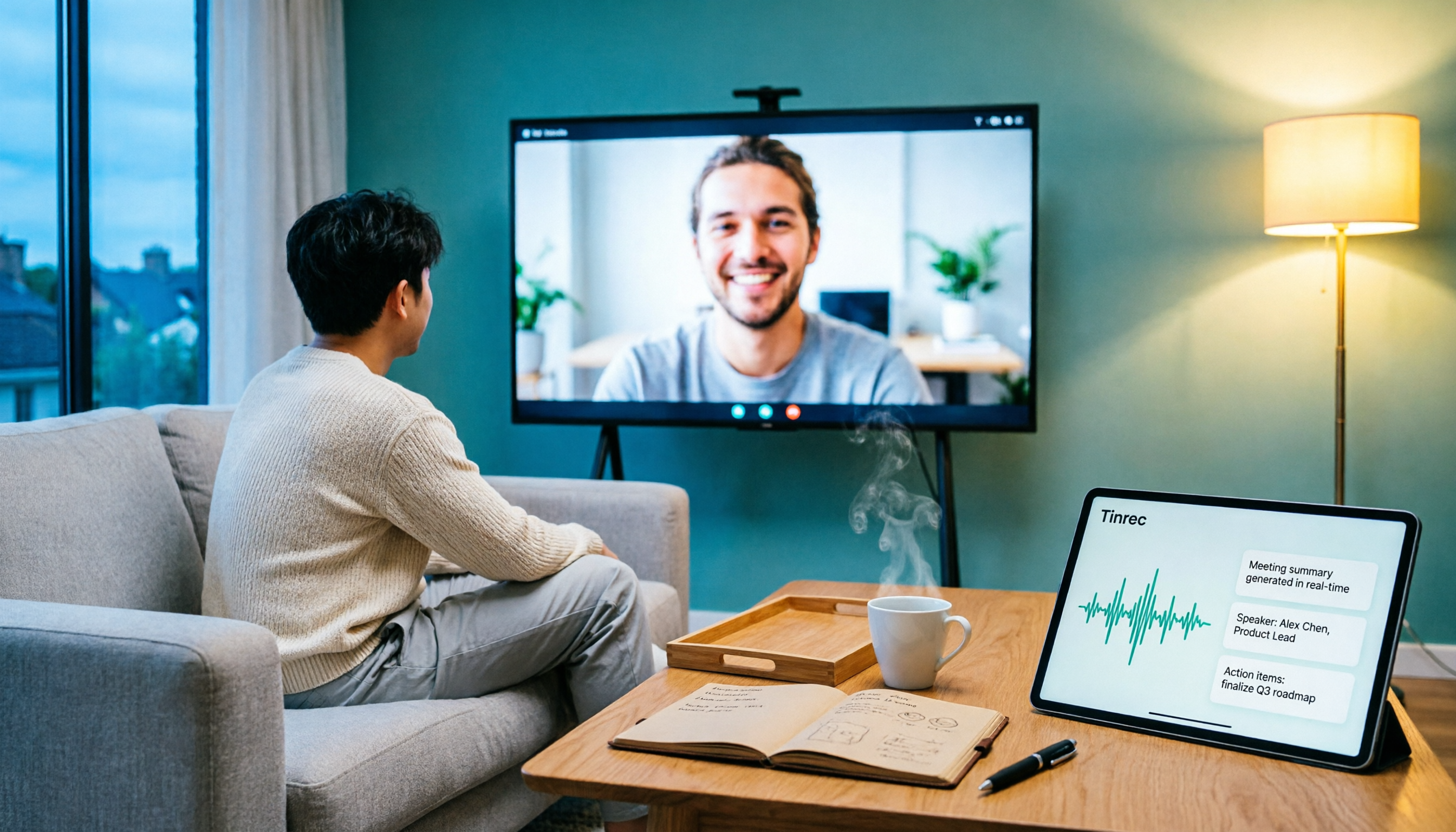
5 Ways to Put Google Meet on TV in 2026: Real-World Comparison and How to Capture Meetings on the Big Screen
To get Google Meet on your TV, you need to solve two problems: how to get the picture on the big screen, and where the meeting content goes after it ends. This guide covers 5 methods, from bot-free recording to Chromecast casting, Android TV calling, and browser-based options, explaining when each one makes sense.

Tenrec Large-Scale Multipurpose Recommender System Benchmark Dataset Explained: 5 Million Users, 140 Million Interactions, 4 Scenarios
Tenrec is a large-scale multipurpose benchmark dataset covering four recommendation scenarios. This article summarizes its five core features, four scenarios, ten evaluation tasks, how to access it, and usage considerations to help you decide if it suits your recommender systems research.