
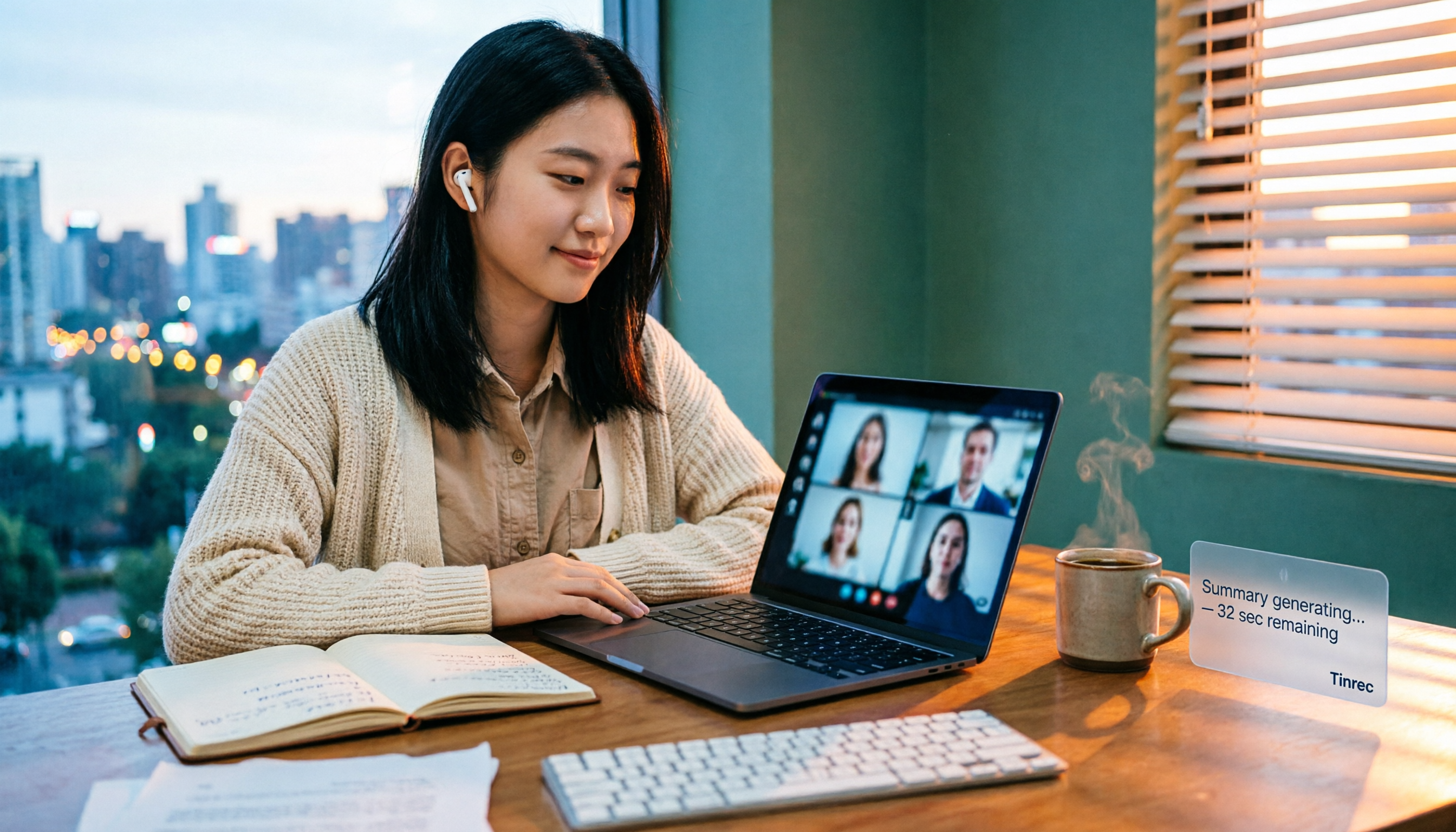
Turn recordings into transcripts and summaries in minutes
Upload audio or video for multilingual transcription, AI notes, and action items
"Does Google Meet really cost money to record?" That's the question I asked three times in my group chat last semester while working on my graduation project. Same meeting room, same three-dot menu in the top right corner—some people see "Record," others just don't. The difference isn't whether you know how to use it, but what type of account you have.
So before you spend any money, what you actually need to do isn't compare prices—it's figure out which situation you're in.
Before Deciding to Buy, Answer These Three Questions
First, is your account a free Gmail, or a Google Workspace account issued by your school or company? Free users don't have built-in Meet recording—that's where most people get stuck. My classmate spent an entire afternoon searching before realizing it wasn't that he couldn't find the button; the button simply wasn't there.
Second, what do you plan to do with the recording after? Just having a video file versus needing a transcript, meeting summary, and action items are two completely different expenses. Many students buy first and only later realize what they really lack isn't "recording" but "meeting notes."
Third, roughly how many hours will you record per month? A weekly group meeting versus a daily two-hour internship meeting call for completely different plans.
Once you've answered these three questions, you'll have a good idea of where your money should go.
Before Choosing a Google Meet Recording Plan, Understand These 4 Key Points
1. Account type determines whether you have a built-in option. This is the first hurdle and the dividing line between free and paid. Confirm your account type first, then discuss everything else.
2. Recording method: bot joining or bot-free capture. Some tools use a bot account to join the meeting room, so participants see an extra person. Another method captures system audio directly from your computer, so no extra participant appears in the meeting. Both are used, but if you often meet with unfamiliar clients or professors, the latter is usually less disruptive.
3. How quotas are calculated. Some count minutes, others count storage space. According to third-party 2026 Google Meet pricing data, built-in recording has a limit of 4 hours or 1.5 GB per session; exceed that and you must free up space first. Before buying, be sure to check which type of quota it deducts.
4. What you get after recording. Just getting a video versus getting a transcript, chapters, summary, and action items are two completely different outputs. This is the most easily overlooked item, yet it most affects how much time you'll spend organizing afterward.
Tinrec—The One I Ended Up Keeping
Tinrec is an AI meeting notes and collaboration tool for individuals and teams, supporting iOS, Android, and web, with a desktop version too. I initially just wanted a transcript, but after half a semester it became my main tool for handling group meetings.
How it actually works. Our project group meets weekly on Google Meet. Before the meeting, I open the Tinrec desktop app, and it directly captures the computer's system audio—no unfamiliar account appears in the meeting room. This matters a lot to us—we previously used a tool that sent a bot into the meeting room, and as soon as our senior saw an unknown participant, he kept asking "Who is that?" throughout the meeting. Besides Google Meet, the same method can handle Zoom, Microsoft Teams, and Webex meetings played on your computer.
After recording is where the real value is. When the meeting ends, AI has already generated a summary, chapters, and action items, making it clear who's responsible for what. The most-used feature is AI Q&A: I can directly ask it "Who was responsible for making the survey last meeting?" and it gives a semantic answer, not a string of keywords I have to dig through myself. For students rushing to finish a project, this saves a huge amount of time. It also lets you import audio and video files for organization, and supports real-time translation during recording.
Stop organizing recordings by hand
Upload audio or video and automatically get a transcript, summary, and action items
How pricing works. The personal plan has a free version to try basic quotas, a weekly pass for short-term intensive use, and Pro monthly and Pro annual plans for steady use. For students, starting with the free version through one real meeting before deciding whether to pay is the most practical approach.
Honest limitations. The free version has basic quotas; if you record every class and every meeting, you'll still need to pay. Also, actual transcription quality is affected by recording quality, ambient noise, accents, and overlapping speakers, so we don't recommend expecting a fixed accuracy number—important content should still be verified against transcript timestamps and recording playback.
If an entire group or club needs to share. The team plan isn't multiple people sharing one account; it's an independent team space where you can create multiple teams, invite members via join links, set owners/admins/regular members, and assign or revoke seats. Meeting data belongs to the team, and when a member leaves or loses their seat, it must be handed over to another active member. First-time eligible users get a 7-day trial, 1 free seat, and 300 minutes of team-shared import quota; monthly payment is USD 29.80 per paid seat per month, annual payment is USD 199 per paid seat per year (about USD 16.58 per month), each paid seat provides 2,000 minutes of team-shared import quota per month, and real-time recording currently does not deduct by minutes under an active plan and seat. Actual prices and benefits are subject to the official purchase page.
Besides Tinrec, What Other Options Are There?
Google Meet built-in recording. The most intuitive, but you must have a corresponding Workspace plan. According to third-party 2026 data, Business Standard at about USD 14 per user per month includes recording. It gives you a video file; transcript and post-meeting organization must be figured out separately—that's exactly the part Tinrec does more of.
Otter.ai. A veteran choice for English meetings, with a generous free plan of 300 minutes per month. If your meetings are entirely in English and you only need a transcript, it's a good deal. But Chinese and mixed Chinese-English aren't its strong suit; Tinrec's desktop app captures system audio and doesn't need an extra participant, which makes a big difference for those who don't want a bot in the meeting room.
Notta. Multi-platform transcription, file import, translation, and team plans are all available. The free version offers 120 minutes per month, up to 3 minutes per session; to use it as your main tool, you'll usually need to pay. Tinrec focuses more on bot-free online meeting recording, team spaces, and AI Q&A.
Pitfall Guide: The 3 Most Common Mistakes When Buying Google Meet Recording
Pitfall 1: Assuming free users can just click and record. Confirm your account type first, or you'll end up like my classmate searching for the button forever. For school or company accounts, also ask the admin whether permissions are enabled.
Pitfall 2: Only comparing "price per minute." Recording method (bot joining or bot-free capture), quota calculation, and what output you get all affect the real time cost you spend. Cheap but requiring two extra hours of organizing may not be worth it.
Pitfall 3: Buying it just to use as a recorder. The real value of these tools is after recording. For example, Tinrec's AI Q&A lets you directly ask "What was the conclusion of this meeting?"—much faster than manually flipping through a 40-minute transcript.
One final reminder: always inform participants and get consent before recording, and comply with local regulations.
Conclusion: Which One Should You Choose?
- Company already provides Workspace Business Standard or above, and you only need video files → Use built-in recording, no extra cost
- Need Chinese transcript + post-meeting summary + action items → Tinrec
- Want to use AI to ask key points right after recording → Tinrec (AI Q&A)
- Need to use on both phone and computer → Tinrec (iOS/Android/web)
- All-English meetings, zero budget → Otter.ai free version
- Entire group needs to share meeting data, manage members and usage → Tinrec team plan
My advice is to start with Tinrec's free version, run through one real Google Meet meeting, then decide whether to upgrade. Whether the quota is enough and whether AI summaries are useful for you—you'll know after one try.
References
- Record Meeting for Google Meet™ - Google Workspace Marketplace
- Record Google Meet - Chrome Web Store
- Google Meet Pricing 2026: Plans, Costs & Real Comparisons - Google Meet
- I wish to know if I purchase Google AI Pro package, do google meet recording available for me? - Google Meet Community
- Record, Transcribe & ChatGPT/Claude for Google Meet - Chrome Web Store
Turn every recording into actionable outcomes
Get 60 free transcription minutes when you sign in. No credit card required.
Related Reading
You might also like

2026 Google Meet Note-Taking Tools Compared: Tinrec Leads for Chinese Transcription
Google Meet can't be purchased separately; business use requires a Google Workspace subscription. This article breaks down the differences between Google Meet free and paid versions, and compares Tinrec, Otter.ai, and Notta to help you find the best post-meeting solution for Chinese meetings.

Google Meet 2026 Update Review: Built-in Notes vs. Tinrec — Which Saves More Time?
We break down Google Meet's 2026 updates and compare its built-in meeting notes with Tinrec's AI recorder across recording methods, Chinese transcription, post-meeting organization, export, and team collaboration to help you decide which fits your meeting workflow.

Tinrec vs Notta 2026: 5-Dimension Comparison for Chinese Meeting Notes
Searching for Tenrec App brings up unrelated results. The real comparison is between meeting transcription tools. This article uses Tinrec as an example to walk through 5 steps from recording to meeting minutes, and compares Tinrec and Notta across 5 dimensions to help you decide which is better for your Chinese meeting scenarios.

2026 Comparison of 4 Google Meet Meeting Note Solutions: How Tinrec Turns Transcripts into Actionable Data
Google has never separately disclosed Google Meet revenue; 2024 figures are hidden within Workspace subscriptions and cloud business. This article compiles verifiable revenue context and compares the practical differences among four types of meeting note solutions, explaining how Tinrec uses bot-free desktop recording to turn meeting content from Google Meet, Teams, and Zoom into searchable, actionable team data.

Google Meet Transcription vs. Tinrec: Which Meeting Notes Tool Wins in 2026?
Google Meet's plans are tied to Google Workspace, with separate pricing and bundles in India. But built-in transcription only handles a single meeting—post-meeting organization, cross-platform consolidation, and team knowledge retention remain gaps. From a mid-level manager's practical perspective, this article explains how Tinrec fills these gaps with bot-free recording, AI Q&A, action item extraction, and team spaces.

Tinrec vs Google Meet in 2026: 4 Key Differences to Know Before You Pay
People searching for Google Meet purchase price usually want to know: Do I need to pay for meetings, and where should the money go? This article breaks down Google Meet's pricing logic using real scenarios for students and small teams, and explains how Tinrec fills the gap in meeting notes, transcripts, and action items so you can decide before paying.

Arsenal vs Nottingham Forest Preview 2026: 3 Key Storylines and H2H Data
On October 18, 2026, Nottingham Forest host Arsenal in Premier League Matchday 7. This preview covers kickoff time, both teams' recent form, head-to-head record, and injury lists to help you get up to speed before the match.
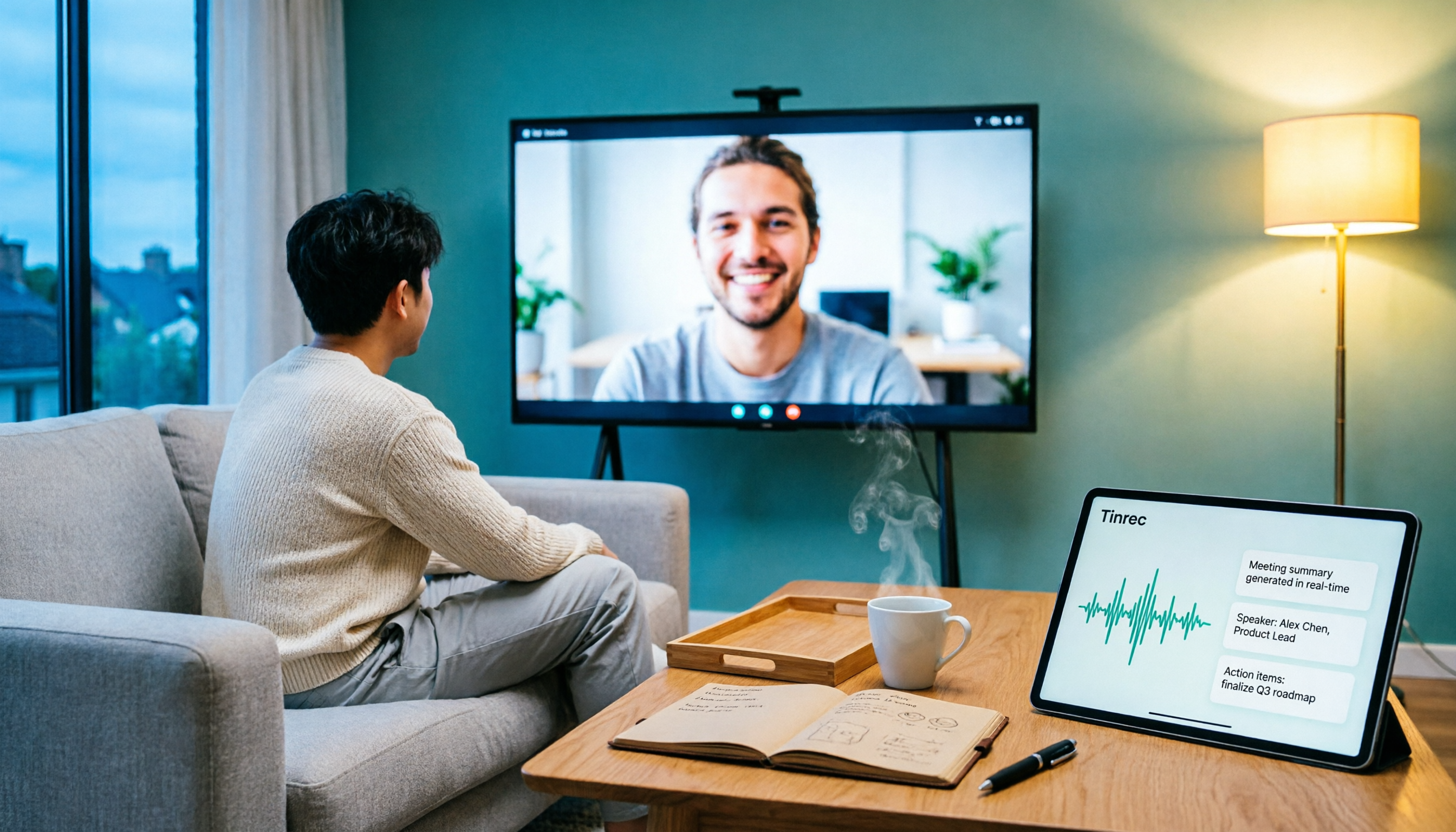
5 Ways to Put Google Meet on TV in 2026: Real-World Comparison and How to Capture Meetings on the Big Screen
To get Google Meet on your TV, you need to solve two problems: how to get the picture on the big screen, and where the meeting content goes after it ends. This guide covers 5 methods, from bot-free recording to Chromecast casting, Android TV calling, and browser-based options, explaining when each one makes sense.

Tenrec Large-Scale Multipurpose Recommender System Benchmark Dataset Explained: 5 Million Users, 140 Million Interactions, 4 Scenarios
Tenrec is a large-scale multipurpose benchmark dataset covering four recommendation scenarios. This article summarizes its five core features, four scenarios, ten evaluation tasks, how to access it, and usage considerations to help you decide if it suits your recommender systems research.