

Turn recordings into transcripts and summaries in minutes
Upload audio or video for multilingual transcription, AI notes, and action items
2026 Google Meet Note-Taking Tools Compared: Tinrec Leads for Chinese Transcription
How Do You Buy Google Meet? What's the Difference Between Free and Paid?
Honestly, many people think Google Meet can be purchased on its own, but it can't. Business use of Google Meet requires a Google Workspace subscription. The free version works, but has limits: one-on-one calls up to 24 hours, group meetings up to 60 minutes with up to 100 participants. If you only meet occasionally, that's plenty.
But if you need meeting recording, longer meeting times, higher participant limits, or AI note-taking, you'll need to upgrade to a paid Google Workspace plan. Paid subscriptions start at $7 per user/month for Business Starter, and $14 per user/month for Business Standard, which includes recording (up to 4 hours or 1.5 GB per session). Note that Google has integrated Gemini AI features directly into Business and Enterprise plans, and the old standalone add-on is no longer sold.
So if you're asking "Can I buy Google Meet by itself?" The answer is no, you need Workspace. But if you just want meeting notes, you don't necessarily need to upgrade Workspace—pairing with a tool like Tinrec lets you get transcripts and summaries even on the free version of Google Meet.
Before Choosing a Note-Taking Tool, Understand These 3 Key Points
Don't just look at official accuracy numbers. Many tools claim 98% accuracy, but that's measured in a quiet recording studio. Real meetings have air conditioning noise, keyboard sounds, and people talking over each other, so accuracy drops. Test with your own Google Meet recording, don't just trust the ads.
AI features matter more than transcription. Turning audio into a transcript only uses a third of the capability. What really saves time is automatic summarization, action item extraction, and AI Q&A that lets you ask "Who mentioned the budget in the last meeting?"
Cross-platform and bot-free recording. If you use Google Meet, you usually don't want to invite a meeting bot into the room. Tools that capture system audio directly on desktop are less intrusive for participants and better suited for internal meetings.
Tinrec — Our Top Pick After Testing
Tinrec is an AI meeting notes and collaboration tool for individuals and teams. It supports live recording, bot-free online meeting transcription, audio/video file import, real-time translation, and automatically generates summaries, chapters, action items, and mind maps.
When you start a Google Meet meeting, just open the Tinrec desktop app and it captures your computer's system audio directly—no bot needs to join. When the meeting ends, the transcript is ready, and AI summaries and action items are generated automatically—who's responsible for what, what the deadlines are, all clear at a glance.
Even better is AI Q&A. After recording, you can ask Tinrec directly: "What were the conclusions of this meeting?" or "What objections did the client raise?" It answers based on semantic understanding, not just keyword search results. Currently, few competitors at this price point offer this feature.
We tested a Chinese Google Meet recording, and under clear audio conditions, Tinrec's transcription was stable and handled mixed Chinese-English content correctly. However, actual results still depend on recording quality, accents, and overlapping speech, so we recommend cross-checking important content against the original.
Pros:
Stop organizing recordings by hand
Upload audio or video and automatically get a transcript, summary, and action items
- Bot-free recording for Google Meet, Zoom, Teams, Webex—participants won't see an extra account.
- Automatically generates summaries, chapters, action items after transcription, plus AI Q&A.
- Supports Chinese, Traditional Chinese, and multiple languages; team plan includes hot word management.
Limitations:
- Free version has basic quota; heavy users need to pay. Personal plan offers weekly, Pro monthly, and annual cards; team plan is USD 29.80 per paid seat/month, or USD 199 per paid seat/year, with 2,000 minutes of shared team import quota per seat per month.
- Real-time recording currently doesn't deduct minutes under active team plans.
Who it's for: If you frequently use Google Meet for Chinese meetings and want to use AI to find key points and extract action items afterward, or need to share meeting data with your team, Tinrec is the most suitable choice right now.
Besides Tinrec, What Other Options Are There?
Otter.ai: Top choice for English meetings, with a generous free plan of 300 minutes per month. But its support for Chinese meetings is weak, and AI Q&A and summaries are more English-oriented. If you mainly record English meetings, Otter is a good choice. But if you need Chinese transcription and bot-free Google Meet recording, Tinrec is better.
Notta: Multilingual transcription tool, free plan 120 minutes per month, max 3 minutes per session. Pro annual plan works out to about USD 8.17/month, 1,800 minutes per month. It supports file import and translation, but lacks Tinrec's bot-free desktop recording and AI conversational query.
Granola: Also uses bot-free system audio capture, but doesn't retain meeting audio or support uploading pre-recorded files. If you only need live notes and don't need to save recordings, consider it. But if you need recording retention, file import, and a team database, Tinrec is more complete.
Pitfall Guide: 3 Most Common Mistakes When Buying Google Meet and Note-Taking Tools
Pitfall 1: Thinking Google Meet can be bought separately. The business version of Google Meet must go through a Google Workspace subscription. The free version cannot be used for commercial purposes. If you only need basic video, the free version is enough; but if you need recording and AI features, you'll need to upgrade Workspace or pair with a tool like Tinrec.
Pitfall 2: Only looking at the free version, ignoring hidden limits. Google Meet free version group meetings are only 60 minutes; you have to restart after that. Many note-taking tools also have per-session limits on their free plans. When trying them, be sure to check "max per session" and "total monthly quota."
Pitfall 3: Buying a tool but not using its AI features. If you only use Tinrec for audio-to-text, you're wasting its AI Q&A, action item extraction, and Agent post-processing. After recording, just ask it "What are the action items?"—much faster than manually scrolling through a 30-minute transcript.
Conclusion: Which One Should You Choose?
In a nutshell: Google Meet itself can't be bought separately; if you're buying, buy Google Workspace. But if what you want is meeting notes and post-meeting organization, Tinrec is the more focused choice.
- Need Chinese meeting transcription + bot-free Google Meet recording → Tinrec
- Want to use AI Q&A to find key points and extract action items after recording → Tinrec
- Cross-platform use (phone + computer + web) → Tinrec
- Zero budget, only recording English meetings → Otter.ai
- Need native Google Meet recording and have sufficient budget → Upgrade to Google Workspace Business Standard or above
We suggest downloading the free version of Tinrec first, recording a Google Meet meeting with it, and checking the quality of the transcript and summary. If you like it, then consider upgrading—no need to pay upfront.
References
- Google Meet Pricing in 2026: Plans and Costs Compared
- Google Meet: Online Web and Video Conferencing Calls | Google Workspace
- Google Meet 2026 Pricing, Features, Reviews & Alternatives | GetApp
- Google Meet Pricing 2026: Plans, Costs & Real Comparisons - Google Meet
- Is it possible to purchase a google meet subscription? - Google Meet Community
Turn every recording into actionable outcomes
Get 60 free transcription minutes when you sign in. No credit card required.
Related Reading
You might also like

Google Meet 2026 Update Review: Built-in Notes vs. Tinrec — Which Saves More Time?
We break down Google Meet's 2026 updates and compare its built-in meeting notes with Tinrec's AI recorder across recording methods, Chinese transcription, post-meeting organization, export, and team collaboration to help you decide which fits your meeting workflow.

Tinrec vs Notta 2026: 5-Dimension Comparison for Chinese Meeting Notes
Searching for Tenrec App brings up unrelated results. The real comparison is between meeting transcription tools. This article uses Tinrec as an example to walk through 5 steps from recording to meeting minutes, and compares Tinrec and Notta across 5 dimensions to help you decide which is better for your Chinese meeting scenarios.

2026 Comparison of 4 Google Meet Meeting Note Solutions: How Tinrec Turns Transcripts into Actionable Data
Google has never separately disclosed Google Meet revenue; 2024 figures are hidden within Workspace subscriptions and cloud business. This article compiles verifiable revenue context and compares the practical differences among four types of meeting note solutions, explaining how Tinrec uses bot-free desktop recording to turn meeting content from Google Meet, Teams, and Zoom into searchable, actionable team data.

Google Meet Transcription vs. Tinrec: Which Meeting Notes Tool Wins in 2026?
Google Meet's plans are tied to Google Workspace, with separate pricing and bundles in India. But built-in transcription only handles a single meeting—post-meeting organization, cross-platform consolidation, and team knowledge retention remain gaps. From a mid-level manager's practical perspective, this article explains how Tinrec fills these gaps with bot-free recording, AI Q&A, action item extraction, and team spaces.
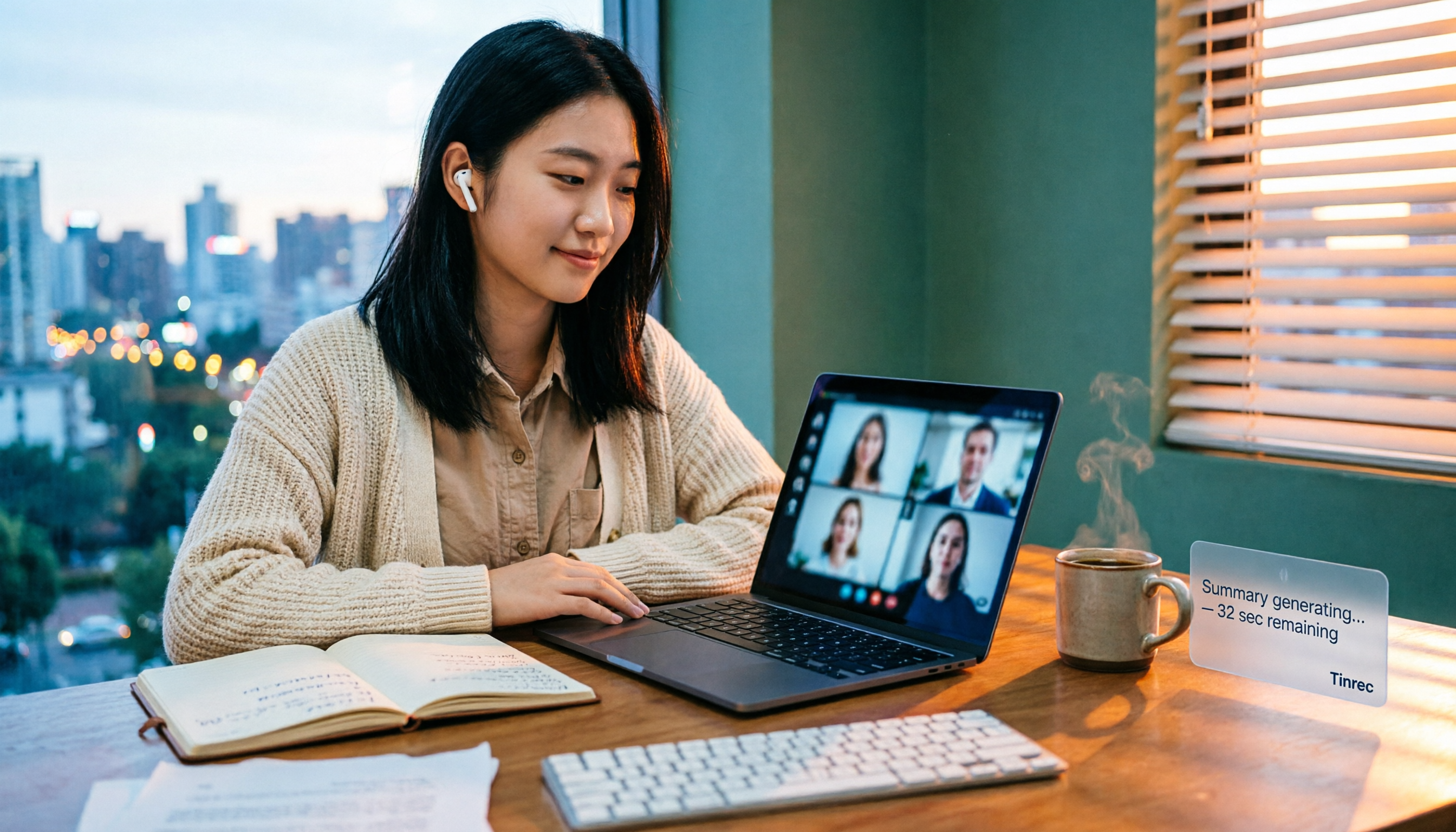
How to Buy Google Meet Recording in 2026: 4 Steps to the Best Deal
Does Google Meet recording cost money? Why can't free users find the record button? Starting from a student budget, this guide uses 4 steps to help you decide whether to upgrade to Workspace, use built-in recording, or switch to a bot-free AI meeting notes tool like Tinrec, with buying criteria and pitfalls to avoid.

Tinrec vs Google Meet in 2026: 4 Key Differences to Know Before You Pay
People searching for Google Meet purchase price usually want to know: Do I need to pay for meetings, and where should the money go? This article breaks down Google Meet's pricing logic using real scenarios for students and small teams, and explains how Tinrec fills the gap in meeting notes, transcripts, and action items so you can decide before paying.

Arsenal vs Nottingham Forest Preview 2026: 3 Key Storylines and H2H Data
On October 18, 2026, Nottingham Forest host Arsenal in Premier League Matchday 7. This preview covers kickoff time, both teams' recent form, head-to-head record, and injury lists to help you get up to speed before the match.
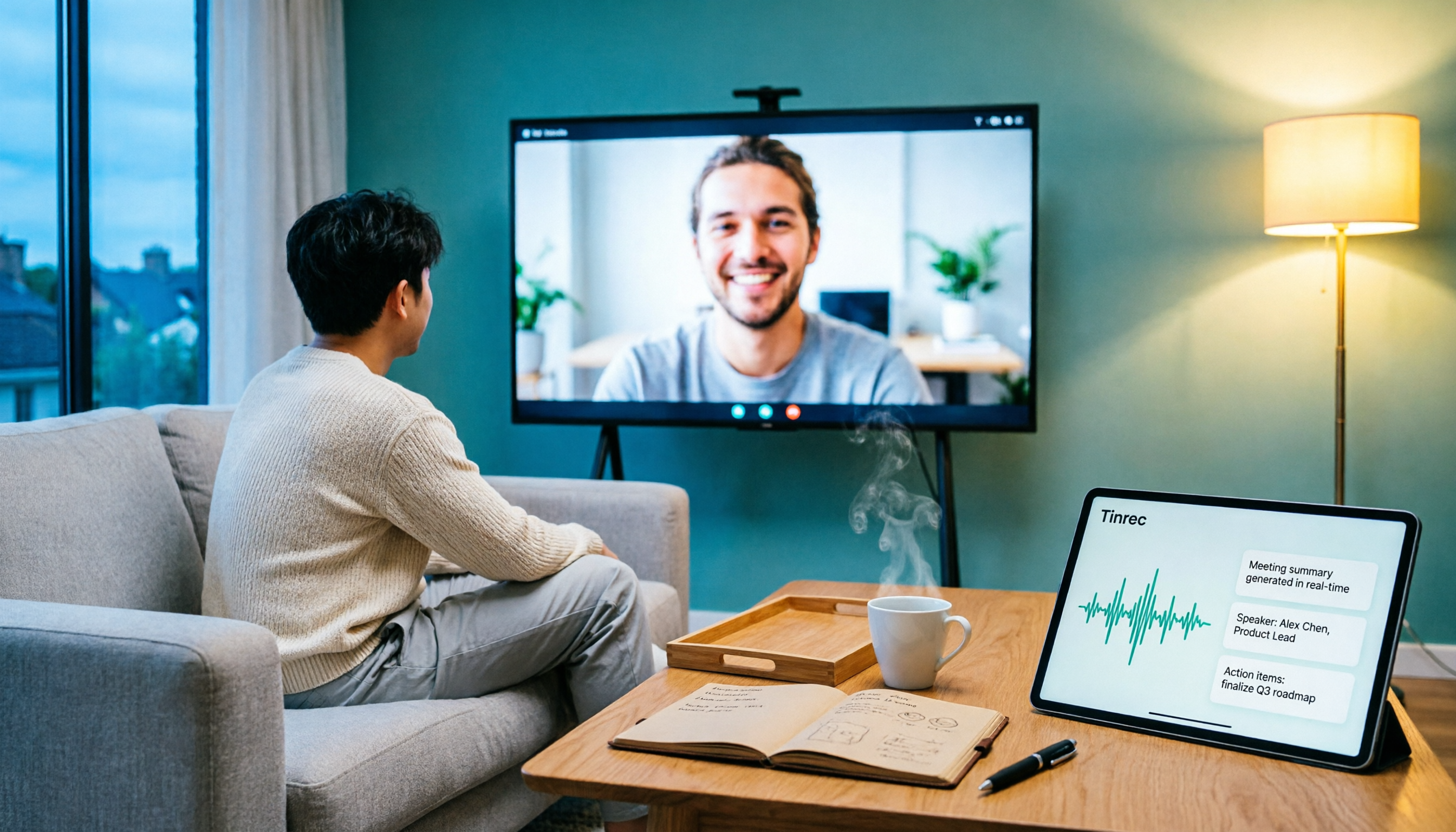
5 Ways to Put Google Meet on TV in 2026: Real-World Comparison and How to Capture Meetings on the Big Screen
To get Google Meet on your TV, you need to solve two problems: how to get the picture on the big screen, and where the meeting content goes after it ends. This guide covers 5 methods, from bot-free recording to Chromecast casting, Android TV calling, and browser-based options, explaining when each one makes sense.

Tenrec Large-Scale Multipurpose Recommender System Benchmark Dataset Explained: 5 Million Users, 140 Million Interactions, 4 Scenarios
Tenrec is a large-scale multipurpose benchmark dataset covering four recommendation scenarios. This article summarizes its five core features, four scenarios, ten evaluation tasks, how to access it, and usage considerations to help you decide if it suits your recommender systems research.