
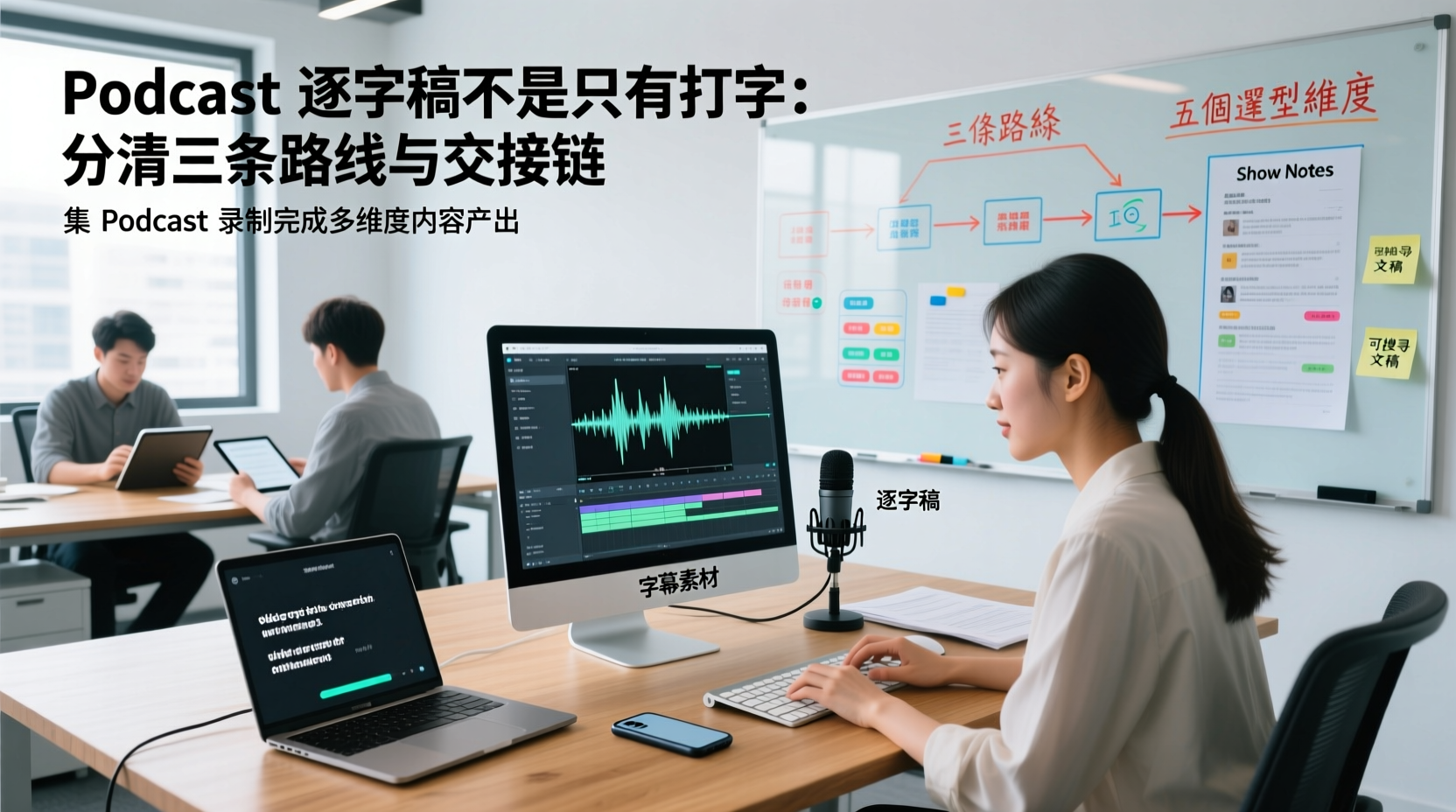
Turn recordings into transcripts and summaries in minutes
Upload audio or video for multilingual transcription, AI notes, and action items
After you stop recording an interview-style episode, the host usually has only one WAV or MP3 master audio file. But this production line actually has more than one deliverable, and each one has a different person taking it over and a different missing field that can make it unusable.
| Deliverable | Main content | Typically handed to | What missing element makes it unusable |
|---|---|---|---|
| Time-coded transcript | Full speech, speaker labels, time positions | Planners verify content; editors align audio tracks | Without time codes, you can't align it with the edit |
| Caption assets | Sentence-by-sentence text and timing, line breaks, and punctuation | Editors, caption collaborators | If line breaks and line length aren't handled, you'll have to redo it before publishing |
| Show Notes | Chapter titles, section summaries, pull quotes, and timestamps | Planners, the person responsible for publishing | If chapters aren't divided first, you can only write it as one long run-on summary |
| Searchable transcript | Full text, segmentation, keyword search | The whole team, plus anyone who needs to look it up later | If it's saved only as screenshots or scanned files, it's effectively not searchable |
The part that really eats up work hours is usually not recording, but the typing and organizing after recording. The best state is right when you finish recording; but when you open the audio the next day, you realize you have to listen while typing, catch names, pick pull quotes, and finally piece scattered words into notes someone else can understand. For an interview show with 1 to 5 people that updates one episode per week, those few hours are consistently taken up.
The following is a comparison of workflows and tools. It does not include first-party test data or cite unverified accuracy rates; product capabilities are based on verifiable information, and places that require human confirmation are noted section by section.
First, distinguish the three paths: pure manual transcription, general transcription tools, and AI interview/meeting note tools
Under the same keyword, three different approaches are actually mixed together. Confirm which path you want to take first; then talking about tool names will be much more accurate.
| Path | Approach | Better-suited show scale | Main limitation |
|---|---|---|---|
| Pure manual transcription | Listen and type, proofread sentence by sentence | Shorter episodes, low update frequency, high word-for-word accuracy requirements | Work hours are entirely tied to one specific person and can't be parallelized |
| General transcription tools, platform built-in captions | Upload audio for transcription, or have it automatically generated by the publishing platform | Remediation for already-published episodes, mainly caption delivery | Output usually stops at text or caption files; summaries, chapters, and handoffs must be done separately |
| AI interview/meeting note tools | After audio or live recording comes in, it produces a transcript, summary, chapters, and action items at the same time | Weekly updates, separate planning and editing roles, and handoffs required | Names, proper nouns, and numbers still require human verification |
The three paths are not mutually exclusive. A common combination is: run the master audio through an AI tool first to get a time-coded transcript and chapters, have the editor align it in their existing editing software, and before publishing use the platform's built-in transcript as a supplement on the viewer side.
When choosing a podcast transcription tool, look at these 5 dimensions first
When interviewing tools, check these five things one by one first; it saves more time than directly comparing feature lists.
1. Audio format and episode length: Whether your master audio is WAV or MP3, whether an episode is 30 to 60 minutes, and whether you need to process multiple episodes at once. Format support and per-upload length limits often come up during the trial stage.
2. Language and speaker segmentation: Whether the show is entirely in one language, mixes languages, or occasionally has foreign-language guests. Interview-style shows have another key point: when multiple people are talking, can the transcript label who is speaking? Otherwise, you still have to listen back and forth during proofreading.
3. Time code granularity: Sentence-level time codes and whole-section timestamps have completely different uses. If you need to hand it to an editor to align audio tracks, or have the viewer-side transcript scroll in sync, you need position information at the sentence level.
4. Export format and destination: Plain text, caption file formats, documents, or third-party note-taking tools each correspond to a different next step. First confirm what file the recipient needs, then look back at the tool's export list.
5. Quota and update cadence: A show that releases one episode per week produces about 50 episodes a year. Whether the free quota is enough to cover a full season, whether longer episodes are counted separately, and how overage is handled are all worth calculating once before the season starts.
Option 1: Tinrec (秒聽錄音) — A workflow from audio file to transcript, chapters, and summary
Tinrec 秒聽錄音 is positioned as an AI meeting notes and collaboration tool, and its workflow can be directly applied to the show scenario of 'already having a main audio file and needing to produce usable text.'
The first step is inputting the material. Existing audio files go the file transcription route: after importing the main interview audio file, you get a transcript and generate an AI summary, chapters, and key points on the same data. For on-site interviews or later supplementary recordings, you can also use live recording to transcribe while recording; the desktop version captures system audio from the device, so you don't need to bring in a separate meeting bot.
The second step is post-processing. Once you have the transcript and chapters, you can continue asking questions about the content, or extract to-dos that come up in the discussion. In the podcast scenario, common to-dos here are 'ask the guest to provide a reference document,' 'send the supplementary link next week,' and 'this interview segment needs to be cut into a social clip'—these used to be written on the planner's sticky notes, and now they can be attached directly alongside the same show materials.
The third step is delivery. Tinrec supports multi-format export and also supports bringing results into existing tools such as Notion, Google Docs, OneNote, Dropbox, etc. for further processing. The show team doesn't need to build a separate archiving system for transcripts; just send the files into the workspace they already use.
There is also a step for processing post-meeting work products: the product's built-in AI assistant (Agent) will, based on the meeting notes and context, help turn to-dos into action plans, follow-up materials, reports, tables, and documents.
> Fictional teaching example: After importing a 45-minute interview audio file, you first get a transcript and chapters; then hand the three to-dos that appear in the transcript to the AI assistant to organize into a follow-up list for the planner, including 'supplementary materials to send to the guest' and 'the two segment positions to cut into short clips.' This list still needs to be confirmed by the planner before being sent externally.
The boundaries should be clear: the AI assistant will not make decisions about the show's direction for people, nor will it automatically operate third-party systems or automatically complete external commitments. Important commitments, externally sent content, and statements involving guests should still be confirmed manually. The transcript itself is also affected by recording quality, accents, overlapping speakers, and proper nouns, so in practice, treat it as a starting point that 'greatly reduces manual organizing costs,' not a final draft that needs no proofreading.
Stop organizing recordings by hand
Upload audio or video and automatically get a transcript, summary, and action items
Options 2 and 3: Caption- and editing-oriented tools, and which show scale each suits
Built-in transcripts on publishing platforms
Apple launched transcript functionality for Apple Podcasts in March 2024, making shows easier to browse and search. According to official documentation, an episode can be listened to immediately after publication, while the transcript is processed later, with a processing delay in between; if the show contains dynamically inserted audio, segments that change after the original transcription will not appear in the transcript. On iPhone, you can view and search an episode's transcript; after opening the transcript on the playback page, the text scrolls in sync with audio playback.
The value of this type of platform feature is on the audience side: listeners can directly search show content and jump to the segment they want to hear. But it is not suitable as a working draft for editing—timecode granularity, segmentation, and whether it can be edited and exported are not fully controllable by the production side. Treating it as a post-publication supplement rather than the core of the transcript production line is more realistic.
This route suits: shows that are already published steadily, where the audience side needs searchable content, but the team has no plan to use transcripts for secondary processing.
Built-in transcription in editing software and general-purpose transcription tools
Another common route is to keep transcription within the editing workflow, or to use transcription tools specifically designed to handle audio/video links. For example, one tutorial introduces this approach: copy the audio/video link URL, paste it into the tool, and click to confirm transcription, and you can turn YouTube or podcast content into a complete transcript, then further output bilingual captions, summaries, and a mind map.
The strength of this route is putting 'transcription' and 'editing' in the same workspace, which lowers switching costs for editors who already use a particular editing software; it is also relatively direct for projects with large batches of long audio files and caption-focused delivery. The breakpoint that tends to appear is: chapters, key quotes, Show Notes, and multi-person handoff after the transcript is produced still need to be arranged separately.
So the choice can be simplified into one sentence: do you want 'a set of words that can be taken into editing,' or 'data that can continue to grow show deliverables'? The former focuses on the editing workflow, while the latter needs to consider summaries, chapters, and handoff together.
Growing show deliverables from transcripts: the order for using key quotes, chapters, and Show Notes
Once you have the transcript, the most common mistake is to start picking key quotes paragraph by paragraph from the beginning. Change the order, and you can avoid many detours.
1. Cut chapters first, don't pick sentences first. A 45-minute interview usually naturally falls into 4 to 6 topic segments. First cut chapter titles by topic, and the later summary will have a skeleton.
2. Add timestamps to each chapter. This step serves three kinds of people at the same time: listeners who want to jump between segments, editors who need to align audio tracks, and planners who will cite content later.
3. Then go back for key quotes, and keep the surrounding context. Quotes taken out of context are easily misread, especially statements in interviews that carry preconditions. When extracting them, note down one or two sentences before and after as well, so social posts and citations don't lose their flavor.
4. Assemble Show Notes from chapter titles and summaries. Once you have chapters and timestamps, Show Notes shift from “rewriting the whole thing” to “arranging and polishing.” Relevant links, guest information, and works mentioned can all be attached under the corresponding chapters.
5. Handle social media assets last. Short-video scripts and post copy are cut one layer further down from pull quotes and chapters, so putting them last keeps you from going back to the original recording over and over.
Stick to this order and the fields on your handoff sheet settle down with it: chapter titles, timestamps, the exact wording and location of each pull quote, and the corresponding links.
When More Than One Person Makes the Show: Handing Off Assets Between the Producer, Editor, and Host
Once a show moves to a weekly release schedule, the same breakdown point tends to appear: the main audio file is on the host's hard drive, the editor picks up a different version from a cloud folder, and the producer's list of pull quotes is sitting in a chat message. When you need to go back and find a specific segment of a specific episode, all you can do is describe it from memory and ask someone to send it again.
To solve this, start by consolidating your data. The Team plan's team space is a single place where audio, folders, to-dos, and related show materials are stored together: meeting or recording data belongs to the team rather than following one person's individual account. Newly added editors or producers can see past show materials, and when the host changes devices or takes leave, the assets don't stall in one person's hands. Two things need to be kept distinct here — members determine who belongs to the team and whether they can view team data; seats determine whether someone can perform usage actions such as recording, uploading, editing, and exporting. A member who is active but has no seat can still view, play, and read team data. Also note that sharing today is team-level shared visibility, not per-file permissions set for different people.
The second step is finishing the outputs that come after the transcript. In a production team's actual order of operations: after the main audio file is imported, the transcript, chapters, and to-dos are produced first, and the AI assistant then uses that context to turn the to-dos into post-meeting outputs you can hand off — for example, a follow-up list for the producer, a draft of supplementary material for the guest to confirm, or an asset list for next week's episode. Once these outputs are placed in the team space, anyone can keep working from the same transcript without listening to the episode from the start again.
The third step is terminology consistency. Interview shows bring the same names, product names, and industry terms in every episode, and team hotwords let the production team maintain these recurring terms as a shared glossary, reducing the need to handle the same batch of proper nouns from scratch each time. This is especially noticeable for shows with recurring guests or a consistent subject matter; even so, actual recognition results are still affected by recording quality, accents, and overlapping speakers, so proofreading is a step you can't skip.
Three things can always travel with a handoff: this episode's transcript version, the chapter and timestamp list, and the to-dos that aren't finished yet. If your show already publishes weekly and has a producer and an outsourced editor working together, you can start by consolidating assets into the team space, then decide which steps to give to a tool and which to keep manual. To confirm how to adopt the Team plan and how seats are arranged, rely on the official purchase page or the results of an official consultation.
Common Questions and Usage Boundaries
Can a transcript be used directly as published captions?
Not necessarily. Transcript line breaks follow the rhythm of speech, whereas captions have to account for line length and reading time. A transcript can serve as the base draft for captions, but line breaks and line lengths usually need another pass.
The platform already has a transcript — do I still need to produce my own?
It depends on the use case. Platform transcripts are enough for audience-facing search; but if you need to hand something to an editor for syncing, or pick pull quotes from it to write Show Notes, you still need a working draft you can edit and export yourself.
To what degree can accuracy be guaranteed?
Committing to a fixed number isn't advisable. Actual results are affected by recording quality, ambient noise, accents, overlapping speakers, and proper nouns. A more practical way to put it: it can clearly reduce the cost of manual cleanup, but names, job titles, numbers, and key quotations should still be checked against the recording.
What should I watch out for with recording and transcription?
Get the guest's consent before recording, and pay attention to local laws on recording and personal data. Before quoting transcript content externally, go back to the original recording to confirm tone and context so nothing is taken out of context.
For a show made by several people, where should assets live?
Put the main audio file, transcript, chapter list, and to-dos in the same team space, and note the version in each handoff. When team members change or an outsourced editor is replaced, make data ownership and the handoff process clear up front so assets don't stay in an individual account.
Data and Verification Sources
- Official documentation for transcripts on Apple Podcasts: https://podcasters.apple.com/support/5316-transcripts-on-apple-podcasts
- View podcast transcripts on iPhone (Apple Support): https://support.apple.com/guide/iphone/view-podcast-transcripts-iph9426049e9/ios
- Apple introduces transcripts for Apple Podcasts (Apple Newsroom, March 2024): https://www.apple.com/newsroom/2024/03/apple-introduces-transcripts-for-apple-podcasts/
- Podcast transcript review: how transcripts are displayed on Apple Podcasts and Spotify Podcasts (窩 World): https://vocus.cc/article/667ec9e5fd897800016c303b
Connecting meeting minutes to the team's next steps
Tinrec does more than produce a transcript. After summaries, highlights, and action items are extracted, Agent can use the meeting context to help turn follow-up tasks into practical deliverables such as an action plan, follow-up material, a report, a table, or a document. Important commitments and external messages should still be reviewed by a person.
Tinrec for Teams then keeps the meeting materials, action items, and resulting deliverables in a shared team workspace so members can continue the work, search the context, and retain it over time. Capabilities selected for this scenario include 团队空间、团队热词.
If these records need to be maintained by more than one person, consider Tinrec for Teams for a more consistent collaboration workflow.
Turn every recording into actionable outcomes
Get 60 free transcription minutes when you sign in. No credit card required.
Related Reading
You might also like

5 Best Notta Alternatives in 2026: Real-World Comparison for Chinese Meeting Notes and Team Knowledge
Notta's free plan only records 3 minutes per session. Before switching, what should you consider? This article compares Notta alternatives like Tinrec, Otter.ai, Fireflies.ai, and Granola from four angles: Chinese meeting transcription, bot-free recording, post-meeting AI Q&A, and team knowledge retention. We also highlight the three most common pitfalls to help you find the right meeting tool.

4 Best Good Tape Alternatives in 2026: Hands-On Comparison for Chinese Meeting Notes and Team Knowledge Sharing
Good Tape is free, secure, and easy to use—great for journalists and individual users. But it may not meet the needs of Chinese-language meetings, online meeting recording, and team data sharing. This article compares four alternatives—Tinrec, TurboScribe, Notta, and Granola—covering Chinese recognition, meeting recording methods, post-meeting output, audio file storage, team governance, and pricing, to provide a practical guide for US users.

2026 Tinrec vs Notta, Otter, Fireflies: Multilingual Transcription + Team Collaboration in One Place
Notta, Otter, and Fireflies each have their strengths, but mixed-language meetings, avoiding an extra bot participant, and post-transcription organization and team knowledge retention are often where users get stuck. This article focuses on Tinrec, covering language support, meeting recording methods, post-meeting outputs, team collaboration, and pricing, to help you choose.

2026 Notta Free Alternative Guide: How Tinrec Handles Chinese Meeting Notes and Team Collaboration
Looking for a free Notta alternative? This guide compares Tinrec and Notta for Chinese meetings, bot-free recording, post-meeting organization, and team collaboration. It covers Tinrec's features, use cases, buying tips, and free version testing advice.
2026 AI Meeting Notes Comparison: Notta vs Otter vs Tinrec — Which Should You Choose?
What's the difference between nada and notta? If you're actually looking for an AI meeting notes tool, the real choice is between a 'meeting bot' and 'bot-free desktop recording.' This hands-on comparison of Notta, Otter.ai, TurboScribe, and Tinrec covers how meetings are captured, post-transcription processing, Chinese-language experience, and team data ownership to help you decide which fits your meeting scenario best.
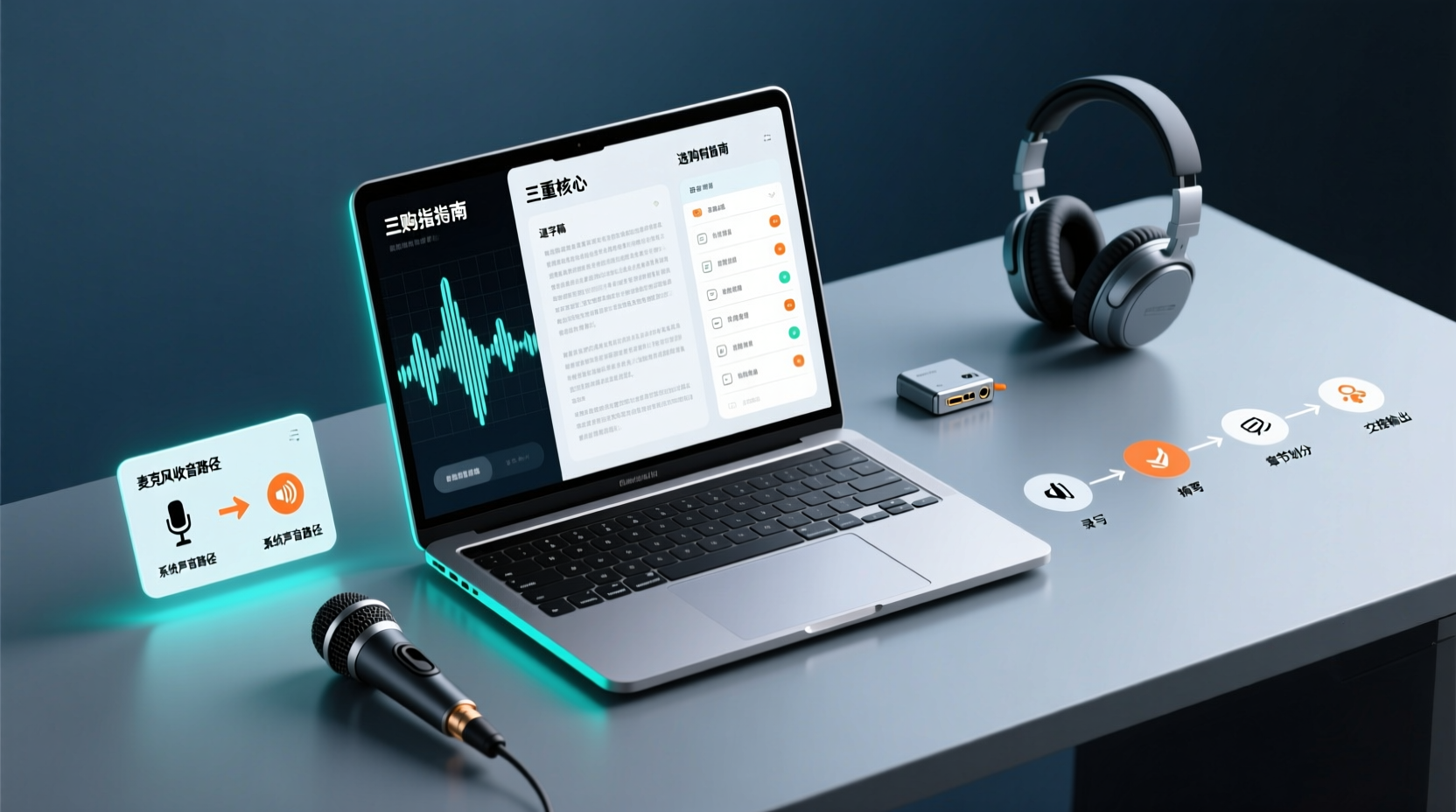
How Do You Choose PC Recording Software? First Tell Microphone Capture Apart From System Audio, Then Handle the Transcript and Action Items
Recording audio on a computer doesn't end with one button press. First determine whether your sound source is microphone capture, system audio, or an existing audio file, then verify the platform, output, and language requirements. After recording, you still have to produce the transcript, summary, chapters, and action items, and share and hand off in a team space. This article follows the order of buying decisions to explain when each path applies and where its factual limits lie.
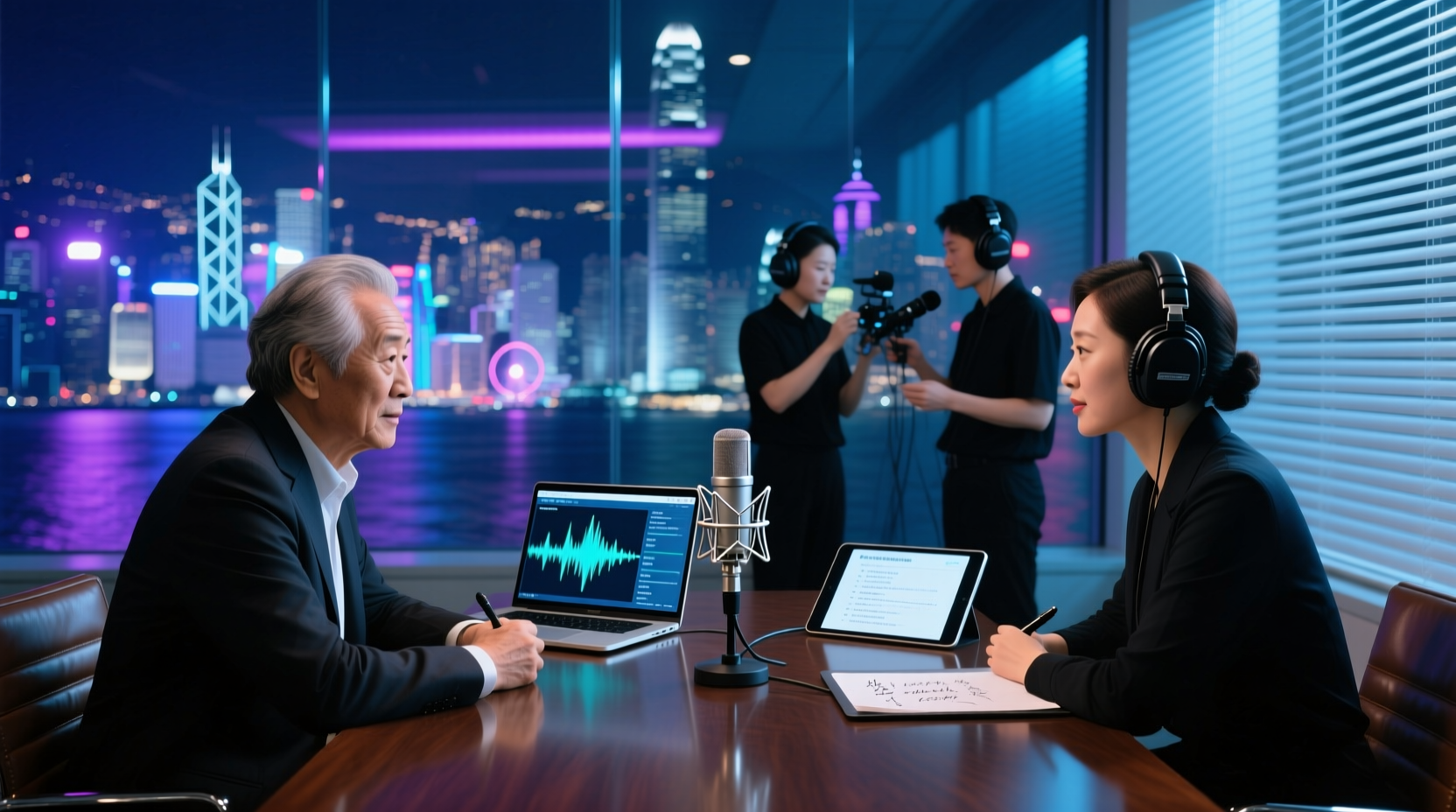
How Should You Choose a Podcast Transcription App? Run 5 Criteria First, Then Compare Four Types of Solutions: The Workflow from Audio File to Show Notes
Between finishing a recording and publishing an episode, transcripts, segmentation, and show notes are the stages most likely to stall the production line. This article lays out 5 checkable criteria, compares four common approaches, and shows how to use Tinrec to go from an audio file to a transcript, key points, and deliverable assets — while explaining which steps require human confirmation and how a show team shares and hands off the work.
Notta vs Fireflies: How to Choose — From Meeting Capture Architecture and Chinese Bilingual Limits to Team Data Ownership, a Selection Conclusion for 5–20 Person Teams
The difference between Notta and Fireflies isn't just price and minutes — it's how a meeting actually gets recorded. This article compares the two in order: their meeting capture methods, the limits of their Chinese and bilingual experience, what you get after the transcript, and team data ownership and member handover. It then narrows the conclusion into three team selection scenarios, explaining under what conditions you should evaluate a bot-free approach like Tinrec.

How to Choose a Budget Voice Recorder: Check 4 Specs, Avoid 3 Pitfalls, and Calculate the Real Transcription Cost After Recording
Shopping for a voice recorder on a budget of a few hundred to NT$2,000? First understand where cheaper models cut corners, how to evaluate 4 key specs, how 3 common setups compare, and the practical workflow for turning recordings into transcripts, key points, and action items using free quotas.