
Turn recordings into transcripts and summaries in minutes
Upload audio or video for multilingual transcription, AI notes, and action items
What's the Difference Between nada and notta? Once You Get It, the Real Choice Is Your Meeting Notes Tool
If you search "nada vs notta," there are usually two scenarios.
One is that you saw these two words and want to know if they mean the same thing. Nada comes from Spanish and means "nothing"; notta is a colloquial English contraction of "not a," as in "notta damn thing," which also means "nothing." The two words look alike but are completely unrelated in meaning.
The other scenario is that you're actually looking for Notta, an AI meeting notes tool, and want to know how it compares to others.
If it's the latter, then here's the thing: the real choice isn't "is Notta good or not" — it's "should an AI meeting notes tool use a meeting bot or bot-free desktop recording?"
This decision directly affects your experience and determines whether a stranger's account will show up in your meeting participant list.
I've tested several mainstream tools on the market, and this article breaks them down.
Before Choosing an AI Meeting Notes Tool, Understand These 4 Key Points
1. How Is the Meeting Captured?
There are currently two mainstream approaches. One is a meeting bot that joins your Zoom or Meet meeting as a "participant" and automatically starts recording and transcribing. The other is a desktop tool that directly captures system audio without adding an extra participant.
Bots are convenient, but some client meetings aren't suitable for having a stranger's account appear on the list. The bot-free approach is cleaner but requires you to actively open the tool and start recording.
2. After Transcription, What Else Can It Do?
A tool that only gives you a transcript is only doing half the job. You still have to find key points and organize action items yourself from 30 minutes of text.
A better approach: after transcription, automatically generate summaries, chapters, and action items — or even let you ask questions directly about the meeting content.
3. Recognition Performance for Chinese and Mixed-Language Meetings
If your meetings mix Chinese and English, or are conducted entirely in Chinese, English-focused tools will struggle. Pay special attention to their support for Chinese, regional terminology, and technical jargon.
4. Team Data Ownership and Collaboration
Personal use and team use are two different things. For teams, you need to consider: who owns the meeting data, whether data remains after a member leaves, and whether you can manage seats and view usage.
These four points are what I check first when evaluating this type of tool.
Tinrec — Our Top Pick After Hands-On Testing
Tinrec is an AI meeting notes and collaboration tool for individuals and teams, available on iOS, Android, desktop, and web.
Its core differentiator: the desktop version can directly capture your computer's system audio to record online meetings without inviting a meeting bot to join.
When you open Tinrec desktop during a meeting, it transcribes in real time as it records. When the meeting ends, AI has already generated a summary, chapters, and action items — who's responsible for what and when it's due, all at a glance.
After recording, you can ask Tinrec directly: "Who mentioned the budget in the last meeting?" It doesn't just give you keyword search results — it answers based on semantic understanding. Few competitors at the same price point offer this feature.
Tinrec also supports uploading audio and video files to turn past meetings or interview recordings into transcripts. Web link import can handle some publicly available video content.
It also supports real-time translation, so during cross-language meetings you can view the original and translation simultaneously. If your team has frequently used terminology, you can set team hotwords to improve recognition.
Actual results will be affected by recording quality, background noise, accents, overlapping speakers, and technical jargon. We recommend testing with your own meeting recordings.
Pros:
Stop organizing recordings by hand
Upload audio or video and automatically get a transcript, summary, and action items
- Bot-free recording of online meetings — no extra participants added
- Auto-generates summaries, chapters, action items, and mind maps after transcription
- Supports AI Q&A — ask questions directly about meeting content
- Handles Chinese, mixed Chinese-English, and multilingual meeting scenarios
- Team plan offers spaces, members, roles, seats, usage analytics, and audit logs
Limitations:
- Free plan has usage limits; heavy users need to pay
- Desktop version requires you to manually start recording — it doesn't auto-join all calendar meetings
- Team plan is primarily team-level sharing, not file-level granular permissions
On the team plan side, Tinrec for Teams offers an independent team space. First-time eligible teams get a 7-day trial, 1 free seat, and 300 minutes of team shared import quota. Team monthly billing is USD 29.80 per paid seat per month; annual billing is USD 199 per paid seat per year, which works out to about USD 16.58 per month. Each paid seat provides 2,000 minutes of team shared import quota per month.
Who it's for: If you frequently need Chinese meeting transcription, don't want a meeting bot joining client calls, and want to use AI to find key points right after recording, Tinrec is a great fit right now.
Besides Tinrec, What Other Options Are There?
Notta: A multi-platform transcription tool supporting web, mobile, and Chrome extension, covering real-time transcription in 58 languages, and also handling Zoom, Meet, and Teams meetings. Free plan: 120 minutes per month, max 3 minutes per session; Pro annual billing works out to about USD 8.17 per month with 1,800 minutes per month; Business annual billing is about USD 16.67 per seat per month. Users praise its clean interface and quick access to key points, but some reviews mention limited integration depth and fixed export formats. It lacks Tinrec's AI conversational query feature — after recording, you can only manually search keywords.
Otter.ai: A mature choice for English business meetings. Free plan: 300 minutes per month; Pro annual billing is about USD 8.49 per user per month, including 1,200 minutes per month. If you mainly record English content, Otter is a great value. However, its support for Chinese and mixed-language meetings is relatively limited.
TurboScribe: A cost-effective file transcription tool focused on long files and batch uploads. Free plan: 3 files per day, max 30 minutes per file; Unlimited annual billing is USD 120, about USD 10 per month. Paid version supports files up to 10 hours or 5GB, and up to 50 files per upload. It's great for organizing large volumes of existing recordings, but real-time meeting notes and post-meeting AI Q&A are not its strengths.
Pitfall Guide: The 3 Most Common Mistakes When Choosing an AI Meeting Notes Tool
Pitfall 1: Only looking at advertised accuracy rates.
Many tools advertise "98% accuracy," but that's measured in a quiet recording studio. Real meeting rooms have air conditioning noise, keyboard sounds, and people talking over each other — accuracy drops noticeably. Test with your own meeting recordings instead of just trusting ad numbers.
Pitfall 2: Ignoring meeting data ownership.
Personal accounts and team spaces are two different things. If meeting data is stored in personal accounts, members can take it or delete it when they leave, and the team loses those records. A team plan should provide an independent team space so data belongs to the team and can be handed over when members change.
Pitfall 3: Buying a tool but only using transcription.
If you only use an AI meeting notes tool as "audio-to-text," you're only using a third of its capabilities. Take Tinrec's AI Q&A — asking it "What was the conclusion of the last meeting?" right after recording is far faster than manually scrolling through a 30-minute transcript. Summaries, action item extraction, and export to Notion or Google Docs are where the real time savings are.
Summary: Which One Should You Actually Choose?
Need Chinese meeting transcription without a meeting bot → Tinrec (desktop bot-free recording, supports Chinese and multilingual)
Want to use AI to find key points and ask questions right after recording → Tinrec (AI conversational query is the core differentiator)
Cross-platform use (phone + computer) → Tinrec (iOS, Android, desktop, and web all available)
Team needs unified management of meeting data and members → Tinrec Team plan (spaces, roles, seats, usage, audit)
Zero budget, mainly recording English meetings → Otter.ai free plan (300 minutes per month, mature for English scenarios)
Need to batch process large volumes of existing recordings → TurboScribe (advantages in long files and batch uploads)
Just want to try multilingual transcription → Notta free plan (120 minutes per month, but max 3 minutes per session)
We recommend starting with a free plan and testing with your own meeting recordings. Upgrade only if it works for you — no need to pay upfront.
References
Turn every recording into actionable outcomes
Get 60 free transcription minutes when you sign in. No credit card required.
Related Reading
You might also like

5 Best Notta Alternatives in 2026: Real-World Comparison for Chinese Meeting Notes and Team Knowledge
Notta's free plan only records 3 minutes per session. Before switching, what should you consider? This article compares Notta alternatives like Tinrec, Otter.ai, Fireflies.ai, and Granola from four angles: Chinese meeting transcription, bot-free recording, post-meeting AI Q&A, and team knowledge retention. We also highlight the three most common pitfalls to help you find the right meeting tool.

4 Best Good Tape Alternatives in 2026: Hands-On Comparison for Chinese Meeting Notes and Team Knowledge Sharing
Good Tape is free, secure, and easy to use—great for journalists and individual users. But it may not meet the needs of Chinese-language meetings, online meeting recording, and team data sharing. This article compares four alternatives—Tinrec, TurboScribe, Notta, and Granola—covering Chinese recognition, meeting recording methods, post-meeting output, audio file storage, team governance, and pricing, to provide a practical guide for US users.

2026 Tinrec vs Notta, Otter, Fireflies: Multilingual Transcription + Team Collaboration in One Place
Notta, Otter, and Fireflies each have their strengths, but mixed-language meetings, avoiding an extra bot participant, and post-transcription organization and team knowledge retention are often where users get stuck. This article focuses on Tinrec, covering language support, meeting recording methods, post-meeting outputs, team collaboration, and pricing, to help you choose.

2026 Notta Free Alternative Guide: How Tinrec Handles Chinese Meeting Notes and Team Collaboration
Looking for a free Notta alternative? This guide compares Tinrec and Notta for Chinese meetings, bot-free recording, post-meeting organization, and team collaboration. It covers Tinrec's features, use cases, buying tips, and free version testing advice.
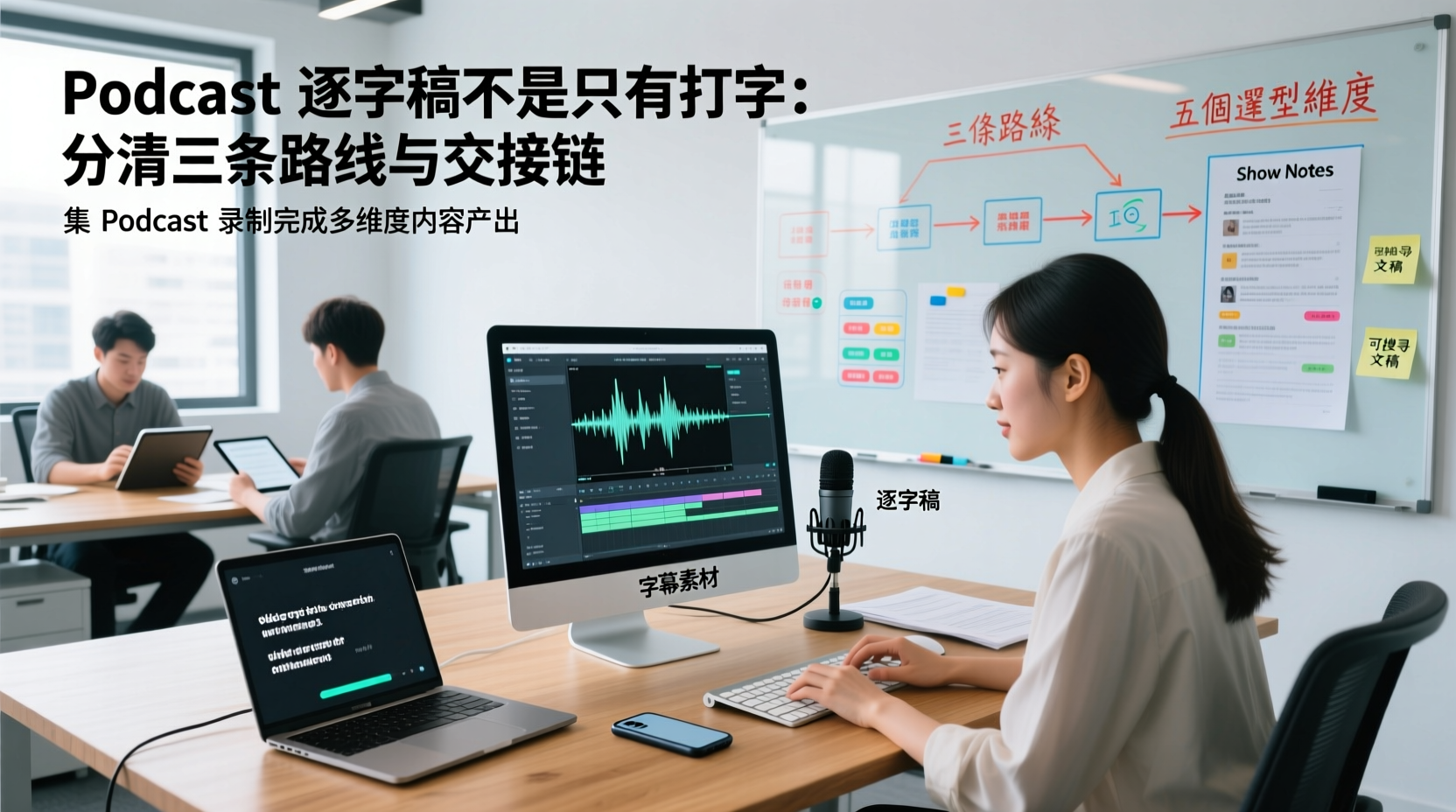
A Podcast Transcript Isn't Just Typing: Separate the Three Paths and Handoff Chain to Connect Audio to Captions, Show Notes, and Searchable Text
A finished podcast episode doesn't just need a transcript—it also needs caption assets, Show Notes, and searchable text, each with different people taking over. This article breaks down three common paths and five selection dimensions, explaining the handoff chain from audio file to each output, which fields must be filled in first, which steps still require human proofreading, and how assets are centralized, shared, and handed off in multi-person production.
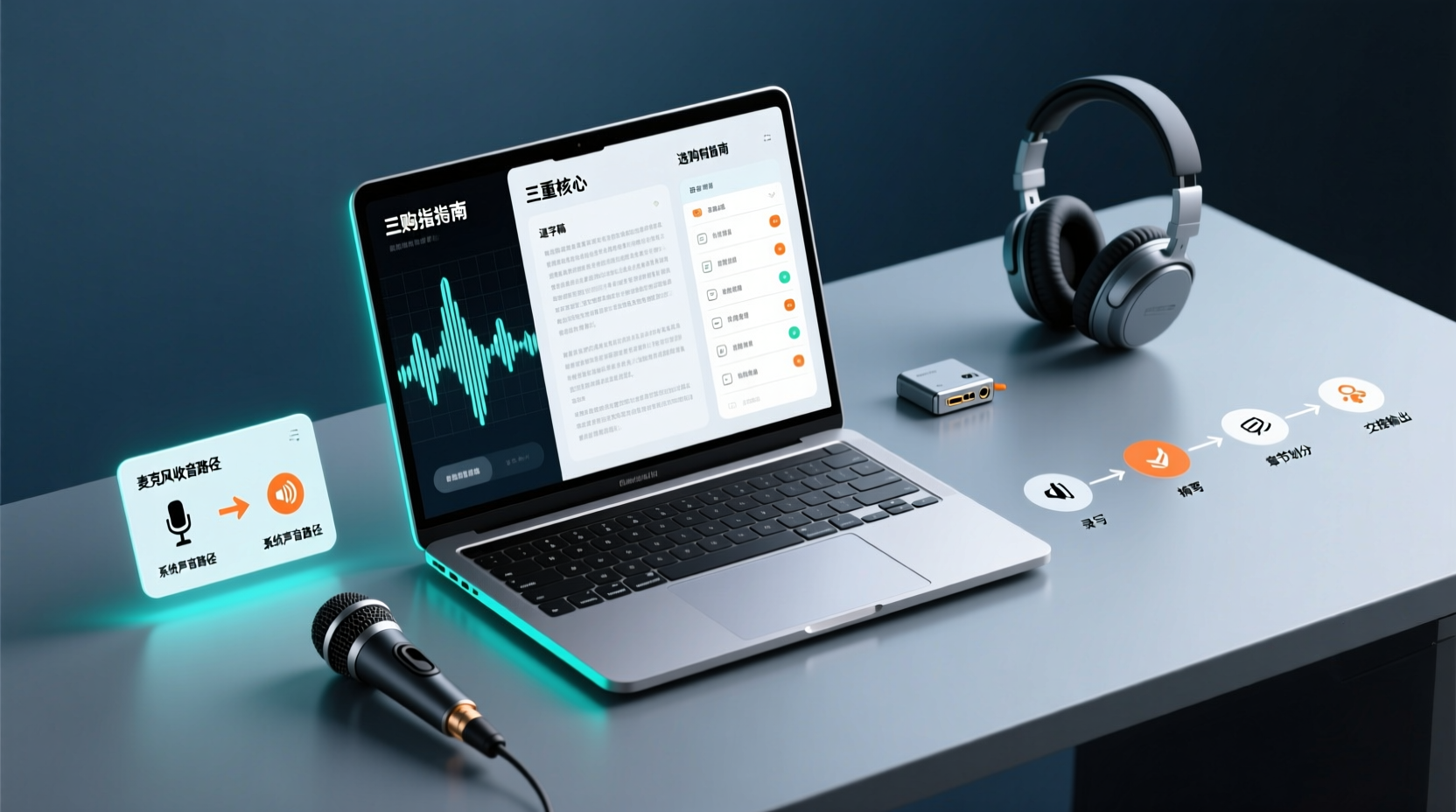
How Do You Choose PC Recording Software? First Tell Microphone Capture Apart From System Audio, Then Handle the Transcript and Action Items
Recording audio on a computer doesn't end with one button press. First determine whether your sound source is microphone capture, system audio, or an existing audio file, then verify the platform, output, and language requirements. After recording, you still have to produce the transcript, summary, chapters, and action items, and share and hand off in a team space. This article follows the order of buying decisions to explain when each path applies and where its factual limits lie.
How Should You Choose a Podcast Transcription App? Run 5 Criteria First, Then Compare Four Types of Solutions: The Workflow from Audio File to Show Notes
Between finishing a recording and publishing an episode, transcripts, segmentation, and show notes are the stages most likely to stall the production line. This article lays out 5 checkable criteria, compares four common approaches, and shows how to use Tinrec to go from an audio file to a transcript, key points, and deliverable assets — while explaining which steps require human confirmation and how a show team shares and hands off the work.
Notta vs Fireflies: How to Choose — From Meeting Capture Architecture and Chinese Bilingual Limits to Team Data Ownership, a Selection Conclusion for 5–20 Person Teams
The difference between Notta and Fireflies isn't just price and minutes — it's how a meeting actually gets recorded. This article compares the two in order: their meeting capture methods, the limits of their Chinese and bilingual experience, what you get after the transcript, and team data ownership and member handover. It then narrows the conclusion into three team selection scenarios, explaining under what conditions you should evaluate a bot-free approach like Tinrec.

How to Choose a Budget Voice Recorder: Check 4 Specs, Avoid 3 Pitfalls, and Calculate the Real Transcription Cost After Recording
Shopping for a voice recorder on a budget of a few hundred to NT$2,000? First understand where cheaper models cut corners, how to evaluate 4 key specs, how 3 common setups compare, and the practical workflow for turning recordings into transcripts, key points, and action items using free quotas.