

Turn recordings into transcripts and summaries in minutes
Upload audio or video for multilingual transcription, AI notes, and action items
2026 Notta Free Alternative Guide: How Tinrec Handles Chinese Meeting Notes and Team Collaboration
Halfway through a meeting, you look at your phone and realize Notta's free plan caps each recording at 3 minutes and 120 minutes per month. A 30-minute discussion has to be split into multiple parts. It's not anyone's fault—free plans have limits by design. But if you have meetings, interviews, or classes every week, this "record halfway and start over" rhythm makes your notes fragmented. Many people search for "Notta free alternative" not because they want another spec sheet, but because they need a solution that can handle Chinese meetings without adding a bot to the meeting room. Tinrec is a choice worth trying for this kind of need.
Why Are People Looking for Notta Alternatives?
Notta is a familiar multilingual transcription tool that supports real-time transcription, meeting notes, and team collaboration, especially common in English scenarios. However, when the use case shifts to Chinese meetings, mixed Chinese-English project discussions, or when you need to turn transcripts into action items and reports, free limits and post-meeting workflows become bottlenecks. Also, some online meetings don't want an extra meeting bot to join, which leads users to look for alternatives that record directly from the computer without a bot. If you have similar concerns, Tinrec is worth learning about.
Tinrec vs Notta: What's Different in Core Experience?
1. Meeting Capture Method: Bot-Free vs Requires Extra Participant
Tinrec desktop captures computer system audio directly, without adding a meeting bot to Zoom, Google Meet, Microsoft Teams, or Webex. You just open Tinrec and start recording, and the transcript is generated in real time. Notta also offers multiple meeting processing methods, but if you value "no extra bot in the meeting room," Tinrec's bot-free process is more aligned with actual needs.
2. Chinese and Mixed Chinese-English Organization Experience
For users in Taiwan, meetings often mix Chinese with English proper nouns. Tinrec covers Chinese, Traditional Chinese, and multilingual meeting scenarios, and supports real-time translation and team hotwords. Notta supports multiple languages, but market reviews tend to focus on English business meetings. If you need summaries, chapters, and AI Q&A for Chinese meetings, Tinrec's language tuning is a more direct focus.
3. Workflow After Transcription
Tinrec doesn't just give you a transcript; it also generates summaries, chapters, key points, and action items, and supports AI Q&A, multi-format export, and Agent post-processing. Notta also has summaries and team features, but Tinrec emphasizes turning meeting content into reports, tables, and deliverable documents. For teams that need post-meeting output, this gap is more critical than transcription minutes.
4. Team Data Accumulation Method
Tinrec's team version provides an independent team space where meeting data belongs to the team, with roles, seats, usage analytics, audit logs, and audio recycle bin. Notta Business also offers role permissions and usage reports. Tinrec's difference is centralizing transcripts, summaries, action items, and audio files in a searchable team database, so data can be handed over when members leave.
5. Free Plan and Onboarding
Notta's free plan offers 120 minutes per month, max 3 minutes per recording, suitable for light testing. Tinrec's free plan lets you experience recording, import, summary, and transcription first, then choose a weekly card or Pro based on usage frequency. The two have different positioning: Notta is good for English file transcription beginners, while Tinrec is better for turning Chinese meetings into sustainable records.
Tinrec's Core Features at a Glance
Real-Time Audio to Text
Open Tinrec to record, and text appears almost synchronously. Offline meetings, interviews, or classes can be recorded and viewed simultaneously, and the transcript is ready when the meeting ends. You don't have to worry about missing key points and can confirm content during the discussion.
Bot-Free Online Meeting Recording
The desktop version captures system audio to handle Zoom, Google Meet, Microsoft Teams, Webex, and other online meetings. No need to invite a meeting bot, reducing extra participants in the meeting room. For situations that value participant consent, this method is easier to explain.
Stop organizing recordings by hand
Upload audio or video and automatically get a transcript, summary, and action items
AI Summary, Chapters, and Action Item Extraction
After recording, Tinrec automatically generates summaries, chapters, and key points, and extracts action items from the discussion. Long meetings can be quickly broken into browsable structures, and project meetings can directly show follow-up actions. This saves a lot of time compared to manually going through transcripts.
AI Conversational Query
This is one of the most practical features I find. You can directly ask Tinrec: "What was the meeting conclusion?" "Who is responsible for what?" It answers based on semantic understanding, without manually searching through thirty pages of transcripts. You can also continue asking across multiple meetings, suitable for research and project reviews.
Multi-Format Export and Agent Post-Processing
Tinrec supports exporting results to Notion, Google Docs, OneNote, Dropbox, and other tools, and can also generate reports, tables, and meeting minutes. After export, you can directly connect to your existing workflow. For office workers who need to deliver documents, this step turns meeting notes into real productivity.
Team Space and Governance
The team version centralizes meeting data, and administrators can manage members, roles, seats, usage, and audit logs. Active members can view data even without a seat, but only after obtaining a seat can they record, upload, and edit. When members change, team resources can be handed over and won't disappear with individuals.
Practical Use Cases
Weekly Project Meetings
Project weekly meetings usually discuss progress, blockers, and next steps. Use Tinrec to record online meetings without a bot, and after the meeting, directly view summaries and action items, with owners and deadlines clear at a glance. Compared to just getting a transcript, the team can save an extra alignment meeting.
Customer Interviews and Requirement Organization
Sales or customer success teams often need to record requirements, objections, and commitments during interviews. Tinrec's AI Q&A can quickly find "what the customer cares about" and "what we promised." After exporting to a document, it can also be brought into CRM or proposal processes for continued use.
Course and Lecture Notes
Students or trainees can turn course recordings into transcripts and chapters, then use AI Q&A to review key points. Mixed Chinese-English technical terms can be maintained through team hotwords. This saves more time than repeatedly listening to recordings.
Personal Knowledge Management
Freelancers or researchers often have many interviews and inspiration recordings. Tinrec makes this content searchable, queryable, and reusable. Historical recordings are no longer just files lying on your phone, but a database you can access anytime.
Points to Note When Choosing an Audio-to-Text Tool
1. Does the Meeting Capture Method Fit Your Meeting Room Rules?
Some teams don't accept extra bots joining meetings, so you need to choose desktop system audio capture. Tinrec desktop can record online meetings without adding participants, making it easier to explain for both internal and external meetings.
2. Is Chinese and Multilingual Support Adequate?
If meetings are mainly in Chinese or often mix Chinese and English, look at the tool's Chinese summary and Q&A performance. Tinrec covers Chinese, Traditional Chinese, and multilingual scenarios, and provides real-time translation and bilingual viewing, more friendly for cross-language teams.
3. Is Post-Meeting Output Sufficient?
Tools that only provide transcripts require manual organization afterward. When choosing a tool, check if it supports summaries, chapters, action items, Q&A, and export. Tinrec puts these in one workflow, reducing post-meeting rework.
4. How Is Team Data Stored and Handed Over?
Personal accounts and team spaces are very different. Team data should belong to the team and have roles, seats, and audit capabilities. Tinrec's team version provides team space, usage analytics, and resource handover, suitable for departments that need long-term meeting knowledge accumulation.
5. Are Free Limits and Paid Plans Transparent?
First see if the free version can complete a full test, then see if the paid plan fits your usage frequency. Tinrec offers a free version, weekly card, Pro monthly, and annual plans, while the team version is priced per seat. Actual prices and benefits are subject to the official purchase page.
Conclusion: Is Tinrec Worth a Try?
If you're looking for a free Notta alternative and your needs focus on Chinese meetings, bot-free recording, and post-meeting organization, Tinrec is a tool worth trying at this stage. Its core advantage isn't just comparing transcription minutes, but connecting recording, transcript, summary, action items, AI Q&A, and team space into one workflow. The free version lets you test with your own meetings before deciding whether to upgrade. We suggest downloading Tinrec's free version first, recording one of your regular meetings, and seeing if the summary and action items can be used directly in your work. That's more direct than reading any review.
References
- Notta Alternative Guide (2026): Bot‑Free Recorders, Better ...
- r/NoteTaking on Reddit: Can’t afford Notta AI anymore. Any alternative recommendations?
- 2026 Hands-On Comparison of 5 Free Notta Alternatives: Tinrec Is a Better Choice for Chinese Users - Official Tinrec Blog
- Notta Alternatives: Top 12 Audio Transcription Tools & Similar Apps | AlternativeTo
- Top 5 Free Notta AI Alternatives for 2026
Turn every recording into actionable outcomes
Get 60 free transcription minutes when you sign in. No credit card required.
Related Reading
You might also like

5 Best Notta Alternatives in 2026: Real-World Comparison for Chinese Meeting Notes and Team Knowledge
Notta's free plan only records 3 minutes per session. Before switching, what should you consider? This article compares Notta alternatives like Tinrec, Otter.ai, Fireflies.ai, and Granola from four angles: Chinese meeting transcription, bot-free recording, post-meeting AI Q&A, and team knowledge retention. We also highlight the three most common pitfalls to help you find the right meeting tool.

4 Best Good Tape Alternatives in 2026: Hands-On Comparison for Chinese Meeting Notes and Team Knowledge Sharing
Good Tape is free, secure, and easy to use—great for journalists and individual users. But it may not meet the needs of Chinese-language meetings, online meeting recording, and team data sharing. This article compares four alternatives—Tinrec, TurboScribe, Notta, and Granola—covering Chinese recognition, meeting recording methods, post-meeting output, audio file storage, team governance, and pricing, to provide a practical guide for US users.

2026 Tinrec vs Notta, Otter, Fireflies: Multilingual Transcription + Team Collaboration in One Place
Notta, Otter, and Fireflies each have their strengths, but mixed-language meetings, avoiding an extra bot participant, and post-transcription organization and team knowledge retention are often where users get stuck. This article focuses on Tinrec, covering language support, meeting recording methods, post-meeting outputs, team collaboration, and pricing, to help you choose.
2026 AI Meeting Notes Comparison: Notta vs Otter vs Tinrec — Which Should You Choose?
What's the difference between nada and notta? If you're actually looking for an AI meeting notes tool, the real choice is between a 'meeting bot' and 'bot-free desktop recording.' This hands-on comparison of Notta, Otter.ai, TurboScribe, and Tinrec covers how meetings are captured, post-transcription processing, Chinese-language experience, and team data ownership to help you decide which fits your meeting scenario best.
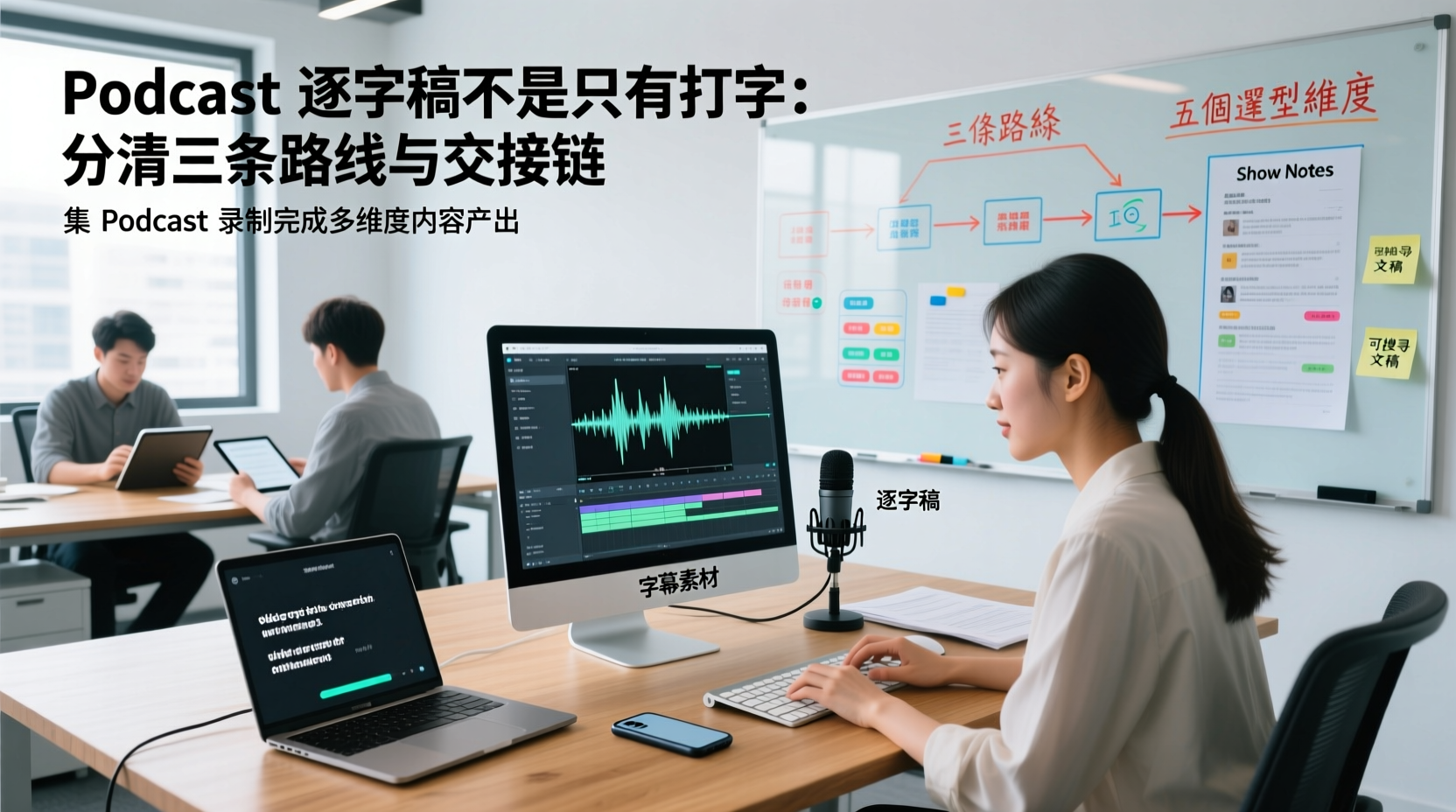
A Podcast Transcript Isn't Just Typing: Separate the Three Paths and Handoff Chain to Connect Audio to Captions, Show Notes, and Searchable Text
A finished podcast episode doesn't just need a transcript—it also needs caption assets, Show Notes, and searchable text, each with different people taking over. This article breaks down three common paths and five selection dimensions, explaining the handoff chain from audio file to each output, which fields must be filled in first, which steps still require human proofreading, and how assets are centralized, shared, and handed off in multi-person production.
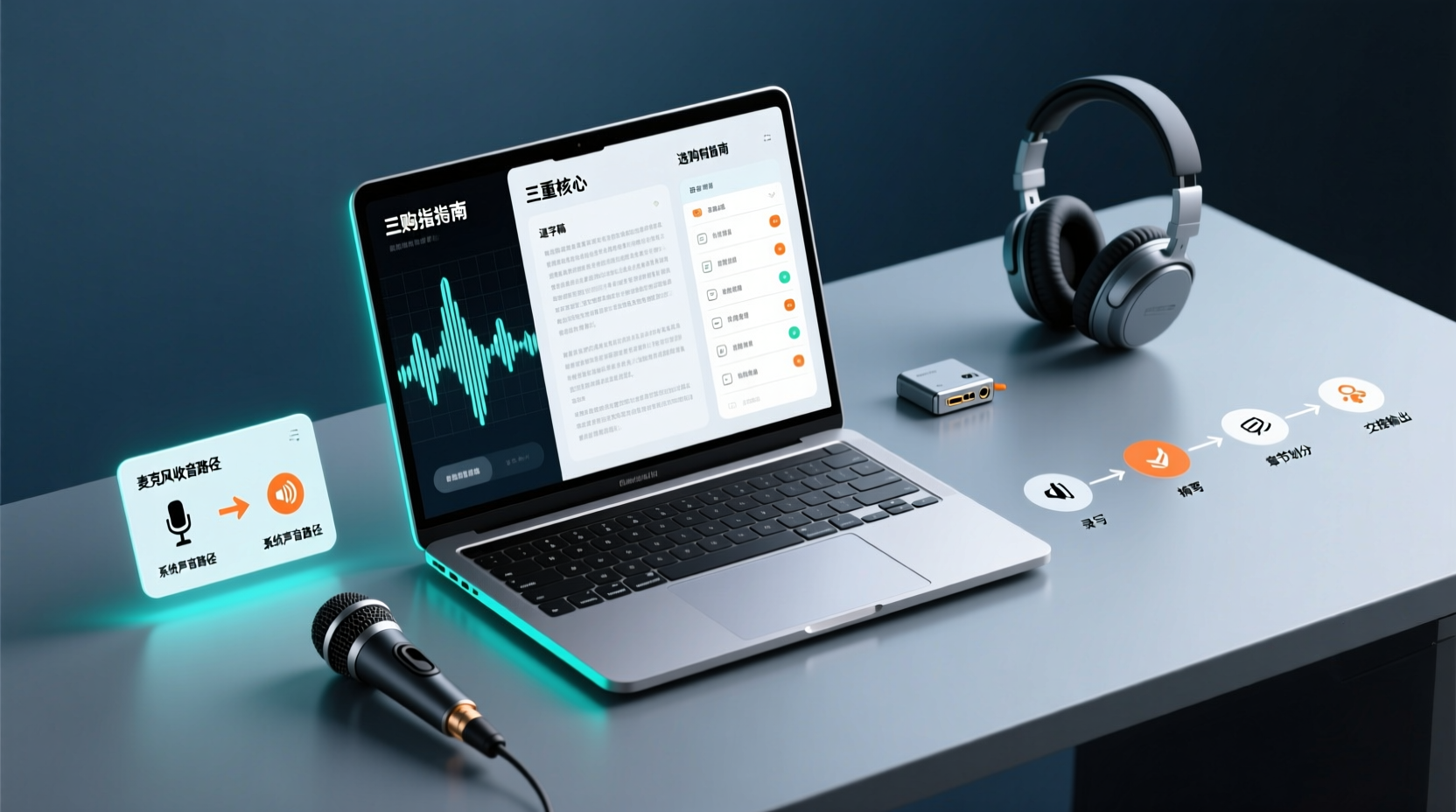
How Do You Choose PC Recording Software? First Tell Microphone Capture Apart From System Audio, Then Handle the Transcript and Action Items
Recording audio on a computer doesn't end with one button press. First determine whether your sound source is microphone capture, system audio, or an existing audio file, then verify the platform, output, and language requirements. After recording, you still have to produce the transcript, summary, chapters, and action items, and share and hand off in a team space. This article follows the order of buying decisions to explain when each path applies and where its factual limits lie.
How Should You Choose a Podcast Transcription App? Run 5 Criteria First, Then Compare Four Types of Solutions: The Workflow from Audio File to Show Notes
Between finishing a recording and publishing an episode, transcripts, segmentation, and show notes are the stages most likely to stall the production line. This article lays out 5 checkable criteria, compares four common approaches, and shows how to use Tinrec to go from an audio file to a transcript, key points, and deliverable assets — while explaining which steps require human confirmation and how a show team shares and hands off the work.
Notta vs Fireflies: How to Choose — From Meeting Capture Architecture and Chinese Bilingual Limits to Team Data Ownership, a Selection Conclusion for 5–20 Person Teams
The difference between Notta and Fireflies isn't just price and minutes — it's how a meeting actually gets recorded. This article compares the two in order: their meeting capture methods, the limits of their Chinese and bilingual experience, what you get after the transcript, and team data ownership and member handover. It then narrows the conclusion into three team selection scenarios, explaining under what conditions you should evaluate a bot-free approach like Tinrec.

How to Choose a Budget Voice Recorder: Check 4 Specs, Avoid 3 Pitfalls, and Calculate the Real Transcription Cost After Recording
Shopping for a voice recorder on a budget of a few hundred to NT$2,000? First understand where cheaper models cut corners, how to evaluate 4 key specs, how 3 common setups compare, and the practical workflow for turning recordings into transcripts, key points, and action items using free quotas.