

Turn recordings into transcripts and summaries in minutes
Upload audio or video for multilingual transcription, AI notes, and action items
Last week in a cross-department meeting, I noticed something: the host had Otter open for live captions, a colleague taking notes used Notta to generate a transcript, and another colleague in the US preferred Fireflies for post-meeting summaries. When the meeting ended, three sets of notes were scattered in three places, and we still spent almost an hour merging them manually.
If you've been searching for "notta vs otter vs fireflies" recently, you're probably not trying to compare specs, but facing a similar situation—each tool is good, but there's no single place to keep all meeting data together.
In this article, I'll look at these three common tools side by side and share my experience after actually using Tinrec.
Why are people looking for alternatives to Notta, Otter, and Fireflies?
First, the conclusion: all three are mature tools with their own strengths.
Notta excels at multilingual transcription, supporting 58 languages and handling longer imported files; Otter has a long history in live notes and collaborative transcripts, with a very mature experience for English meetings; Fireflies is known for meeting automation, integrations, and sales team collaboration.
So why look for other options? I've observed three very common scenarios:
- Meetings with mixed Chinese and English, or non-English content, require extensive manual correction of the transcribed text.
- Not wanting an extra bot participant in the meeting, especially for external client meetings.
- You get the transcript, but still have to handle summaries, action items, and follow-ups yourself.
If you're stuck on these points, Tinrec is worth checking out.
Tinrec vs Notta, Otter, Fireflies: What's different in the core experience?
Language coverage and handling mixed Chinese-English
For Taiwanese users, this is the most error-prone dimension. Real meetings often have sentences like "this project's timeline needs to be confirmed again," with frequent language switching.
Tinrec covers Chinese, Traditional Chinese, and multilingual meeting scenarios, and supports real-time translation during recording, allowing you to switch between original text, translation, or bilingual view. Otter is more mature for English-dominant meetings, and Notta has a clear advantage in the number of languages.
If your meetings often mix Chinese and English, or you need to see bilingual content while meeting, the experience gap here will be direct.
How meetings are recorded
Otter and Fireflies started with meeting bots joining meetings, with high automation, and have recently added desktop capabilities.
Tinrec takes a different path: the desktop version directly captures the computer's system audio, handling Zoom, Google Meet, Microsoft Teams, Webex, and other meetings without an extra bot participant, with the user actively starting the recording.
Note that this does not mean automatically joining all meetings on your calendar; you still need to initiate it yourself.
What you can do after the transcript
This is where I think the difference is most obvious. Tinrec automatically generates summaries, chapters, and action items, and you can use AI Q&A to ask follow-up questions about the meeting content, such as "What was the conclusion of this meeting?" or "Who is responsible for which item?"
Fireflies is mature in action items and integrations, and Otter also has AI chat features. The difference is that Tinrec adds Agent post-processing, which can directly turn meeting content into reports, tables, or documents, saving time on post-meeting reorganization.
Team data ownership and handover
If meeting data only exists in personal accounts, when a colleague leaves, the entire history disappears with them.
Tinrec's team version is an independent team space where meeting data belongs to the team. When a member exits, is removed, or loses their seat, their resources can be handed over to other active members. This is quite practical for project teams.
Quota and pricing
Tinrec's free version provides basic quota to experience recording, import, summaries, and transcription; then there are weekly cards, Pro monthly, and Pro annual plans. The team version annual payment is USD 199 per paid seat (about USD 16.58/month), and each paid seat provides 2,000 minutes of team shared import quota per month.
Otter's free version offers 300 minutes per month, Notta's free version offers 120 minutes per month with a 3-minute limit per single content. Note that each company calculates "minutes" differently (in-app recording, file import, AI summaries may be counted separately); actual benefits are subject to the official page.
Tinrec's core features at a glance
Bot-free online meeting recording: The desktop version directly captures system audio, and the transcript is generated synchronously during recording. No need to invite an extra participant, especially friendly for client meetings.
Stop organizing recordings by hand
Upload audio or video and automatically get a transcript, summary, and action items
Real-time audio-to-text and live translation: Offline meetings, interviews, classes can be recorded and transcribed on the fly. For cross-language meetings, you can switch between original, translation, or bilingual to confirm what the other party is saying.
AI summaries, chapters, and action items: A one-hour meeting automatically gets broken into chapters and key points, and action items from the discussion are organized into a to-do list.
AI Q&A: This is my most-used feature. After recording, just ask "What was the budget cap decided last week?" and it will answer based on semantic understanding, without flipping through 30 pages of transcript.
Agent post-processing and multi-format export: Can further generate reports, tables, and documents from meeting content, and export to Notion, Google Docs, OneNote, Dropbox, etc. for further processing.
Team space and governance: Centralized storage of team meeting data, with member, role, and seat management, usage analytics, audit logs, and audio recycle bin.
Real-world use cases
Cross-language client meetings: Client presents in English, team discusses in Chinese, Tinrec records both and provides bilingual view, then send the summary directly to the client for confirmation.
Project weekly and decision meetings: Record regularly every week, meeting data automatically accumulates in the team space. New members can look back at historical records to quickly catch up.
Interviews and research: After a one-hour interview, use AI Q&A to quickly find key insights and quotes, much faster than manually marking timestamps.
Personal learning and notes: Record casually during class or lectures, review with summaries afterward, and go back to the transcript for details when needed.
Things to consider when choosing an audio-to-text tool
Language and accent coverage: First confirm the tool's support for Chinese, Traditional Chinese, and mixed Chinese-English. Actual performance is affected by recording quality, accent, noise, and overlapping speakers; test with your own recordings.
Meeting recording method: Meeting bots are convenient but appear in the participant list; desktop system audio capture does not. Try both, then decide which suits your meeting scenarios.
Output after transcript: Tools that only provide transcripts still require manual organization. Look for whether they offer summaries, chapters, action items, and Q&A.
Data ownership and team handover: Personal accounts and team spaces are two different things. If meeting data belongs to the team, whether the tool supports member, seat, and resource handover is important.
How quota is calculated: Recording, import, and AI summaries may be billed separately. Before choosing, understand where your usage falls.
Conclusion: Is Tinrec worth a try?
If you're looking for a tool that can handle mixed Chinese-English meetings, doesn't need a meeting bot, and lets you use AI to find key points right after recording, Tinrec is the choice among these that best fits these three needs.
Its strength is not in competing head-on with Otter for English meeting mindshare, nor in comparing language count with Notta, but in the "after the meeting" part—summaries, action items, Q&A, export, and long-term accumulation of team data.
I suggest starting with Tinrec's free version and testing with a real meeting recording you have. Running through it yourself is more accurate than any review.
FAQ
Q1: How is Tinrec different from regular recording software?
Regular recording software only records. Tinrec converts recordings to text, organizes summaries, chapters, key points, and action items, and also supports AI Q&A, translation, export, and team collaboration.
Q2: Is the free version enough?
The free version provides basic quota, very suitable for testing transcription quality and workflow. If you have regular weekly meetings, consider the Pro plan; for short-term intensive use, the weekly card is more cost-effective.
Q3: Does Tinrec need a meeting bot to join?
No. The desktop version directly captures computer system audio to handle Zoom, Google Meet, Microsoft Teams, Webex, etc. Note that currently the user still needs to actively start recording; it does not automatically join all meetings on your calendar.
Q4: Does it support Chinese? Can it handle mixed Chinese-English meetings?
Tinrec covers Chinese, Traditional Chinese, and multilingual meeting scenarios, and also supports mixed Chinese-English content organization and real-time translation. Actual accuracy is affected by recording quality, accent, noise, and technical terms; for important content, it's recommended to verify against transcript timestamps and recording playback.
Q5: Are team members and seats the same thing?
No. Roles determine who can manage the team and members; seats determine whether members can record, upload, edit, and import/export. Active members without a seat can still view, play, and read team data.
Q6: Can deleted team audio be recovered?
After audio enters the team recycle bin, it can be restored before permanent cleanup begins; the current recycle bin retention period is 30 days.
Q7: Do I need consent to record?
Yes. When recording and transcribing, please comply with local laws and obtain participant consent when necessary.
References
- Compare Otter vs Fireflies: Features, Pricing & Alternative | Notta
- Fireflies vs tl;dv vs Otter vs Notta: 2026 Comparison – UMEVO
- Notta Vs Fireflies: Why Would You Choose One Over The Other? (2025)
- Notta Vs Otter AI: An Easier Decision That You Think (2026)
- Notta AI vs Otter.ai vs Fireflies: I Tested All Three for 30 Days. One Won by a Mile | by Gor Kle | AI Navigator | May, 2026 | Medium
Turn every recording into actionable outcomes
Get 60 free transcription minutes when you sign in. No credit card required.
Related Reading
You might also like

5 Best Notta Alternatives in 2026: Real-World Comparison for Chinese Meeting Notes and Team Knowledge
Notta's free plan only records 3 minutes per session. Before switching, what should you consider? This article compares Notta alternatives like Tinrec, Otter.ai, Fireflies.ai, and Granola from four angles: Chinese meeting transcription, bot-free recording, post-meeting AI Q&A, and team knowledge retention. We also highlight the three most common pitfalls to help you find the right meeting tool.

4 Best Good Tape Alternatives in 2026: Hands-On Comparison for Chinese Meeting Notes and Team Knowledge Sharing
Good Tape is free, secure, and easy to use—great for journalists and individual users. But it may not meet the needs of Chinese-language meetings, online meeting recording, and team data sharing. This article compares four alternatives—Tinrec, TurboScribe, Notta, and Granola—covering Chinese recognition, meeting recording methods, post-meeting output, audio file storage, team governance, and pricing, to provide a practical guide for US users.

2026 Notta Free Alternative Guide: How Tinrec Handles Chinese Meeting Notes and Team Collaboration
Looking for a free Notta alternative? This guide compares Tinrec and Notta for Chinese meetings, bot-free recording, post-meeting organization, and team collaboration. It covers Tinrec's features, use cases, buying tips, and free version testing advice.
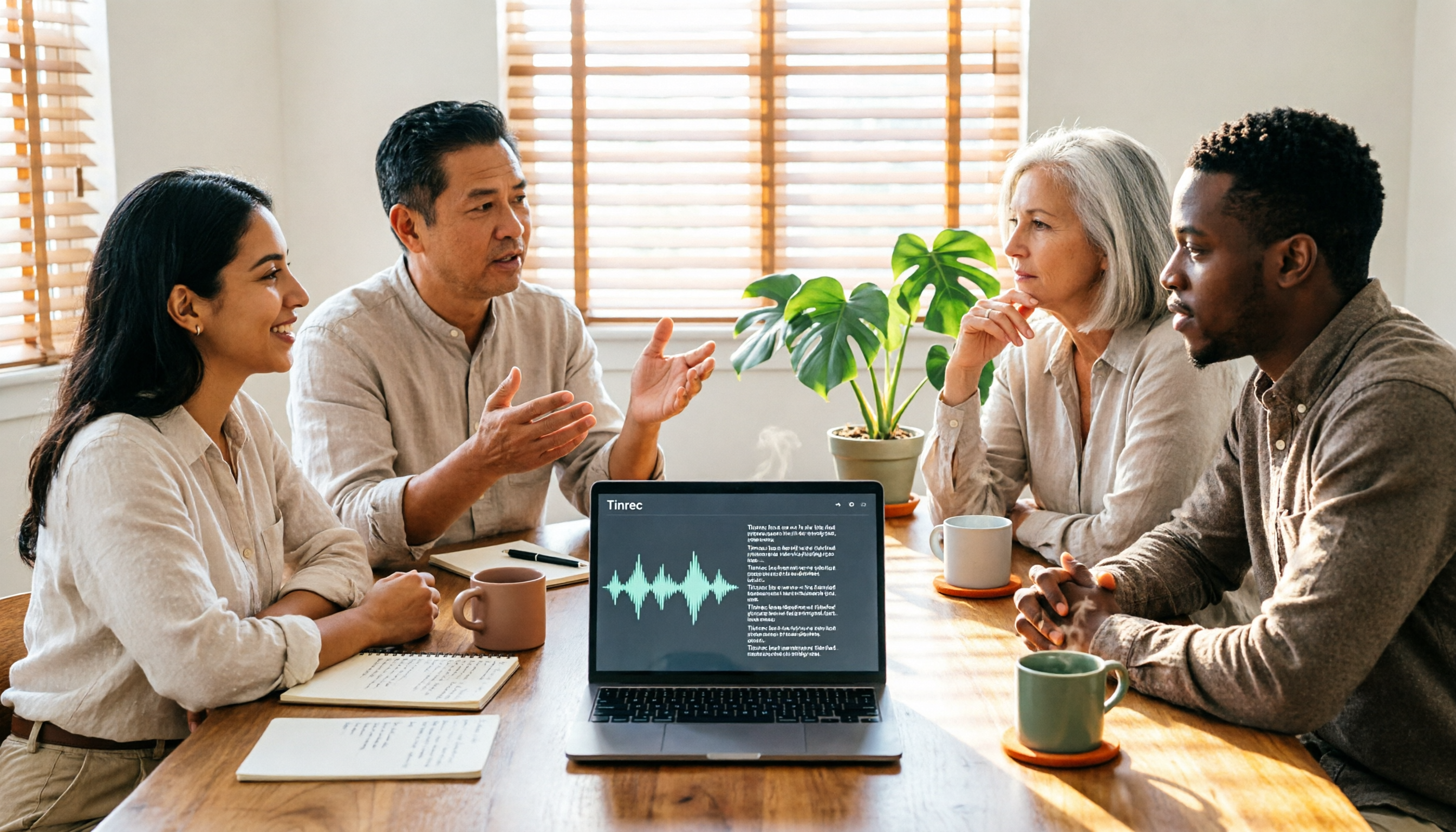
2026 AI Meeting Notes Comparison: Notta vs Otter vs Tinrec — Which Should You Choose?
What's the difference between nada and notta? If you're actually looking for an AI meeting notes tool, the real choice is between a 'meeting bot' and 'bot-free desktop recording.' This hands-on comparison of Notta, Otter.ai, TurboScribe, and Tinrec covers how meetings are captured, post-transcription processing, Chinese-language experience, and team data ownership to help you decide which fits your meeting scenario best.
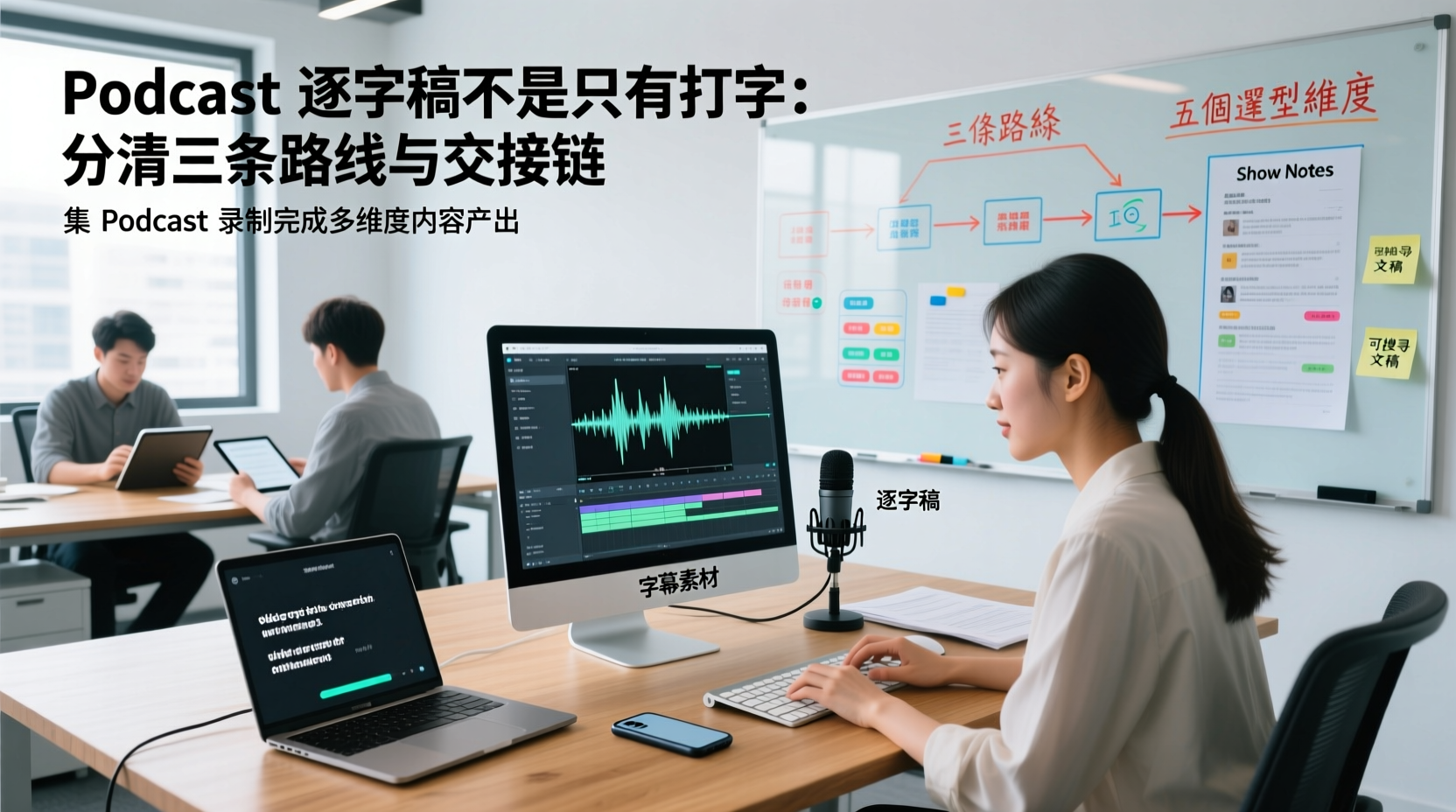
A Podcast Transcript Isn't Just Typing: Separate the Three Paths and Handoff Chain to Connect Audio to Captions, Show Notes, and Searchable Text
A finished podcast episode doesn't just need a transcript—it also needs caption assets, Show Notes, and searchable text, each with different people taking over. This article breaks down three common paths and five selection dimensions, explaining the handoff chain from audio file to each output, which fields must be filled in first, which steps still require human proofreading, and how assets are centralized, shared, and handed off in multi-person production.
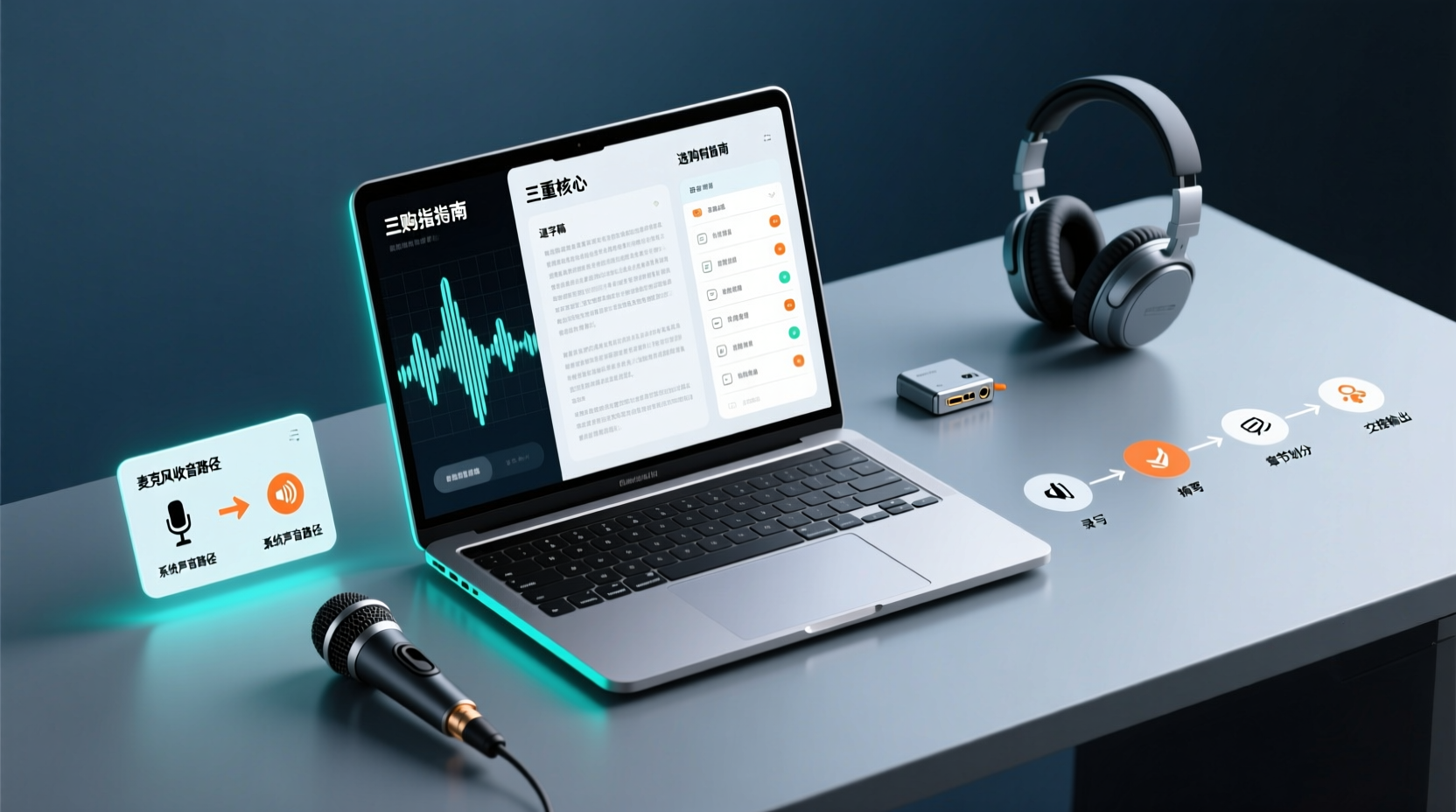
How Do You Choose PC Recording Software? First Tell Microphone Capture Apart From System Audio, Then Handle the Transcript and Action Items
Recording audio on a computer doesn't end with one button press. First determine whether your sound source is microphone capture, system audio, or an existing audio file, then verify the platform, output, and language requirements. After recording, you still have to produce the transcript, summary, chapters, and action items, and share and hand off in a team space. This article follows the order of buying decisions to explain when each path applies and where its factual limits lie.
How Should You Choose a Podcast Transcription App? Run 5 Criteria First, Then Compare Four Types of Solutions: The Workflow from Audio File to Show Notes
Between finishing a recording and publishing an episode, transcripts, segmentation, and show notes are the stages most likely to stall the production line. This article lays out 5 checkable criteria, compares four common approaches, and shows how to use Tinrec to go from an audio file to a transcript, key points, and deliverable assets — while explaining which steps require human confirmation and how a show team shares and hands off the work.
Notta vs Fireflies: How to Choose — From Meeting Capture Architecture and Chinese Bilingual Limits to Team Data Ownership, a Selection Conclusion for 5–20 Person Teams
The difference between Notta and Fireflies isn't just price and minutes — it's how a meeting actually gets recorded. This article compares the two in order: their meeting capture methods, the limits of their Chinese and bilingual experience, what you get after the transcript, and team data ownership and member handover. It then narrows the conclusion into three team selection scenarios, explaining under what conditions you should evaluate a bot-free approach like Tinrec.

How to Choose a Budget Voice Recorder: Check 4 Specs, Avoid 3 Pitfalls, and Calculate the Real Transcription Cost After Recording
Shopping for a voice recorder on a budget of a few hundred to NT$2,000? First understand where cheaper models cut corners, how to evaluate 4 key specs, how 3 common setups compare, and the practical workflow for turning recordings into transcripts, key points, and action items using free quotas.