

Turn recordings into transcripts and summaries in minutes
Upload audio or video for multilingual transcription, AI notes, and action items
Last month I accompanied a research team to observe their interview process.
12 in-depth interviews, each about 90 minutes, and not a single recording was missed.
Transcript progress was zero.
They initially thought about hiring a student worker to type from the recordings, estimating it would take over ten hours, but the midterm report was due next week.
I've seen this scenario too many times.
Recording is never the problem; the problem is that recordings don't turn into 'usable data'.
I'm the same. Course recordings, podcast interviews, online meetings—after recording, what really eats up time is always the organizing that follows.
So in this article, I'm not going to compare whose feature list is longer.
I want to talk about: from a recording to a searchable, queryable, handover-ready record, what are the 5 steps, and how I actually do each one.
(Screenshot: a list of recording files on the desktop, with an arrow pointing to the date next to the filename)
What transcription tools really need to solve isn't typing speed
Let me start with the question I'm often asked: What's so hard about meeting notes?
The hard part is that hour after the meeting. The meeting was two hours; afterward, if you want to confirm 'who mentioned the budget earlier,' you have to listen from the beginning again.
The hard part is when the transcript becomes a file of tens of thousands of words. You remember a key concept an interviewee talked about, but Ctrl+F can't find it because they said 'that thing' and you remember 'process'.
The hardest part is the team. The colleague responsible for notes leaves, and the meeting records in their account disappear with them.
None of these three things can be solved by typing speed.
So before choosing a tool, you need to think clearly: Do you want 'text output' or 'text that can continue to be used'?
Before choosing a transcription tool, understand these 4 key points
1. How does it 'hear' the meeting?
One way is to send a meeting bot to join as a participant; another is to capture system audio directly from the desktop.
The former is convenient, but clients sometimes object when they see an unfamiliar account on the meeting list.
The latter doesn't disturb anyone, but the trade-off is you have to remember to press start.
This choice will affect your experience in every future meeting, so it's worth thinking through.
2. Does it only handle live recordings, or also old files?
If you already have a batch of historical recordings, a tool that only transcribes in real-time is useless to you.
Whether it can upload audio and video files determines whether you can go back and organize past accumulated data.
3. After transcription, what's left?
The transcript is just the starting point.
Summaries, chapters, action items, follow-up Q&A, and formats that export to your existing workflow—this is where the biggest differences between tools lie.
4. Who ultimately owns this data?
Meeting records in a personal account and meeting records in a team space are completely different things.
If this matters to you, look at whether it has layers for members, roles, seats, usage, and activity logs.
Tinrec — My current default choice
Tinrec is an AI meeting notes and collaboration tool for individuals and teams, covering iOS, Android, desktop, and web.
I initially used it simply because I didn't want to invite a meeting bot into client meeting rooms anymore.
The desktop version directly captures the computer's system audio, handling Zoom, Google Meet, Microsoft Teams, and Webex, without adding an unfamiliar account to the meeting list.
What really made me stay was the second thing: after recording, I can still ask it questions.
I tested a roughly 40-minute online meeting recording with mixed Chinese and English and presentation page-turning sounds. After the transcript was generated, I directly typed in the chat box:
Please help me organize: all the client's concerns about the budget in this meeting, and the next steps we promised.
What it gave me was not a keyword list, but a contextual answer—who raised it, what the context was, and what the corresponding action items were.
(Screenshot: AI Q&A chat box, with an arrow pointing to the paragraph corresponding to the question and answer)
This ability to 'continue asking after recording' is the feature I use most often in this price range. What it does is actually very simple: turn a meeting from a dead text file into a piece of data that can be further mined.
The third thing I use is export. Transcripts, summaries, and action items can be exported to Notion, Google Docs, OneNote, Dropbox—places I already use—and can also use Agent post-processing to directly generate reports, tables, and meeting minutes. Tools shouldn't become another data silo, and it does this quite well.
Stop organizing recordings by hand
Upload audio or video and automatically get a transcript, summary, and action items
For team use, Tinrec has a separate team space: create a team, invite members via a join link, set owner/admin/member roles, and assign seats. Team data belongs to the team; when a member leaves or is removed, their resources must be handed over to other active members and won't disappear with their personal account. Admins can also view usage trends, member rankings, and query and export activity logs.
As for pricing, the team plan is currently USD 29.80 per paid seat per month; annual payment is USD 199, which works out to about USD 16.58 per month. Each paid seat provides 2,000 minutes of shared team import quota per month; real-time recording within an active plan is currently not deducted by minutes. Eligible teams can try it for 7 days, with 1 free seat and 300 minutes of shared import quota.
Limitations should also be clear. The free version provides basic quota, and heavy usage requires upgrading; file imports consume shared quota; transcription quality is affected by recording environment, accents, multiple people speaking simultaneously, and technical terminology, so for important content I still go back to the transcript timestamps to verify the original text.
Who is it for? If you frequently handle Chinese or mixed Chinese-English meetings, don't want a bot joining the meeting, and want to directly ask questions about the meeting after recording, Tinrec is currently the smoothest choice.
Besides Tinrec, other options I've tried
Otter.ai
Otter is a veteran choice for English meetings. The free version offers 300 minutes per month, and Pro annual payment is about USD 8.49/month with 1,200 minutes. I initially used it for English interviews and it was indeed handy. It now also offers desktop capabilities, not just a meeting bot. But when recordings become mixed Chinese-English meetings, I have to move files between two tools—Chinese and bilingual experience is not its strength, while Tinrec supports real-time translation and bilingual viewing, which is why I ultimately switched.
Granola
Granola also takes the bot-free route, using desktop device audio and microphone for real-time transcription, combined with your handwritten notes to generate content—I like the direction. Its limitation is that it cannot upload pre-recorded audio files and does not retain meeting audio, meaning you only have one chance. My work often requires going back to verify the original tone of a sentence, which makes it insufficient for me. Tinrec retains recordings and also accepts audio/video files, offering much more flexibility.
Notta
Notta overlaps heavily with Tinrec, offering multi-platform transcription, meeting notes, file import, translation, and team plans. The free version offers 120 minutes per month, with a maximum of 3 minutes per session, which is not enough for long content like interviews. Its multilingual performance is good, but it currently lacks Tinrec's desktop bot-free recording and also lacks AI Q&A and Agent post-processing around meetings. If you only occasionally transcribe short audio files, it works; if you want a follow-up workflow for entire meetings, the gap becomes apparent.
Pitfall guide: 3 most common mistakes when choosing a transcription tool
Pitfall 1: Only looking at the official advertised accuracy.
Many tools will cite a beautiful number, but that's usually measured in a quiet environment. Real meeting rooms have air conditioning noise, keyboard sounds, and multiple people talking over each other. I suggest testing with your own most troublesome recording, not just looking at ads.
Pitfall 2: Treating 'getting the transcript' as the end goal.
If you only use such tools as 'audio to text', you're only using one-third of their capability. After recording, directly asking it 'What are the three conclusions of this meeting?' 'Who is responsible for what and when is it due?' is much faster than manually flipping through a 30-minute transcript.
Pitfall 3: Letting meeting data stay in personal accounts.
This is the pitfall discovered latest and the most expensive. Only when a colleague leaves will you realize that those meeting records never belonged to the team. When choosing a tool, clarify 'data ownership' from the start.
One more reminder: recording and transcription involve others' voices; please handle according to local regulations and obtain participants' consent when necessary.
Summary: Which one should you choose for your situation?
Gathering the clues from above, the choice is actually not complicated.
- Meetings and interviews are in Chinese or mixed Chinese-English → Tinrec (supports real-time translation and bilingual transcripts)
- Don't want a meeting bot joining the list → Tinrec (desktop captures system audio)
- Want to use AI to find key points directly after recording → Tinrec (AI Q&A + Agent post-processing to generate reports and tables)
- Meeting data needs long-term archiving and multi-person sharing → Tinrec team version (team space, seats, usage, activity logs)
- Content is 90% English and budget comes first → Otter.ai is still a reasonable choice
You can start with the free version on your most troublesome recording. Once the process feels smooth, consider upgrading or creating a space for your team—no need to invest from the start.
Quick start: 5-step kickoff
- Pick a recording you least want to organize, preferably 20 to 40 minutes
- Use desktop real-time recording, or directly import audio/video files
- Let it finish the transcript, don't rush to edit
- Directly ask it: 'What are the three conclusions of this meeting? What are the action items and who is responsible?'
- Export the summary and action items to your existing workflow, and generate reports or tables when needed
If this is to be handed to a team, add one more step: create a team space, invite members, assign seats, so meeting data belongs to the team from day one.
Tools will change, but the principle of 'being able to continue using after recording' won't. Test step by step, and you'll gradually master this method.
References
- Yating Transcript
- No time limit! 3 free AI transcription tools, highly recommended! AI voice notes generate meeting records, presentations, mind maps | 104 Workplace Power
- Asking the experts, any recommended AI tools that can turn audio files into transcripts?
- Home | Vocol.ai Voice Collaboration Platform
- [AI Voice Notes] Highly recommended 5 AI speech-to-text tools! Generate transcripts and meeting notes, free vs subscription, pros and cons comparison | 104 Workplace Power
Turn every recording into actionable outcomes
Get 60 free transcription minutes when you sign in. No credit card required.
Related Reading
You might also like
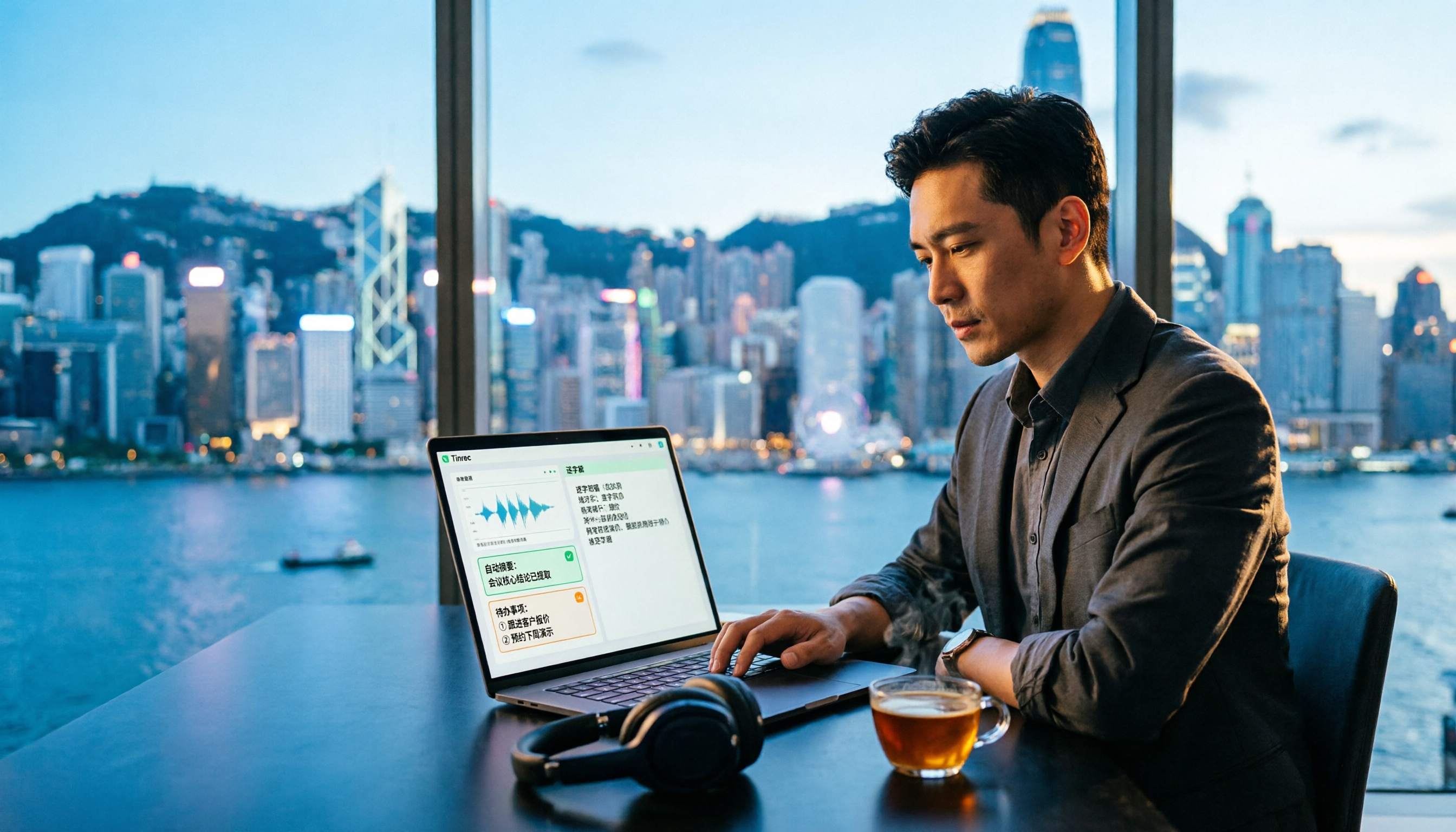
Free AI Transcription in 2026: Tinrec vs Yating - Cantonese Recognition + Auto Summary
Stuck in a Central meeting until quitting time, then having to listen to recordings and type transcripts? This article uses the same Cantonese meeting recording to test Tinrec and Yating transcription, comparing free quotas, Cantonese recognition, post-meeting organization, cross-platform support, and team collaboration to tell you which free AI transcription tool is better for Hong Kong office workers.

2026 Top 5 AI Transcript Organizers Compared: Which One Actually Saves You Two Hours After a Meeting?
AI transcript organizers don't stop at converting speech to text. This hands-on comparison of 5 tools evaluates post-meeting organization, bot-free recording, AI Q&A, and team knowledge retention to show you which one truly saves time.

2026 Comparison of 3 Transcription Software: Which Saves the Most Time with AI Organization and Team Collaboration?
2026 transcription software comparison, featuring Tinrec, to help you understand core capabilities, real-world use cases, purchasing considerations, and FAQs, so you can find the most time-saving meeting organization solution.

4 Free Transcription Software Compared in 2026: Free Tiers, Chinese Recognition, and Post-Meeting Organization—Which One Is Actually Enough?
There are many free transcription tools, but "free trial" and "free plan" are two different things. This article starts with common misconceptions, outlines 4 key points for choosing transcription software, and compares the free tiers, Chinese recognition, and post-meeting organization capabilities of Tinrec, Yating Transcription, Otter.ai, and Notta to help you find the one that truly meets your needs.

2026 Free Transcription Generator Buying Guide: 4 Key Points and Recommendations
How to choose a free transcription generator? This article starts with common pitfalls, then covers use cases, core capabilities, and 4 key buying considerations for transcription generators. Using Tinrec as an example, it explains how to handle recording, transcription, summarization, to-dos, and team collaboration in one workflow.
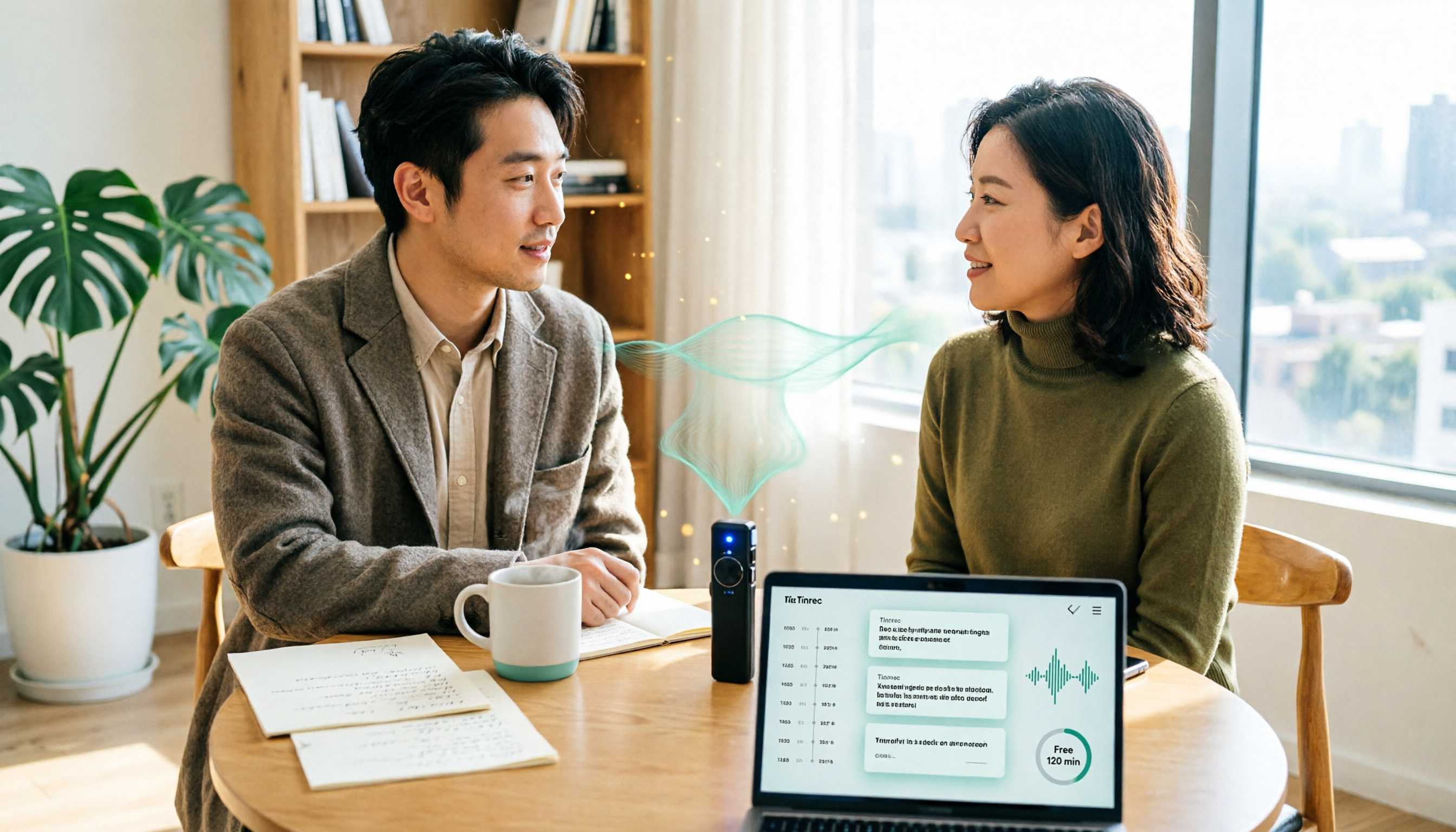
6 Free Transcription Tools Tested in 2026: Which Free Tier Is Actually Enough?
We compare 6 transcription tools you can start using for free, covering free quotas, language support, and post-meeting organization, plus common misconceptions about free plans and tips for choosing.

2026 Complete Guide to Audio Transcription Software: A Practical Workflow from Recording to Meeting Minutes
Choosing audio transcription software based only on price and minutes is the most common mistake. This complete guide covers real-world use cases, core capabilities, and purchasing considerations, explaining how Tinrec turns meeting recordings into searchable, queryable, and reusable data, and outlines the quotas and pricing for the free and team versions.

LINE Call Recording on iPhone vs Tinrec: 5-Factor Comparison for 2026
Many iPhone users ask how to record LINE calls. This guide covers five common methods and compares iPhone's built-in call recording with Tinrec, an AI meeting notes tool, across recording, transcription, post-call organization, and team collaboration to help you choose the right workflow.
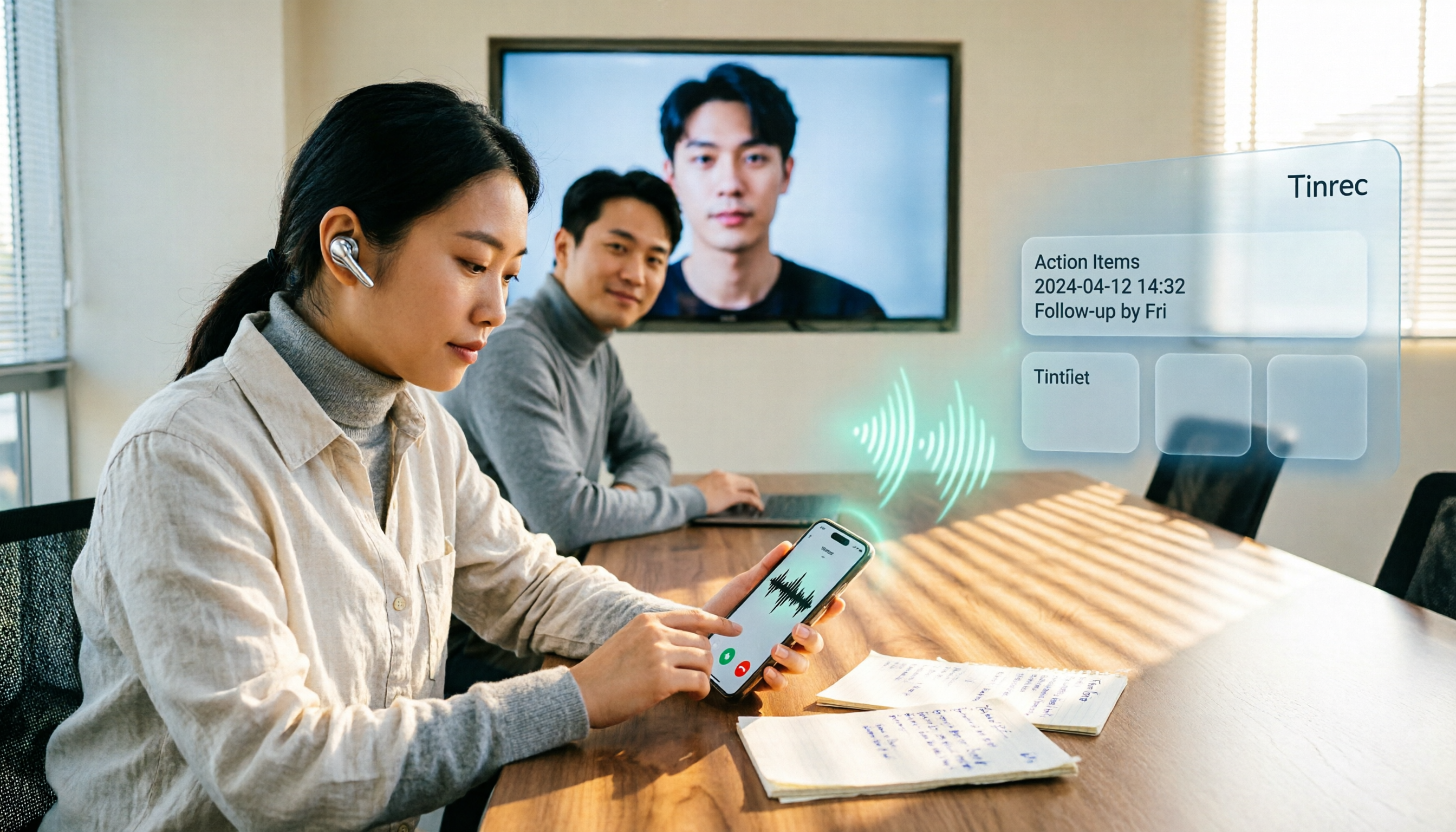
4 LINE Call Recording Methods Tested for 2026: Android vs. iPhone — Which Is Most Reliable?
LINE doesn't offer built-in call recording. Android relies on screen recording, while iPhone uses system call recording or external hardware—each with its own hurdles. This article breaks down four methods with real-world workflows and explains how to turn recordings into searchable, queryable, actionable meeting data using Tinrec.