
Turn recordings into transcripts and summaries in minutes
Upload audio or video for multilingual transcription, AI notes, and action items
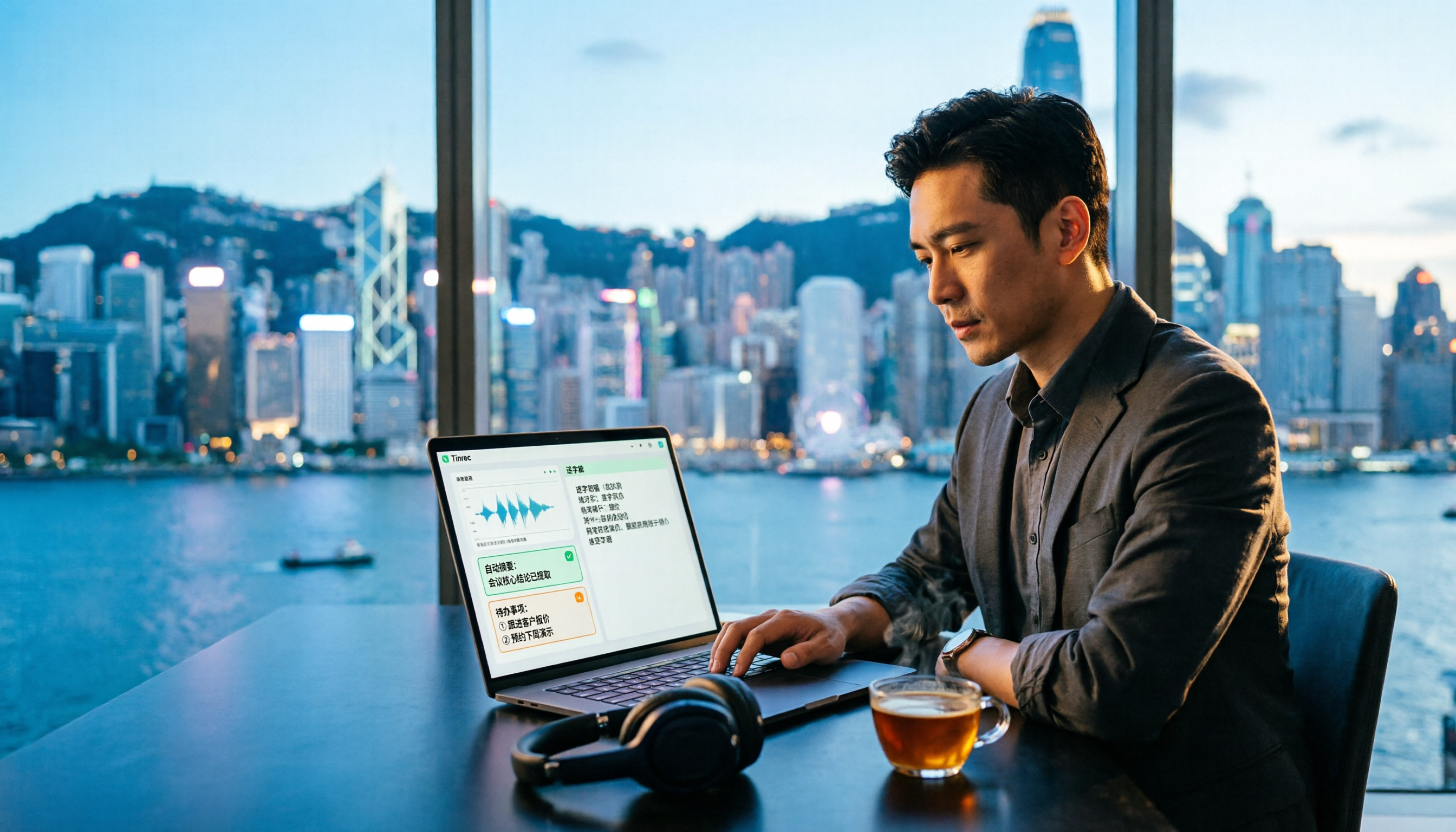
Working in Central, what I hate most isn't meetings—it's having to listen back to recordings and type transcripts after the meeting. Have you ever tried a free AI transcription app that claims to support Cantonese, only to find that a 5-minute meeting recording comes out with so many errors you have to re-listen to the whole thing—and you end up working overtime until 8 PM with the meeting minutes still unfinished? This time, we'll use the same Cantonese meeting recording to test Tinrec and Yating transcription, and see which one really helps you get off work.
Tinrec vs Yating Transcription | Quick Overview
- Tinrec: Positioned as an AI meeting notes and team collaboration tool, it doesn't just transcribe—it also generates summaries, chapters, to-dos, and AI Q&A.
- Yating Transcription: An AI speech-to-text tool focused on the Chinese market. Its official website states "Only on the app," primarily for organizing voice memos within the app.
| Item | Tinrec | Yating Transcription |
|---|---|---|
| Platform | Web, desktop, mobile | Official site says "Only on the app," primarily app-based |
| Free Entry | Free version offers basic quota, allowing you to try recording, import, summary, and transcription | Free details subject to official website |
| Core Difference | Transcript + summary + to-dos + AI Q&A + team space | Transcript and voice memo organization |
We'll compare across the following dimensions: free quota, Cantonese recognition, post-meeting organization, cross-platform online meetings, and team collaboration.
Dimension 1 | Free Quota and Entry Barrier
Yating Transcription is primarily app-based. Its official website currently says "You talk, we type. More ways to organize voice memos. Only on the app." Free trial details may change with official promotions, so it's best to check the website directly. Tinrec's free version offers a basic quota, letting you try recording, import, summary, and transcription first, and consider upgrading only if it suits you.
→ This dimension: Both offer free entry, but Tinrec allows switching between web, desktop, and mobile, making the trial threshold more flexible. Tie, leaning Tinrec.
Dimension 2 | Cantonese and Chinese Recognition
Yating Transcription is a tool focused on the Chinese market. A 104 Workplace article mentions it "recognizes multiple speakers well, disadvantage: transcription speed is slower." Tinrec covers Chinese, Traditional Chinese, and multilingual meeting scenarios, supports real-time translation and team hotwords, but does not promise a fixed accuracy rate—actual performance is affected by recording quality, noise, accents, and overlapping speakers.
→ This dimension: Yating has a reputation for multi-speaker recognition, while Tinrec is more comprehensive in multilingual and post-meeting organization. Tie.
Stop organizing recordings by hand
Upload audio or video and automatically get a transcript, summary, and action items
Dimension 3 | Post-Meeting Organization: Beyond Transcription
Yating mainly helps you convert recordings into transcripts and organize voice memos. Tinrec goes further: it automatically generates summaries, chapters, key points, to-dos, and mind maps, and also allows AI Q&A around meeting content, real-time translation, export to Notion, Google Docs, OneNote, Dropbox, etc., and even post-processing with an Agent to generate reports, tables, and documents.
→ This dimension: Tinrec clearly wins.
Dimension 4 | Cross-Platform and Online Meetings
Yating's official website says "Only on the app," focusing on mobile experience. Tinrec has web, desktop, and mobile versions; the desktop version directly captures computer system audio without needing a meeting bot to join, allowing you to record online meetings on Zoom, Google Meet, Microsoft Teams, Webex, etc., and generate real-time transcripts.
→ This dimension: Tinrec wins.
Dimension 5 | Team Collaboration and Data Retention
Yating has no team space description in the source materials. Tinrec's team version provides an independent team space where meeting data belongs to the team, with role and seat management, usage analytics, audit logs, and an audio recycle bin; when a member leaves or is removed, resources can be handed over to other active members.
→ This dimension: Tinrec wins.
What Are Their Unique Advantages?
Tinrec's unique advantages:
- No bot for online meetings: Desktop version captures system audio, no need to add a bot to the meeting.
- Workflow after transcription: Summary, chapters, to-dos, AI Q&A, translation, export all in one.
- Chinese and multilingual meeting experience: Supports real-time translation, bilingual viewing, and team hotwords.
- Team data retention: Meeting recordings, transcripts, and to-dos are centralized in the team space, allowing new members to check historical data.
Yating's unique advantages:
- Organize voice memos within the app, straightforward operation.
- 104 article mentions strong multi-speaker recognition, suitable for specific meeting scenarios.
Conclusion: Which One Should You Choose?
- If you want to try AI transcription for free and don't want just a bunch of text → Tinrec (free version has basic quota, plus summaries, to-dos, and AI Q&A)
- If you often switch between phone and computer → Tinrec (available on web, desktop, and mobile)
- If you need to record Zoom, Meet, Teams online meetings without adding a bot → Tinrec (desktop version captures system audio)
- If you just want to quickly organize voice memos within an app and value multi-speaker recognition reputation → Yating Transcription is sufficient
In one sentence: For most Hong Kong office workers, Tinrec is a more complete choice. We recommend trying Tinrec's free version first, testing with your own recordings, and then deciding whether to upgrade.
Reminder: Please comply with local laws before recording and transcribing, and obtain consent from participants when necessary.
References
- No time limit! 3 free AI transcription tools, highly recommended! AI voice notes generate meeting minutes, presentations, mind maps | 104 Workplace
- Want to convert audio files to transcripts for free? 5 must-recommend "transcription" tools to help you get it done quickly
- Yating Transcription
- [AI Voice Notes] Highly recommended 5 AI speech-to-text tools! Help you generate transcripts and meeting minutes highlights, free vs subscription, pros and cons comparison | 104 Workplace
- AI Transcript Generator
Turn every recording into actionable outcomes
Get 60 free transcription minutes when you sign in. No credit card required.
Related Reading
You might also like

2026 Free Speech-to-Text Apps: 4 Options Compared
There are plenty of free speech-to-text apps, but their free tiers work very differently: some count minutes, some limit file length, and some are trial-only. This guide breaks down the free plans and limits of Tinrec, Notta, TurboScribe, and Otter.ai, and helps you choose the right one based on whether the free quota is enough to finish your work.

2026 Comparison of 5 Sales Meeting Notes Table Solutions: From Blank Sheets to AI Summaries, Which Saves the Most Time?
Organize practical fields and 5 solutions for 2026 sales meeting notes tables, from free spreadsheet templates to AI meeting notes tools, to help you track customer commitments, action items, and post-meeting follow-ups.

4 Speech-to-Text Apps Tested for iOS in 2026: Which Saves the Most Post-Meeting Cleanup Time?
How to choose an iOS speech-to-text app? This article starts from real meeting scenarios and compares four iPhone-compatible speech-to-text tools: Tinrec, Yating Transcription, Loro, and SoundType AI. It explains five key factors to consider when purchasing, four common pitfalls, and selection advice for different needs.

How to Convert LINE Voice Messages to Text on iPhone (2026): 3 Methods Tested + Transcript Organization
Received a LINE voice message during a meeting, commute, or in a quiet place and can't play it? This guide covers three ways to convert LINE voice messages to text on iPhone: iOS 18 Voice Memos built-in transcription, Shortcuts scripts, and importing audio files into Tinrec to generate transcripts, summaries, and action items. It also explains how to save voice messages in audio format so they can be transcribed, and highlights common pitfalls.

6 Speech-to-Text Apps Tested and Compared in 2026: Which PTT-Favorite Tool Is Right for You?
We've rounded up 6 speech-to-text apps that are popular on PTT and social media, from AI meeting tools and Taiwan-based transcription services to completely free built-in features. We list free quotas and pricing honestly, and use real scenarios to help you choose.

2026 Sales Meeting Minutes Examples: A Buying Guide with 3 Templates Tested and Recommended
Starting from common sales meeting minutes needs discussed on PTT, this guide compiles 3 ready-to-use sales meeting minutes examples, fields, and writing tips, and explains how to use Tinrec to turn recordings, transcripts, summaries, and action items into trackable team data.

2026 Comparison of 4 Sales Meeting Notes Tools: From Free to Paid at a Glance
In 2026, sales meeting notes must capture more than what the client said—they need to track budget, decision timeline, and action items. This article starts from the fields sales meetings truly require and compares Tinrec, Notta, Granola, and TurboScribe across recording methods, post-meeting organization, Chinese language experience, and team collaboration to help you choose the right one.

4 Sales Meeting Notes Tools Compared (2026): Which One Saves the Most Time?
How do you take sales meeting notes so you can still understand them two weeks later? Starting from common pain points discussed on Dcard, this article compares the positioning of four tools—Tinrec, Notta, Granola, and Otter.ai—and walks through five steps using Tinrec as an example: recording, transcription, proofreading, generating summaries and action items, and exporting and sharing with your team. It also includes suggested fields and FAQs.

2026 Sales Meeting Notes Tools Compared: Which One Turns Client Promises into Action Items?
In 2026, with back-to-back sales meetings, the real challenge isn't taking notes in the moment—it's whether you can still recall the client's budget range, decision-makers, and your commitments two weeks later. This article starts with 5 key selection criteria, compares Tinrec, Otter.ai, Notta, and Granola in real workflows, and outlines the 4 most common mistakes in sales meeting notes, helping you choose a tool that lets you follow up with clients right after the meeting.