

Turn recordings into transcripts and summaries in minutes
Upload audio or video for multilingual transcription, AI notes, and action items
5 Best Transcription Software in 2026: Which Is Fastest for Chinese Meetings?
The real choice isn't "which tool transcribes most accurately"—it's "after recording, who helps you find the key points, organize action items, and keep the data?"
If you only occasionally convert a recording to text, free tools are enough. But if you have several meetings every week and need to write minutes, follow up on action items, and answer "who mentioned the budget last time?"—then you don't need transcription; you need a meeting workflow.
I tested 5 transcription tools, and here's the bottom line: for Chinese meetings, bot-free recording, and post-meeting AI Q&A, Tinrec is currently the smoothest choice. Other tools have their strengths but also clear shortcomings. I'm not here to promote anyone; I'll point out the flaws of each below.
Two-hour meeting, two-hour cleanup—you need a solution, not just a tool
Video meetings easily run 60 minutes or more. Afterward, you need to produce minutes, action items, and decision records. Many people still type manually, spending three hours for a one-hour recording.
Worse, Chinese meetings mix in English terms, resulting in typos; or you use a meeting bot, but it gets blocked by the host, and the entire meeting isn't recorded.
Another common issue: after recording, you have a 30-page transcript, and the conclusion you need is on page 17. This isn't a transcription problem; it's an organization problem.
Before choosing transcription software, understand these 4 key points
1. Don't just look at official accuracy numbers. Official accuracy is usually measured in quiet environments. Real meeting rooms have echo, air conditioning noise, multiple people talking over each other, and mixed Chinese-English. Test with your own recordings on the free version, not just ads.
2. Do you need AI Q&A? Tools that only provide transcripts dump the organization work back on you. Tools that let you directly ask "What was the conclusion of this meeting?" truly save time.
3. Recording method and cross-platform. Does online meeting recording require an extra bot? Can you organize phone recordings on a computer? Do web and desktop versions sync? These determine daily usability.
4. How to manage teams. If meeting data needs to be shared with colleagues, personal accounts and team spaces are different. Roles, seats, usage, and auditing may not matter for small teams initially, but become painful as you grow.
Tinrec—our top pick after testing
Tinrec is an AI meeting notes and collaboration tool for individuals and teams, available on web, desktop, and mobile.
Bot-free recording for online meetings. The desktop version captures system audio directly, handling Zoom, Google Meet, Microsoft Teams, and Webex without inviting a meeting bot. When the meeting ends, the transcript is ready.
Automatic post-meeting organization. It generates summaries, chapters, key points, and action items. Who is responsible for what and deadlines are extracted automatically.
AI Q&A is where it stands out. After recording, you can ask Tinrec directly: "Who mentioned the budget last time?" "What did the client say about pricing?" It doesn't just give keyword search results; it answers based on meeting content. At this price point, few tools offer this feature.
It also has real-time translation, bilingual viewing, and export to Notion, Google Docs, OneNote, Dropbox, etc.
Pros:
Stop organizing recordings by hand
Upload audio or video and automatically get a transcript, summary, and action items
- Complete Chinese meeting experience: supports Chinese, Traditional Chinese, and mixed Chinese-English; team hotwords can maintain professional terminology.
- Complete post-meeting workflow: summaries, action items, mind maps, reports, tables, and documents generated at once.
- Team space: data belongs to the team, so member changes don't take meetings away. Team version includes roles, seats, usage analytics, audit logs, and audio recycle bin.
Limitations: Free version has limited quota; heavy users need to pay. Team version is priced per paid seat; current internal pricing is USD 29.80/paid seat/month, or USD 199/paid seat/year (about USD 16.58/month). Eligible teams get a 7-day trial, 1 free seat, and 300 shared import minutes; each paid seat gets 2,000 shared import minutes per month. Prices subject to official purchase page. Also, team version currently focuses on team-level sharing, not file-level or member-level granular permissions.
Who it's for: People who have weekly meetings, need Chinese transcripts, want to use AI to find key points after meetings, or want to archive meeting data for the team.
Besides Tinrec, what other options are there?
Yating Transcription: A veteran Taiwanese tool, available on the App Store. It supports importing audio from other apps and sharing transcripts. If you handle pure Taiwanese Hokkien or local interviews, its localization is an advantage. The downside is no AI Q&A; you still have to go through the transcript yourself. Cross-platform and team management are not its focus.
Notta: Offers multi-platform transcription, meeting notes, document import, translation, and team plans. Free version: 120 minutes per month, max 3 minutes per session; Pro annual is about USD 8.17/month. Suitable for those needing multilingual transcription. Downsides: no bot-free desktop recording, and AI Q&A and team data archiving are not its main selling points.
Otter.ai: Top choice for English meetings. Free version offers a generous 300 minutes per month; Pro annual is about USD 8.49/user/month. If you record pure English content, it's cost-effective. Downsides: Chinese meetings are not its strong suit, and it also has a desktop app, not just a meeting bot.
Pitfall guide: 3 most common mistakes when choosing transcription software
Pitfall 1: Only looking at official accuracy. Real meetings have noise, accents, and overlapping speech. Test with your own recordings, not just ads.
Pitfall 2: Ignoring post-meeting costs. Using a tool only for transcription is like using one-third of it. Asking AI directly to find conclusions is much faster than manually flipping through 30 pages.
Pitfall 3: Using personal accounts to manage team data. Team version is not multiple people sharing one account, but an independent team space. Roles determine who can manage; seats determine who can record, upload, and edit. Members without seats can still view and play. When members leave, team resources are handed over and not taken away.
Conclusion: Which one should you choose?
- Chinese meetings, mixed Chinese-English, no meeting bot → Tinrec
- Want to ask AI directly to find key points after recording → Tinrec
- Need real-time translation, bilingual transcripts → Tinrec
- Team needs to share meeting data, manage seats and usage → Tinrec Team
- Pure English meetings, limited budget → Otter.ai
- Pure Taiwanese Hokkien, local interviews → Yating Transcription
We suggest starting with Tinrec's free version and deciding whether to upgrade after the quota runs out. Remember to get consent from participants before recording important meetings.
References
- Yating Transcription
- Any recommended AI tools to transcribe audio files?
- No time limit! 3 free AI transcription tools, highly recommended! AI voice notes generate meeting minutes, presentations, mind maps | 104 Career Power
- Yating Transcription App - App Store
- Must-see in 2026! 4 AI audio-to-text tools recommended: meeting minutes, podcast transcription comparison - Mobile01
Turn every recording into actionable outcomes
Get 60 free transcription minutes when you sign in. No credit card required.
Related Reading
You might also like

Zoom Meeting Download Guide 2026: From Install to Meeting Notes
Looking to download Zoom? This guide starts with the official download channels, then compares Zoom's built-in recording with Tinrec across 5 dimensions—transcripts, Chinese recognition, post-meeting organization, data retention, and student budget analysis—to help you decide which one to install.

2026 Meeting App Comparison: Zoom Built-in Transcription vs Tinrec — Which Saves More Time?
Is Zoom's built-in AI summary enough for your meetings? This article compares Zoom Workplace and Tinrec across five dimensions—recording methods, post-meeting organization, Chinese language experience, team governance, and legacy file handling—to help you decide which one to use.

iPhone Recording Not Playing Back? 2026 Complete Guide: From Troubleshooting to Fixing It with Tinrec
Can't hear your iPhone recordings? It's not necessarily a broken device. This guide breaks down common misconceptions and inefficient approaches, showing you how Tinrec's instant recording transcription solves the 'recorded but can't hear it' problem at the source—covering real-time transcription, AI summaries, action item extraction, and team collaboration.
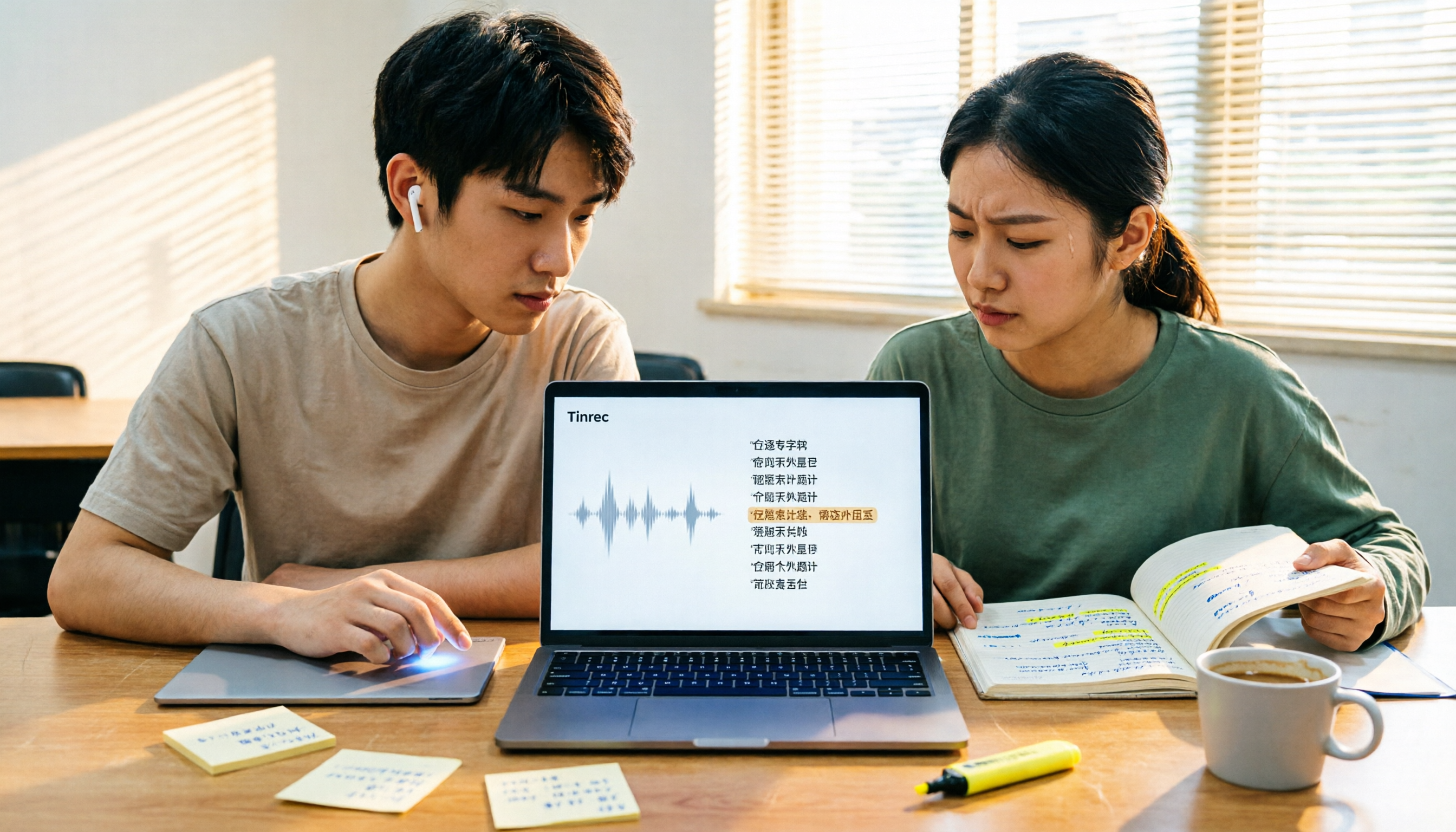
4 Best Transcription Tools for Students in 2026: Free Tier Comparison
From classroom recordings to handwritten note disasters, we tested Tinrec, Otter.ai, Notta, and PLAUD Note from a student's perspective, comparing free tiers, Chinese recognition, post-recording outputs, and whether group projects need team plans.

4 Best Free Transcription Tools in 2026: Free Tier Limits and Chinese Recognition Compared
We tested four free transcription tools in 2026, comparing free tier limits, Chinese recognition, post-meeting organization, and cross-platform support. Tinrec is our top pick for its free meeting workflow, and we also compare Otter.ai, Notta, and Granola to help you decide which free version can actually handle a full meeting transcription.
4 Free Transcription Software Compared: Which Free Tier Actually Works?
The biggest trap with free transcription software is mistaking a free trial for a permanent free plan. This article breaks down 4 key factors to consider and compares the free tiers, input sources, and post-meeting organization capabilities of Tinrec, TurboScribe, Yating, and Otter.ai to help professionals find the one that truly saves time.

2026 4 Transcript Generators Compared: Which Saves the Most Time for Chinese Meetings and AI Q&A?
Starting from the real pain points of meeting notes, we compare transcript generators like Tinrec, Notta, Otter.ai, and Granola, and provide buying criteria, pitfalls to avoid, and selection advice to help you find the tool that saves the most time for Chinese meetings and post-meeting organization.

2026 Free Transcription Apps: 5 Options to Try
How to choose a transcription app? This article reviews 5 free options worth trying in 2026, comparing the free tiers and limitations of Tinrec, Otter.ai, Notta, TurboScribe, and iPhone Voice Memos. Using Tinrec as an example, it walks you through the complete workflow from recording, transcription, proofreading, generating meeting minutes, to exporting.

Best Transcript Organization Tools in 2026: We Tested 5, and This One Is Best for Chinese Meetings
Still spending two hours organizing transcripts after a meeting? Based on real-world use cases, this article breaks down 4 key buying factors, compares tools like Tinrec, Otter.ai, Granola, and Notta in terms of Chinese meeting support, bot-free recording, post-meeting AI organization, and team knowledge retention, and highlights 3 common selection mistakes to help you decide based on your budget and needs.