

Turn recordings into transcripts and summaries in minutes
Upload audio or video for multilingual transcription, AI notes, and action items
I used to think the hard part of speech-to-text was accuracy.
So every time I needed to organize an interview, meeting, or lecture recording, my first move was to find "the most accurate tool."
Later I realized that this very judgment led me down many unnecessary detours.
The real time sink was never typing.
It's that after you get a 10,000-word, unstructured transcript, you still have to re-listen, hunt for that key sentence, write the summary yourself, and copy action items to another place.
So now when I evaluate these tools, my first question is no longer "how accurate is it?" but "how far does it take me?"
This article shares my thoughts after testing several tools over time, and explains why I ultimately put Tinrec first.
A Common Misconception: Treating "Having a Transcript" as Job Done
This is the most common situation I see when helping teams streamline workflows.
The meeting ends, the recording is uploaded, the tool spits out a transcript, and everyone thinks it's done.
But a week later, when someone needs to check "who said we should delay the launch," they find that file sitting quietly in someone's cloud drive—no one remembers the filename, and no one knows where to start looking.
So I see three typical inefficient practices.
First, treating the transcript as the final product. The file is saved, but there's no summary, no chapters, no action items—next time you need it, you start from scratch.
Second, choosing tools based only on "duration." As a result, the free tier only covers a short recording, and the two-hour meeting you actually need to organize gets stuck.
Third, letting data stay with individuals. Whoever recorded it, whoever organized it—when they leave, the data disappears with them.
A more reasonable approach is to break the process into three stages: capture the audio, organize it into structured content, and turn it into data you can query and delegate.
Speech-to-text is just the starting point of the middle stage, not the end.
So the real question is: can this tool walk the last two stages with me?
Before Buying a Speech-to-Text Tool, Understand These 3 Key Points
First, where does the audio come from?
Most people overlook this. A meeting bot joins as a participant, and some companies mind having an extra unknown account on the list; a desktop app captures system audio without adding participants; AI recording hardware is another path, requiring you to carry an extra device.
My approach is simple: list the three scenarios you'll actually record in a month—online monthly meetings, ad-hoc interviews, phone notes—and confirm the tool handles all three.
Second, what can you do with it after transcription?
With a transcript-only tool, you still have to read it from start to finish. With a tool that supports querying, you can directly ask "What was the budget cap the client mentioned?"
The difference is several hours—and those are the hours you least want to spend.
Third, who ultimately owns this data?
Personal versions solve "my own recordings." Team versions solve "who owns this batch of meeting data, who can edit it, and how to hand it over when someone leaves."
Here's an easy point of confusion: roles, seats, and membership are three different things, not the same thing.
Tinrec: Why I Put It First After Testing
Tinrec is an AI meeting notes and collaboration tool for individuals and teams, available on web, desktop, and mobile.
Its positioning isn't "audio-to-text" but turning meetings into searchable, queryable, and delegable data.
Scenario 1: Record online meetings without a meeting bot.
I usually use Google Meet and Teams. Tinrec's desktop version captures system audio directly, so no extra bot joins the meeting room.
But note: it doesn't automatically join all your calendar meetings—you need to open Tinrec and press record yourself.
I actually find this reasonable; there's no anxiety about "when exactly is it recording?"
(Key steps: select system audio source in the desktop app, press record before the meeting starts, and confirm the volume bar is moving.)
Scenario 2: After transcription is where it pulls ahead.
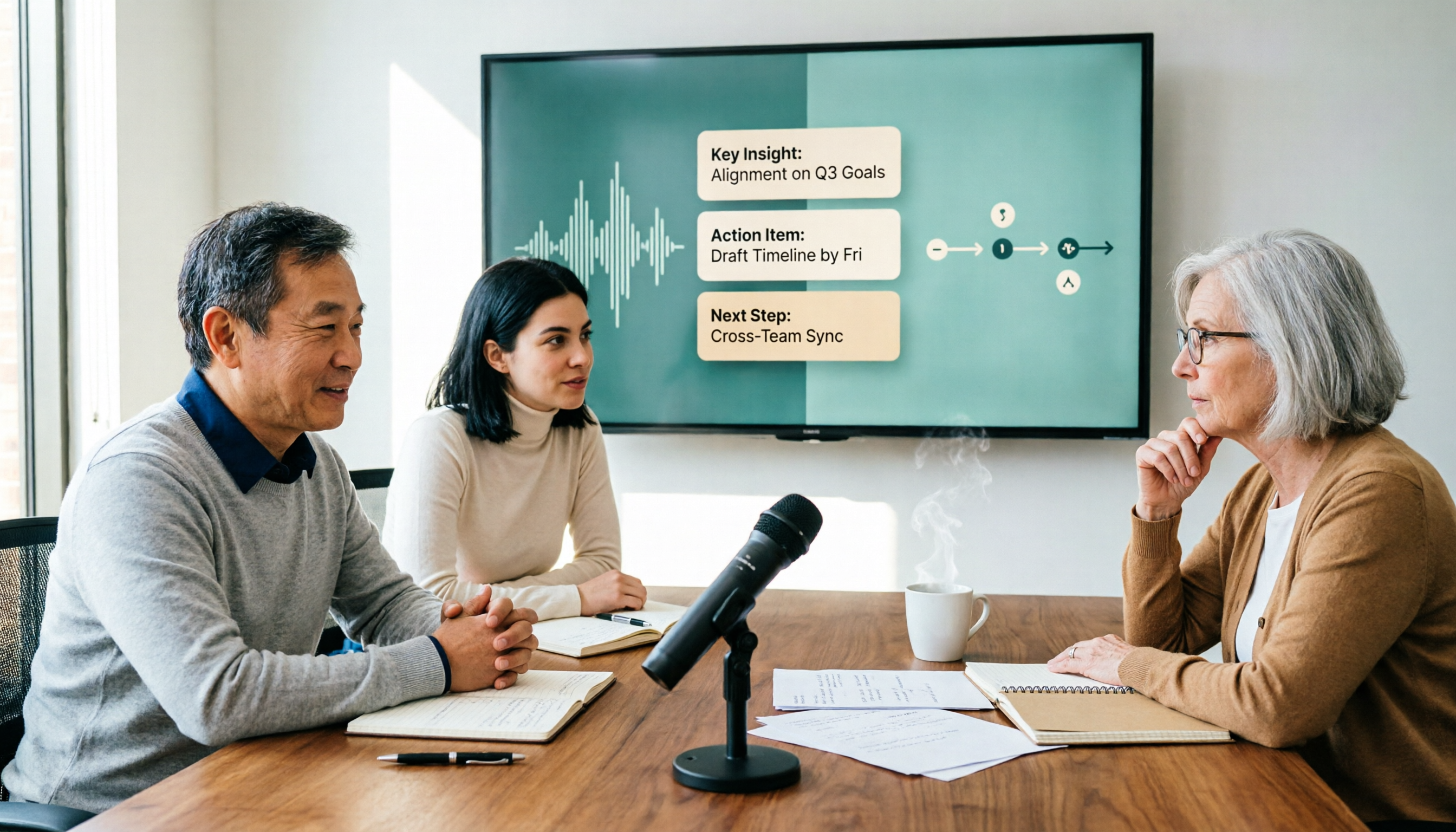
When the meeting ends, the transcript is already there, along with summaries, chapters, highlights, and action items.
I don't need to read from minute one—I look at the structure first, then jump to the section with questions to verify.
More importantly, AI Q&A. I can directly ask "Who mentioned the budget in the last meeting?" and it returns an answer based on content, not keyword search results.
The same data can also generate reports, tables, or meeting notes drafts. This is the watershed between it and most transcription tools: transcription is just the entry point; the real substance is the organization, querying, and output that follow.
Scenario 3: Chinese meetings and real-time translation.
Most of my meetings are in Chinese, occasionally mixed with English. Tinrec lets you view the original, translation, or bilingual text while recording.
It doesn't claim a fixed accuracy number, and I agree with that attitude. Actual performance depends on recording quality, accents, interruptions, and jargon density.
For industry terminology, the team version lets you maintain team hotwords—very practical for departments that hold the same type of meetings long-term.
Stop organizing recordings by hand
Upload audio or video and automatically get a transcript, summary, and action items
Scenario 4: Team version keeps data with the team, not on someone's computer.
If a department meets weekly, the real trouble comes six months later.
The team version is a separate team space where data belongs to the team. You can create multiple teams, invite members via link, set roles (Owner/Admin/Member), and assign or revoke seats.
Admins can view usage trends, member rankings, and details, plus audit logs for query and export. When a member leaves or loses a seat, their resources must be handed over to other active members—they don't disappear with the person. Deleted audio files go to a recycle bin and are kept for 30 days.
Another often-misunderstood detail: roles determine who can manage the team; seats determine who can record, upload, edit, import/export. Members without seats can still view, play, and read team data, but cannot edit.
Also, current sharing is at the team level, not file-level permissions—make this clear before purchasing.
The team version offers a 7-day trial for first-time eligible users, 1 free seat, and 300 minutes of shared team import quota; paid seats are USD 29.80/month or USD 199/year (about USD 16.58/month), each paid seat includes 2,000 minutes of shared team import quota per month, and real-time recording under an active plan and seat is currently not deducted by minutes. Actual prices and benefits are subject to the official purchase page.
My testing experience.
I used a Chinese meeting recording with background noise and two people interrupting each other.
Segments with clear speech were mostly correct; proper nouns needed to be checked against timestamps for correction.
This is my habit now: always cross-check important conclusions with the audio, and never send AI summaries directly as meeting minutes.
Three reasons I'd recommend it.
First, no bot and cross-platform: online meetings don't need an extra account, and you can continue on phone and computer.
Second, complete post-meeting workflow: summaries, chapters, action items, Q&A, translation, and export to Notion or Google Docs all in one line.
Third, solid team governance: seats, usage, audit, recycle bin, and resource handover—things only those who truly manage team data care about.
Two limitations to be clear about.
The free version is a basic quota; if you transcribe long recordings daily, you'll need to upgrade based on tasks—choose a weekly pass for occasional intensive organization, or consider Pro or annual for long-term regular use.
Also, it's not suitable as a "100% accurate automatic meeting minutes" tool; AI can still miss or misinterpret, so important information must be verified against the original text and recording.
Who it's for.
If you mainly hold Chinese meetings, don't want a bot in the room, and want to query and delegate after recording, Tinrec is currently the closest fit for this workflow.
Besides Tinrec, What Are the Alternatives?
Otter.ai. A veteran choice for English business meetings; free version offers 300 minutes/month, Pro annual billing is about USD 8.49/user/month. If 80% of your meetings are in English, its maturity is indeed high. But Chinese meetings aren't its strong suit, and it lacks Tinrec's post-processing path that directly generates reports, tables, and documents from meetings.
Granola. Like Tinrec, it takes a bot-free approach, using desktop system audio plus your own notes. Basic is free, Business is USD 14/user/month. The difference: Granola doesn't support uploading existing recordings and doesn't save meeting audio. If you need to go back and hear the tone of a sentence, or want to transcribe old interviews, Tinrec's approach of keeping audio and file import is much more practical.
TurboScribe. If you have a batch of long, large files, it's cost-effective: paid version supports up to 10 hours per file, 50 files at once, annual billing about USD 10/month. But its core is file transcription, not real-time meeting notes, and it lacks team spaces, seats, and audit governance. Suitable for one-time organization of historical files, not for teams meeting weekly.
Pitfall Guide: 4 Most Common Mistakes When Choosing a Speech-to-Text Tool
Pitfall 1: Only looking at the official accuracy rate. Real meeting rooms have air conditioning noise, keyboard sounds, and multiple people interrupting—completely different from a quiet studio. Test with your own recordings, don't just look at the promo page.
Pitfall 2: Ignoring whether audio files are retained. Some tools only give you text and don't keep meeting audio. When you need to confirm the tone or context of a sentence, you'll find the most important evidence is missing.
Pitfall 3: Treating the team version as "multiple people sharing one account." That's equivalent to no governance. You need to ask about roles, seats, data ownership, and how to hand over when someone leaves.
Pitfall 4: Using it only as a typewriter. If you only use it for transcription, you're using a small fraction of its capabilities. After recording, just ask "What were the conclusions of this meeting?"—much faster than manually flipping through a 30-minute transcript.
Conclusion: Which One Should You Choose?
Mainly Chinese meetings and don't want a bot in the room → Tinrec.
Want to query directly after recording, need action items and post-meeting documents → Tinrec; this is its biggest difference from pure transcription tools.
Department needs to share meeting data, manage seats and usage, and retain data when members leave → Tinrec team version.
Have a batch of long, large historical files to transcribe at once → TurboScribe is more suitable.
Meetings are almost all in English and the team collaborates in English → Otter.ai is a reasonable choice.
Like to take your own notes while listening and don't need to keep audio → Granola's approach is right.
Quick start checklist.
- Pick a 10-minute recording with real background noise as a test sample.
- Try system audio recording on the desktop app first, confirm online meetings capture sound.
- After transcription, look at the summary and chapters first, then go back to the transcript.
- Ask a specific question via AI Q&A, e.g., "What are the action items?"
- Export action items and summary to the document or note tool you already use.
- For team adoption, create the team space first, decide who really needs a seat, then discuss permissions.
Don't rush to compare prices. Find a recording you'll actually encounter, run through the entire workflow once, and you'll clearly see which stage you're missing.
Test step by step, and you'll gradually master this method.
References
- Online AI speech, video, audio file auto-transcription - free trial - cSubtitle
- Online speech-to-text AI, free MP3 or audio file to transcript - MyEdit
- Audio to text - free speech-to-text tool
- AI speech-to-text fast online audio transcription, transcripts and video subtitles - free trial - cSubtitle
- Tested 4 best online speech-to-text tools, free instant audio to transcript
Turn every recording into actionable outcomes
Get 60 free transcription minutes when you sign in. No credit card required.
Related Reading
You might also like

2026 Comparison of 4 Sales Meeting Note Tools: Which One Is Best for Chinese Accuracy and Post-Meeting Follow-Up?
Sales meeting notes aren't just about transcribing discussions—they need to capture customer needs, budget, objections, and next steps. This article tests Tinrec, Notta, Granola, and Otter.ai using the same criteria, comparing Chinese and mixed Chinese-English recognition, bot-free recording, post-meeting summaries and action items, team data retention, and pricing. It also lists 4 common pitfalls to help you choose the tool that truly keeps up with your sales cycle.

Which Sales Meeting Notes Tool Is Best? 2026 Hands-On Test of 5 Options—This One Excels for Chinese Meetings
Starting from the sales meeting notes questions PTT users often ask, this guide uses 5 steps to turn a client meeting into a trackable record: recording, transcription, proofreading, AI summaries and action items, export and team knowledge retention. It also compares the Chinese-language experience and pricing of 5 tools.

5 Sales Meeting Note Tools Tested for 2026: Which One Has the Best Chinese Transcription, AI Summaries, and Free Tier?
During my sales internship, I was overwhelmed by meeting notes, so I tested 5 sales meeting note tools. This article compares Tinrec, Otter.ai, Fireflies.ai, Notta, Granola, and TurboScribe on Chinese transcription accuracy, AI summaries and action items, free tiers, and pricing to help you pick the one that saves the most time.

2026 Comparison of 4 Sales Meeting Notes Templates: Which Format Dcard Users Swear By Actually Saves Time?
Always stuck writing sales meeting notes until evening? This article breaks down the fields a usable sales meeting notes template should have, and compares Tinrec, Notta, Granola, and Otter.ai in Chinese meeting organization, post-meeting action items, and team knowledge retention, with 3 common pitfalls and selection advice.

Sales Meeting Notes Template: 5 Steps to Track Client Commitments and Action Items
The biggest mistake with sales meeting notes is relying on memory to fill in an Excel sheet afterward. This guide walks through a 5-step process using Tinrec: record the meeting, AI transcription, proofread key sections, auto-generate summaries and action items, export and archive. It also covers the table fields that actually work and common FAQs.
Best Speech-to-Text AI? 2026 Test of 4 Tools, Tinrec Is the Top Pick for Post-Meeting Organization
From file transcription and live meeting notes to post-meeting AI Q&A and team collaboration, we compare 4 speech-to-text AI tools, their free tiers, and key buying factors to help you decide which fits your workflow.

Best Free Speech-to-Text Tools in 2026: 6 Tested, Try This One for Chinese Meetings
Many people looking for free speech-to-text tools only focus on the word 'free' and overlook quotas, export options, and post-meeting organization. This article addresses common misconceptions, outlines key considerations for choosing free speech-to-text tools, practical applications, and FAQs. Using Tinrec as an example, it explains what the free version offers and who the team version is suitable for.

4 Free Speech-to-Text Apps Tested for 2026: Which One Has Enough Free Minutes and Chinese Accuracy?
Starting with the hidden limits of free tiers, we tested and compared the free versions of Tinrec, Otter.ai, Notta, and TurboScribe. We've summarized five key buying factors and four common pitfalls to help you find the app that best suits Chinese meetings and can actually get a recording job done from start to finish.

2026 Speech-to-Text Tools Compared: Which Saves Students the Most Time for Notes and Group Discussions?
Starting from a student's firsthand experience of recording 32 hours of lectures but never listening to any of them, this article breaks down the four most common pitfalls when choosing a speech-to-text tool: focusing only on total minutes, ignoring per-recording limits, not organizing after transcription, and not keeping audio files. It compares Tinrec, Yating Transcription, Notta, and Otter.ai in real campus scenarios and clarifies whether free tiers are actually enough for students.