
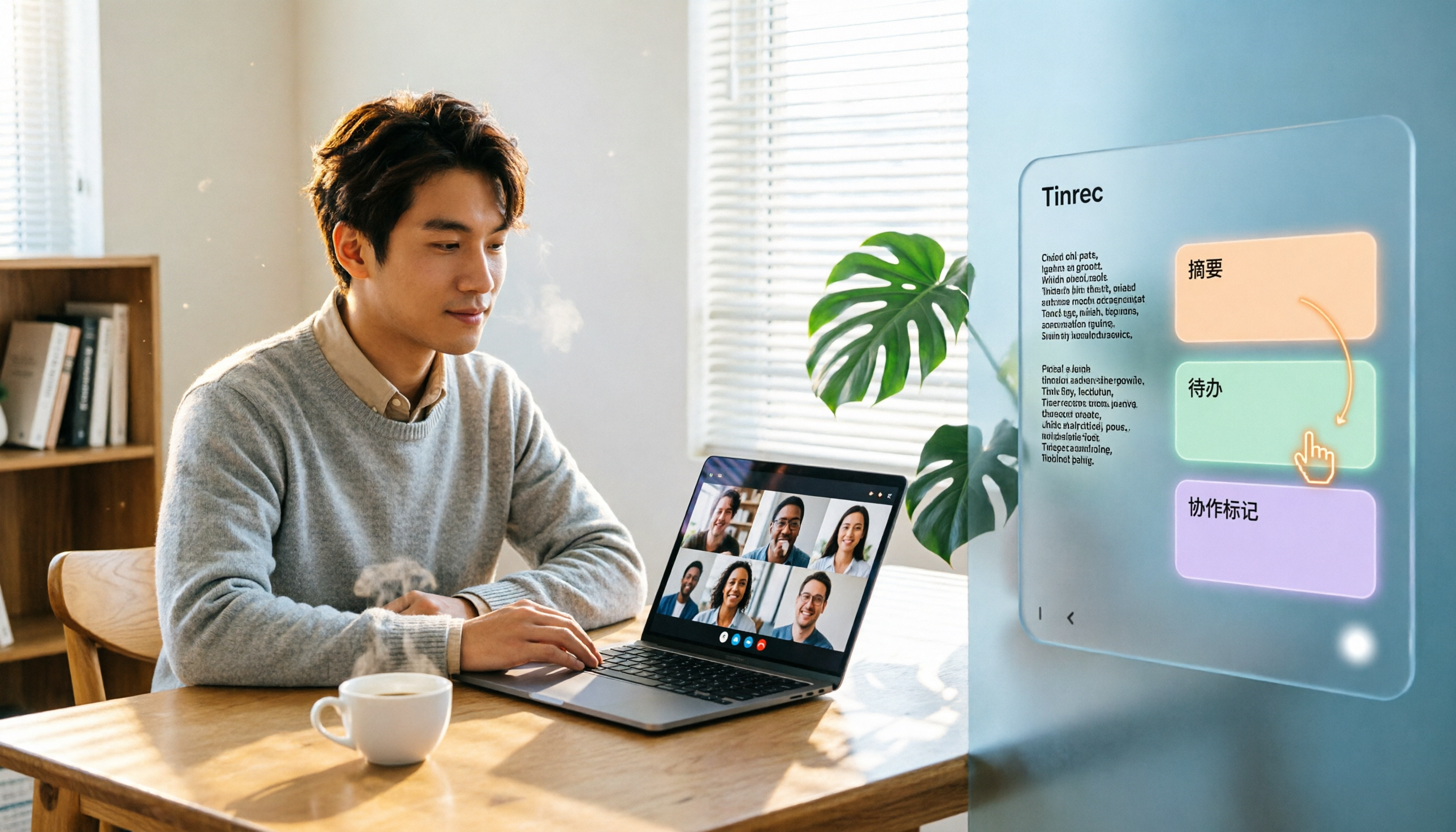
Turn recordings into transcripts and summaries in minutes
Upload audio or video for multilingual transcription, AI notes, and action items
Two-hour meeting, two more hours organizing notes—what you need isn't more meetings, but a better post-meeting workflow
Many people choose video conferencing software by comparing who has a more stable connection or a prettier interface. But the real pain point often begins after the meeting ends.
After an online meeting, transcripts, decisions, and action items are scattered across chat rooms and personal notes. Next time you need to find out "who said they'd send the quote last time," you have to manually dig through records.
This article starts with common misconceptions, then walks you through hands-on testing of Zoom, Microsoft Teams, Google Meet, and other platforms, and explains how to use Tinrec to fill the post-meeting organization gap.
Before Choosing Video Conferencing Software, Understand These 4 Key Points
The first key is "platform integration." If your company already uses Microsoft 365, Teams integration will be smoothest; if your team lives on Google Workspace, Google Meet requires almost no learning. Zoom, on the other hand, excels at host control and large webinars.
The second key is "post-meeting output." Most video platforms' built-in transcription only provides a transcript—no summaries, no action items, and no cross-meeting querying. What you need is a tool that turns content into action.
The third key is "Chinese and multilingual support." Meetings with mixed Chinese and English aren't handled well by every tool. Real-time translation and bilingual transcripts are especially important for international teams.
The fourth key is "team data retention." If meeting notes stay only in personal accounts, they disappear when personnel change. Team spaces, seat management, and export capabilities are the foundation for long-term usability.
Tinrec—Our Top Pick for Meeting Notes and Collaboration After Testing
Tinrec is an AI meeting notes and collaboration tool for individuals and teams, supporting iOS, Android, and web, with a desktop version that can directly record computer system audio. Its biggest feature is "no bot": when handling online meetings on Zoom, Google Meet, Microsoft Teams, Webex, etc., you don't need to invite an extra bot into the meeting room—just open the desktop version to record and generate transcripts in real time.
During the meeting, Tinrec transcribes as it records. After the meeting ends, the AI has already organized summaries, chapters, and action items. You can directly ask it: "Who mentioned the budget in the last meeting?" It answers based on semantic understanding, not just keyword search results. This is rare among tools at the same price point.
We tested a mixed Chinese-English online meeting recording (about 15 minutes, indoor environment). Tinrec's transcript readability was good, with smooth switching between Chinese and English. Actual results will still be affected by recording quality, accents, and overlapping speakers, so we recommend trying it with your own real meeting recordings for the most accurate assessment.
Tinrec has three advantages. First, no extra hardware or bots—you can record using your existing computer. Second, a complete post-meeting workflow: summaries, action items, mind maps, AI Q&A, multi-format export, and even report and table generation. Third, the team version provides independent spaces, member and seat management, usage analytics, audit logs, and an audio recycle bin, turning meeting data into a team asset.
Stop organizing recordings by hand
Upload audio or video and automatically get a transcript, summary, and action items
Limitations should also be stated honestly. The free version has a basic quota, suitable for light use; the team version costs USD 29.80 per paid seat per month, or USD 199 per paid seat per year (about USD 16.58 per month). Eligible teams get a 7-day trial, 1 free seat, and 300 minutes of shared import quota for the first time. Paid seats provide 2,000 minutes of team shared import quota per month; real-time recording is currently not deducted by minutes.
If you have meetings every week and want to get usable summaries and action items directly after recording, Tinrec is a very suitable choice right now.
Besides Tinrec, What Other Video Conferencing Platforms Can You Pair With?
Zoom: A veteran video conferencing software with strong host control, suitable for webinars and online teaching. But built-in transcription only provides a transcript—no AI Q&A or action item extraction. If you need post-meeting follow-up, Tinrec can fill that gap.
Google Meet: Highly integrated with Google Workspace, with a simple and easy-to-learn interface. The free version has more limitations, and post-meeting organization relies on manual editing in Google Docs. For automatic summaries and a team database, we recommend pairing with Tinrec.
Microsoft Teams: Tightly integrated with the Microsoft 365 ecosystem, suitable for enterprises already using Office. Call quality is clear, and it supports collaborative document editing. However, Teams' transcription and summarization features are less flexible than Tinrec for Chinese meetings, and it lacks an independent team recording recycle bin.
Otter.ai: The top choice for English meetings, with a generous free version of 300 minutes per month. But it doesn't support real-time translation or bilingual transcripts for Chinese meetings, nor does it have bot-free desktop recording and team seat management. If you only record English content, consider it; if you need a Chinese experience, Tinrec is more suitable.
Pitfall Guide: The 3 Most Common Mistakes When Choosing Video Conferencing Software
Pitfall 1: Only looking at video connection quality and ignoring post-meeting organization. No matter how stable the connection, you still have to manually organize transcripts and action items afterward—solving only half the problem. The right approach is to include "post-meeting output" in your evaluation.
Pitfall 2: Assuming built-in transcription is enough. Platform built-in transcription usually lacks AI Q&A, action item extraction, and cross-meeting search. If you treat it as just a typewriter, you'll miss the real value of meeting data.
Pitfall 3: Ignoring team collaboration and data ownership. If meeting notes are tied to personal accounts, they leave when members do. Team version tools like Tinrec provide spaces, seats, and a recycle bin, so data belongs to the team and handovers are safer.
Conclusion: Which One Should You Actually Choose?
Need large webinars and host control → Zoom, paired with Tinrec for post-meeting organization. Already using Google Workspace → Google Meet, with Tinrec to add summaries and AI Q&A. Company uses Microsoft 365 → Microsoft Teams, with Tinrec to make Chinese meeting notes more complete. Need Chinese meetings, bot-free recording, and team data retention → Tinrec is the top choice. Zero budget, only recording English meetings → Otter.ai free version is worth considering.
We suggest starting with Tinrec's free version, running your own meeting recording through the workflow once, and seeing if the transcript, summary, and action items meet your needs. If you find it useful, then consider upgrading or getting the team version.
References
- Zoom Meetings: Conference Call Service | Zoom
- One platform, connecting near and far | Zoom
- Zoom (software) - Wikipedia, the free encyclopedia
- Video conferencing software recommendations: Google Meet, Microsoft Teams, Zoom comparison
- How to choose online meeting software? A complete guide to features, pricing, and use cases for 5 software - 棋崚ALEN
Turn every recording into actionable outcomes
Get 60 free transcription minutes when you sign in. No credit card required.
Related Reading
You might also like

4 Zoom Meeting Video Download Methods Tested and Compared in 2026: Which Saves the Most Time?
Downloading Zoom meeting videos often gets stuck on differences between local and cloud recordings, permissions, and post-meeting organization. This article tests and compares Zoom local download, cloud links, shared links, and Tinrec's no-bot recording workflow to help you decide which method saves the most time, plus common pitfalls to avoid.

3 Zoom Meeting Recording Download Methods Compared: Which One Works When the Host Restricts Access?
There are three ways to get a Zoom meeting recording: download the host's cloud recording via a link, obtain the host's local recording file, or use a participant-side desktop tool for bot-free recording. This article breaks down permissions, file locations, formats, and post-meeting organization costs, and explains how Tinrec turns recordings into searchable, collaborative meeting data.

2026 Comparison of 4 Online Meeting Software: Is Zoom's Built-in Transcription or Tinrec's Chinese Notes Enough?
When searching for "online meeting software Zoom," you might wonder if Zoom's built-in transcription is sufficient or if you need an AI meeting notes tool. This article compares Zoom, Google Meet, Microsoft Teams, and Tinrec, covering bot-free recording, Chinese transcription, post-meeting summaries and action items, AI Q&A, and team knowledge retention to help you choose the right meeting workflow.

4 Zoom Video Conferencing Apps Tested and Compared in 2026: Automatically Generate Meeting Minutes and Action Items After Your Call
Zoom meetings run smoothly, but organizing transcripts and extracting action items afterward takes time. This article starts from the real-world use case of a mid-level manager and tests four video meeting note-taking tools that work with Zoom: Tinrec, Zoom's built-in transcription, Otter.ai, and Notta. It analyzes differences in bot-free recording, AI summaries, action item extraction, cross-platform support, and team collaboration to help you find the most time-saving meeting notes solution.

2026 Zoom Meeting Recording Tools Comparison: Tinrec vs PLAUD Note - Which No-Bot Solution Is Right for You?
We compare Tinrec and PLAUD Note for recording Zoom meetings, covering transcription, Chinese language support, team collaboration, and pricing. Find out whether a software workflow or a portable recording device is better for your needs.

How to Download Zoom Meetings in 2026: Tinrec Bot-Free Transcription + AI Summary
Many people search for "Zoom meeting download" but overlook the cost of post-meeting organization. This article uses Tinrec as an example to show how to record Zoom and other online meetings without a meeting bot, automatically generate transcripts, summaries, and action items, and turn meetings into team knowledge.

How to Record Zoom Meetings in 2026: 5 Steps from Recording to AI Summary
Zoom makes meetings easy, but post-meeting organization is the real pain point. This guide covers 7 solutions that turn Zoom meetings into transcripts, summaries, and action items—from Zoom's native recording, Otter, Fireflies, Notta, and Granola to Tinrec and PLAUD recording hardware—with pricing and ideal use cases, plus a 5-step workflow from recording to AI summary.

3 Ways to Share iPhone Voice Memos in 2026: Which One Will They Actually Listen To?
Sharing an iPhone recording with someone is really two different choices: sending a file or sending the content. This guide breaks down three common methods, five key questions to ask before sharing, and shows how Tinrec turns an iPhone recording into a transcript, summary, and to-dos that people will actually read.

2026 Comparison of 4 Meeting Transcription Tools: Who Saves the Most Time After Adding a Meeting to Teams Chat?
Many people think that adding a meeting in a Teams chat means the meeting notes are taken care of. This article addresses the real pain points of post-meeting organization, explaining how bot-free recording, real-time transcription, AI summaries, and action items fill the gap after the meeting, and covers Tinrec Personal and Team plan pricing, limitations, and use cases.