

Turn recordings into transcripts and summaries in minutes
Upload audio or video for multilingual transcription, AI notes, and action items
What Can Transcript Organization Do for You?
Scenario 1: Get Meeting Minutes 5 Minutes After the Meeting
Previously, after a two-hour meeting, you'd still spend another hour listening to the recording and typing up the transcript. Now, with Tinrec as an example, as soon as the meeting ends, AI has already generated a summary, chapters, and action items—who's responsible for what and when it's due, all at a glance.
Scenario 2: Automated Class/Lecture Notes
In class or listening to a lecture, don't want to tire your hands taking notes? With Tinrec's real-time audio-to-text, you can focus on listening, and afterward review the transcript and key summary directly—much more efficient for studying.
Scenario 3: Quickly Turn Interview Recordings into Articles
The worst part of interviews is discovering back at the office that the recording has noise and is unclear. Tinrec supports importing audio and video files, and after transcription, you can even use AI Q&A to directly ask "What does the interviewee think about this policy?"—no need to search paragraph by paragraph.
What Are the Core Capabilities of Transcript Organization?
Real-Time Transcript: Text Appears as You Record
It's not transcribing after recording, but generating text while recording. Tinrec's desktop version captures computer system audio to handle online meetings on Zoom, Google Meet, Microsoft Teams, Webex, etc., without needing a meeting bot to join. During the meeting, you can simultaneously check if any key points are missed.
AI Summary and Chapters: Review Long Meetings in One Page
It's not just a random condensed paragraph, but structured organization—meeting topics, discussion conclusions, and action items listed separately. Tinrec automatically generates chapters and key points, so even a two-hour meeting can be quickly reviewed.
Action Item Extraction: Who Does What and When
Meetings often intersperse action items like "get it done by next week" or "so-and-so follow up." Tinrec can extract action items from the transcript, eliminating manual marking.
AI Q&A: Ask Directly About Meeting Content
After transcription, you can directly ask Tinrec: "Who mentioned the budget in the meeting?" "What was the client's feedback?" It answers directly based on semantic understanding, without having to scan through the entire transcript.
Multi-Format Export and Agent Post-Processing
Tinrec supports export to Notion, Google Docs, OneNote, Dropbox, and other tools, and can even generate reports, tables, and documents based on the meeting for direct delivery.
Practical Application Scenarios
Meeting Minutes
For weekly meetings, cross-departmental meetings, and client communications, use Tinrec for real-time recording and transcription, and automatically generate summaries and action items after the meeting. The team version can also centralize meeting data in a team space, so new members can review historical records.
Classroom Learning
Students can use Tinrec to record lectures, instantly convert to text, and with AI summaries and chapters, no need to listen to the entire recording again when studying.
Stop organizing recordings by hand
Upload audio or video and automatically get a transcript, summary, and action items
Interview Organization
Journalists and researchers conducting interviews can use Tinrec to import audio files, quickly obtain transcripts, and then use AI Q&A to extract key viewpoints and quotes.
Content Creation
KOLs and social media managers can record voice inspiration directly, and after Tinrec converts it to text, generate article drafts and social posts, saving typing time.
4 Things to Note When Choosing a Transcript Organization Tool
1. Chinese and Cantonese Recognition Capability
Not every tool supports Cantonese. Tinrec covers Chinese, Traditional Chinese, and multilingual meeting scenarios, and the team version also has a hotword feature to improve recognition of professional terminology. Actual performance is affected by recording quality, accent, and noise; it's recommended to test with your own recordings.
2. Whether a Meeting Bot Is Needed
Some tools require you to invite a bot to join the meeting to record. Tinrec's desktop version directly captures system audio, no bot needed, making privacy and workflow simpler.
3. Post-Meeting Organization Features
Transcription is only the first step; whether it can help you organize afterward is key. Tinrec provides AI summaries, chapters, action items, Q&A, and multi-format export—all in one package.
4. Team Collaboration and Management
If the whole team uses it together, you need to look at team spaces, member seats, usage analytics, and audit logs. Tinrec's team version has independent team spaces, meeting data belongs to the team, and won't be taken away when members leave.
Frequently Asked Questions
Q1: ChatGPT can also organize transcripts, why use Tinrec?
ChatGPT is a general chatbot; you have to manually copy and paste the transcript, and it won't record or transcribe for you. Tinrec provides an all-in-one solution from recording to transcription to organization, and the desktop version can record online meetings without a bot, making it more suitable for meeting scenarios.
Q2: Does Tinrec support Cantonese?
Tinrec covers Chinese, Traditional Chinese, and multilingual scenarios, and supports real-time translation. Actual accuracy is affected by audio quality, accent, and overlapping speakers; it's recommended to test with real recordings.
Q3: Is the free version enough?
The free version provides basic quota, suitable for light experience of recording, importing, summarizing, and transcribing. If you need long-term use, consider Pro or annual plan; the team version has a 7-day trial, including 1 free seat and 300 minutes of shared team import quota.
Q4: What's the difference between the team version and personal version?
Personal version data belongs to the individual account. The team version has an independent team space, meeting data belongs to the team, and adds capabilities such as members, roles, seats, shared benefits, usage analytics, audit logs, and recycle bin.
Q5: Will recording automatically join all meetings?
No. Tinrec requires you to actively initiate recording via mobile or desktop; the desktop version captures computer system audio, does not require a bot to join meetings, and will not automatically join calendar meetings.
Conclusion
Transcript organization should no longer be manual drudgery. Tinrec helps you get everything done from recording to meeting minutes, and can also accumulate into searchable, collaborative team data. If you have more than three meetings per week, we highly recommend trying it. Tinrec has a free version to experience, and the team version has a 7-day trial. Stop staying late to listen to recordings.
References
- ChatGPT - Transcript Organization Helper
- How to Use AI for Meeting Minutes? How to Organize Meeting Transcripts? | AI Speech-to-Transcript Tutorial | 104 Workplace Power
- 5 Tips to Quickly Convert Meeting Speech Transcripts into Perfect Article Tables with ChatGPT
- The Ultimate Work Technique: ChatGPT Speech-to-Transcript, Then Organize into Notes - GenApe
- How to Use ChatGPT App's "Speech-to-Text" for Meeting Minutes or Notes to Improve Output Efficiency? - TNL The News Lens
Turn every recording into actionable outcomes
Get 60 free transcription minutes when you sign in. No credit card required.
Related Reading
You might also like

2026 Team Meeting Tools Compared: The One Without a Meeting Bot Is the Easiest
From the perspective of a mid-level manager leading a 10-person team with 15 meetings a week, we tested and compared four team meeting tools: Tinrec, Granola, Otter.ai, and Notta. We examined five key points: how recordings are captured, post-meeting outputs, Chinese and mixed Chinese-English recognition, role and seat governance, and quota calculation. We also summarized the four most common purchasing mistakes to help you choose the one that truly preserves meeting assets.

2026 AI Meeting Minutes Tools Compared: Which One Generates a Word Report in One Click?
We tested 4 AI meeting minutes tools, comparing transcription, post-processing, Word export, and team data governance. Find out why Tinrec saves the most time for Chinese meetings and report output, plus 4 common buying mistakes to avoid.

Laxis vs Tinrec 2026: Which AI Meeting Tool Is Right for You? 5 Steps to Choose
Laxis and Tinrec both turn meetings into text, but they are built for different purposes. This article compares them across five dimensions—Chinese meeting handling, online meeting recording, post-meeting workflow, team data governance, and pricing—and provides a 5-step framework to help your team decide which one to choose.
2026 AI Meeting Note Tools Compared: Granola vs Tinrec for Chinese Meetings
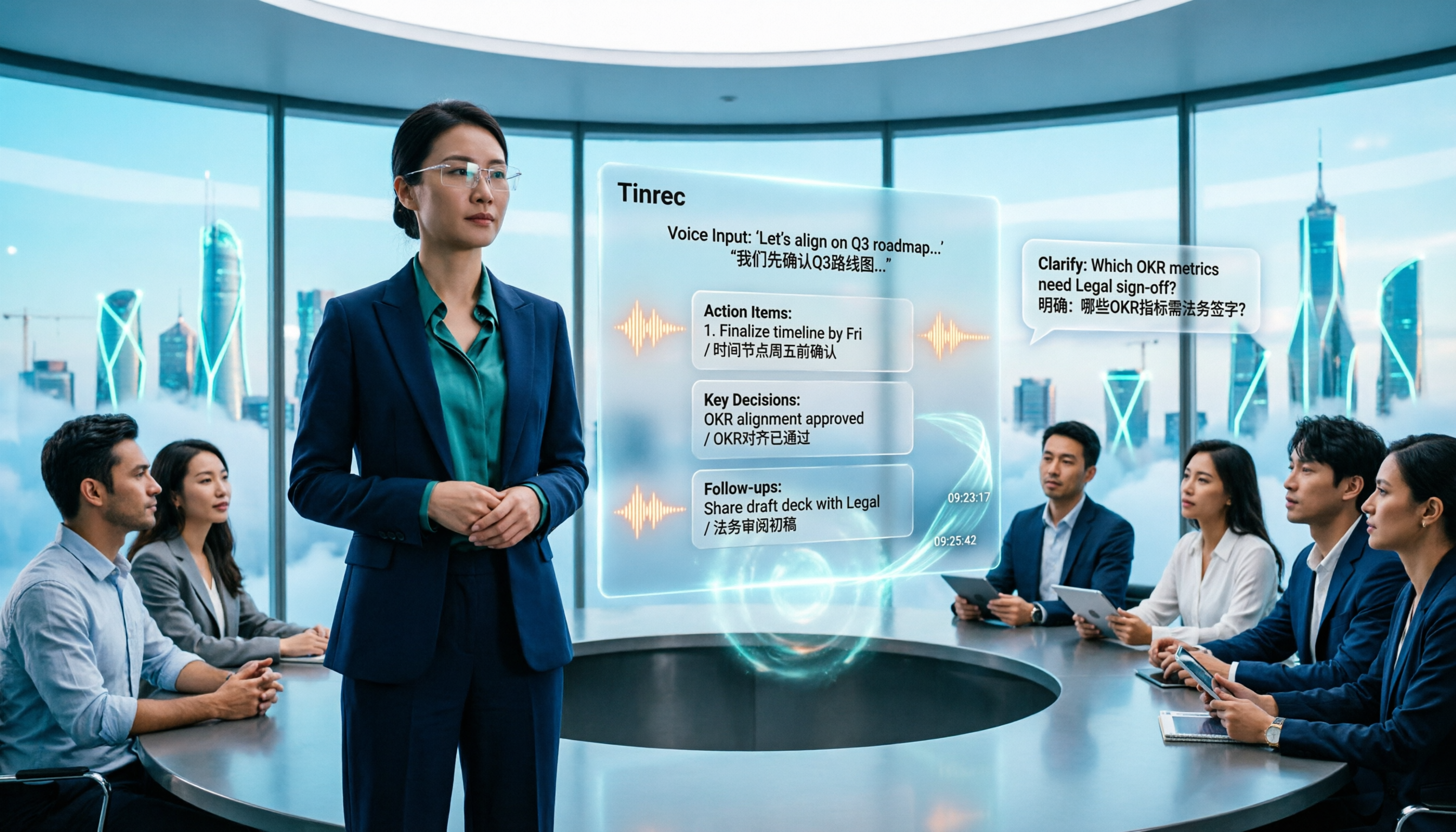
We tested four AI meeting note tools including Granola and Tinrec, comparing Chinese and mixed Chinese-English recognition, audio retention and historical file import, post-meeting AI queries, and team data management. We also cover selection criteria and common pitfalls to help you choose the right tool for your meeting scenario.

Tutorial: Tinrec vs Notta Teams in 2026 — Bot-Free Recording + Team Knowledge Retention
Evaluating Notta Teams or Tinrec for your team? This comparison covers five dimensions: meeting recording methods, Chinese language experience, post-meeting workflows, team seat governance, and plan quotas to help you decide which AI meeting notes tool fits your team best.
5 Recording Organization Tools Compared in 2026: Fixing LINE Recording Audio Issues and Converting to Text
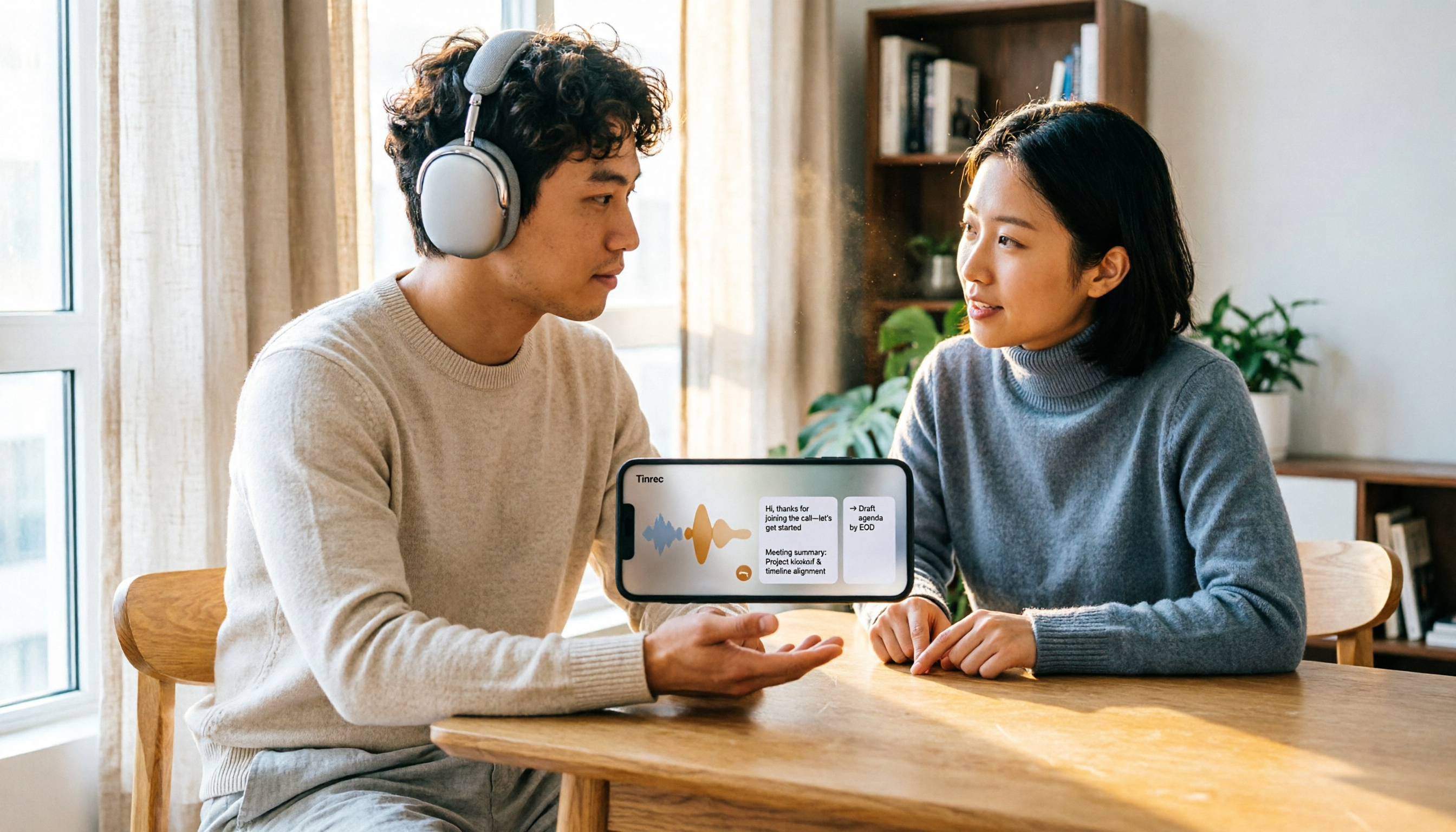
What to do when you can't hear LINE recordings? This article first guides you through troubleshooting common causes of no sound during LINE calls and silent voice message playback (including iPhone call integration, Whoscall version, media volume, and output devices), then compares Tinrec, Notta, Granola, TurboScribe, and Otter.ai, explaining how to generate transcripts, summaries, and action items once your recordings are fixed.

Best Free Zoom Meeting AI Note Takers in 2026: 5 Tools Tested, This One Excels in Chinese
We tested 5 AI meeting note takers that work with free Zoom: Tinrec, Otter, Notta, Granola, and TurboScribe. Compare features, pricing, and use cases to get usable transcripts and action items right after your meeting.

2026 iPhone Recording Solutions Compared: Microphone Locations, Audio Capture, and Transcription
Where exactly are the iPhone's recording microphones? The small hole next to the camera, the earpiece mesh, and the areas beside the charging port each have distinct roles. This article first clears up common misconceptions and explains the correct audio capture positions, then compares two recording solutions—Tinrec and PLAUD Note—across multiple dimensions to help you decide whether to use the iPhone's built-in microphones with software or add dedicated recording hardware.

Tinrec Review 2026: No-Bot Meeting Recording & Auto-Generated Summaries
How do you choose a speech-to-text tool in 2026? Using Tinrec as an example, this guide breaks down real-time transcription, no-bot online meeting recording, AI summaries and action items, AI Q&A, and team spaces. It also covers 5 key buying considerations and FAQs to help you find a speech-to-text tool that truly fits your workflow.