
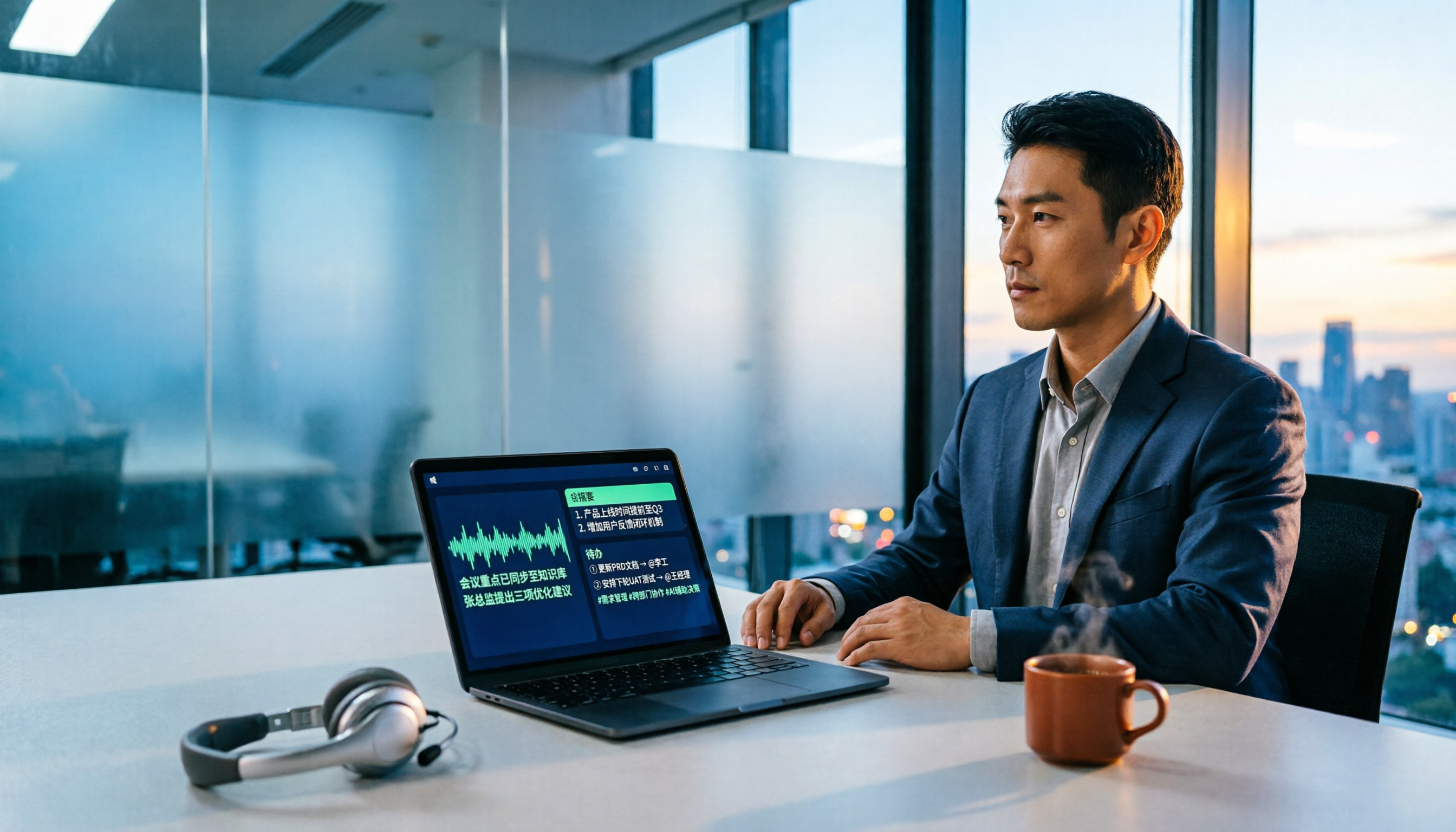
Turn recordings into transcripts and summaries in minutes
Upload audio or video for multilingual transcription, AI notes, and action items
Why Do You Need an AI Meeting Transcription Tool?
I've coached quite a few teams, and I've found that the real problem usually isn't "too many meetings" — it's that "nothing is left after the meeting ends."
Everyone nods in the moment, but two weeks later when you need to confirm "what exactly was the scope we decided on," all that's left is a vague message in the chat.
The value of meeting notes isn't in how complete they are — it's in whether they can be searched, questioned, and reused.
So I've put together a list of six solutions I've actually used over the years, from meeting bots to bot-free desktop recording, so you can pick based on your own work style.
Tinrec — Turn Meetings into Searchable, Collaborative Team Data
My approach: open the desktop app before the meeting starts and capture the computer's system audio directly — no need to invite any meeting bot.
This is especially important for external client meetings, where attendees won't see an unfamiliar account join.
After recording is where the real value kicks in. Tinrec automatically generates transcripts, summaries, chapters, and action items. I usually just spend a few minutes confirming the action items are correct, and the meeting is done.
What really made me stay was the AI Q&A. When preparing for a follow-up next week, I don't have to reread the transcript — I just ask "What were the client's concerns about the pricing last time?" and it takes me back to the relevant section.
It also supports audio/video file import and real-time translation, so I throw in course videos and interview recordings too, keeping content from different sources in one database.
If your whole team is using it, the team plan puts data into a separate team space with role management, seat management, usage analytics, and audit logs. Members can view data even without a seat — only recording, uploading, or editing requires a seat. Paid seats include 2,000 minutes of shared team import quota per month. Annual billing is USD 199/seat/year (about USD 16.58/month), monthly is USD 29.80/seat/month. First-time eligible users can try 7 days, 1 seat, 300 minutes of shared import quota.
Who it's for: People who need Chinese meeting notes, don't want a bot joining the meeting, and want to turn meetings into team assets.
Fireflies.ai — A Meeting Bot for Automated Meetings and Sales Integration
Fireflies.ai is a typical meeting bot that automatically joins Zoom, Google Meet, and other online meetings, transcribes in real time, and extracts action items. Its strengths are CRM sync, sales analytics, and a large number of third-party integrations — very straightforward for fully online teams that value sales processes.
The free plan includes unlimited transcription but is subject to storage, upload speed, and AI Credit rules. Annual pricing: Pro USD 10/seat/month, Business USD 19/seat/month, Enterprise USD 39/seat/month.
Who it's for: Teams whose meetings are all online and who need sales automation and CRM integration.
Otter.ai — A Mature English Meeting Assistant
Otter was one of the first tools I used. Its summaries and team management for English business meetings are very mature, and it also offers desktop capabilities.
Basic is free with 300 minutes per month; Pro annual billing works out to about USD 8.49/user/month, including 1,200 minutes of in-app recording and 10 file imports per month.
Stop organizing recordings by hand
Upload audio or video and automatically get a transcript, summary, and action items
But for my own Chinese and mixed Chinese-English meetings, it doesn't organize things as smoothly. Who it's for: People who mainly have English meetings and need lots of integrations.
Notta — Multilingual Transcription and Translation
Notta covers multi-platform transcription, meeting notes, file import, and translation, with fairly high overlap with Tinrec.
The free version offers 120 minutes per month, max 3 minutes per session; Pro annual billing works out to about USD 8.17/month with 1,800 minutes per month; Business annual billing works out to about USD 16.67/seat/month.
If your need is simply transcription and subtitles, it's sufficient. But post-transcription Q&A and team data management are on another level.
Granola — Bot-Free Meeting Notes
Like Tinrec's desktop version, Granola takes a bot-free approach, capturing device audio and combining your handwritten notes with AI to produce meeting content that's closer to what you care about.
Note that it doesn't support uploading pre-recorded audio files and doesn't retain meeting audio. Basic is free, Business is USD 14/user/month, Enterprise is USD 35/user/month.
Who it's for: People who like to take notes while listening and only need real-time meeting processing.
TurboScribe — Cost-Effective File Transcription
If your pain point is "I have a bunch of long recordings to transcribe," TurboScribe is very cost-effective for long files and batch processing.
The free version allows 3 files per day, max 30 minutes per file; Unlimited annual billing is USD 120 (about USD 10/month), with a max of 10 hours or 5 GB per file and up to 50 files uploaded at once.
It doesn't handle real-time meetings or post-meeting collaboration — that's the biggest difference from Tinrec.
With So Many Options, How Should You Choose?
• Want to ask questions, summarize, and extract action items after transcription → Tinrec (all in one workflow)
• Need Chinese or mixed Chinese-English meeting notes → Tinrec
• Don't want a meeting bot joining the meeting → Tinrec or Granola
• Meeting data needs to be shared with the whole team, with seat and usage management → Tinrec team plan
• Want to put course videos, interview recordings, and meetings into one database → Tinrec
• All-English meetings, heavily reliant on CRM automation → Fireflies.ai or Otter.ai
• Just want cheap bulk file transcription → TurboScribe
• Zero budget, occasional transcription → Notta or Otter free version
3 Things to Know Before Using an AI Meeting Transcription Tool
First, tools only solve "recording," not "meeting quality." My approach is to always confirm action items once within 24 hours after the meeting — otherwise, even the best summary won't get executed.
Second, Chinese recognition needs the right environment. Audio quality, accents, and overlapping speakers all affect results. For important decisions, go back to the transcript's timestamp to verify.
Third, think through permissions before your team starts using it. Tinrec's team plan distinguishes roles and seats — members can view team data, but recording, uploading, and editing require a seat. Plan this out first so things don't get messy later.
Conclusion
Tools won't automatically make you have fewer meetings, but they can save you a lot of organizing after the meeting ends.
If you're looking for a solution that handles Chinese meetings, doesn't need a bot to join, and leaves data for the team, I'd suggest starting with Tinrec's free version and testing it with a real meeting to see if it can answer "what exactly did we decide last week?"
Test step by step, and you'll gradually find the meeting workflow that works for you.
References
- 2026 AI Meeting Assistant Comparison: Tinrec, Otter.ai, Fireflies.ai, Notta – Which Saves You the Most Effort? - Official Tinrec Blog
- Best AI Meeting Follow-Up Tools in 2026: Hands-On Test of 2, Multi-Source Organization Wins - Official Tinrec Blog
- 2026年4款Fireflies.ai中文替代工具实测对比:谁的中文会议整理最到位? - 秒听录音官方博客
- 2026 Cantonese Speech-to-Text Complete Guide: Free Tools Tested, Tinrec's Cantonese Recognition Impresses Me Most - Official Tinrec Blog
- 6 Best AI Meeting Note Tools in 2026: No Bot Needed, Tinrec Excels at Chinese Meetings - Official Tinrec Blog
Turn every recording into actionable outcomes
Get 60 free transcription minutes when you sign in. No credit card required.
Related Reading
You might also like

Free Management Meeting Report Solutions in 2026: A Look at 4 Types of Tools
Starting from common pitfalls, this article reviews free solutions and tool types for management meeting reports, and explains how Tinrec uses real-time transcription, AI summaries, action items, and team spaces to turn meeting content into trackable decision data.

How to Turn Meeting Notes into Work Reports in 2026: 5 Steps from Recording to AI Output
Meeting notes are not transcripts. This article compares Tinrec and Otter.ai on Chinese meetings, bot-free recording, post-meeting report generation, and team knowledge retention, and outlines a 5-step process to turn meeting recordings into deliverable work reports.

2026 AI Meeting Transcription Tools with Free Plans: 5 Options Compared
Tired of writing meeting minutes after a long day? This article compares 5 AI meeting transcription tools that offer free plans, breaking down free quotas, meeting capture methods, and post-meeting organization capabilities. It focuses on Tinrec and Notta to help you find the best tool for your needs.

Tinrec vs Notta 2026: 5-Dimension Comparison — Which Generates Meeting Minutes PDFs More Easily?
Generating deliverable PDF meeting minutes isn't just about transcription accuracy; it also involves format output, post-meeting organization, and team data retention. This article reviews 6 common solutions, covering recording methods, transcription, summarization, export, and team management, and helps you choose based on budget and use case.

2026 Meeting Notes Tool Comparison: Tinrec vs Notta, Otter.ai, Granola — Which Should You Choose?
How do you choose between Tinrec and other meeting note tools? This article compares Tinrec with Notta, Otter.ai, and Granola based on 4 key criteria: Chinese meeting transcription, bot-free recording, post-meeting organization, and team collaboration. We also cover selection standards and common pitfalls to help you find a meeting notes tool that truly saves time.
5 Project Meeting Report Templates Compared for 2026: Which One Turns into an Action List Fastest?
We compare 5 project meeting report templates and tools—from manual Word templates to Tinrec, Notta, Otter, Fireflies, and TurboScribe—covering free limits, pricing, and best use cases to help you choose the fastest way to produce actionable meeting minutes.

2026 AI Meeting Recorder Comparison: Fathom vs Tinrec for Chinese Meeting Notes
We tested four AI meeting note tools—Tinrec, Fathom, Notta, and Otter.ai—in real meeting scenarios. From Chinese and mixed Chinese-English recognition to bot-free recording, post-meeting organization, and team data management, we explain why Fathom suits English sales teams and how Tinrec performs in Chinese meetings and team collaboration.
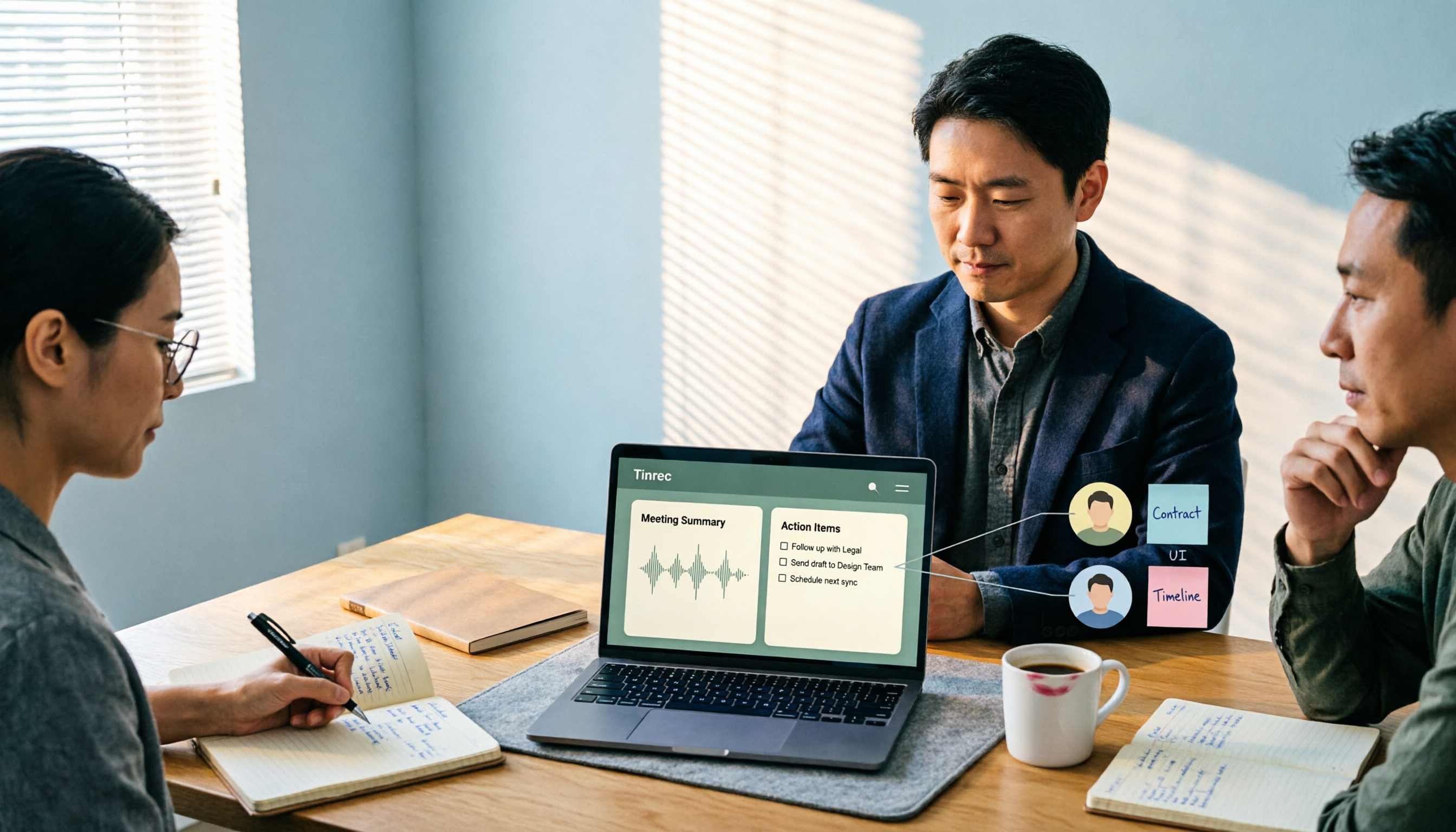
2026 Comparison of 4 Meeting Recording-to-Report Tools: How Fast Can You Get a Report After a Meeting?
Turning a meeting recording into a deliverable report isn't about transcription speed—it's about post-meeting output and team knowledge retention. This article tests Tinrec, Otter.ai, Granola, and TurboScribe from a mid-level manager's perspective, breaking down bot-free recording, summaries and action items, AI follow-up questions, audio retention, and team seat management, with scenario-based recommendations and three common pitfalls to avoid.

4 Meeting Minutes Tools Tested for 2026: Which One Turns Notes into a PPT Outline Fastest?
Still building a PPT outline after the meeting? We tested 4 meeting minutes tools, comparing transcription accuracy, structured output, AI Q&A, and team collaboration to find out which one turns meeting minutes into a PPT outline fastest.