
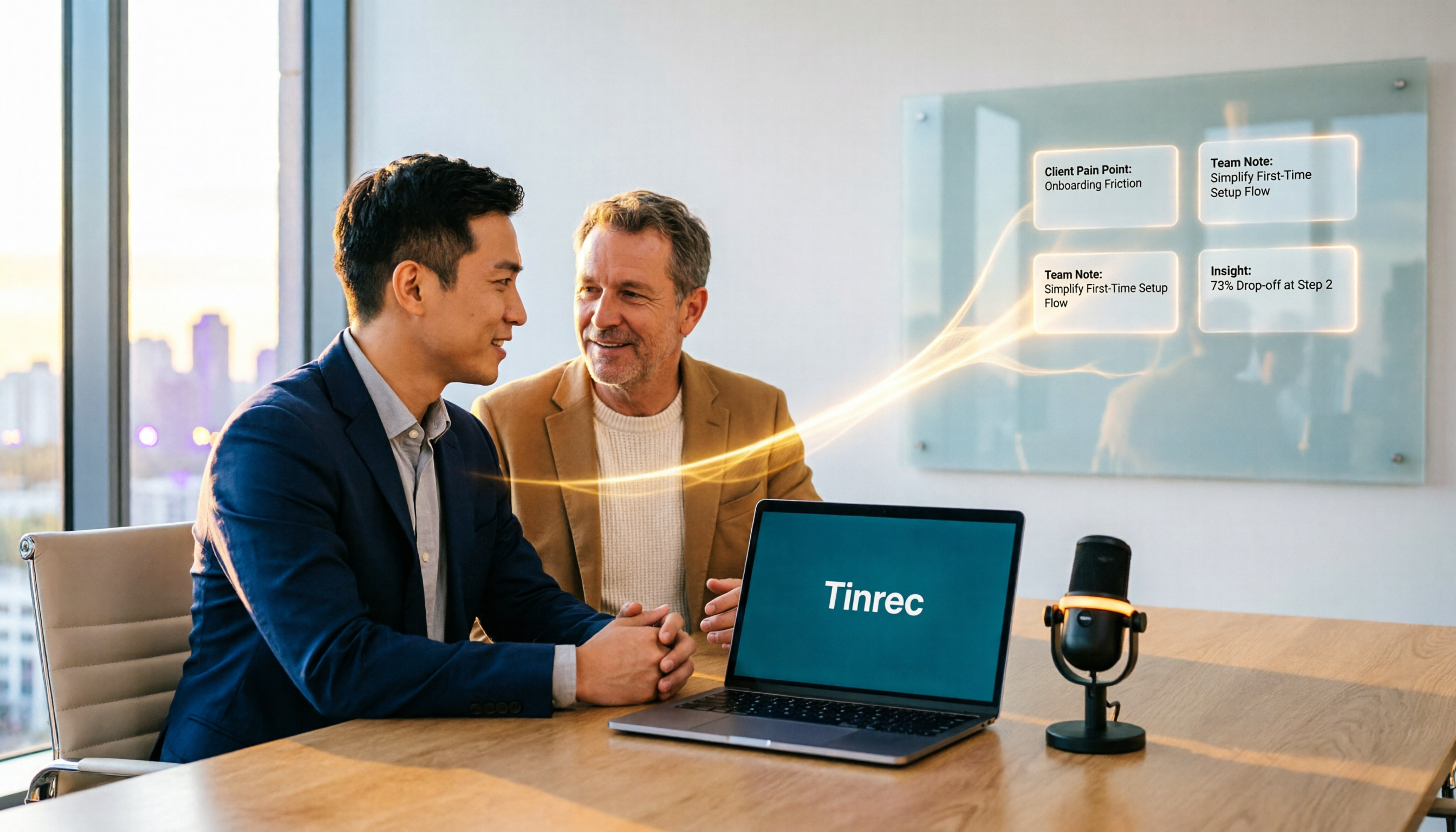
Turn recordings into transcripts and summaries in minutes
Upload audio or video for multilingual transcription, AI notes, and action items
The Most Common Mistake in Sales Meeting Notes: It's Not That You Can't Record, It's That No One Uses It After Recording
When I test tools, I have a habit: first look at what it ultimately produces. Many sales teams actually just "archive" their sales meetings—the recording stays on someone's phone, and the meeting notes rely on a colleague listening back, typing them up, and pasting them into a group chat.
A 90-minute customer interview often takes another one or two hours to organize, and the organized version isn't even guaranteed to be findable.
An even more common inefficient practice is dumping recordings into cloud storage, with folder naming based on personal habits. When you need to look back and check "what was the customer's concern about the quote last time," you have to listen to the entire conversation again.
In this article, I actually used recordings from several internal meetings and customer interviews to test 5 AI tools commonly used for sales meetings. I focused on three things: whether it can record without disturbing the customer, whether it can directly produce summaries and action items after the meeting, and who ultimately owns the data.
Before Choosing a Sales Meeting AI Tool, Understand These 4 Key Points
First, does the recording method affect the customer? Some meeting tools join online meetings as a "meeting bot," adding an extra participant to the screen. When meeting with a customer, having a bot sitting there feels different. This is why I later paid special attention to "bot-free recording."
Second, is the output only a transcript? A tool that only gives you a transcript is essentially handing the organizing work right back to you. What really saves time is summaries, chapters, action items, and whether you can continue to ask questions about the content.
Third, performance with Chinese and mixed Chinese-English. In Taiwan, sales meetings often include sentences like "Let's confirm this pricing again." Tools designed purely for English tend to struggle in these situations.
Fourth, data ownership. This is the point most easily overlooked by enterprises. Meetings recorded with personal accounts will be taken away when the salesperson leaves. Whether data should belong to the team or the individual needs to be thought through when choosing a tool.
Tinrec—Our Top Pick After Testing
Tinrec is an AI meeting notes and collaboration tool for individuals and teams, supporting iOS, Android, web, and desktop. Its main focus is not just converting speech to text, but turning meetings into searchable, queryable, and reusable data.
Bot-free recording of online meetings. The desktop version directly captures the computer's system audio, so when handling meetings on Zoom, Google Meet, Microsoft Teams, Webex, etc., no bot needs to be invited. For sales scenarios, this is very practical—the customer won't see an unfamiliar participant. Note that this is "user-initiated recording," not automatically joining all calendar meetings.
Directly produces usable outputs after the meeting. After the meeting ends, Tinrec generates a transcript, summary, chapters, and action items. The line most needed in sales meetings—"The customer wants to see the revised quote next week"—no longer needs to be fished out of the transcript manually.
You can ask questions about the meeting content. This is where I think it differs most noticeably from similar tools. After recording, you can directly ask it "What was the customer's budget limit?" or "What were the main concerns in this interview?" It gives you organized answers, not keyword search results.
Chinese and multilingual processing. Supports Chinese, Traditional Chinese, and multilingual meetings, and can organize mixed Chinese-English content, with real-time translation and bilingual viewing. Actual performance is affected by recording quality, accents, multiple people talking over each other, and technical terms. I don't recommend relying on accuracy numbers in ads—testing with your own recordings is most accurate.
Stop organizing recordings by hand
Upload audio or video and automatically get a transcript, summary, and action items
Limitations should also be clear. The free version has a basic quota, suitable for trying it out; for short-term intensive meetings, a weekly pass works; for long-term stable use, consider Pro or annual pass. The team version is a separate team space, not multiple people sharing one account. Paid seats provide 2,000 minutes of team shared import quota per month. Eligible teams get a 7-day trial with 1 free seat and 300 minutes of shared quota. Actual prices and benefits are subject to the official purchase page.
Who is it for? If you are in sales, customer success, or a role that frequently interacts with customers, and you want a ready-to-use record right after the meeting, with data staying in the team rather than on personal phones, Tinrec is the choice in this test that I think best fits this need.
Besides Tinrec, What Other Options Are There?
Otter.ai: A veteran choice for English business meetings. Free version has 300 minutes per month; annual Pro is about USD 8.49/user/month. It is very mature for English meetings, but Chinese and mixed Chinese-English are not its strong suit, and it lacks Tinrec's bot-free desktop recording based on system audio and team database accumulation design.
Notta: Good multi-platform transcription and translation capabilities. Free version has 120 minutes per month, max 3 minutes per session; annual Pro is about USD 8.17/month. It overlaps heavily with Tinrec, but post-transcription querying and post-meeting output generation are relatively simpler, leaning more toward "quickly getting text."
Granola: Also a bot-free AI meeting notes tool. Free version available; Business is about USD 14/user/month. Its strength is combining your own typed notes with AI, but it does not support uploading pre-recorded audio files and does not retain meeting audio. If customer meetings require listening back for verification, this should be considered first.
Pitfall Guide: The 4 Most Common Mistakes When Choosing a Sales Meeting AI Tool
Pitfall 1: Only looking at accuracy rates in ads. Many tools boast high accuracy, but that is usually measured in a quiet environment. Real sales meetings have air conditioning noise, keyboard sounds, fast-talking customers, and mixed Chinese-English. It's best to test with a recording of your own meeting and see if the summary and action items are correct.
Pitfall 2: Treating "having a transcript" as the end goal. A transcript is just raw material. If you only use this layer, you're essentially paying a tool to type for you, and you still have to organize it yourself.
Pitfall 3: Using personal accounts to handle company customer data. This is the most common and most expensive mistake. Meetings contain customer lists, quotes, and requirement details. Once tied to a personal account, the data goes with the person when they leave. Choosing a solution with team space, member, and seat management will save a lot of trouble in the long run.
Pitfall 4: Ignoring export and follow-up processes. Meeting notes usually need to go into Notion, Google Docs, or reports. Whether they can be exported and whether tables or documents can be generated determines whether the notes will actually be used.
Conclusion: Which One Should You Choose?
Overall, the difference between sales meeting AI tools is not "whether they can transcribe," but how much they can help you do after the meeting ends.
- Don't want a bot joining customer meetings → Tinrec (desktop bot-free system audio recording)
- Want to directly ask about meeting highlights after recording → Tinrec (can ask questions about meeting content without digging through transcripts)
- Need meeting notes in Chinese and mixed Chinese-English → Tinrec
- Want customer conversations to accumulate as team assets → Tinrec team version (team space, seat and usage management)
- Zero budget, meetings almost entirely in English → Otter.ai free version can be used first
I suggest starting with Tinrec's free version, recording a real sales meeting, and seeing if the quality of the summary and action items meets your standards. If it works for you, then consider upgrading or introducing the team version. You don't need to pay from the start.
References
- Top 10 AI Meeting Summary Tools in 2026 (Hands-on Comparison) | HiNoter Blog
- 2026 Comparison of 4 AI Meeting Follow-up Tools: Who's Best at Asking AI to Find Key Points After Recording? - Tinrec Blog
- AI Transformation Survival Guide 2026: 20 Must-Have AI Tools for SMEs | AI.com.tw Taiwan's AI First Stop
- Best Free Online AI PPT Generators in 2026 (I Tested 8 Tools) | Felo Search Blog
- Top 19 Most Powerful AI Tools Worldwide in 2026! See the Latest Top 100 AI Hot List Here!
Turn every recording into actionable outcomes
Get 60 free transcription minutes when you sign in. No credit card required.
Related Reading
You might also like

2026 Sales Meeting Minutes Template Recommendations: A Buying Guide for Tinrec, Notta, and 3 Other Tools
Sales meeting minutes templates are actually simple in format; the hard part is filling in the content. This article starts with common recording pitfalls, compares Tinrec with Notta and Otter in sales meeting scenarios, and outlines 5 criteria for choosing an audio-to-text tool.

How to Extract Customer Objections from Sales Meetings in 2026: 5 Steps and Tool Recommendations
After a sales meeting, customer objections often get lost in transcripts and conversations. This article uses 5 steps to teach you how to extract customer objections such as price, timing, and competitors from recordings, and compares AI meeting tools like Tinrec, Otter, Fireflies, Notta, Granola, and TurboScribe to help you choose the right solution for your sales team.
2026 Comparison of 4 Sales Meeting Action Item Tools: Which One Can Track Post-Meeting To-Dos to Completion?
Starting from common pitfalls in sales meeting action items, this hands-on comparison of Tinrec, Otter.ai, Notta, and Granola examines differences in transcripts, to-do extraction, AI Q&A, and team knowledge retention to help sales teams choose the right post-meeting tracking tool.

The Complete Guide to Post-Client-Visit Follow-Up in 2026: From Recording to To-Dos, Turn One Meeting into Deal Momentum
The 30 minutes after a client visit often determine where the deal goes. This complete guide starts with common pitfalls and explains how to use Tinrec to turn visit content into transcripts, summaries, to-dos, and trackable next steps, plus 5 buying considerations and FAQs.

2026 Top 5 AI Sales Meeting Tools Compared: Which Is Best for Chinese Meetings and Post-Meeting Organization?
Starting from the real pain points of sales meetings, this article compares popular tools such as Otter, Fireflies, Notta, Granola, and PLAUD, then focuses on a detailed head-to-head between Tinrec and Notta. It explains the differences in online meeting capture methods, Chinese and mixed Chinese-English transcription, post-meeting organization, and team governance to help sales and business teams choose the right tool.
4 Customer Follow-Up Report Methods Tested in 2026: Which One Actually Saves You Time?
After a customer conversation ends, the follow-up report is often the most time-consuming part. This article uses Tinrec in a real workflow to break down the full process from recording, transcript, summary, and action items to exporting the report, and compares different approaches to help you find a truly time-saving and practical method.

Tinrec vs Notta 2026: 5-Dimension Comparison for Chinese Client Visit Notes
The hardest part of organizing client visit needs isn't recording—it's finding, following up, and handing off afterward. This article compares Tinrec and Notta across 5 dimensions: capture method, Chinese experience, post-meeting organization, team retention, and pricing limits, with a pitfall guide and selection advice.

2026 Client Meeting Note-Taking Tools Buyer's Guide: 3 Hands-On Tests and Post-Meeting Follow-Up Tips
Client meetings often end with follow-up actions falling through the cracks. This article, from a mid-level manager's practical perspective, explains 4 key criteria for choosing a client meeting note-taking tool, tests Tinrec's bot-free recording, AI summaries and action item extraction, AI Q&A, and team spaces, and briefly reviews who Otter.ai, Notta, and PLAUD Note are each best for, with a pitfalls guide and selection advice at the end.

2026 Client Visit Meeting Minutes Tools Buying Guide: 4 Tested and Recommended
Client visit meeting minutes are not verbatim transcripts. This article starts from the most common inefficient practices, outlines 5 key purchasing points, and compares the recording methods and post-meeting processing capabilities of Tinrec, Notta, Otter.ai, and Granola through hands-on testing, with a pitfall guide and scenario-based selection advice.