

Turn recordings into transcripts and summaries in minutes
Upload audio or video for multilingual transcription, AI notes, and action items
Client Meetings End and Everyone Scatters? The Problem Usually Isn't the Meeting Itself
Let me ask you a question: how many action items came out of that client meeting last week? If you can't answer, it's not a memory problem—it's that no one ever turned the meeting's "follow-up actions" into a trackable list.
These scenarios probably sound familiar:
The client said verbally in the meeting, "I'll get back to you this week." After the meeting, no one wrote it down as an action item. Two weeks later you follow up, the client says they forgot, and you feel awkward admitting you didn't note it either. Your boss asks in the weekly meeting, "What was the conclusion from that client discussion last time?" You flip through your notes for three minutes, can't find it, and finally say, "I'll go confirm." After a cross-departmental meeting, both sides assume the other will handle something, and only at the next meeting do you realize nothing was done.
None of these are about the meeting being run poorly—it's that no one owns the post-meeting phase. Choosing the right tool can solve most of it.
Before Choosing a Client Meeting Note-Taking Tool, Understand These 4 Key Points
1. Can it record online meetings without a meeting bot? Many tools rely on a bot account joining the meeting room to record. The downside is that clients see an unfamiliar name on the participant list, which bothers them somewhat, and some clients even refuse outright. If the tool captures system audio from your own computer, no extra person appears in the meeting.
2. Does it produce "post-meeting outputs," or just give you a transcript? A transcript is raw material, not a finished product. What you need is who promised what, by when, and who does the next step. When choosing a tool, look at whether it can automatically generate summaries, chapters, and action items—not just dump a 30-minute full text on you.
3. Chinese and mixed Chinese-English recognition experience. Client meetings in Taiwan are rarely pure Chinese; product names, specs, and pricing units often mix in English. In these cases, the gap between tools becomes obvious.
4. Data ownership and permissions. If client meeting records only exist on someone's phone, they disappear when that person leaves. Teams need to be able to search and use them together for them to count as an asset.
Tinrec—The One My Team Kept After Testing
Tinrec is an AI meeting note-taking and collaboration tool for individuals and teams, covering iOS, Android, and web, with a desktop version that can directly capture your computer's system audio.
Scenario 1: No meeting bot needed. When hosting Zoom, Google Meet, Microsoft Teams, or Webex, I just open the Tinrec desktop app and start recording. I don't need to pull any bot into the meeting room, and the client side never sees an extra participant. This is especially important in client meetings.
Scenario 2: Automatic post-meeting outputs. After the meeting ends, AI generates a summary, chapters, and action items. Who is responsible for which item and when it's due are listed directly, so I don't need to listen to the recording again.
Scenario 3: AI Q&A. After recording, you can directly ask it, "What were the client's concerns about pricing?" or "Which week was the delivery date mentioned last time?" It understands the meaning and gives an answer, not a string of keyword search results. This makes a big difference for anyone who needs to look back at historical meetings.
Scenario 4: Portable. Transcripts and summaries can be exported to Notion, Google Docs, OneNote, Dropbox, and other tools, and can further generate reports, tables, and meeting minutes for direct use in client replies or internal reporting.
Honest words from actual use. With clear audio and a normal meeting room environment, Chinese transcript recognition is stable, and mixed Chinese-English content can be handled. But accuracy is affected by recording quality, noise, accents, multiple people talking over each other, and technical terminology. The official guidance also does not recommend promising a fixed number, and important information should be confirmed against transcript timestamps and recording playback.
Stop organizing recordings by hand
Upload audio or video and automatically get a transcript, summary, and action items
The three things I think are most valuable: First, post-meeting organization time is almost zero—I went from spending half a day each week organizing records to just ten minutes confirming action items. Second, online meetings don't need a bot, so there's zero disturbance on the client side. Third, the team version centralizes meeting data in a team space, so new members can directly search historical records, data isn't taken away when members leave, and roles, seats, usage, and activity logs are all manageable.
Limitations, stated clearly: The free version has a usage cap. If you're a heavy user who has meetings every day, you'll need to move to a paid plan. For the team version, the number of seats, shared quota, and price vary by plan and are subject to the official purchase page; it's best to confirm before buying.
Who it's for: People who frequently have Chinese client meetings, don't want a bot in the meeting room, need a directly trackable action item list after meetings, or want the whole team to share meeting data.
Besides Tinrec, What Other Options Are There?
Otter.ai: A mature choice for English meetings. Basic is free with 300 minutes per month; Pro annual billing works out to about USD 8.49 per user per month. It has a strong understanding of English business meetings. If 90% of your meetings are in English, it's a reasonable option. But Chinese meeting experience and turning post-meeting data into a team-searchable asset are things to verify separately when evaluating.
Notta: Good multilingual transcription and translation capabilities. Free is 120 minutes per month with a maximum of 3 minutes per item; Pro annual billing works out to about USD 8.17 per month; Business annual billing works out to about USD 16.67 per seat per month. It leans more toward file transcription and subtitle organization. If what you want is bot-free recording of online meetings plus AI Q&A and team spaces, Tinrec's completeness is closer to the meeting scenario.
PLAUD Note / NotePin: A representative of AI recording hardware. NotePin is USD 159 on the US official site, Note Pro is USD 189, membership Starter is 300 minutes per month, and Pro annual is USD 99.99. Suitable for people who need portable recording or phone call recording, at the cost of carrying an extra device and having to export and organize afterward. Tinrec requires no extra hardware and works on phone, computer, and web, and can directly handle online meetings.
Pitfalls Guide: The 3 Most Common Mistakes in Client Meeting Follow-Up
Pitfall 1: Keeping only the transcript, not the owner and deadline. A transcript is evidence, not an action list. Before the meeting ends, make sure every action item has an owner and a date; otherwise you'll have to ask again at the next meeting.
Pitfall 2: Meeting records stored in a personal account. If a colleague goes on leave, leaves the company, or changes phones, the data is cut off. When choosing a tool, treat "team space" as a requirement, not a bonus.
Pitfall 3: Buying a tool just to record and transcribe. If you only use it as a voice recorder, you're using only a small part of its capabilities. Features like Tinrec's AI Q&A, action item extraction, and Agent post-processing are where the real post-meeting organization time savings come from.
Conclusion: Which One Should You Actually Choose?
"Need Chinese client meetings + don't want a bot in the meeting room" → Tinrec, desktop version directly captures system audio.
"Want to use AI to directly ask for conclusions and action items after recording" → Tinrec, this is its biggest difference from pure transcription tools.
"Want the whole team to search historical meetings and manage members and usage" → Tinrec team version, data belongs to the team, with manageable roles, seats, and usage.
"Zero budget, meetings almost entirely in English" → Otter.ai has a larger free quota; this is one of the few exceptions in this article.
I suggest trying Tinrec's free version for a few meetings first to see whether its summaries and action items fit your actual workflow. If it works for you, then consider upgrading—no need to pay from the start.
References
- Meeting about to dry up so you have to awkwardly chat? Do this in the 3 stages before, during, and after the meeting to show "control" | 104 Workplace Power
- Meeting Notes Template: Record Decisions, Action Items, and Follow-Up | HiNoter Blog
- How to brainstorm themes and agendas for motivating teams in sales meetings? - Tanaka System
- The Seven Habits of Highly Effective Meetings: It's Not Just About Preparing Materials Before the Meeting - Project Management Life Thinking
- 5 Major Efficient Meeting Management Techniques to Stop Being Frantic Before, During, and After Meetings | Yanguo Learning
Turn every recording into actionable outcomes
Get 60 free transcription minutes when you sign in. No credit card required.
Related Reading
You might also like

2026 Sales Meeting Minutes Template Recommendations: A Buying Guide for Tinrec, Notta, and 3 Other Tools
Sales meeting minutes templates are actually simple in format; the hard part is filling in the content. This article starts with common recording pitfalls, compares Tinrec with Notta and Otter in sales meeting scenarios, and outlines 5 criteria for choosing an audio-to-text tool.

How to Extract Customer Objections from Sales Meetings in 2026: 5 Steps and Tool Recommendations
After a sales meeting, customer objections often get lost in transcripts and conversations. This article uses 5 steps to teach you how to extract customer objections such as price, timing, and competitors from recordings, and compares AI meeting tools like Tinrec, Otter, Fireflies, Notta, Granola, and TurboScribe to help you choose the right solution for your sales team.

2026 Comparison of 4 Sales Meeting Action Item Tools: Which One Can Track Post-Meeting To-Dos to Completion?
Starting from common pitfalls in sales meeting action items, this hands-on comparison of Tinrec, Otter.ai, Notta, and Granola examines differences in transcripts, to-do extraction, AI Q&A, and team knowledge retention to help sales teams choose the right post-meeting tracking tool.

The Complete Guide to Post-Client-Visit Follow-Up in 2026: From Recording to To-Dos, Turn One Meeting into Deal Momentum
The 30 minutes after a client visit often determine where the deal goes. This complete guide starts with common pitfalls and explains how to use Tinrec to turn visit content into transcripts, summaries, to-dos, and trackable next steps, plus 5 buying considerations and FAQs.

2026 Top 5 AI Sales Meeting Tools Compared: Which Is Best for Chinese Meetings and Post-Meeting Organization?
Starting from the real pain points of sales meetings, this article compares popular tools such as Otter, Fireflies, Notta, Granola, and PLAUD, then focuses on a detailed head-to-head between Tinrec and Notta. It explains the differences in online meeting capture methods, Chinese and mixed Chinese-English transcription, post-meeting organization, and team governance to help sales and business teams choose the right tool.

4 Customer Follow-Up Report Methods Tested in 2026: Which One Actually Saves You Time?
After a customer conversation ends, the follow-up report is often the most time-consuming part. This article uses Tinrec in a real workflow to break down the full process from recording, transcript, summary, and action items to exporting the report, and compares different approaches to help you find a truly time-saving and practical method.

Tinrec vs Notta 2026: 5-Dimension Comparison for Chinese Client Visit Notes
The hardest part of organizing client visit needs isn't recording—it's finding, following up, and handing off afterward. This article compares Tinrec and Notta across 5 dimensions: capture method, Chinese experience, post-meeting organization, team retention, and pricing limits, with a pitfall guide and selection advice.
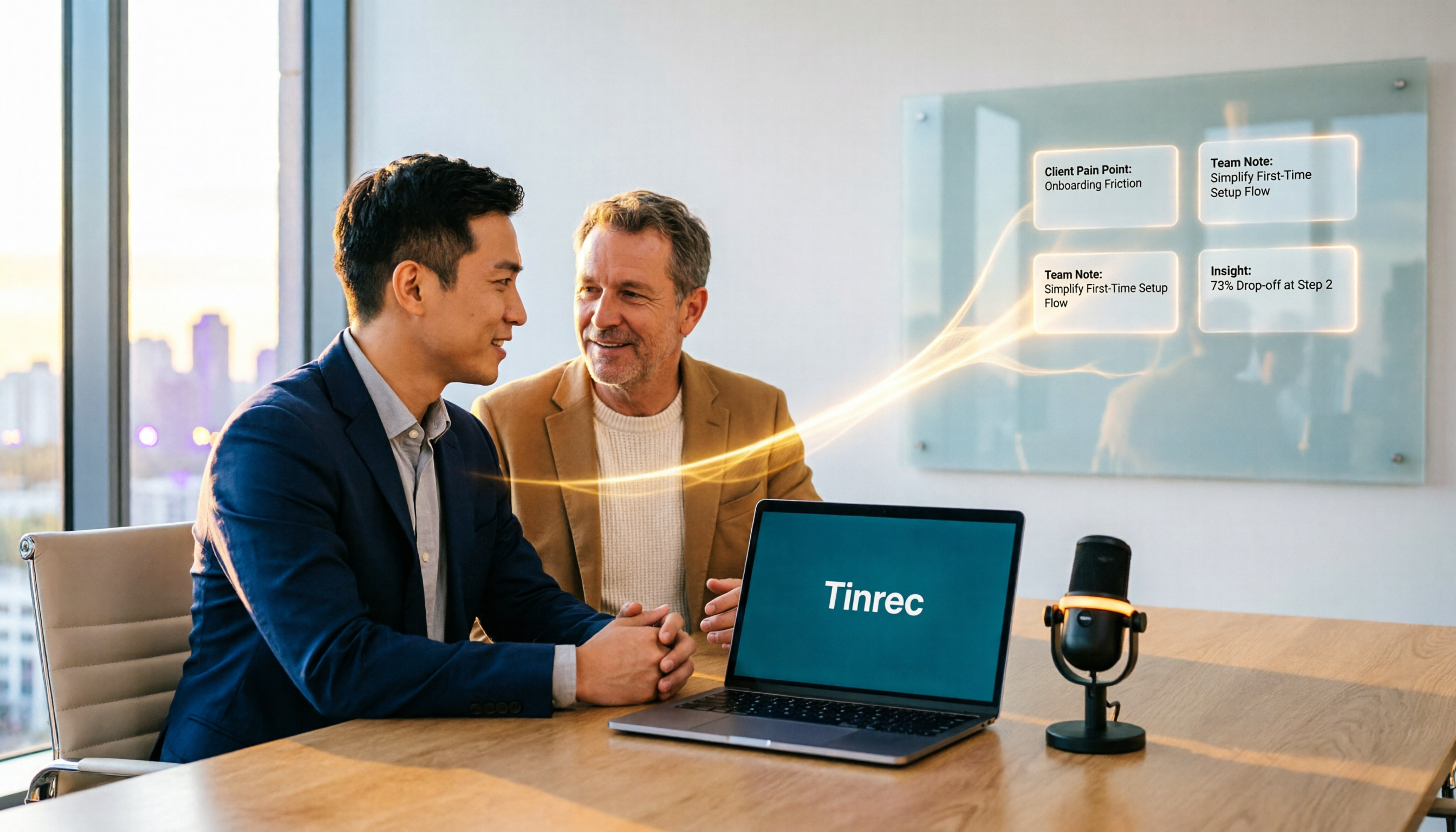
2026 Sales Meeting AI Tools Comparison: Which One Turns Customer Conversations into Team Assets?
The real cost of sales meetings isn't the meeting itself—it's that no one organizes the follow-up. This article tests 5 AI meeting tools in real sales scenarios, comparing recording methods, post-meeting outputs, Chinese language support, and data ownership. We also highlight common pitfalls to help you choose a tool that can accumulate customer conversations over the long term.

2026 Client Visit Meeting Minutes Tools Buying Guide: 4 Tested and Recommended
Client visit meeting minutes are not verbatim transcripts. This article starts from the most common inefficient practices, outlines 5 key purchasing points, and compares the recording methods and post-meeting processing capabilities of Tinrec, Notta, Otter.ai, and Granola through hands-on testing, with a pitfall guide and scenario-based selection advice.