

Turn recordings into transcripts and summaries in minutes
Upload audio or video for multilingual transcription, AI notes, and action items
How to Build a Meeting Knowledge Base in 2026: 5 Steps and Tool Test
Do you also do this: after a two-hour project meeting, the recording stays on your phone, the transcript is in another app, and to-dos are scattered in chat.
Next time you need to check "who said they'd change the specs last month," you can only rely on memory to search.
It's not that there aren't enough tools; it's that knowledge hasn't been put in one place.
I've coached many teams and found that the reason a meeting knowledge base doesn't get built is usually not a lack of tools, but a lack of a process "from recording to searchable data."
In this article, I want to walk you through my own practical method.
Why You Need a Meeting Knowledge Base — What You Lack Isn't Recording, It's Retrievable Meetings
A meeting knowledge base isn't just throwing recordings into cloud storage.
The traditional approach is: record, type, save — three separate steps.
More commonly: after the meeting, everyone notes their own key points, and no one integrates them.
The result is repeated discussions, broken decisions, and new hires can't catch up.
What you need is to make meeting content searchable, queryable, and transferable.
Before Building a Meeting Knowledge Base, Understand These 4 Key Points
First key: Input sources must cover real meetings. Offline meetings, online meetings, existing audio files — ideally all can enter the same system.
Second key: After transcription, there must be organization. A transcript alone isn't enough; you need summaries, chapters, and to-dos, otherwise with large data volumes, you still can't find key points.
Third key: Can you use AI to ask questions? You don't want keyword search; you want to directly ask "who mentioned the budget" and have the system answer based on semantics.
Fourth key: Can the team share and govern? Members, roles, seats, usage, and auditing determine whether the knowledge base can operate long-term.
These four points are also my main criteria for choosing tools later.
Tinrec — My Top Choice for Building a Knowledge Base After Testing
Tinrec is an AI meeting notes and collaboration tool for individuals and teams, covering iOS, Android, and web.
Let me first mention the scenario that hit me hardest: no meeting bot needed.
In the past, to record online meetings, I always had to invite a bot into Zoom or Google Meet, and participants often felt awkward seeing an unknown account join.
Tinrec's desktop version directly captures computer system sound. I just open Tinrec to start recording, and after the meeting, the transcript is already there.
During the meeting, it transcribes as it records. After the meeting, AI automatically generates summaries, chapters, and to-dos — who is responsible for what, what the deadline is, all clear at a glance.
This is especially useful for project meetings because you don't need to spend another hour organizing meeting notes.
Next is AI Q&A.
After recording, you can directly ask Tinrec: "Who mentioned the budget in the last meeting?" It won't just give you keyword search results; it understands semantics and directly tells you the answer.
Currently, competitors at the same price don't necessarily have this feature.
It can also import audio or video files. I often throw in client interviews and historical meeting recordings to make them searchable data.
The output formats are sufficient: transcript, summary, chapters, to-dos, mind map, and can be exported to Notion, Google Docs, OneNote, Dropbox, etc. for further processing.
The team version turns meeting data into team assets.
You can create multiple team spaces, invite members via link, set owners, admins, and regular members.
Here, it's important to distinguish "roles" and "seats": roles determine who can manage the team, seats determine whether members can record, upload, edit, and export.
Members without seats can still view, play, and read team data, but cannot perform resource usage operations.
Stop organizing recordings by hand
Upload audio or video and automatically get a transcript, summary, and action items
Team resources belong to the team, and can be handed over when members leave, not taken away by individuals.
Pricing: Team monthly is USD 29.80 per paid seat per month, annual is USD 199 per paid seat per year, equivalent to about USD 16.58 per month.
First eligible team trial is 7 days, 1 free seat, 300 minutes of team shared import quota.
Paid seats provide 2,000 minutes of team shared import quota per month; live recording under an active team plan and active seat currently does not deduct minutes.
Limitations must be clear: the free version has quota limits, and heavy use requires payment.
Also, transcription accuracy is affected by recording quality, noise, accents, overlapping speech, and technical terms. For important content, it's recommended to verify with transcript timestamps and recording playback.
If you need Chinese meeting transcription, bot-free online meeting recording, post-meeting AI Q&A, and team data accumulation, Tinrec is currently the most suitable choice.
Besides Tinrec, What Other Options Are There?
Otter.ai: A mature English meeting assistant, free version 300 minutes per month, Pro annual equivalent to about USD 8.49 per user per month. It has a strong English business meeting mindset, but Chinese meeting experience is not its focus. If you mainly record English meetings, Otter.ai is worth considering; but if you need Chinese transcripts, bot-free desktop recording, and team database, Tinrec is more aligned.
Granola: A bot-free AI meeting note tool, Basic is free, Business is USD 14 per user per month. It transcribes in real-time via desktop system sound and microphone, and combines handwritten notes to generate content. But Granola does not support uploading pre-recorded audio files, nor does it save meeting audio. Tinrec supports file import and retains recordings, suitable for building a long-term meeting knowledge base.
Notta: A multi-platform transcription tool, free version 120 minutes per month, Business annual equivalent to about USD 16.67 per seat per month. It is suitable for file transcription, subtitles, and translation. Tinrec's difference lies in bot-free online meeting recording, team spaces, AI Q&A, and Agent post-processing, turning meeting content into collaborative team data.
Pitfall Guide: 3 Most Common Mistakes in Building a Meeting Knowledge Base
First pitfall: Only storing recordings, not organizing. Many people think putting audio files in a folder is a knowledge base, but without transcripts, summaries, and tags, you won't open it three months later. The correct approach is to have the tool automatically generate summaries and to-dos after each meeting.
Second pitfall: Tools too scattered. Recording on phone, transcript in another app, to-dos in chat — this way knowledge never compounds. It's recommended to at least put "recording, transcription, organization, export" in the same workflow.
Third pitfall: Ignoring team permissions and seats. The team version is not multiple people sharing one account, but independent spaces. If roles and seats are not distinguished, data easily scatters when members leave.
There's also an easily overlooked habit: regular health checks. Periodically check the knowledge base for contradictions, omissions, or unsupported arguments, to avoid errors being stored and then compounding.
Summary: How to Choose Your Meeting Knowledge Base?
One sentence recap: The core of a meeting knowledge base is not "recording it," but "findable, queryable, transferable."
Scenario routing for your reference:
Need Chinese meetings plus bot-free recording → Tinrec.
Want to use AI to query key points directly after recording → Tinrec.
Need team sharing, seat management, and auditing → Tinrec team version.
Only record English meetings and zero budget → Otter.ai free version can be used first.
Finally, I want to say: Building a meeting knowledge base doesn't need to be perfect at once.
Start with your next meeting, throw the recording into Tinrec free version, and let it generate transcripts and summaries.
You'll find that when meeting content can be searched and queried, you save not only organizing time but also the focus of constantly looking back.
Test gradually, and you'll slowly master this method.
References
- What is an AI knowledge base? Why do enterprises need AI knowledge management? 5-minute analysis! - DC Sales Portal
- Build an AI knowledge base without Obsidian! Karpathy's same "manual" setup, 41,000 people popular method fully explained | BusinessNext
- What is an AI knowledge base? 6 benefits + 8 steps to build quickly, with 10 platform recommendations!
- [Cross-domain Knowledge 03] Do you know your brainpower is wasted on recalling? 4 steps to build a "personal knowledge management base" - Growth Hacker
- Notes saved always can't find? One command to build an AI knowledge base, automatically organize hundreds of articles | Manager Today
Turn every recording into actionable outcomes
Get 60 free transcription minutes when you sign in. No credit card required.
Related Reading
You might also like

What Is a Meeting AI Agent and Which One Is Best? 5 Tested in 2026 for Chinese Meetings and Team Knowledge Retention
A meeting AI agent is not just a faster typewriter. This article starts with common misconceptions, breaks down the three layers of meeting AI agents, and uses Tinrec as an example to explain bot-free meeting recording, AI Q&A, action item extraction, and team knowledge retention. It concludes with 5 key points to consider when choosing a tool.

How to Choose Meeting Collaboration Tools in 2026: 5 Steps to Tell Them Apart from Project Management Tools
Meeting collaboration tools vs. project management tools—which one actually fits your team? This article compares Tinrec and Asana across 5 dimensions, covering meeting notes, AI summaries, task tracking, team knowledge retention, and pricing, so you can pick the right tool based on your pain points.

Tinrec vs Notta 2026: 5-Dimension Comparison for Meeting Action Plan Software
After the meeting, who takes action? This article compares Tinrec and Notta across 5 dimensions—automatic to-do extraction, Chinese meeting experience, bot-free online meeting recording, and team data governance—to help you decide which is better for turning meetings into actionable plans.
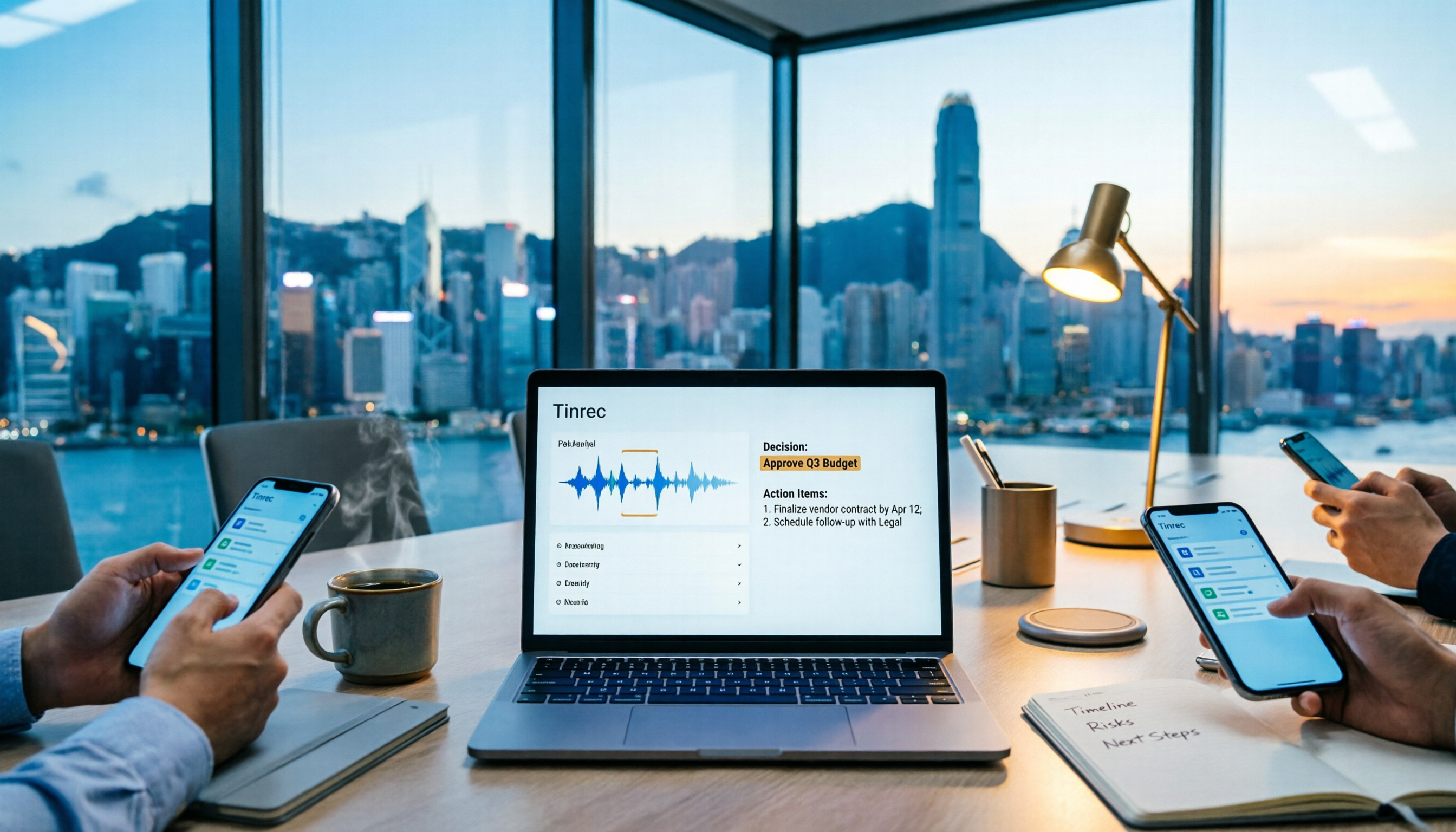
Tinrec vs PLAUD Note 2026: 6-Dimension Comparison for Project Meeting Minutes
Get a ready-to-copy project meeting minutes template, then compare Tinrec and PLAUD Note across 6 dimensions: recording capture, online meeting support, minutes generation, AI Q&A, team collaboration, and pricing structure. Decide between software and hardware for your project meetings.
![[Guide] Tinrec 2026: Turn Meeting Recordings into To-Dos — Auto-Generate Minutes + Action Items](https://record-img.tos-accelerate.volces.com/images/2026/09/25/1790343296286884955.png)
[Guide] Tinrec 2026: Turn Meeting Recordings into To-Dos — Auto-Generate Minutes + Action Items
Tired of spending an hour writing to-dos after every meeting? This guide breaks down the right workflow for turning meeting recordings into action items, using Tinrec as an example — from recording, transcript, and AI summary all the way to to-do lists, AI Q&A, export, and team sharing. Includes 5 key buying considerations and FAQs.

How to Automate Meeting Action Items in 2026: AI Summaries + Task Assignment Made Easy
The meeting is just the beginning. This practical guide from a mid-level manager's perspective reviews 6 tools that automatically turn meeting recordings into summaries, action items, and assignees—including Tinrec, Otter, Fireflies, Notta, Granola, and TurboScribe—covering their positioning, pricing, and best use cases, plus how to organize action items so they actually get tracked.

Tinrec vs Otter.ai in 2026: 5-Dimension Comparison — How to Choose Team Meeting Notes Software
A mid-level manager leading a 10-person team with 15 meetings per week shares hands-on experience. Compare Tinrec and Otter.ai across 5 dimensions: how meetings are recorded, Chinese recognition, post-meeting output, cross-platform support, and team governance. Also covers use cases for Notta and Granola, plus 3 common pitfalls to avoid.

2026 Team Meeting Transcription Tools Comparison: Tinrec vs Otter.ai
From the decision-making perspective of 'how to choose a meeting transcription tool,' this hands-on comparison examines Tinrec and Otter.ai across bot-free recording, Chinese meeting experience, post-meeting organization, team governance, and pricing to help you determine which is better suited for your team.
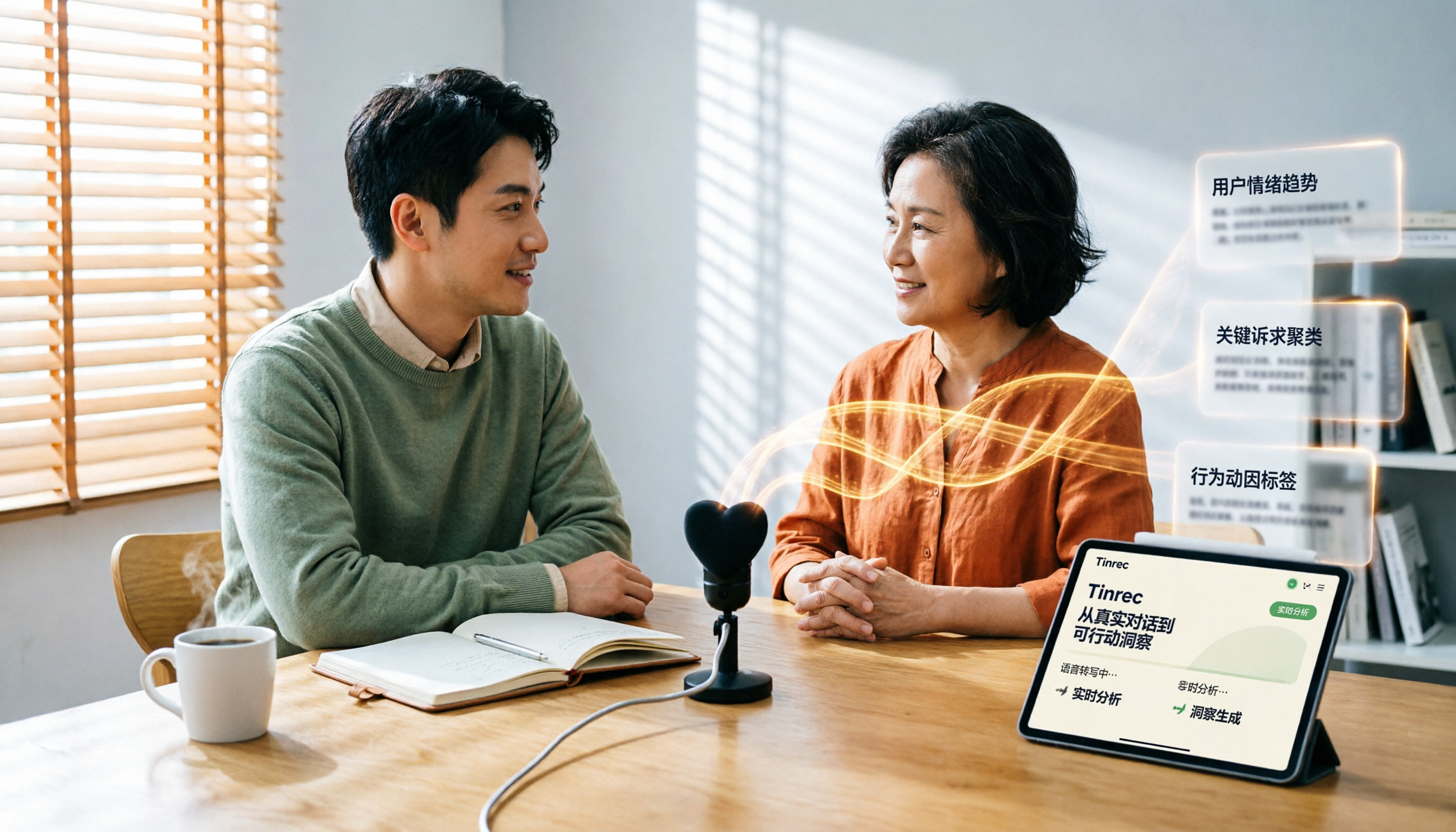
Which User Interview Research Report Tool Is Best? 2026 Hands-On Test of 3 Tools—This One Saves the Most Time for Chinese Interviews
How do you choose a user interview research report tool? This article compares Tinrec, Notta, Otter.ai, and Granola across five dimensions: Chinese recognition, audio file import, AI follow-up questions, team collaboration, and export. It also provides a pitfalls guide and scenario-based selection advice.