
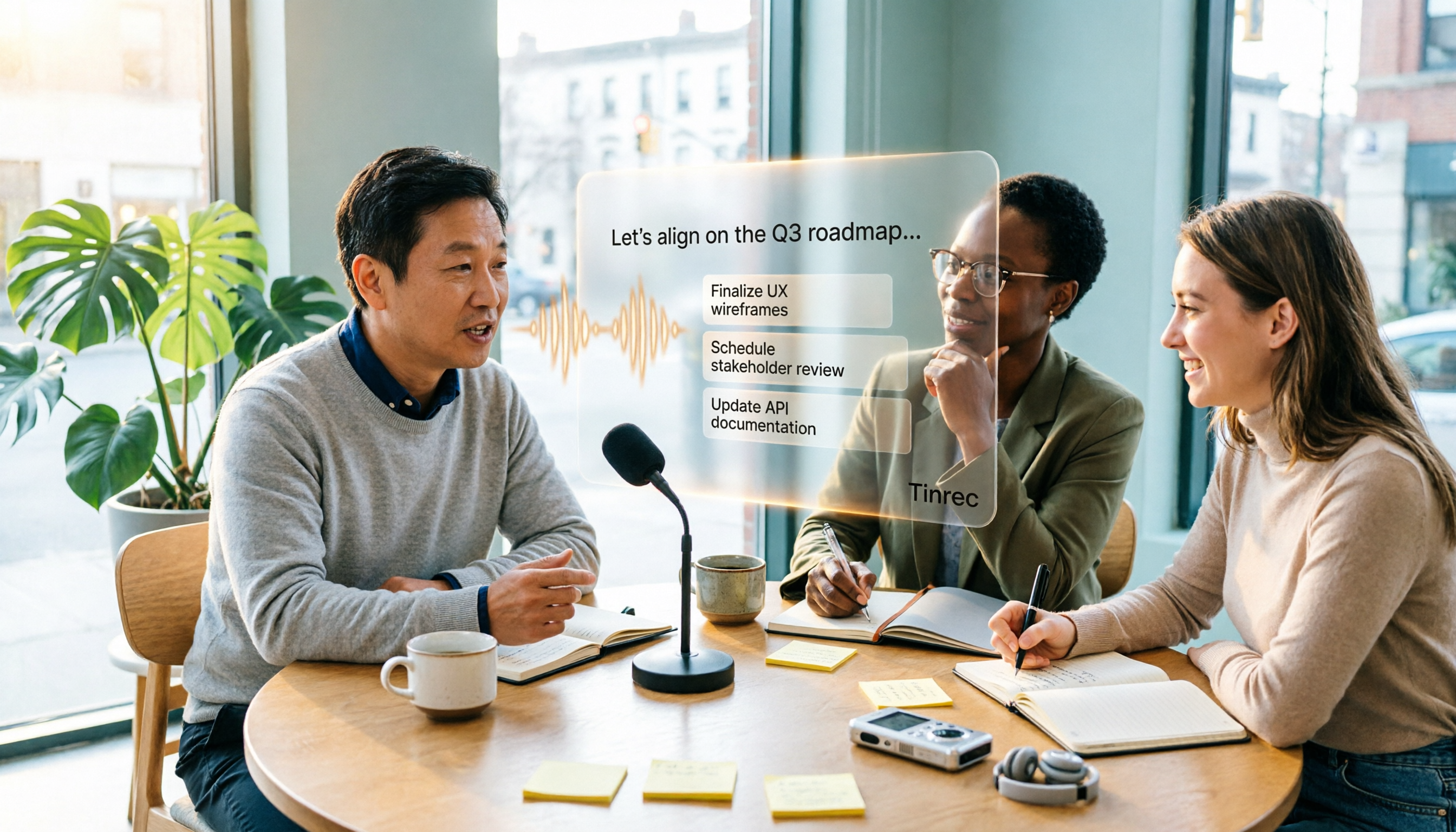
Turn recordings into transcripts and summaries in minutes
Upload audio or video for multilingual transcription, AI notes, and action items
2026 Comparison of 4 Free Speech-to-Text Tools: Which Free Tier Is Most Sufficient?
It's 9 PM on a Wednesday, and a 90-minute client interview just ended. The recording is sitting on your phone, and you need to submit the meeting notes by tomorrow morning.
You open the first "free" speech-to-text website, upload, wait, and before the transcript is even one-third done, a paid upgrade pop-up appears—your free quota is used up.
This is not an exception. Most people searching for "free speech to text" really want to know three things: Is the free version actually sufficient? Can it understand mixed Chinese-English speech? And after getting the transcript, how much time do you still need to spend organizing it?
In this article, I actually tested four commonly mentioned tools and examined four aspects: free quota, Chinese performance, post-meeting workflow, and team usage.
Why do free speech-to-text tools often "run out after the trial"?
Free plans on the market generally fall into three types. One gives you a number of minutes until they run out; another limits the length of a single file, so long meetings get cut off; and another discounts features—you can transcribe but cannot export.
The real trouble is "after transcription." You have the transcript, but you have to write the summary yourself, extract action items yourself, and figure out who said what yourself—typing time is saved, but organizing time is not saved at all.
So when choosing a tool, don't just ask "how many free minutes," ask "can the free version complete the entire workflow?"
Before choosing a free speech-to-text tool, understand these 4 key points
1. Is the free quota "per month" or "per session"
This makes a big difference. Some give you a total amount per month, while others limit the length per session. For a one-hour meeting, if the per-session limit is only a few minutes, you have to manually split it into several segments—just handling the files is tiring. Read the fine print before choosing.
2. Recognition of Chinese, Taiwanese accents, and mixed Chinese-English
Meetings in Taiwan are rarely pure Chinese; most are sentences like "this campaign's budget needs to be confirmed first." Rather than looking at official accuracy numbers, try it with a short real recording of your own—one with air conditioning noise, keyboard sounds, and people interrupting. Actual performance is affected by recording quality, accent, noise, overlapping speakers, and technical terms, so testing is the most reliable.
3. What can be done after the transcript
A tool that only provides a transcript is essentially handing the organizing work back to you. Whether it can automatically generate summaries, chapters, and action items makes all the difference. This is also the part I cared about most in this test.
4. Are you using it alone or with a team
For personal use, just look at quota and export formats. But if the whole team needs meeting notes, you need to ask: Whose account holds the data? Will meetings still exist after a member leaves? Is anyone managing usage? These problems cannot be solved by "multiple people sharing one personal account."
Tinrec—The one I kept using among the four
Tinrec is an AI meeting notes and collaboration tool for individuals and teams, supporting iOS, Android, desktop, and web. Its positioning is not "recording to text" but turning meetings into searchable, queryable data that you can continue working with.
During the meeting: No need to invite a bot into the meeting room
The most awkward thing in online meetings is the "Tinrec has joined the meeting" notification. Tinrec's desktop version directly captures your computer's system audio, so when handling meetings on Zoom, Google Meet, Microsoft Teams, or Webex, no extra bot needs to be a participant. Just open the desktop version and press record before the meeting; it captures both microphone and system audio.
Note that this is "you actively initiate recording," not automatically joining all calendar meetings—these are very different, don't confuse them.
After the meeting: From transcript to action items and queries
After the meeting, Tinrec produces a transcript and automatically generates summaries, chapters, and key points, and extracts action items from the discussion into to-dos.
Even better is AI Q&A. After recording, you can directly ask "What was the conclusion of this meeting?" or "What was the budget cap the client mentioned?" and it will answer based on the meeting content, rather than dumping a bunch of keywords for you to search through.
When you need to deliver, you can export to Notion, Google Docs, OneNote, or Dropbox for further editing, and use Agent post-processing to generate meeting minutes, reports, and tables. This is where I find the most time savings—previously, just "turning the transcript into a report for my manager" took another half hour.
For team use: Spaces, roles, and seats are separate concepts
If a whole team shares it, Tinrec's team version provides an independent team space, not multiple people sharing a personal account. Meeting data belongs to the team; members can join via an invitation link, and admins can assign owners, admins, and regular members.
Here's a commonly misunderstood point: roles determine "who can manage the team, manage members, and view audits," while seats determine "who can record, upload, edit, and export." Members without a seat can still view, play, and read team data, but cannot perform resource operations like uploading and editing. Also, currently it's mainly team-level sharing, not file-level granular permissions—this should be clarified.
Stop organizing recordings by hand
Upload audio or video and automatically get a transcript, summary, and action items
The current terms for the team version are: eligible teams can try 7 days free with 1 free seat and 300 minutes of shared import quota; monthly billing is USD 29.80 per paid seat per month, annual billing is USD 199 per paid seat per year (equivalent to about USD 16.58 per month), and each paid seat provides 2,000 minutes of team shared import quota per month. Under an active plan and active seats, real-time recording is currently not deducted by minutes; only file and web imports consume shared quota. Prices and promotions are subject to the official purchase page.
Team management also includes usage trends, member rankings, team hotwords (add company-specific terms to improve recognition of technical terms), audit log query and export, and a 30-day audio recycle bin. When a member leaves or loses a seat, their team resources must be handed over to other active members; data does not follow the person.
Limitations are also clear
The free version has a basic quota and lets you experience recording, import, transcription, and summaries, but heavy use will definitely not be enough—that's when you consider a weekly card or Pro. Also, Tinrec does not publicly promise a fixed accuracy rate; actual performance depends on your recording conditions. For important content, it's recommended to cross-check with transcript timestamps and recording playback; don't leave everything to AI.
Who is it for
Teams that frequently hold mixed Chinese-English online meetings, want to ask AI for key points right after recording, or need a shared meeting database for the whole team will find this very useful. If you only occasionally transcribe a 10-minute memo, starting with the free version is enough.
Besides Tinrec, what other free options are there?
Notta: The tool most often compared with Tinrec, offering multi-platform transcription, meeting notes, file import, translation, and team plans. The free version gives 120 minutes per month, but the per-session content limit is 3 minutes—a one-hour meeting must be split into several segments manually. Pro annual billing is about USD 8.17 per month with 1,800 minutes per month; Business annual billing is about USD 16.67 per seat per month, including unlimited transcription, role permissions, and usage reports. It's great for short audio transcription and multilingual translation, but if you want to record meeting audio directly on your desktop without a meeting bot, and after the meeting ask questions about the content and generate reports and tables, that's Tinrec's strength.
TurboScribe: Takes the cost-effective file transcription route. The free version allows 3 files per day, up to 30 minutes per file; Unlimited annual billing is USD 120 (about USD 10 per month), and after payment, up to 10 hours or 5 GB per file, and up to 50 files at once. If you have a bunch of long recordings to batch transcribe into subtitles, it's a great deal. However, it focuses on file transcription and subtitles, not real-time meeting scenarios—Tinrec can transcribe while the meeting is ongoing and directly produce summaries, chapters, and action items afterward, which pure transcription tools cannot match.
Granola: Also a bot-free AI meeting notes tool that transcribes in real time via desktop system audio and microphone, and combines with your handwritten notes to generate content. Basic is free, Business is USD 14 per person per month, Enterprise USD 35. It supports viewing, copying, and searching real-time transcripts, but does not support uploading pre-recorded audio files and does not save meeting audio—that's the difference: Tinrec keeps recordings, so you can go back and verify original words and re-import historical audio; for important meetings that need word-by-word comparison, having audio is much more reassuring.
Pitfall Guide: The 4 most common mistakes when choosing free speech-to-text
Pitfall 1: Only looking at the word "free" and not the per-session limit
"120 minutes per month" sounds enough, but "3 minutes per session" means a one-hour meeting must be split into 20 segments. Look at the restrictions first, then the total.
Pitfall 2: Treating the transcript as the end goal
Getting a big blob of text without paragraphs or punctuation is more painful to organize than taking notes yourself. Whether it can automatically generate summaries, chapters, and action items is the key to saving time.
Pitfall 3: Using personal accounts to manage team data
Meetings recorded by colleagues with personal accounts will be lost once they leave. If the team needs it, choose a solution with an independent team space, seat management, and handover from the start—don't wait until something goes wrong to migrate.
Pitfall 4: Forgetting to get consent before recording
Meeting recording involves personal data and local regulations; you must inform and obtain consent as required. No matter how good the tool is, this step cannot be skipped.
Conclusion: Which one should you choose?
In one sentence, echoing the conclusion of this test: the free quota determines whether you can use it, and the post-meeting workflow determines whether it's worth keeping.
- Need Chinese and mixed Chinese-English meeting notes, and don't want to invite a meeting bot → Tinrec (desktop version directly captures system audio, with summaries, chapters, action items, and AI Q&A after the meeting)
- After recording, want to directly ask "Who mentioned the budget in the last meeting?" without manually Ctrl+F through the transcript → Tinrec (asking questions about meeting content is its core difference)
- Need to continue on phone, computer, and web, and export to Notion or Google Docs → Tinrec (multi-platform support + multiple formats and third-party export)
- Whole team shares meeting data, needs roles, seats, usage, and audits → Tinrec team version (data belongs to the team, member changes can be handed over)
- Just doing short audio transcription and need multilingual translation → Notta's free 120 minutes can handle it
- Have a bunch of long recordings to batch transcribe into subtitles, no need for real-time meetings → TurboScribe's file plan is more cost-effective
If you happen to have a meeting recording from yesterday, why not run it through the free version first to see what the transcript looks like and whether the summary captures the key points. If it works for you, then consider upgrading—don't rush to pay.
One final reminder: AI can greatly reduce the cost of manual recording and organizing, but for important decisions, amounts, and deadlines, it's still recommended to cross-check with transcript timestamps and the recording for peace of mind.
References
- Tested 4 best online speech-to-text tools, free and instant transcription of audio files
- 2026 Free Speech-to-Text Plans Summary: 6 Tools at a Glance - Tinrec Blog
- 2026 Complete List of Free Transcription Platforms: 15 Free Speech-to-Text Tools Reviewed and Recommended - LexiTranscript
- [AI Voice Notes] 5 Highly Recommended AI Transcription Tools! Generate Transcripts and Meeting Notes Highlights, Free vs Subscription, Pros and Cons Comparison | 104 Job Bank
- No Time Limit! 3 Free AI Transcription Tools, Highly Recommended! AI Voice Notes Generate Meeting Notes, Presentations, Mind Maps | 104 Job Bank
Turn every recording into actionable outcomes
Get 60 free transcription minutes when you sign in. No credit card required.
Related Reading
You might also like

How to Write Sales Meeting Minutes in 2026: 5 Steps + 6 Templates and Tools Tested
Sales meeting minutes aren't just about filling in fields and calling it done. This guide starts with 5 essential fields, then tests and compares 6 templates and AI tool options—including Tinrec's bot-free recording, AI Q&A, and team spaces—to help you pick the one that saves the most time.

2026 Sales Meeting Notes Free Plans Compared: Tinrec vs Granola
The real pain of sales meeting notes isn't recording—it's that no one wants to organize them afterward. This article uses the same sales scenario to compare the free plans of two bot-free meeting note tools, Tinrec and Granola, breaking down Chinese recognition, audio retention, post-meeting outputs, free quotas, and team collaboration. It concludes with a direct recommendation for small sales teams of eight or fewer on which tool to spend time on.

Tinrec vs Granola 2026: 5-Factor Comparison — Which Is Better for Sales Meeting Notes?
Using a real sales meeting scenario, we compare Tinrec and Granola across five dimensions: recording sources, audio retention, Chinese-language experience, post-meeting outputs, and team governance. Includes a comparison table you can drop straight into a report to help you decide which tool fits your sales meeting notes.

2026 Sales Meeting Notes Template: The Complete Guide from Field Design to AI Automation
The real challenge with sales meeting notes isn't the table fields—it's where the data lives after the meeting, who can access it, and whether you can reference the customer's exact words. This guide starts with six essential sections and explains how Tinrec automatically turns visits, weekly meetings, and pricing discussions into searchable, queryable, and transferable team knowledge. It also covers five key purchase considerations and common FAQs.

How to Write Sales Meeting Notes in 2026: 5 Steps with Tinrec from Template to Deal Tracking
Sales meeting notes aren't just a transcript of the conversation. This guide covers client visits, weekly sales meetings, and proposal meetings, providing copy-paste template fields and breaking down 5 steps: record, transcribe, capture decisions, list action items, and build team knowledge. It also tests Tinrec's performance and drawbacks in bot-free recording, AI Q&A, and team spaces.

Tinrec Voice-to-Text AI 2026: No-Bot Recording + AI Summaries & Action Items
Want to turn meeting recordings into usable transcripts fast? Using Tinrec as an example, this guide explains what voice-to-text AI can do, its core capabilities, real-world use cases, and what to consider when choosing a tool. It also compares the free, Pro, and Team plans to help you decide if it's right for you.

2026 Comparison of 3 Online Audio-to-Text Tools: How to Choose for Chinese Transcripts and Post-Meeting Organization
Starting from the real pain points of meeting recordings and file transcription, this article uses Tinrec to demonstrate 5 steps for online audio-to-text conversion, compares the suitable scenarios for cSubtitle and MyEdit, and includes FAQs, team plan benefits, and purchasing advice.

6 Speech-to-Text Apps Tested in 2026: Which One Turns Recordings into Usable Transcripts and Action Items?
Starting from common pitfalls, this comparison covers the positioning, features, pricing, and limitations of 6 speech-to-text apps—Tinrec, Notta, TurboScribe, SoundType AI, Atter, and Yating Transcript—to help you choose the right tool for meetings, interviews, long audio files, and team collaboration.

Tinrec vs Notta 2026: 5-Dimension Comparison — Which Free Speech-to-Text Tool Is Better for Students?
Recording lectures during the semester and reviewing for finals — how do you choose a free speech-to-text AI? Based on real student scenarios, I compare Tinrec and Notta across five dimensions: free quota calculation, single-recording length limits, post-meeting organization, cross-platform support, and Chinese recognition. I also cover use cases for MyEdit and Otter.ai to help you pick the right tool without wasting money.