

Turn recordings into transcripts and summaries in minutes
Upload audio or video for multilingual transcription, AI notes, and action items
How to Automate Meeting Action Items in 2026: AI Summaries + Task Assignment Made Easy
Last Wednesday afternoon, I finished a 90-minute project meeting with three departments. As everyone left, they nodded and said "no problem." Two days later, when I followed up on progress, I discovered that two tasks had no clear owner. In that moment, it was clear: the real time sink isn't the meeting itself—it's the pile of unorganized action items afterward.
Why You Need Automated Meeting Action Items
I have about 15 meetings a week. I used to spend one to two hours after each meeting replaying recordings and flipping through notes to piece together "who needs to do what by when." The problem is, no matter how complete the meeting notes are, if they aren't broken down into tasks with owners and deadlines, they just sit in a shared folder as a document.
Now my approach is: hold the meeting as usual, let AI generate the transcript, summary, and action items, and I only spend ten minutes reviewing and assigning. This article covers 6 solutions that can do this, from features and pricing to who they're best for.
Option 1 | Tinrec — The Most Complete AI Meeting Action Item Assistant
One-line positioning: An AI meeting notes and collaboration tool for individuals and teams, turning meetings into searchable, collaborative, actionable team data.
Key highlights:
- Bot-free recording of online meetings: The desktop version captures system audio directly, handling Zoom, Google Meet, Microsoft Teams, and Webex without inviting a bot account into the meeting room. This is especially useful for external meetings and client calls, as no unfamiliar participant is added.
- Automatic action item and decision organization: Beyond transcripts, it automatically generates summaries, chapters, key points, and action items, even mind maps. You can jump straight to "decisions" and "next steps" in long meetings without reviewing the entire recording.
- AI conversational query: You can ask follow-up questions across one or multiple meetings, such as "What were the client's concerns about pricing in last month's meeting?" This is my most-used feature—it turns historical meetings into a queryable database.
- Export and post-processing: Supports export to Notion, Google Docs, OneNote, Dropbox, and other tools, and can use Agent to generate reports, tables, and meeting minutes from meeting content.
- Team space: The team version makes meeting data owned by the team. Admins can manage roles, seats, usage trends, and audit logs, so data doesn't leave with departing members.
Pricing: The free version lets you try recording, importing, summaries, and transcription. The weekly pass is good for short bursts of intensive meetings or interviews; the Pro monthly and annual plans are for steady use. The team version offers a 7-day trial for first-time eligible users, 1 free seat, and 300 minutes of shared team import quota; monthly payment is USD 29.80 per paid seat per month, annual payment is USD 199 per paid seat per year (about USD 16.58 per month), with each paid seat providing 2,000 minutes of shared team import quota per month. Under an active team plan and seats, real-time recording currently does not deduct minutes.
Best for: Managers and project teams that need Chinese and mixed Chinese-English meeting notes, don't want a bot joining meetings, and want meeting data to become a team asset.
Option 2 | Otter.ai — A Mature Choice for English Business Meetings
Otter is a long-established AI meeting assistant covering Zoom, Microsoft Teams, and Google Meet, offering real-time transcription, speaker identification, AI Chat, and team management. The free Basic plan includes 300 minutes per month; Pro annual billing is about USD 8.49 per user per month, including 1,200 minutes of in-app recording and 10 file imports per month; Business offers unlimited meetings and in-app recording plus more management capabilities—check the official page for actual pricing.
Its strength is in the mindset and ecosystem of English business meetings. If your meetings are almost entirely in English and your team is already used to meeting bots, it's very smooth. Best for: Enterprise teams that are English-first and need mature team permission management.
Stop organizing recordings by hand
Upload audio or video and automatically get a transcript, summary, and action items
Option 3 | Fireflies.ai — Meeting Automation and Sales Analytics
Fireflies excels at meeting automation, AI summaries, AskFred, and extensive third-party integrations, and is popular with sales teams. Official annual pricing: Free USD 0, Pro USD 10 per seat per month, Business USD 19 per seat per month, Enterprise USD 39 per seat per month. Note that its "unlimited transcription" is still subject to storage, file upload speed, and AI Credit rules.
Best for: Teams that need to connect meeting notes into CRM or sales processes and value post-meeting analytics and integrations.
Option 4 | Notta — Multilingual Transcription and Translation
Notta overlaps significantly with Tinrec, covering multi-platform transcription, meeting notes, file import, and translation. The free version includes 120 minutes per month, with a maximum of 3 minutes per item; Pro annual billing is about USD 8.17 per month, with 1,800 minutes per month; Business annual billing is about USD 16.67 per seat per month, offering unlimited transcription, role permissions, and usage reports.
It performs well in multilingual transcription and subtitle handling for Chinese, English, Japanese, and more. Best for: Individuals and teams that need to handle foreign-language meetings, subtitles, or cross-language content.
Option 5 | Granola — Bot-Free AI Meeting Notes
Granola also uses a bot-free approach, transcribing in real time via desktop system audio and microphone, then combining with your own handwritten notes to generate meeting content. Basic is free, Business is USD 14 per user per month, Enterprise is USD 35 per user per month. It supports real-time transcript viewing, copying, and searching, but does not support uploading pre-recorded audio files and does not save meeting audio.
Best for: Individual users who are used to taking notes during meetings, primarily in English, and don't need to listen back to recordings.
Option 6 | TurboScribe — Cost-Effective Batch File Transcription
If you already have a pile of audio files to process, TurboScribe is a relatively inexpensive option. The free version allows 3 files per day, up to 30 minutes per file; Unlimited annual billing is USD 120 (about USD 10 per month). The paid version supports files up to 10 hours or 5 GB each, and up to 50 files at once. Its focus is file transcription, subtitles, and translation—it lacks real-time meeting and action item collaboration workflows.
Best for: People who need to batch-process existing long audio files and convert content into text or subtitles.
With So Many Options, How Should You Choose?
- Want transcription + AI conversational query + automatic action items + team knowledge base all in one → Tinrec (few solutions offer all of these)
- Meetings are mainly in Chinese or mixed Chinese-English → Tinrec (covers Chinese, Traditional Chinese, and multilingual scenarios, plus team hotwords for maintaining professional terminology)
- Don't want an extra bot account joining the meeting room → Tinrec or Granola, but Tinrec also keeps recordings, supports file import, and offers team management
- Need to switch between phone, computer, and web → Tinrec
- English business meetings, team already used to meeting bots → Otter.ai
- Want to connect meeting notes into CRM and sales analytics → Fireflies.ai
- Mainly batch transcribing existing audio files into subtitles → TurboScribe
4 Things to Know Before Using Automated Meeting Action Items
- AI-generated action items must be manually reviewed. AI may miss or misinterpret details. It's best to confirm owners and deadlines in the last five minutes of the meeting so discrepancies don't linger afterward.
- "Who's responsible" can't just be a name. Make sure the person knows they've been assigned. Putting action items somewhere the team can see is more reliable than leaving them in personal notes—for example, Tinrec's team space can centrally store meeting data and TODOs.
- Calculate your quota first. Free plans usually have minute or file limits. Figure out how many meetings you have per week and how long each is, then decide between free, monthly, or annual plans.
- Handle consent and regulations before recording. Obtain participant consent according to local laws. For important content, cross-check with transcript timestamps and recording playback. AI is a copilot to speed up decisions, not a replacement for your judgment.
Conclusion
The essence of meeting notes isn't storing content—it's making things actually move forward. If your pain point is the same as mine—"that hour after the meeting"—start by running a real meeting with the free version and see how AI-generated action items compare to your handwritten ones. For Chinese meetings and cross-department tracking needs, Tinrec is the one my team has kept using.
One reminder: tools only solve organization, not consensus. Whether action items get executed ultimately depends on whether you bring them up in the next meeting.
References
- 6-Step AI Meeting Notes Organization: Use a Fixed Template to Turn Discussions into Clear Action Items — Selected Book Excerpt | Business Weekly
- Meeting Minutes - Skills
- AI Meeting Notes and Action Item Tracking: Practical Approaches for SMEs to End Meetings Without Action | TheAI Academy
- Meeting Notes Template: Record Decisions, Action Items, and Follow-ups | HiNoter Blog
- Top 5 Free Task Management Software in 2026 | Lark
Turn every recording into actionable outcomes
Get 60 free transcription minutes when you sign in. No credit card required.
Related Reading
You might also like

What Is a Meeting AI Agent and Which One Is Best? 5 Tested in 2026 for Chinese Meetings and Team Knowledge Retention
A meeting AI agent is not just a faster typewriter. This article starts with common misconceptions, breaks down the three layers of meeting AI agents, and uses Tinrec as an example to explain bot-free meeting recording, AI Q&A, action item extraction, and team knowledge retention. It concludes with 5 key points to consider when choosing a tool.

How to Choose Meeting Collaboration Tools in 2026: 5 Steps to Tell Them Apart from Project Management Tools
Meeting collaboration tools vs. project management tools—which one actually fits your team? This article compares Tinrec and Asana across 5 dimensions, covering meeting notes, AI summaries, task tracking, team knowledge retention, and pricing, so you can pick the right tool based on your pain points.

Tinrec vs Notta 2026: 5-Dimension Comparison for Meeting Action Plan Software
After the meeting, who takes action? This article compares Tinrec and Notta across 5 dimensions—automatic to-do extraction, Chinese meeting experience, bot-free online meeting recording, and team data governance—to help you decide which is better for turning meetings into actionable plans.
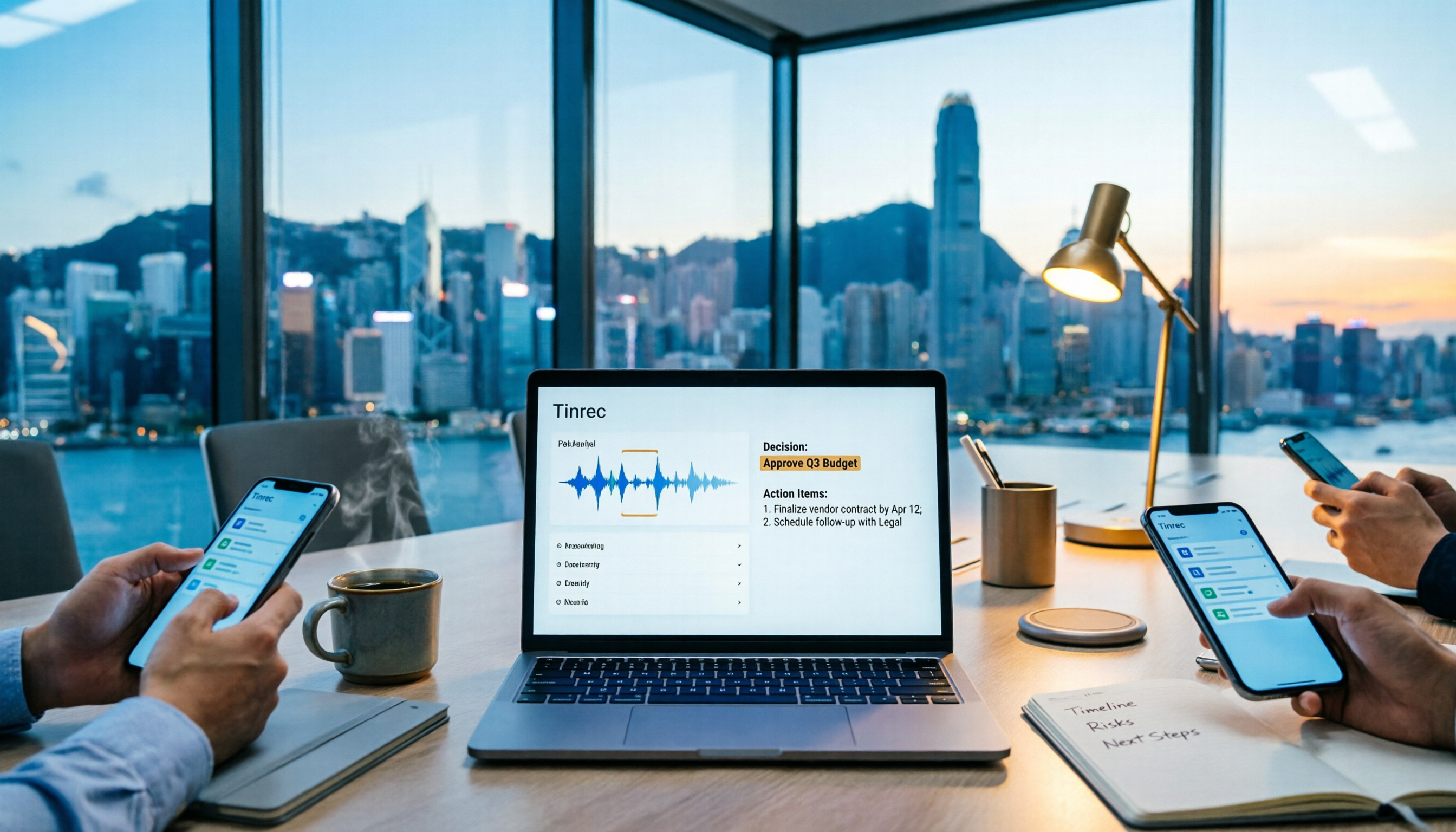
Tinrec vs PLAUD Note 2026: 6-Dimension Comparison for Project Meeting Minutes
Get a ready-to-copy project meeting minutes template, then compare Tinrec and PLAUD Note across 6 dimensions: recording capture, online meeting support, minutes generation, AI Q&A, team collaboration, and pricing structure. Decide between software and hardware for your project meetings.
![[Guide] Tinrec 2026: Turn Meeting Recordings into To-Dos — Auto-Generate Minutes + Action Items](https://record-img.tos-accelerate.volces.com/images/2026/09/25/1790343296286884955.png)
[Guide] Tinrec 2026: Turn Meeting Recordings into To-Dos — Auto-Generate Minutes + Action Items
Tired of spending an hour writing to-dos after every meeting? This guide breaks down the right workflow for turning meeting recordings into action items, using Tinrec as an example — from recording, transcript, and AI summary all the way to to-do lists, AI Q&A, export, and team sharing. Includes 5 key buying considerations and FAQs.

Tinrec vs Otter.ai in 2026: 5-Dimension Comparison — How to Choose Team Meeting Notes Software
A mid-level manager leading a 10-person team with 15 meetings per week shares hands-on experience. Compare Tinrec and Otter.ai across 5 dimensions: how meetings are recorded, Chinese recognition, post-meeting output, cross-platform support, and team governance. Also covers use cases for Notta and Granola, plus 3 common pitfalls to avoid.

2026 Team Meeting Transcription Tools Comparison: Tinrec vs Otter.ai
From the decision-making perspective of 'how to choose a meeting transcription tool,' this hands-on comparison examines Tinrec and Otter.ai across bot-free recording, Chinese meeting experience, post-meeting organization, team governance, and pricing to help you determine which is better suited for your team.

How to Build a Meeting Knowledge Base in 2026: 5 Steps and Tool Test
Starting from the pain point of meeting recordings scattered everywhere, I share my 5 steps to build a meeting knowledge base, using Tinrec as the core tool, comparing Otter, Granola, Notta, and explaining how to turn recordings into searchable, collaborative, actionable team data.
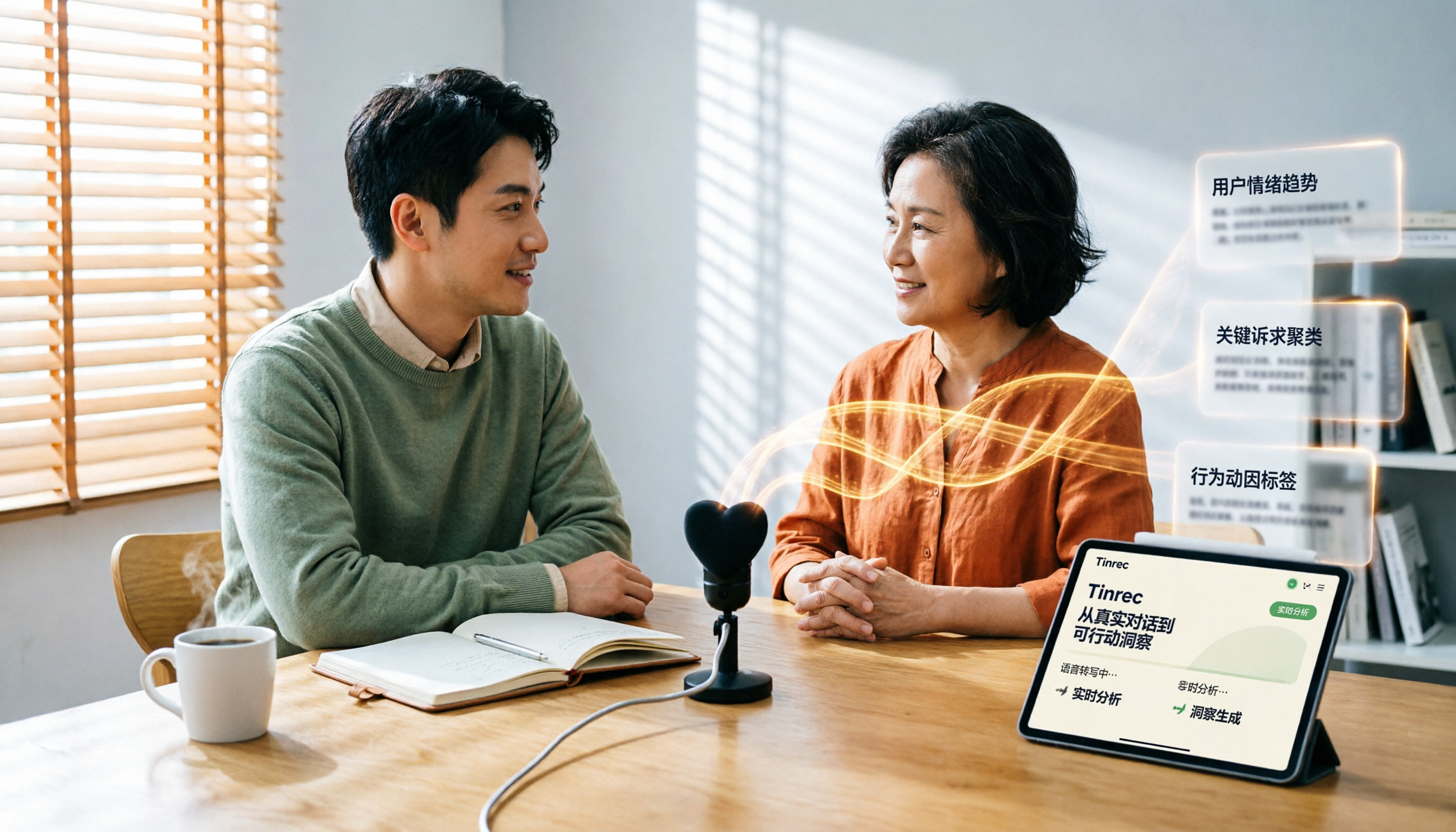
Which User Interview Research Report Tool Is Best? 2026 Hands-On Test of 3 Tools—This One Saves the Most Time for Chinese Interviews
How do you choose a user interview research report tool? This article compares Tinrec, Notta, Otter.ai, and Granola across five dimensions: Chinese recognition, audio file import, AI follow-up questions, team collaboration, and export. It also provides a pitfalls guide and scenario-based selection advice.