

Turn recordings into transcripts and summaries in minutes
Upload audio or video for multilingual transcription, AI notes, and action items
Why Do You Need a Team Meeting Notes Tool?
"It's 3 PM on Wednesday, and you just wrapped up a 60-minute cross-departmental meeting. After closing the video call, you realize you only wrote three lines of notes—and you can't remember the decisions or action items."
This is practically a daily routine for office workers. Meeting notes are supposed to keep collaboration smooth, but most people get stuck in the same place: you have to listen, write, and worry about missing key points all at once.
Research shows that memory declines significantly within a day after a meeting—the longer you wait, the harder it is to recover the content.
This article rounds up 7 of the most talked-about team meeting notes tools right now, covering everything from audio transcription and AI summaries to team knowledge retention. We lay out their positioning, highlights, and pricing all in one place.
Option 1 | Tinrec — The Most Complete AI Meeting Notes and Team Collaboration Tool
Tinrec is an AI meeting notes and collaboration tool for individuals and teams. It doesn't just turn audio into text—it makes meeting content searchable, queryable, and ready for further processing as team knowledge.
Bot-free online meeting recording on desktop. By capturing your computer's system audio, you can record meetings on Zoom, Google Meet, Microsoft Teams, Webex, and more—without inviting a bot to join as a participant.
More than just a transcript. After the meeting, it automatically generates summaries, chapters, and key points, extracts action items from the discussion, and even creates mind maps to help you understand the structure of the entire meeting.
You can keep asking questions. This is the most obvious difference from ordinary transcription tools: you can have AI Q&A around a single meeting or multiple past meetings, and view cross-language meeting content in original text, translation, or bilingual format.
Produces usable files right after the meeting. Agent post-processing can generate reports, tables, and documents based on meeting content, and export them to Notion, Google Docs, OneNote, Dropbox, and other tools for continued use.
The team version turns notes into assets. A dedicated team space centralizes meeting data and provides member, role, seat, usage analytics, audit logs, audio recycle bin, and team hotwords. When a member leaves or loses their seat, their team resources can be handed over to others—data doesn't disappear with the individual.
For pricing, the personal version has a free tier to try first. For short bursts of intensive meetings, consider the weekly pass. For steady weekly use, the Pro monthly plan works well. For long-term data retention, the annual plan offers a lower monthly equivalent. The team version offers a 7-day trial for first-time eligible users, including 1 free seat and 300 minutes of shared team import quota. Monthly billing is USD 29.80 per paid seat per month; annual billing is USD 199 per paid seat per year (about USD 16.58 per month). Each paid seat provides 2,000 minutes of shared team import quota per month. Real-time recording currently does not deduct minutes under an active seat.
Who it's for: Teams that need Chinese meeting notes, don't want a bot in their meetings, and want meeting data to stay within the team for ongoing use.
Option 2 | Otter.ai — A Mature English Business Meeting Assistant
Otter is one of the longer-standing AI meeting assistants on the market, covering Zoom, Microsoft Teams, and Google Meet. It offers real-time transcription, speaker identification, AI Chat, workflows, and team management. The difference from Tinrec is that Otter has a stronger English business meeting mindset, while Tinrec focuses on Chinese-language experience, bot-free desktop recording, and team knowledge retention.
Pricing: Basic is free with 300 minutes per month; Pro annual billing is about USD 8.49 per user per month, including 1,200 minutes of in-app recording and 10 file imports per month; Business offers unlimited meetings and more management capabilities—check the official page for actual pricing.
Who it's for: Teams whose meetings are primarily in English and need a mature meeting assistant ecosystem.
Option 3 | Fireflies.ai — Meeting Automation and Team Analytics
Fireflies excels at meeting automation, AI summaries, AskFred Q&A, team analytics, and extensive third-party integrations. It also supports meeting bots and various automation workflows, making it suitable for teams that want to connect meeting notes to sales or project systems.
Pricing: Free USD 0; Pro USD 10 per seat per month; Business USD 19 per seat per month; Enterprise USD 39 per seat per month (annual billing). Keep in mind that so-called "unlimited transcription" is still subject to storage, upload speed, and AI Credit rules.
Who it's for: Teams that need meeting automation, sales analytics, and extensive integrations.
Option 4 | Granola — Bot-Free AI Meeting Notes
Granola is also a bot-free tool that uses your desktop's system audio. It combines your handwritten notes with AI transcription to generate meeting content that better reflects your personal focus. Compared to Tinrec, Granola emphasizes "notes + AI enhancement" and cross-meeting context; Tinrec covers retained recordings, file imports, Chinese-language experience, real-time translation, and more export options.
Pricing: Basic is free; Business USD 14 per user per month; Enterprise USD 35 per user per month. Granola supports real-time transcript viewing, copying, and searching, but does not support uploading pre-recorded audio files and does not save meeting audio files.
Stop organizing recordings by hand
Upload audio or video and automatically get a transcript, summary, and action items
Who it's for: Individuals and small teams who prefer taking notes during meetings and focus on real-time meetings.
Option 5 | Notta — Multilingual Transcription and Meeting Notes
Notta overlaps significantly with Tinrec, also covering multi-platform transcription, meeting notes, file imports, translation, and team plans. Its multilingual support is a commonly cited advantage. The difference is that Tinrec additionally emphasizes bot-free online meeting recording, team spaces, AI Q&A, and Agent post-processing.
Pricing: Free offers 120 minutes per month, with a maximum of 3 minutes per item; Pro annual billing is about USD 8.17 per month, with 1,800 minutes per month; Business annual billing is about USD 16.67 per seat per month, offering unlimited transcription, role permissions, and usage reports.
Who it's for: Teams that need multilingual transcription and translation, with diverse meeting types.
Option 6 | TurboScribe — Cost-Effective Long-Form Transcription
TurboScribe is more of a cost-effective file transcription tool, focusing on long files, batch uploads, subtitles, and translation. If you have a large number of pre-recorded audio files to process at once, it does have an advantage in single-batch capacity; for real-time meetings, post-meeting organization, and team collaboration, tools like Tinrec are a better fit.
Pricing: Free offers 3 files per day, up to 30 minutes per file; Unlimited annual billing is USD 120 (about USD 10 per month). The paid version supports files up to 10 hours or 5 GB, and up to 50 files per upload.
Who it's for: Users who need to process large volumes of existing audio files, primarily for subtitles or transcripts.
Option 7 | PLAUD NotePin — Portable AI Recording Hardware
PLAUD represents AI recording hardware. What you buy is a standalone device, focusing on portable recording, phone call recording, and hardware experience. It takes a different path from Tinrec: Tinrec requires no extra equipment—you can handle online meetings and historical files via web, desktop, and mobile, and store content in a team space.
Pricing: PLAUD NotePin USD 159, Note Pro USD 189; membership plans: Starter 300 minutes per month, Pro USD 99.99 per year (1,200 minutes per month), Unlimited USD 239.99 per year.
Who it's for: Individual workers who are often on the go and need a physical device for quick recording.
With So Many Options, How Should You Choose?
- Want the most complete AI features (transcription + AI chat query + automatic notes + action items) → Tinrec, one of the few options on this list that covers all these steps
- Need quality notes for Chinese or mixed Chinese-English meetings → Tinrec, with team hotwords to maintain professional terminology
- Don't want a meeting bot joining your meetings → Tinrec, desktop version captures system audio directly
- Need to switch between phone and computer → Tinrec, covering iOS, Android, and web
- Need to turn notes into team assets and track usage and audits → Tinrec team version
- Only use iPhone and just need simple audio-to-text → PLAUD NotePin, but no AI chat query
- Meetings are almost entirely in English and you value mature automation workflows → Otter.ai or Fireflies.ai
- Have a batch of existing audio files to transcribe → TurboScribe
4 Things to Know Before Using a Team Meeting Notes Tool
1. Always proofread AI notes. Current tools occasionally add content that wasn't discussed in the meeting, or even auto-assign tasks. Tinrec retains transcript timestamps and audio playback, so you can double-check before sending.
2. Get consent before recording. Different regions have different regulations on recording and transcription. Informing participants and getting consent before the meeting is the safer approach.
3. Teams should look at "shared quota," not individual quota. For example, with Tinrec's team version, file and web imports consume shared team import minutes, not individual member quotas. Estimate your monthly meeting hours before purchasing.
4. Understand the difference between roles and seats. Roles determine who can manage the team and members; seats determine who can record, upload, edit, and export. In Tinrec's team version, active members without a seat can still view, play, and read team data.
Conclusion
What meeting notes tools really solve isn't "turning speech into text"—it's making sure decisions and action items don't disappear into chat logs.
If your meetings are primarily in Chinese, you don't want to add a bot, and you want notes to stay within the team for searching and querying, Tinrec is one of the top options on this list worth trying first.
Start with the free version or team trial, run it through two or three real meetings, and then decide whether to upgrade—that's usually the most accurate approach.
FAQ
Q1: Is Tinrec's free version enough? If you only occasionally organize a recording, the free version lets you try recording, importing, summaries, and transcription. If you have steady weekly meetings, Pro is smoother; for short bursts of intensive interviews or project sprints, consider the weekly pass.
Q2: Does Tinrec require a meeting bot to join? No. Tinrec's desktop version captures system audio directly—you just start recording manually. It's not a bot mode that automatically joins all calendar meetings; that distinction is important.
Q3: Can AI meeting notes completely replace manual note-taking? It's not recommended to expect that. A more realistic positioning is greatly reducing manual note-taking and organization costs. Important information should still be confirmed against the transcript and recording.
Q4: If a team member leaves, will meeting data disappear with them? No, it won't be taken away by the individual. Team resources belong to the team. When a member exits, is removed, or loses their seat, their team resources can be handed over to other active members.
Q5: How should I evaluate transcription accuracy for Chinese meetings? Actual performance is affected by recording quality, noise, accents, overlapping speakers, and specialized terminology. It's not advisable to judge by a fixed accuracy rate. Choosing a tool that supports team hotwords and audio playback usually gives you better control over quality.
Q6: Which online meeting platforms do these tools support? Tinrec can handle meeting audio played on a computer from Zoom, Google Meet, Microsoft Teams, Webex, and other platforms. However, this is recording support—it does not imply official partnerships with these platforms.
References
- AI Meeting Notes Generator
- AI Meeting Notes Tool | Real-time Recording, Summary Organization! 3 Tools to Help You Focus on Meetings
- How to Take Meeting Notes? A Complete Guide for Beginners in 2026 - Meta Note
- Meeting Ink - 2026 AI Meeting Notes Tool Test | 7 Voice-to-Text and Summary Speed Comparison | Meeting Ink - AI Meeting Notes Assistant Auto-Transcribes and Summarizes Meetings
- 3 Meeting Notes Templates and Tips, AI Tool Introduction, Super Useful for Efficient Work! | Cake
Turn every recording into actionable outcomes
Get 60 free transcription minutes when you sign in. No credit card required.
Related Reading
You might also like

Tinrec vs Otter.ai 2026: Which AI Meeting Notes Tool Is Best for SMBs?
A senior intern at a mid-sized company tested Tinrec and Otter.ai for meeting notes, comparing Chinese transcription, online meeting recording, post-meeting organization, team seat management, and cross-device input, with recommendations for students and SMBs.

2026 Team Meeting Collaboration Tools: Bot-Free Recording + AI Q&A Summaries
How to choose a team meeting collaboration tool? This article starts with common pitfalls, tests Tinrec's bot-free recording, AI summaries, action item extraction, and team spaces, and compares Otter.ai, Notta, and Granola to help you find the right meeting organization solution.

6 Team Meeting Data Management Tools Tested and Compared in 2026: How Do Meeting Notes Become Team Assets?
Meeting notes scattered across personal computers and chat groups aren't really team assets. This article reviews 6 team meeting data management tools, covering bot-free AI meeting notes, multilingual transcription, and recording hardware, with actual pricing and selection advice to help you decide which one suits your team.

2026 Cross-Department Meeting Collaboration Tools Comparison: Which One Can Track Meeting Conclusions to Completion?
The hardest part of cross-department meetings isn't the meeting itself, but the post-meeting decisions, action items, and data versions. This article tests tools like Tinrec, Notta, Granola, and Otter.ai from the perspectives of a single source of truth, post-meeting tracking, and Chinese recognition, and summarizes the 4 most common pitfalls when implementing cross-department meeting collaboration processes, helping you choose a solution that truly tracks meeting conclusions to completion.

How to Choose an Enterprise Meeting Notes Solution in 2026: 5 Steps from Recording to Team Knowledge Retention
Starting from the real pain points of enterprise meeting notes, this article explains 4 key decision points for choosing a solution, provides a hands-on analysis of Tinrec's bot-free recording, AI Q&A, and team workspace, compares the use cases of Otter.ai, Notta, and Granola, and concludes with a pitfalls guide and selection recommendations.

Best AI Meeting Transcription Tools for 2026: Why Tinrec Is Gaining Ground Over Notta
How do you choose a meeting transcription tool for team meetings? This article compares Tinrec and Notta from a decision-making perspective, covering meeting capture methods, post-meeting outputs, Chinese language experience, team data retention, and pricing. It also includes real-world use cases, buying tips, and FAQs to help you determine which tool fits your meeting style.
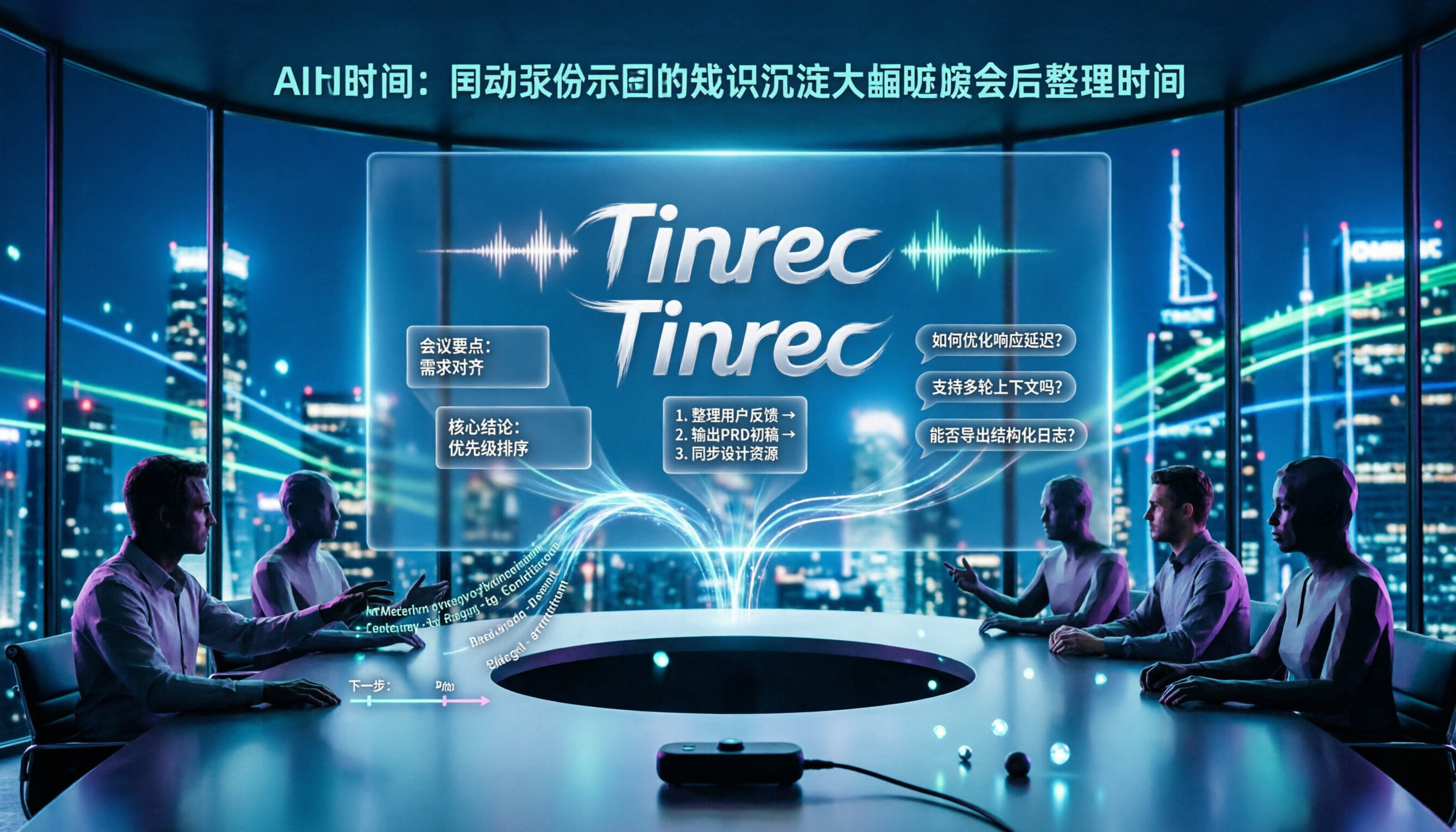
2026 Product Review Meeting Minutes Tools Comparison: Which AI Q&A and Team Knowledge Base Saves the Most Time?
Tired of missing details in product review meeting minutes? We tested 3 meeting minutes tools, covering transcription, AI summaries, action item extraction, and team collaboration, to find out which one best reduces post-meeting cleanup time. Plus, selection criteria and pitfalls to avoid.

2026 Comparison of 4 Meeting Minutes Generators: Which One Can Automatically Produce Deliverable Reports?
Generating meeting minutes reports isn't just about saving a transcript. This article starts with common misconceptions and compares Tinrec, Notta, Otter.ai, and Granola, explaining how to choose based on bot-free recording, AI summaries, agent report output, and team knowledge retention.

Best Automatic Project Weekly Meeting Minutes Tools? 2026 Hands-On Test of 5 Options—This One Excels for Chinese Meetings
Choosing the right tool for automatic project weekly meeting minutes isn't about how powerful the AI is, but how meeting content enters the system and whether the output is directly usable. This article compares 5 common approaches, breaks down 5 key evaluation points, and uses Tinrec as an example to demonstrate the complete workflow from recording, transcription, summarization to action items and team knowledge retention, helping you decide before your next weekly meeting.