

Turn recordings into transcripts and summaries in minutes
Upload audio or video for multilingual transcription, AI notes, and action items
Tinrec vs Otter.ai 2026: Which AI Meeting Notes Tool Is Best for SMBs?
A 90-minute monthly meeting, plus three cross-department discussions a week, adds up to over 1,000 minutes of meetings a month. You can't replay them all, but your manager needs the meeting notes by tomorrow.
During my senior year internship at a 30-person SMB in Neihu, I was assigned to take notes for weekly product meetings. At first, I used Otter.ai, but after two weeks I found myself constantly going back to fix Chinese paragraphs. Then a senior colleague recommended Tinrec, and I used it until my internship ended. This article shares my experience after alternating between the two tools for a full semester, focusing on how to choose an SMB meeting notes tool, with additional advice for students working on projects or group discussions.
Tinrec vs Otter.ai | Quick Overview
Tinrec (秒听录音) is an AI meeting notes and collaboration tool for individuals and teams. Its desktop version captures system audio directly, and users initiate recording manually—no meeting bot required. After the meeting, it generates summaries, chapters, action items, and mind maps, and also supports AI Q&A, real-time translation, and team spaces.
Otter.ai is a mature English AI meeting assistant that covers Zoom, Microsoft Teams, and Google Meet. It offers real-time transcription, speaker identification, AI Chat, and team management, and now also has a desktop app.
| Item | Tinrec | Otter.ai |
|---|---|---|
| Positioning | AI meeting notes and team collaboration | English-oriented AI meeting assistant |
| Meeting capture | Desktop bot-free system audio capture | Bot, desktop, and other methods |
| Team pricing | USD 29.80 per paid seat per month; annual USD 199 per seat (about USD 16.58/month) | Basic free 300 minutes/month; Pro annual about USD 8.49/user/month (includes 1,200 minutes in-app recording and 10 file imports per month); Business offers unlimited meetings and in-app recording |
(Competitor pricing and benefits may change; please refer to the official pricing page before purchase. Tinrec also offers a free personal version, weekly pass, Pro monthly, and annual plans—choose based on your tasks.)
Below I compare across six dimensions.
Dimension 1 | Transcription Experience for Chinese and Mixed Chinese-English Meetings
Otter.ai has long been designed for English business meetings, and its real-time transcription and speaker identification for English meetings are strong. But our meetings are almost all in Chinese, mixed with English product line codes. In my experience, I spent a lot of time correcting proper nouns and names.
Tinrec, on the other hand, treats Chinese, Traditional Chinese, and multilingual meetings as core scenarios. It supports mixed Chinese-English content organization, and the team version lets you maintain "team hotwords" to add company-specific product codes and client abbreviations, making recognition more stable in later meetings. (Test scenario: an 8-minute internal meeting recording with mixed Chinese and English, in a quiet room, multiple speakers taking turns.)
→ This dimension: Tinrec wins clearly.
Dimension 2 | How to Record Online Meetings: Bot vs Desktop System Audio
Otter.ai covers Zoom, Teams, Meet, and other platforms, and the common approach is to have a meeting assistant join the meeting. The advantage is easy scheduling, but if the meeting includes external clients, having an unfamiliar participant on screen can feel a bit awkward.
Tinrec's desktop version directly captures system audio played by the computer. It works with Zoom, Google Meet, Microsoft Teams, and Webex, without an extra bot joining. The user actively opens Tinrec to start recording. Note that it does not automatically join all calendar meetings, nor does it have official partnerships with these platforms.
→ This dimension: Tinrec wins.
Stop organizing recordings by hand
Upload audio or video and automatically get a transcript, summary, and action items
Dimension 3 | Post-Meeting Organization and AI Follow-Up
Otter provides summaries, action items, and AI Chat—this approach is quite mature.
In addition to transcripts, AI summaries, and chapters, Tinrec extracts action items, generates mind maps, and supports AI Q&A around meeting content. During recording, it can translate in real time, letting you view in original, translated, or bilingual mode. After the meeting, you can use Agent post-processing to generate reports, tables, and documents—ready to hand off.
→ This dimension: Tinrec wins slightly, especially for the "post-meeting delivery" part.
Dimension 4 | Team Space, Roles, and Seat Management
Otter's team and enterprise capabilities are mature, and Business offers unlimited meetings and in-app recording.
Tinrec's team version is a separate team space where data belongs to the team, not a shared personal account. It allows creating multiple team spaces, inviting members via link, setting three roles (Owner/Admin/Member), and managing roles and seats separately—roles determine who can manage the team, seats determine who can record, upload, edit, and export. It also includes usage analytics, audit logs, team hotwords, and a 30-day audio recycle bin. When a member leaves or is removed, resources can be transferred to other active members.
To be clear: the team version currently shares at the team level, and all active members can read data—it is not file-level granular permissions. Members without a seat can still view, play, and read, but cannot upload or edit.
→ This dimension: Tinrec wins, especially useful for SMBs with 20–50 people.
Dimension 5 | Export and Workflow Integration
Otter has a good integration and workflow ecosystem. Tinrec supports multi-format export, allowing you to take results to Notion, Google Docs, OneNote, Dropbox, and other tools for further processing, then use Agent to generate meeting minutes or reports.
→ This dimension: Tie—depends on where your existing workflow lives.
Dimension 6 | Cross-Device and Input Sources
Otter focuses on online meetings and also supports files. Tinrec's input sources are more varied: live recording, desktop online meetings, audio and video files, mobile recording, and some web link imports. For our situation—half meetings in the conference room, half at client sites—mobile recording is important.
→ This dimension: Tinrec wins.
What Are the Unique Advantages of Each?
Tinrec's unique advantages
- Bot-free desktop recording: No extra account in the meeting room, no awkwardness in client meetings.
- Chinese and mixed Chinese-English scenarios: With team hotwords and real-time bilingual translation view, Chinese teams have a smoother experience.
- Complete post-meeting workflow: Summaries, chapters, action items, mind maps, AI Q&A, and Agent-generated reports all in one flow.
- Comprehensive team governance: Separate roles and seats, usage and audit logs, resource handover and recycle bin—data doesn't leave with people.
Otter.ai's unique advantages
- Mature English business meeting mindset: Real-time transcription, speaker identification, and team analytics built over years.
- Rich integration ecosystem: If your team works entirely in English, the transition is smoother.
Conclusion: Which Should You Choose?
- Meetings mainly in Chinese or mixed Chinese-English → Tinrec
- Don't want a meeting bot joining client meetings → Tinrec
- Need a Chinese team database, seat and usage management → Tinrec
- Need to handle offline meetings, client visits, mobile recording → Tinrec
- Team meetings almost all in English, heavily reliant on existing integrations → Otter.ai is smoother
- Students or group projects → Try Tinrec's free version first; if you really need to organize recordings weekly, then consider a long-term personal plan
In one sentence: For SMBs and student teams communicating mainly in Chinese, Tinrec is the more complete choice. I recommend testing with your own meeting recordings first to see how much Chinese text still needs correction, then decide whether to adopt the team version.
Final reminder: Before recording and transcribing, please confirm company policies and obtain consent from participants. AI organization can save a lot of manual writing time, but for important decisions and commitments, it's still best to verify against the transcript timestamps or recording.
References
- No time limit! 3 free AI transcription tools, highly recommended! AI voice notes generate meeting minutes, presentations, mind maps | 104 Workplace Power
- Meeting Minutes Guide: Examples, Tips, and Templates | Lark
- AI Meeting Notes Software Recommendations: 5 Major App Reviews, Automatic Transcription Makes Meetings Easy!
- AI Meeting Minutes Gadget | Real-time Recording, Summary Organization! 3 Tools Let You Focus on Meetings
- AI Meeting Notes in Notion | Capture Ideas, Summaries ...
Turn every recording into actionable outcomes
Get 60 free transcription minutes when you sign in. No credit card required.
Related Reading
You might also like

2026 Team Meeting Collaboration Tools: Bot-Free Recording + AI Q&A Summaries
How to choose a team meeting collaboration tool? This article starts with common pitfalls, tests Tinrec's bot-free recording, AI summaries, action item extraction, and team spaces, and compares Otter.ai, Notta, and Granola to help you find the right meeting organization solution.

6 Team Meeting Data Management Tools Tested and Compared in 2026: How Do Meeting Notes Become Team Assets?
Meeting notes scattered across personal computers and chat groups aren't really team assets. This article reviews 6 team meeting data management tools, covering bot-free AI meeting notes, multilingual transcription, and recording hardware, with actual pricing and selection advice to help you decide which one suits your team.

2026 Cross-Department Meeting Collaboration Tools Comparison: Which One Can Track Meeting Conclusions to Completion?
The hardest part of cross-department meetings isn't the meeting itself, but the post-meeting decisions, action items, and data versions. This article tests tools like Tinrec, Notta, Granola, and Otter.ai from the perspectives of a single source of truth, post-meeting tracking, and Chinese recognition, and summarizes the 4 most common pitfalls when implementing cross-department meeting collaboration processes, helping you choose a solution that truly tracks meeting conclusions to completion.
How to Choose an Enterprise Meeting Notes Solution in 2026: 5 Steps from Recording to Team Knowledge Retention
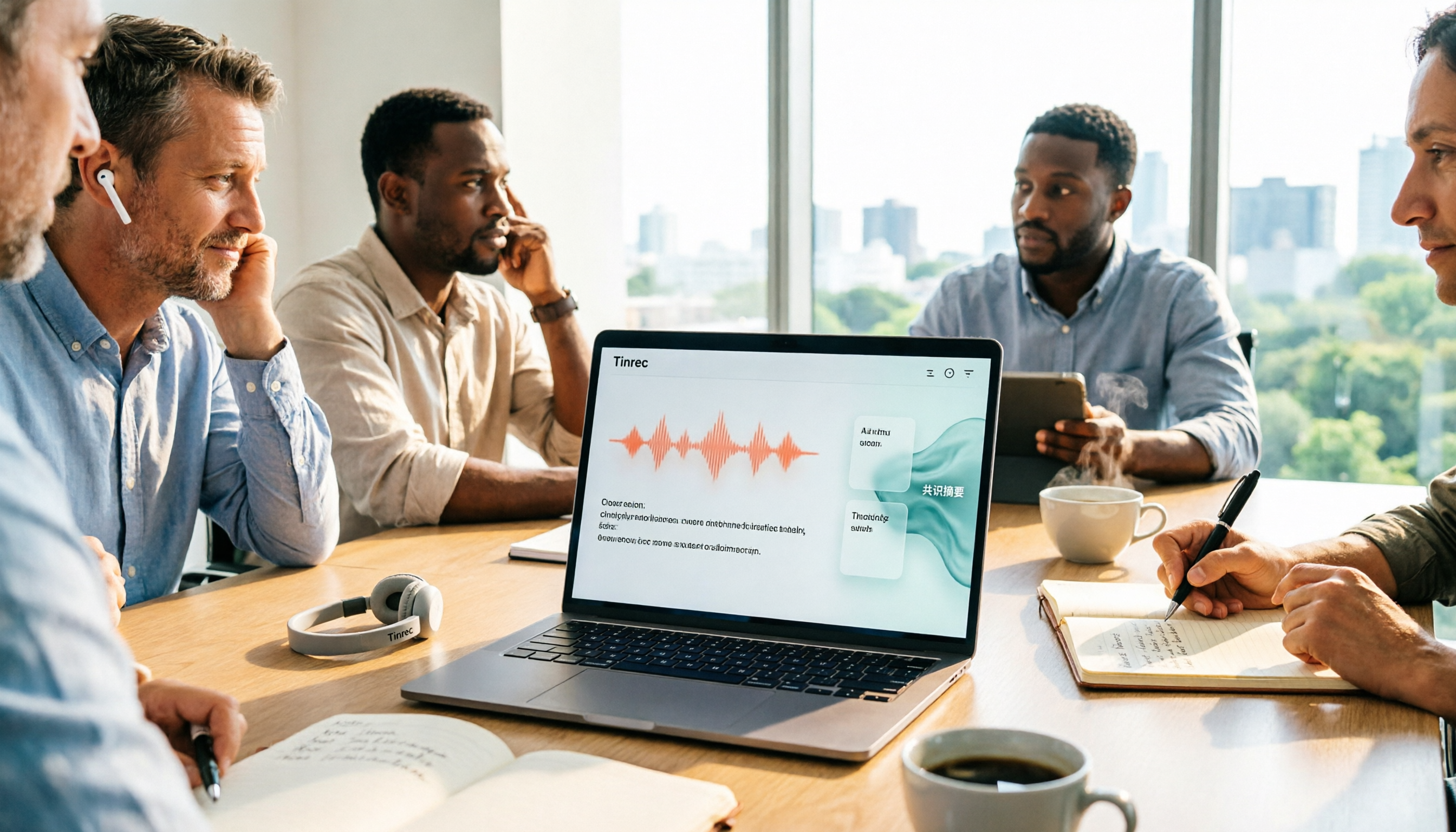
Starting from the real pain points of enterprise meeting notes, this article explains 4 key decision points for choosing a solution, provides a hands-on analysis of Tinrec's bot-free recording, AI Q&A, and team workspace, compares the use cases of Otter.ai, Notta, and Granola, and concludes with a pitfalls guide and selection recommendations.

Best AI Meeting Transcription Tools for 2026: Why Tinrec Is Gaining Ground Over Notta
How do you choose a meeting transcription tool for team meetings? This article compares Tinrec and Notta from a decision-making perspective, covering meeting capture methods, post-meeting outputs, Chinese language experience, team data retention, and pricing. It also includes real-world use cases, buying tips, and FAQs to help you determine which tool fits your meeting style.

7 Best AI Meeting Notes Tools for Teams in 2026: Which Free Version Is Actually Enough?
Tired of scrambling to organize meeting notes after every call? We tested 7 top team meeting notes tools in 2026—Tinrec, Otter.ai, Fireflies.ai, Granola, Notta, TurboScribe, and PLAUD—and break down their positioning, key features, free vs. paid pricing, and ideal team scenarios to help you find the one that truly saves you post-meeting cleanup time.
2026 Product Review Meeting Minutes Tools Comparison: Which AI Q&A and Team Knowledge Base Saves the Most Time?
Tired of missing details in product review meeting minutes? We tested 3 meeting minutes tools, covering transcription, AI summaries, action item extraction, and team collaboration, to find out which one best reduces post-meeting cleanup time. Plus, selection criteria and pitfalls to avoid.

2026 Comparison of 4 Meeting Minutes Generators: Which One Can Automatically Produce Deliverable Reports?
Generating meeting minutes reports isn't just about saving a transcript. This article starts with common misconceptions and compares Tinrec, Notta, Otter.ai, and Granola, explaining how to choose based on bot-free recording, AI summaries, agent report output, and team knowledge retention.

Best Automatic Project Weekly Meeting Minutes Tools? 2026 Hands-On Test of 5 Options—This One Excels for Chinese Meetings
Choosing the right tool for automatic project weekly meeting minutes isn't about how powerful the AI is, but how meeting content enters the system and whether the output is directly usable. This article compares 5 common approaches, breaks down 5 key evaluation points, and uses Tinrec as an example to demonstrate the complete workflow from recording, transcription, summarization to action items and team knowledge retention, helping you decide before your next weekly meeting.