
Turn recordings into transcripts and summaries in minutes
Upload audio or video for multilingual transcription, AI notes, and action items
Thanks to advances in AR technology, almost any phone can now double as a makeshift tape measure. But here's the bottom line upfront: no single app does it all. Whether you're measuring the square footage of a room or the diameter of a screw on your desk determines which app you should download.
Here's a quick guide. If you're measuring spaces and distances, iPhone users can just use the built-in Measure app. For floor plans and area calculations, CamToPlan and Moasure are more convenient. If you just want to compare the size of small objects on your screen, screen ruler apps like Ruler App and Tape Measure: Measuring Ruler are more practical.
Below is a rundown of 6 common measuring apps and the situations each one suits.
What Is a Phone Measuring App? How Is It Different from a Physical Tape Measure?
A phone measuring app uses the camera combined with AR (augmented reality) technology to calculate the distance between two points in the frame. Some apps also offer a screen ruler that turns your phone screen into a ruler.
The biggest advantage is not having to carry tools with you. When you need a quick check on whether a sofa will fit, how big a cup is, or the square footage of a room, you can get a rough idea right from your phone.
Keep in mind that AR measuring accuracy is affected by lighting, the camera, and how fast you move, and there's usually an error of a few centimeters. For situations that require millimeter precision, a physical tape measure is still more reliable.
The 6 Phone Measuring Apps Covered Here
1. iOS Built-in "Measure"
Since iOS 12, Apple has included a built-in feature for measuring real spaces and objects.
The biggest advantage is that it's completely free and requires no extra download—just open it and go. If you only need occasional rough measurements, this one is actually enough.
2. AirMeasure (AR Measure)
AirMeasure uses AR technology and automatically suggests a starting point before measuring, which is helpful for those unfamiliar with picking a reference point.
It can also save measurement results as photos: press the shutter button in the bottom right corner to capture the screen; if you make a mistake, press the clear icon in the top right corner to start over. It's great for people who need a record of "what was measured at the time."
3. Moasure
Moasure combines a tape measure, ruler, protractor, and angle finder in one app, with a measuring range of up to 300 meters (about 1,000 feet).
It's intuitive to use: move your phone from point A to point B, and the app displays the distance, height difference, or angle between the two points. Note that Moasure isn't supported on all phones, so it's a good idea to check device compatibility before installing.
4. CamToPlan
CamToPlan also combines a camera with AR and focuses on area, length, and distance measurements, and can measure the area of almost any surface.
It's practical for anyone who needs to quickly grasp the size of a space, such as measuring a room or planning furniture placement. It's more like a digital tape measure you'll never lose.
5. Ruler App (Ruler, Measuring Tape - AR App)
Ruler App turns your phone into a ruler and tape measure, offering both a screen ruler and a camera ruler, and can display length, height, and distance in inches or centimeters.
It's positioned for professional users, creators, real estate agents, and interior designers. Note that some users have mentioned in reviews that the AR feature doesn't work on certain devices, and ad removal is a yearly paid subscription, so it's best to try the free features first to see if it meets your needs.
Stop organizing recordings by hand
Upload audio or video and automatically get a transcript, summary, and action items
6. Tape Measure: Measuring Ruler (Photo Ruler)
This app lets you take photos of objects to measure their size, or measure directly on the screen, supporting distance, area, and height, and even space planning.
By scanning the surroundings with AR, you can calculate area and create floor plans in just a few steps. There's also an iPhone version, so you don't have to relearn when switching platforms.
How to Choose? Start with What You Need to Measure
- Just need a quick rough measurement without installing extra apps: iOS built-in "Measure"
- Measuring rooms, calculating area, drawing floor plans: CamToPlan, Moasure
- Measuring small objects on a desk, comparing sizes on screen: Ruler App, Tape Measure: Measuring Ruler
- Want to record the measurement screen along with the result: AirMeasure
How to Use: 3 Steps for More Accurate Measurements
- Find a clear edge as your starting point. A wall corner, table edge, or door frame works—the clearer the starting point, the more stable the number.
- Move your phone steadily to the endpoint. Don't swing it quickly; if the target point in the frame drifts, you'll have to start over.
- Measure the same distance 2 to 3 times and take the more consistent value. If the three readings vary a lot, move to a well-lit spot and try again.
If you want to keep a record after measuring, AirMeasure can take photos directly; for text notes, you can type or dictate them yourself.
After Measuring, How Do You Organize Your Notes? Tinrec's Role Here
To be clear: Tinrec is not a measuring tool—it can't measure length for you.
It's an AI meeting notes and collaboration tool that handles "turning voice into usable text data." If you're on-site measuring and dictating things like "master bedroom 320 cm, under beam 250, window width 180," Tinrec can transcribe speech to text in real time as you record, then automatically generate summaries, chapters, and action items, let you ask questions about the content, or export to Notion, Google Docs, and other tools for further editing.
For personal use, the free plan has a basic quota you can try first; the team plan is a separate collaboration space where data belongs to the team, with member, role, and seat management, plus usage and audit logs. The first eligible team trial is 7 days, 1 free seat, and 300 minutes of shared team onboarding quota; monthly billing is USD 29.80 per paid seat, and annual billing is USD 199 (about USD 16.58/month). Actual prices and benefits are subject to the official purchase page.
FAQ
Are phone measuring apps accurate? How much error is there? AR measuring relies on the camera to judge space, and there's usually an error of a few centimeters. It performs better in good lighting and when the phone is moved steadily; for precise dimensions, it's best to double-check with a physical tape measure.
Are free measuring apps good enough? Most measuring apps have free versions, and the iOS built-in "Measure" is completely free. Some apps offer a free version with ad removal or advanced features via subscription, so just try the free version first before deciding.
Do I have to download something extra for iPhone? No, iOS 12 and later include a built-in measuring feature. If you need area calculation or floor plans, then consider apps like CamToPlan or Moasure.
Which app should Android users use? Most Android users download a separate app; options like Ruler App and Tape Measure: Measuring Ruler can be found on Google Play.
Can AR measuring work in low light? Performance drops noticeably. It's best to measure in good lighting with clear target edges for more reliable numbers.
How should I organize measurement notes? If it's just a few numbers, manual entry is fine; if you're dictating a lot on-site, try a speech-to-text tool like Tinrec to turn voice directly into searchable text and save time re-listening to recordings.
Sources
Turn every recording into actionable outcomes
Get 60 free transcription minutes when you sign in. No credit card required.
Related Reading
You might also like
2026 AI Meeting Assistant Comparison: Tinrec vs Otter.ai vs Granola vs Notta for Chinese Meetings & Post-Meeting Q&A
The real pain point of meeting notes isn't typing speed—it's that decisions and action items get lost after the meeting. This article compares four AI meeting assistants—Tinrec, Otter.ai, Granola, and Notta—using the same testing process, breaking down four dimensions: how meetings are captured, post-meeting organization, Chinese and cross-language performance, and team governance. It also lists four common purchasing mistakes to help you choose the right tool within your budget.

2026 Comparison of 5 AI Agent Structured Output Approaches: From JSON Schema to Meeting Data in Practice
Many people think that writing "please reply in JSON" in a prompt counts as structured output, but when they actually connect it to a system they discover that the fields are different every time. This article starts from common misconceptions, compares 5 structured output approaches side by side, and uses Tinrec to demonstrate how to turn meeting recordings into verifiable, directly usable tables, action items, and reports.

2026 AI Agent Auto-Delivery Tools Compared: From Meeting Notes to Post-Meeting Outputs, Which Is Least Hassle?
2026 is called the "delivery year" for AI Agents, but tools branded as Agents actually fall into four distinct approaches. This article compares them across four dimensions—input method, post-meeting output, Chinese-language experience, and team governance—and uses Tinrec as a practical example of the "bot-free desktop agent" approach to help you decide which one truly turns meetings into deliverables.

2026 AI Meeting Tools Compared: Key Differences That Actually Improve Meeting Efficiency
More meetings don't mean more efficiency. This article starts with common misconceptions and breaks down the three areas AI must address to truly improve meeting efficiency: uninterrupted recording, structured content, and transferable outcomes. Using Tinrec as an example, it explains the complete workflow from bot-free online meeting recording, real-time transcription, AI summaries and action items, AI Q&A, to team spaces. It also includes 5 buying checkpoints and FAQs.
How to Use AI Meeting Efficiency Tools in 2026: 5 Steps from Recording to Team Meeting Minutes
The real work begins after the meeting ends. This article breaks down the practical use of AI meeting efficiency tools through 5 key selection criteria, demonstrates a 5-step workflow from recording, transcription, AI summarization to team knowledge retention using Tinrec, and compares Granola, Notta, and Otter.ai in terms of use cases and official pricing to help you decide which one truly saves time.
2026 AI Meeting Recorder Free Plans Compared: 5 Tools to Check Out
Two-hour meeting, two-hour cleanup? This guide rounds up five AI tools in 2026 that automatically take meeting notes, comparing free plans—from bot-free recording, transcripts, and action items to team collaboration. It also shares hands-on experience on why Tinrec is the top choice for Chinese-language meetings, with free quotas and paid thresholds for each plan.

2026 Meeting Notes App Comparison: Tinrec vs Otter vs Notta – Which Is Best for Office Workers?
Starting from the common misconception that meeting notes apps just need to convert audio to text, this hands-on comparison of Tinrec and Otter covers four key dimensions: meeting capture, Chinese language experience, post-meeting workflow, and team data governance. It also briefly analyzes Notta's free version limitations to help office workers determine which meeting notes app best fits their meeting scenarios.

Best Free Audio Transcription Tools in 2026: 4 Options Compared
Content creators often think free audio transcription means uploading a file and waiting for a transcript, but the real time sink is organizing the output. This article reviews four free options, focusing on Chinese recognition, free quotas, post-meeting summaries, and team collaboration. It also covers Tinrec's bot-free meeting recording, AI Q&A, and export workflow to help you choose a tool that directly produces usable content.
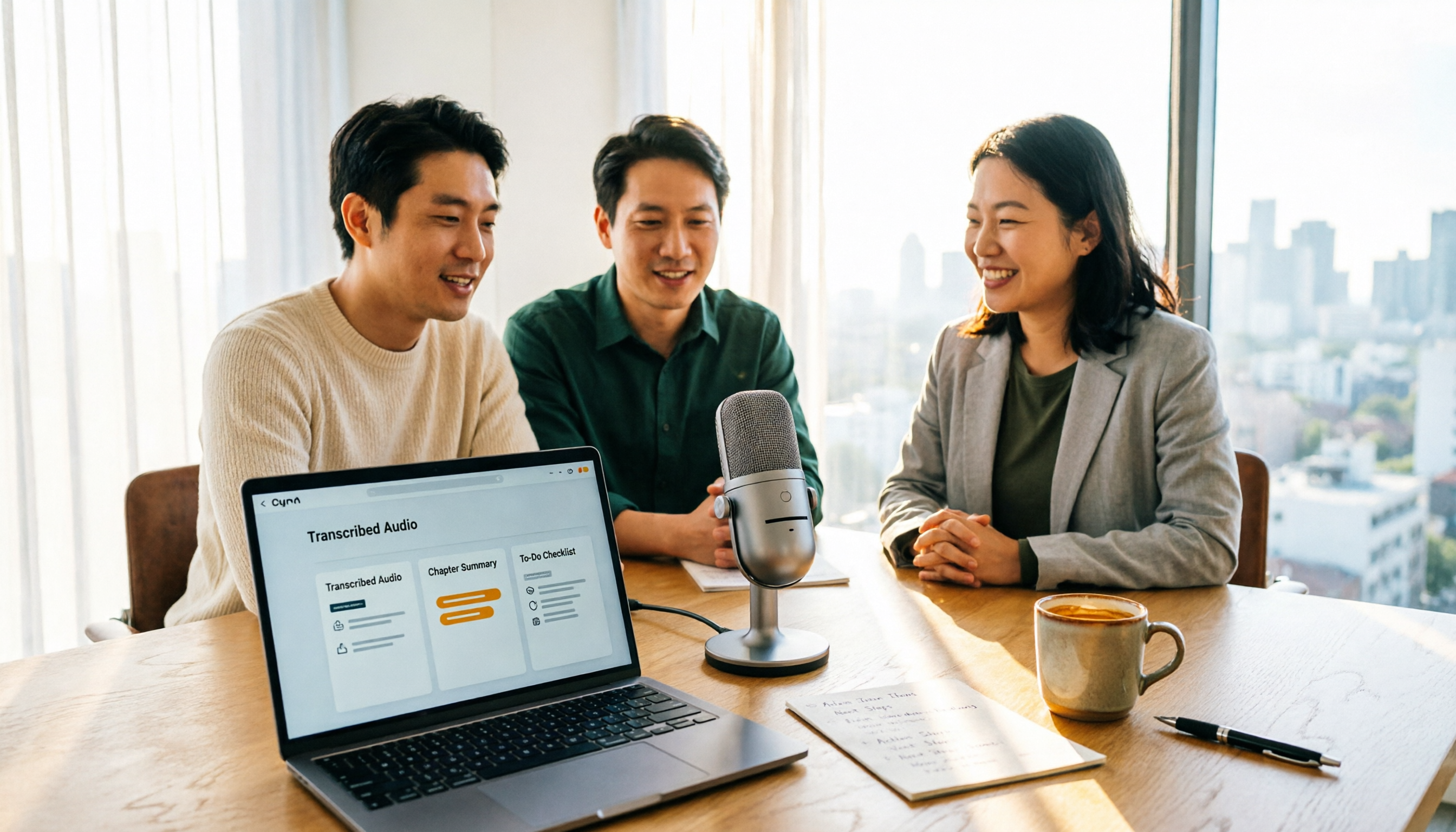
How to Turn Recordings into Reports in 2026: Bot-Free Meeting Transcription + AI Summaries & Action Items
Many people run recordings through transcription tools but still have to re-listen and edit before writing a report. This guide starts with common pitfalls, outlines 5 key buying criteria for transcription tools, compares Tinrec, Granola, Notta, and TurboScribe, and explains how to use AI summaries, chapters, action items, Q&A, and Agent post-processing to turn meeting recordings into deliverable reports. It also covers team plan seats and pricing.