

Turn recordings into transcripts and summaries in minutes
Upload audio or video for multilingual transcription, AI notes, and action items
2026年4款语音转文字App实测对比:粤语Android识别谁最可靠?
上周三,我跟广州客户开完两小时的会——然后我就后悔了
上周三下午,我跟广州的客户开完两小时的会。过程中我用手机录了音,想回头再整理。结果晚上打开语音转文字工具——粤语识别出来的字,错到我怀疑自己听的是不是中文。“佢哋而家搞掂咗”变成“去地而家搞店左”,我还要一边听录音一边改,改完已经晚上十一点。
这不是第一次。我每周大概要开 15 场会,团队 10 个人,向上要跟老板报告,向下要追踪待办。以前我最怕的不是开会本身,是会後——因为每场会都有一堆决策和待办事项要整理。手写笔记太慢,录音回去听太花时间,叫下属帮忙整理,下属也很忙。
更头痛的是粤语会议。市面上支持粤语的转写工具本来就少,Android 手机上能顺顺用的更少。如果你也遇过“录完音,看到逐字稿却想哭”的情况,这篇文章就是为你写的。
选购粤语语音转文字工具之前,先搞懂这 4 个关键点
1. 粤语识别不是普通话硬套 很多工具宣传“支持中文”,但其实普通话模型直接套用到粤语。粤语有大量口语词和语法,硬套的结果就是“佢哋”变“去地”。选购时要看工具是否有针对中文(含粤语)场景优化,或至少支持多语言模型切换。
2. Android 跨平台体验 你今天用 Android 手机录音,明天可能在电脑上整理。如果工具不支持跨平台同步,你会很痛苦。优先选有 Android App、网页版和桌面端的工具。
3. 会後整理能力比转写更重要 只给逐字稿的工具,等于只完成三分之一。真正省时间的是:自动摘要、章节、待办提取,以及能对会议内容直接提问的 AI 问答。
4. 免费额度与团队协作 个人试用先看免费额度够不够开两三次会。如果是团队要共用会议资料,则要考虑团队空间、成员权限和资料归属,不是多人共用一個帳號。
Tinrec(秒听录音)——我们实测后的首选
Tinrec(秒听录音)是一款面向个人与团队的 AI 会议记录和协作工具,支持 Android、网页版和桌面端。它不只是把声音转成文字,还帮你把会议录音整理成可搜索、可总结、可追问、可导出的资料。
开会时,我怎么用 Tinrec? 我现在的做法很简单:Android 手机开 Tinrec 录音,或是在电脑上开桌面版录线上会议。Tinrec 桌面版直接采集电脑系统声音,处理 Zoom、Google Meet、Microsoft Teams、Webex 等会议,不需要额外邀请会议机器人加入。会议结束,逐字稿已经在里面,AI 会自动生成摘要、章节和待办事项——谁负责什么、截止日期是什么,一目了然。
录完之后,AI 问答才是真正省时间的地方。 上周我录完一场粤语跨部门会议,直接问 Tinrec:“这次会议里,谁提到了预算?”它不会只丢关键词搜索结果,而是基于语义理解直接告诉我答案。目前同价位的竞品几乎没有这个功能。我还可以把逐字稿导出到 Notion、Google Docs 或 OneNote,继续加工。
实测心得:粤语会议的表现 我们用一段 5 分钟的粤语会议录音(Android 手机录制、室内环境、有少量空调噪音)测试。Tinrec 能产出逐字稿,AI 摘要也能抓到大致重点。不过要老实说:遇到快速抢话、专业术语或中英夹杂时,某些词还是需要手动校正。它的价值不只在转写,而是在转写之后的整理流程。
优点:
- 无机器人录制线上会议,不用多一个参会者。
- AI 摘要、章节、待办、问答一次到位,省掉手动整理。
- Android、网页、桌面端都能用,会议资料跨平台沉淀。
Stop organizing recordings by hand
Upload audio or video and automatically get a transcript, summary, and action items
限制:
- 免费版有每月额度,重度使用者需要付费。如果你每周只开两三次会,免费版够体验;如果像我一样天天开会,可以考虑 Pro。
- 粤语识别受录音品质、口音和噪音影响,重要内容建议搭配原文和录音核对。
适合什么人? 如果你经常需要录粤语或中文会议、希望录完音能直接用 AI 找重点、或者需要在 Android 手机和电脑之间切换使用——Tinrec 是目前最合适的选择。团队使用的话,Tinrec 团队版提供独立团队空间、成员角色与席位管理、用量分析和审计日志,会议资料归团队所有,不会因为成员离开就消失。
除了 Tinrec,还有哪些选择?
Notta:多端转写工具,支持会议记录、文件导入和翻译。免费版每月 120 分钟,单次最多 3 分钟;Pro 年付折算约 USD 8.17/月。它的转写能力不错,但 Tinrec 能做到的无机器人线上会议录制、AI 问答和 Agent 后处理,Notta 没有同等体验。
Otter.ai:英文会议的首选,免费版每月 300 分钟,Pro 年付折算约 USD 8.49/用户/月。如果你主要录英文内容,Otter.ai 很划算;但它强在英文商务会议,中文和粤语场景不是它的主场。Tinrec 更适合中文会议和团队资料沉淀。
PLAUD Note:AI 录音硬件,NotePin 售价 USD 159 起,需要额外购买设备。它的优势是随身录音和硬件续航;但如果你不想多带一台装置,Tinrec 直接用手机 Android App、网页版和桌面端就能处理线上会议和历史文件。
避坑指南:选粤语语音转文字工具最容易犯的 3 个错误
坑 1:只看官方宣传的准确率。 很多工具写“准确率 98%”,但那通常是安静录音棚的测试结果。真实会议室有空调声、键盘声、多人抢话,准确率会明显下降。建议用你自己的粤语会议录音去免费试用,别只看广告。
坑 2:忽略 Android 跨平台需求。 今天用 Android 手机录音,明天在电脑上整理——如果工具不支持跨平台,你会花很多时间传文件。选有 Android App、网页版和桌面端的工具,例如 Tinrec。
坑 3:买了工具却只当录音转文字用。 如果只把转写工具当成“把声音变成字”,等于只用了它三分之一的能力。像 Tinrec 的 AI 问答——录完直接问它“会议的结论是什么”,比你手动翻 30 分钟的逐字稿快太多了。
总结:你到底该选哪一款?
一句话:如果你需要处理粤语或中文会议,而且用手机 Android 录音,Tinrec 是我们实测后的首选。
场景分流:
- 粤语/中文会议 + Android 手机录音 + 会後要 AI 整理 → Tinrec(支持中文与多语言场景,AI 摘要、待办、问答一次到位)
- 需要跨平台(手机 + 电脑)→ Tinrec(Android、网页、桌面端)
- 录完想直接用 AI 找重点 → Tinrec(AI 问答是差异化核心)
- 团队要共用会议资料 → Tinrec 团队版(团队空间、席位管理、用量与审计)
- 预算为 0,只录英文 → Otter.ai(唯一例外,英文会议免费额度大方)
建议先下载 Tinrec 免费版试试——用你最近一场粤语会议的录音,体验它能不能帮你省下会後整理的时间。觉得好用再考虑升级,没必要一上来就付钱。
参考来源
Turn every recording into actionable outcomes
Get 60 free transcription minutes when you sign in. No credit card required.
Related Reading
You might also like

Taigi Keyboard vs. MOE Taiwanese Hokkien Input Method: A 5-Dimension Comparison for Computer Users in 2026
Want to type Taiwanese Hokkien on your computer but not sure which input method to choose? This article compares Taigi Keyboard and the MOE Taiwanese Hokkien Input Method across five dimensions: installation ease, dictionary completeness, cross-platform support, typing fluency, and licensing. It also includes a bonus look at the FHL Taiwanese and Hakka Input Method to help you find the most suitable Taiwanese Hokkien input solution.

How to Install Taiwanese Hokkien Input Methods on PC (2026): MOE & FHL Editions
Want to type Taiwanese Hokkien on your computer but not sure which input method to install? This guide addresses common misconceptions, provides step-by-step installation instructions for the Ministry of Education (MOE) Taiwanese Hokkien input method for PC, covers supported platforms and dictionary features, and compares it with the FHL Taiwanese Hokkien & Hakka input method. Learn how to choose, install, and activate the right Taiwanese Hokkien input method for your computer.

5 Cantonese Speech-to-Text Tools Tested and Compared in 2026: Which Saves the Most Time Transcribing Cantonese Audio?
Turning Cantonese recordings into text—the biggest pitfall isn't a weak tool, it's ending up with a pile of unusable transcripts. This article starts with common misconceptions, then covers practical usage, core capabilities, use cases, and 5 key buying considerations for Cantonese speech-to-text. It also uses Tinrec to demonstrate the full workflow from recording to action items.

Best Cantonese Voice Input for Apple in 2026: 4 Methods Tested, Tinrec Wins for Long Meetings
Apple's built-in Cantonese voice input works for short phrases, but struggles with long meetings and multiple speakers. This article tests 4 common approaches and explains how Tinrec handles Cantonese meeting transcripts, AI summaries, action items, and team knowledge retention.
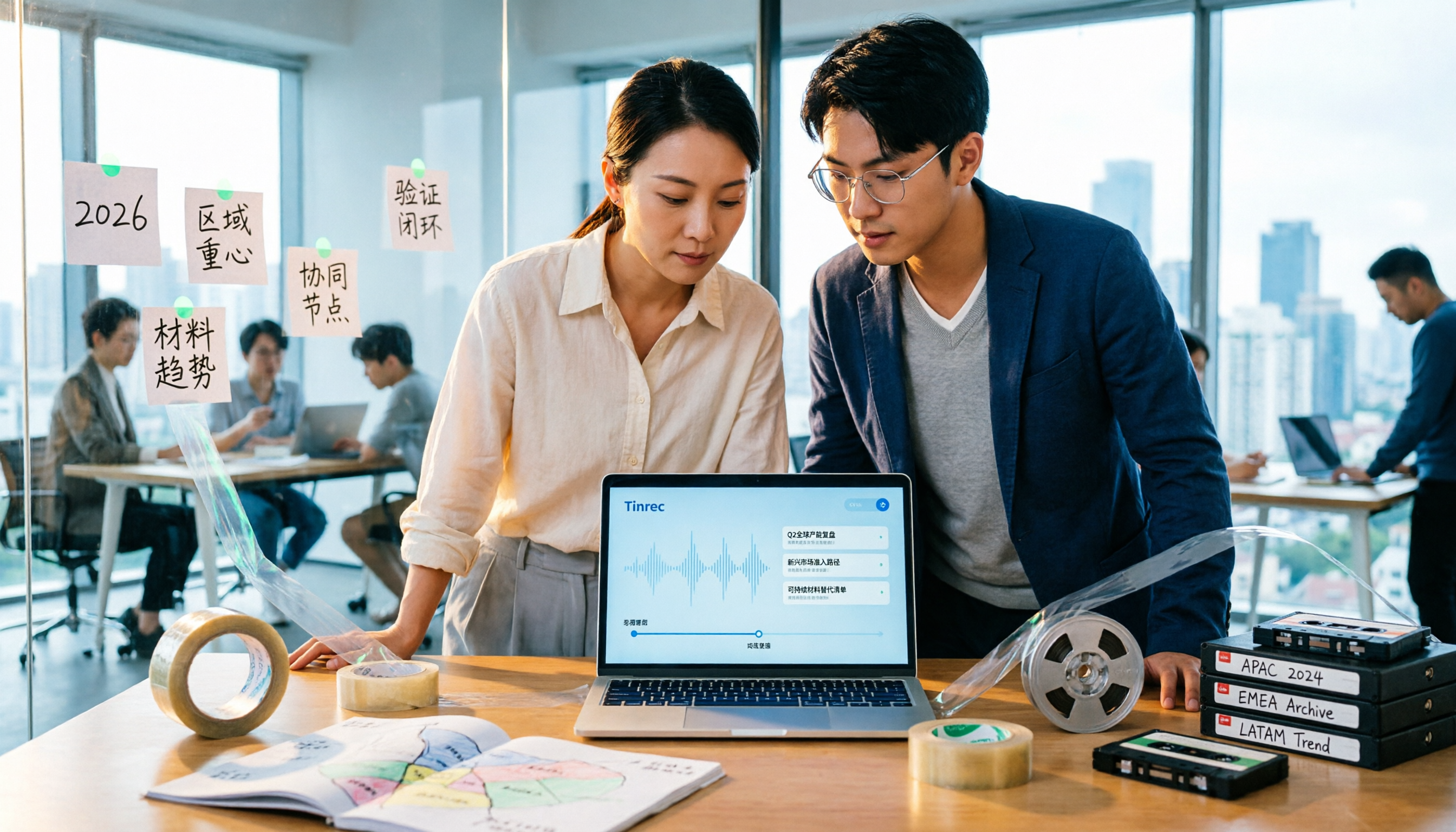
2026 Tape Market Outlook: 5 Steps to Understand Global Tape Industry Trends
A breakdown of the 2026 tape market size, regional focus, and material trends: from overall tape, adhesive tape, industrial box sealing tape, paper tape, to the similarly named data archival tape. Use 5 assessment steps to build an analytical framework and compare the logic for choosing meeting content retention tools.

3 Free Google Speech-to-Text Options Tested: Is Free Really Enough?
Is Google speech-to-text free? We tested three free options—Google Docs voice typing, Google AI Studio (Gemini), and pyTranscriber—and break down their limitations and best use cases. We also explain why Tinrec is a more time-saving choice when you need Chinese meeting transcripts, post-meeting summaries, and action items.

2026 Comparison of 2 Cantonese Meeting Transcription Tools: Tinrec vs Otter.ai — Which Should You Choose?
Cantonese meeting transcription often struggles with recognition gaps and post-meeting organization. This article starts with two common misconceptions and compares Tinrec and Otter.ai in real tests across Chinese and Cantonese meetings, meeting capture methods, post-meeting organization, plan flexibility, and team data retention. It also summarizes 5 key points to consider when choosing a tool and answers common questions.

2026 Voice-to-Text Tools Compared: AI Cantonese Transcription and Meeting Notes
Turning Cantonese or mixed-language meeting recordings into usable transcripts is challenging, and tools vary widely in output quality. This article compares Tinrec, Otter.ai, Notta, and Granola across five key aspects: Cantonese model support, accuracy evaluation, post-meeting output, recording retention, and team authorization. It also highlights four common pitfalls to help you choose the right tool.

4 Speech-to-Text Tools Tested: Which Free Cantonese Option Is Good Enough?
Starting from real mid-level manager meeting scenarios, we tested 4 speech-to-text tools on Cantonese and mixed Chinese-English meetings, comparing the real limits of free tiers, post-meeting AI organization, and team collaboration design to help you decide which one is good enough.